Candlelight AI Portrait
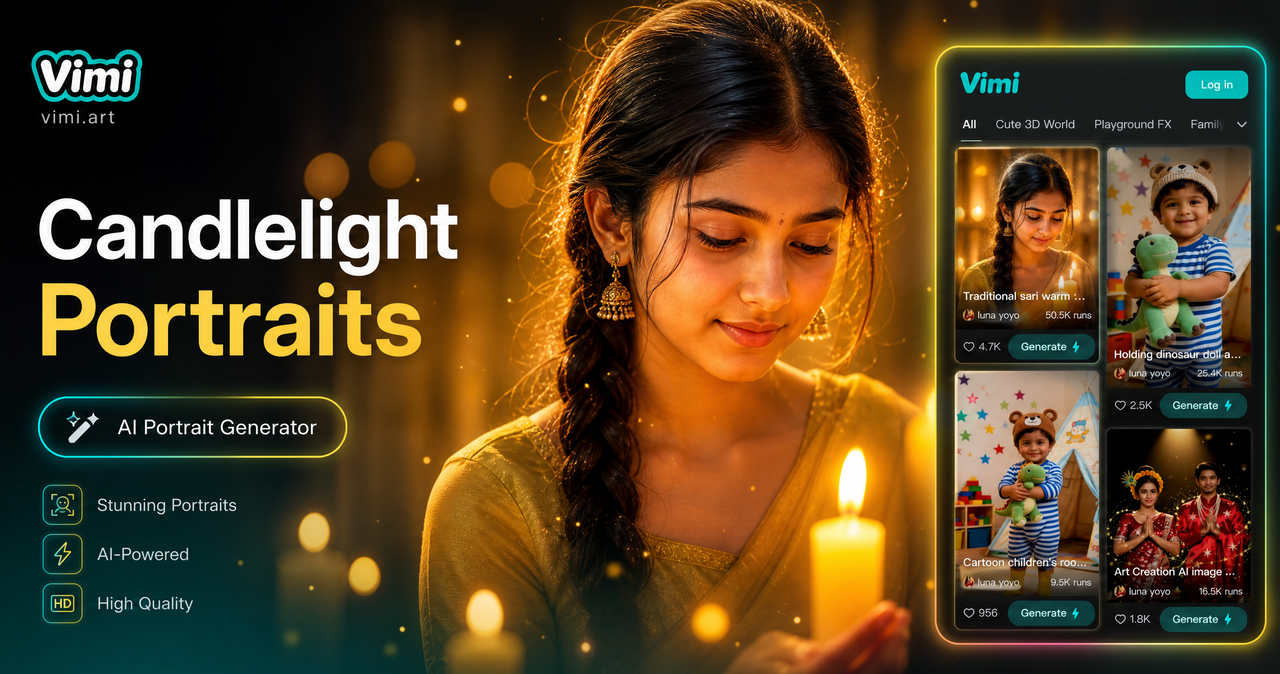
Choose the Candlelight AI Portrait Filter
Discover the candlelight ai portrait filter that perfectly matches your style.
Vimi Candlelight AI Portrait Filter Recommendation
The Candlelight AI Portrait filter on Vimi places your face in a scene lit by soft candlelight. Skin tones look warm. Shadows fall gently across the face. The result feels like a quiet evening moment captured in a photo. This filter works well for single portraits and for photos with two or three people. It pairs nicely with Vimi's other warm light templates for a consistent look across a series.
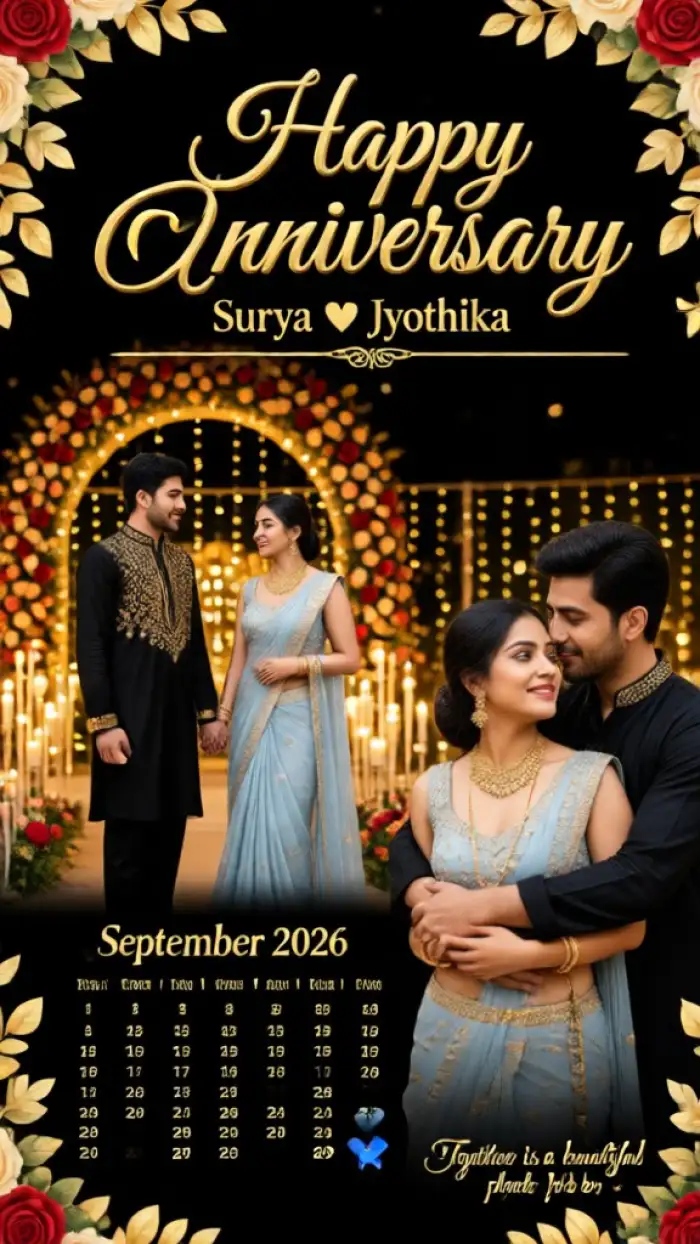
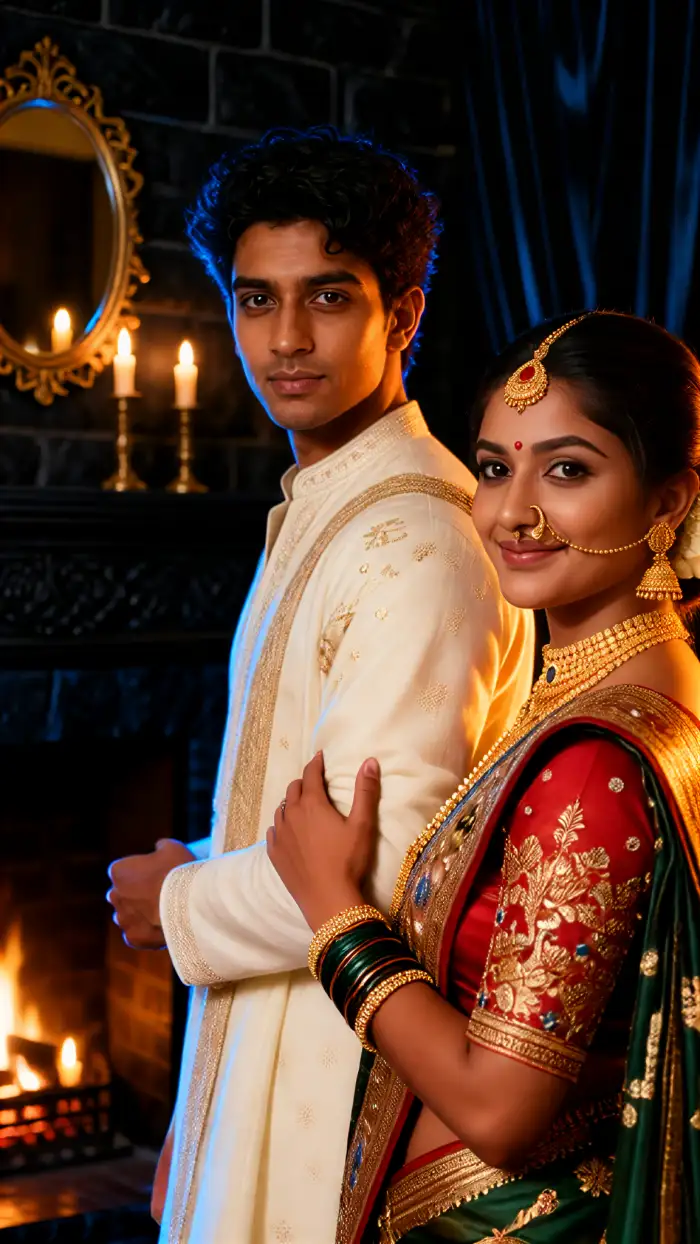
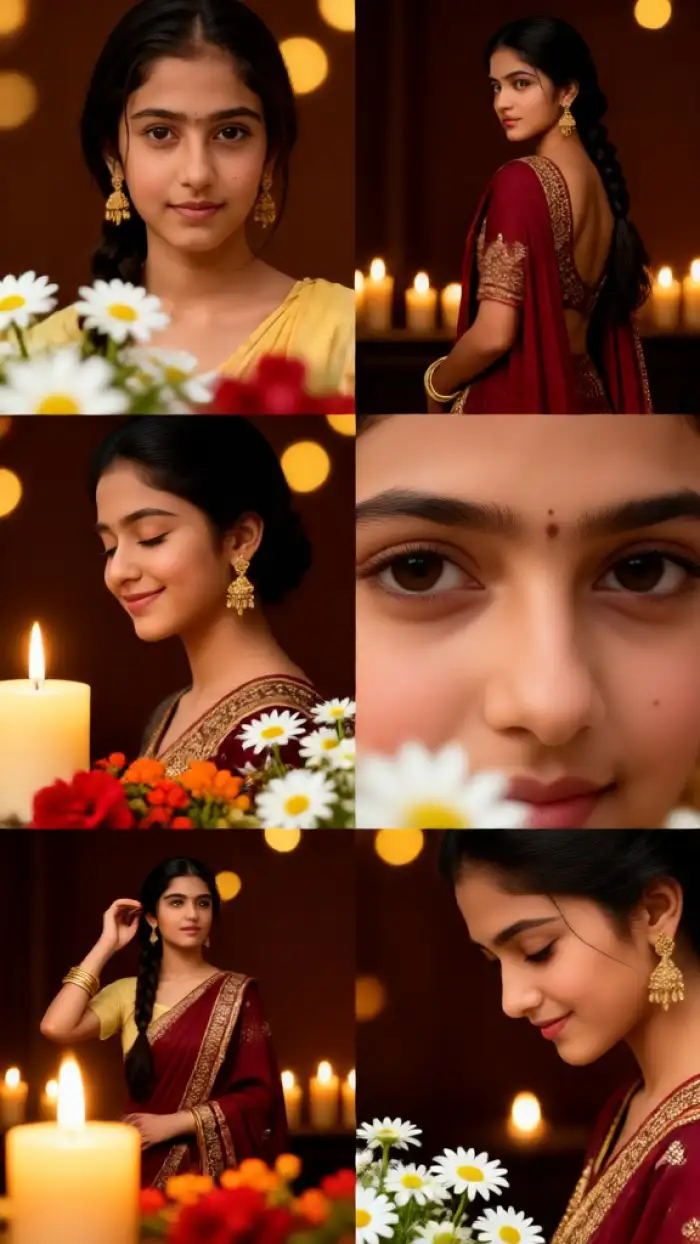
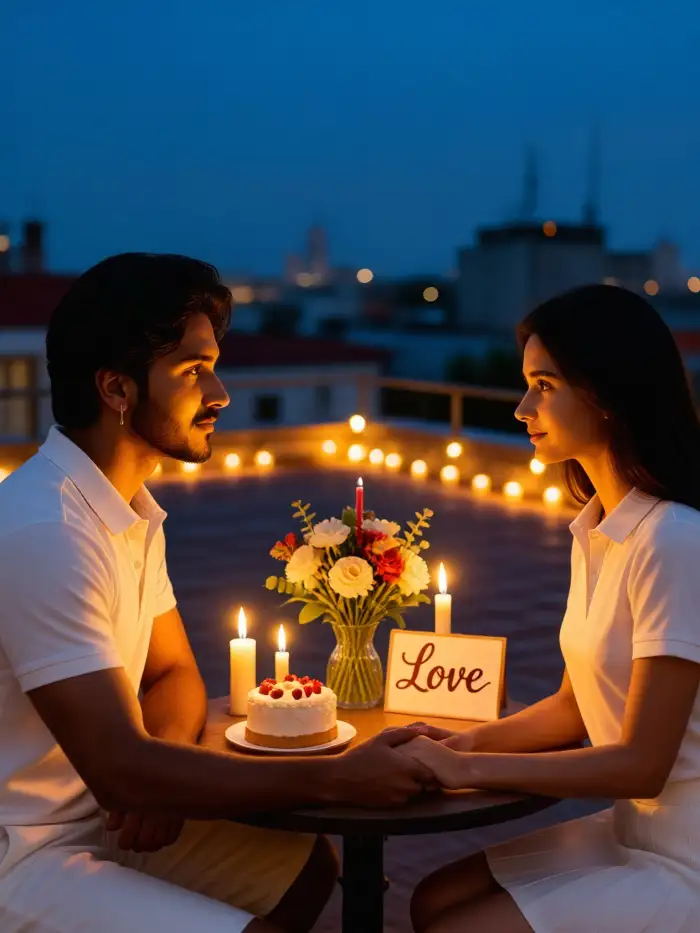
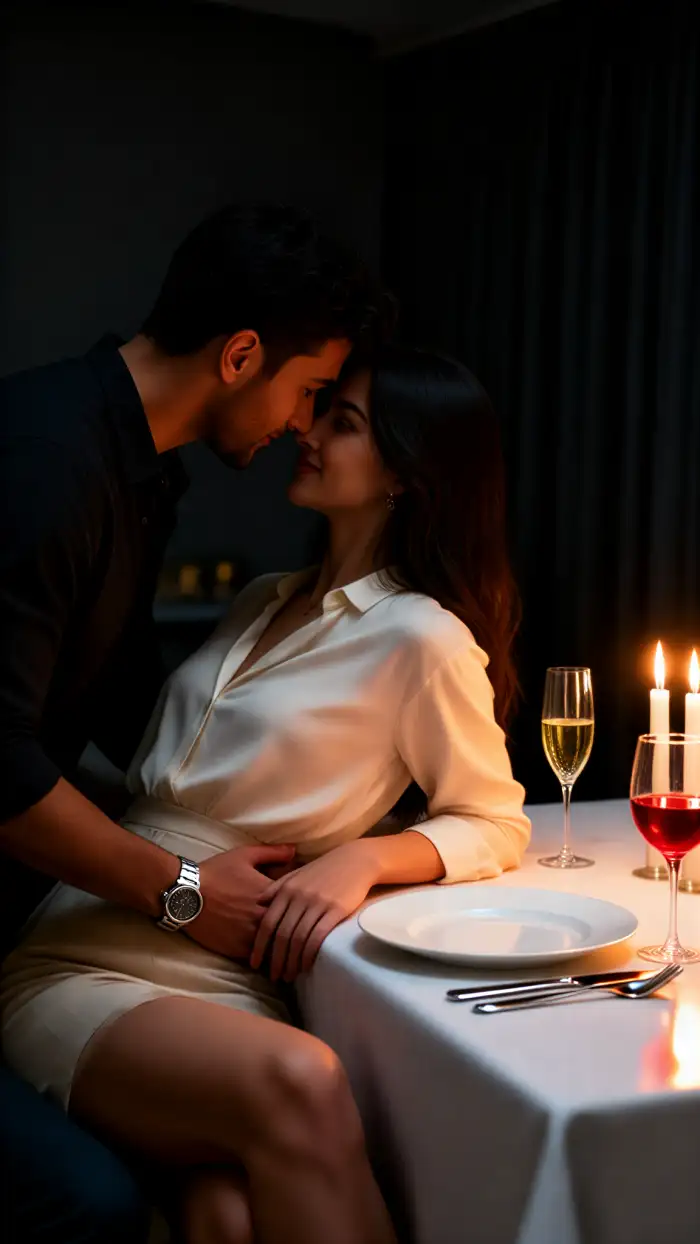
Why Choose Vimi for Candlelight AI Portrait
Discover the candlelight portrait filter inside the Vimi app and see how simple template based creation works.
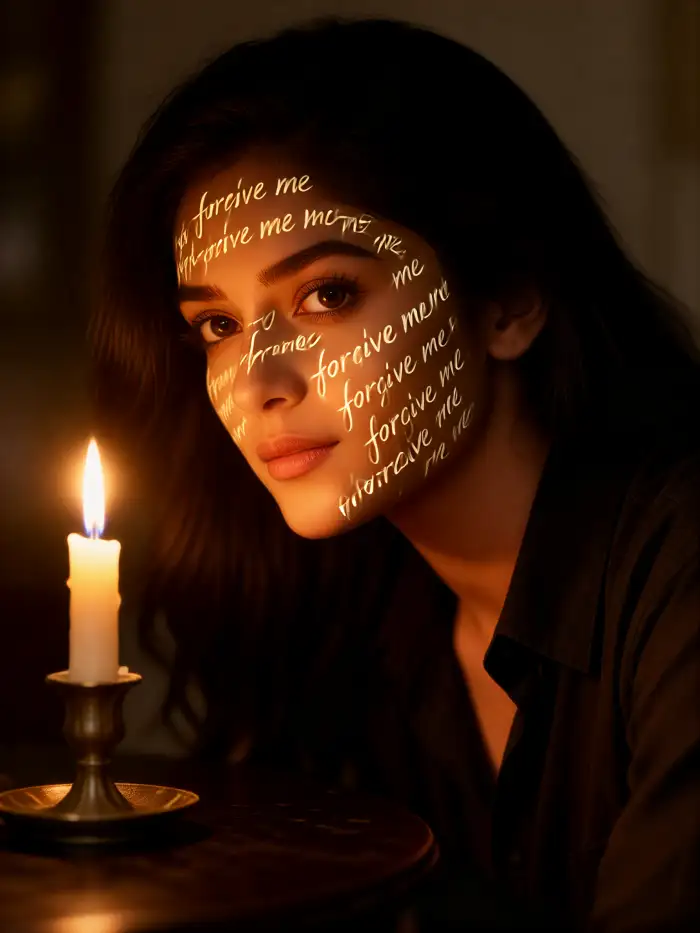
One Tap Creation
Every function in Vimi is packaged as a template. You pick the candlelight portrait filter, upload one photo, and tap Generate. The app produces a finished portrait in 10 to 20 seconds. If you want a different mood, switch to another warm light template and repeat the process. The whole flow stays inside the mobile app.
One Tap Creation
Every function in Vimi is packaged as a template. You pick the candlelight portrait filter, upload one photo, and tap Generate. The app produces a finished portrait in 10 to 20 seconds. If you want a different mood, switch to another warm light template and repeat the process. The whole flow stays inside the mobile app.
Explore Candlelight AI Portrait Use Cases
Find the candlelight portrait filter in Vimi and see where this warm-light style fits into daily photo making.
 Before
 After
AfterRomantic Profile Photos
A candlelit portrait works well as a profile picture on dating apps or social media. The warm light softens the face and adds a calm mood. Vimi keeps your facial features clear, so people still recognize you. You can generate several versions and pick the one that feels right.
 Before
 After
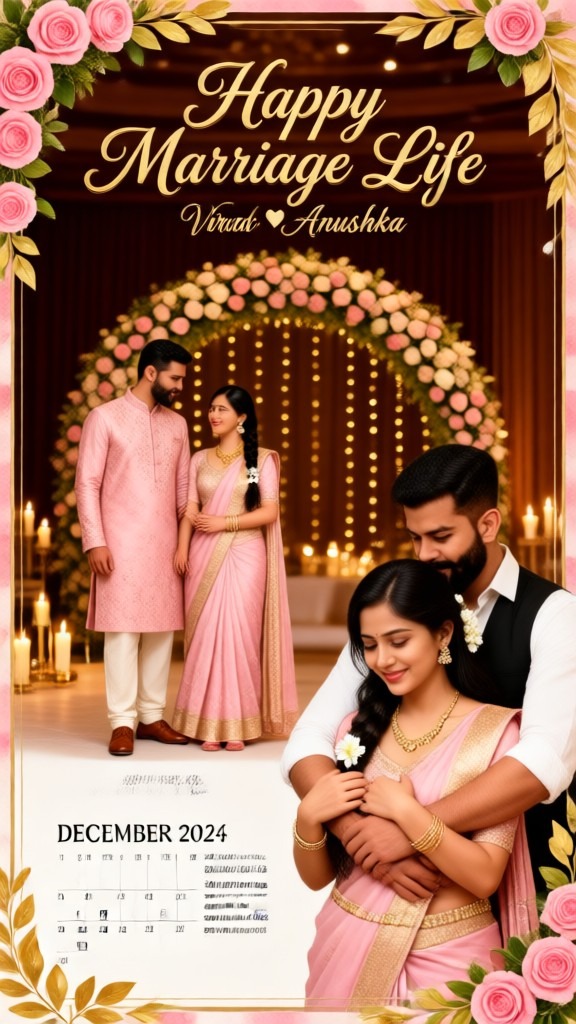
AfterCandlelight Wedding Portrait Ideas
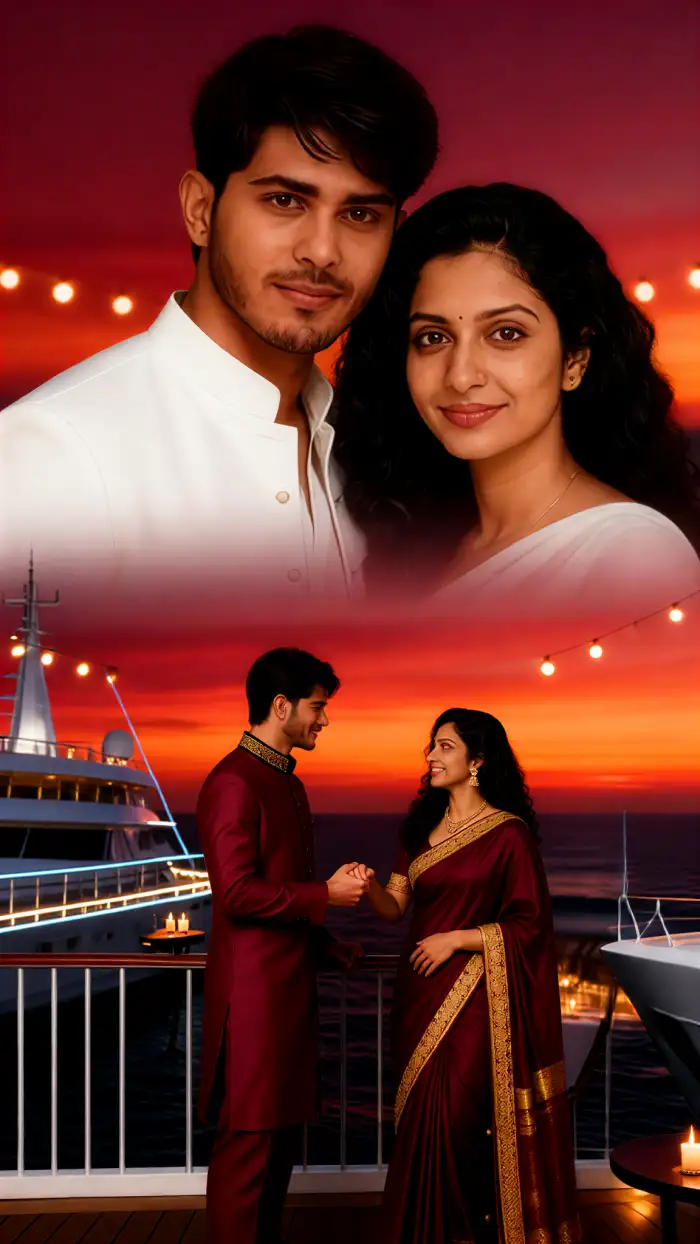
Candlelight fits wedding moments like vow exchanges, first dances, and quiet receptions. Upload a couple photo and apply the Candlelight AI Portrait filter in Vimi to create a warm romantic image. Vimi handles two people in one frame without mixing faces. The result is ready to send to guests or post on your feed.
 Before
 After
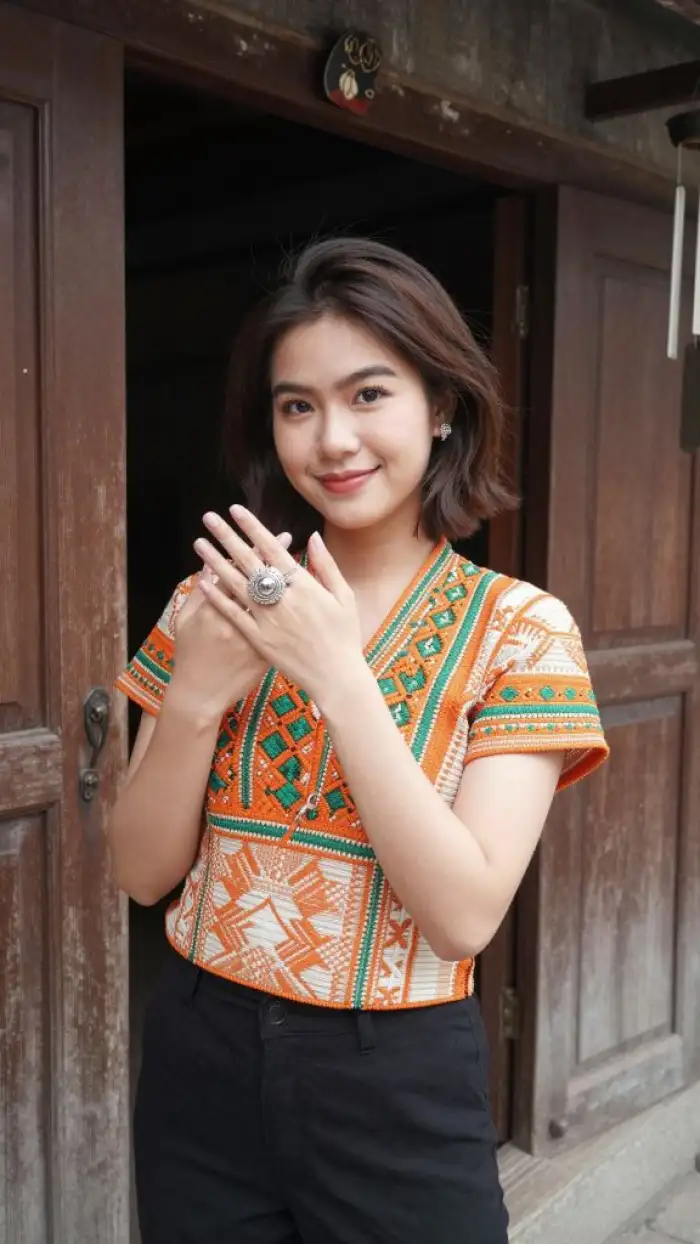
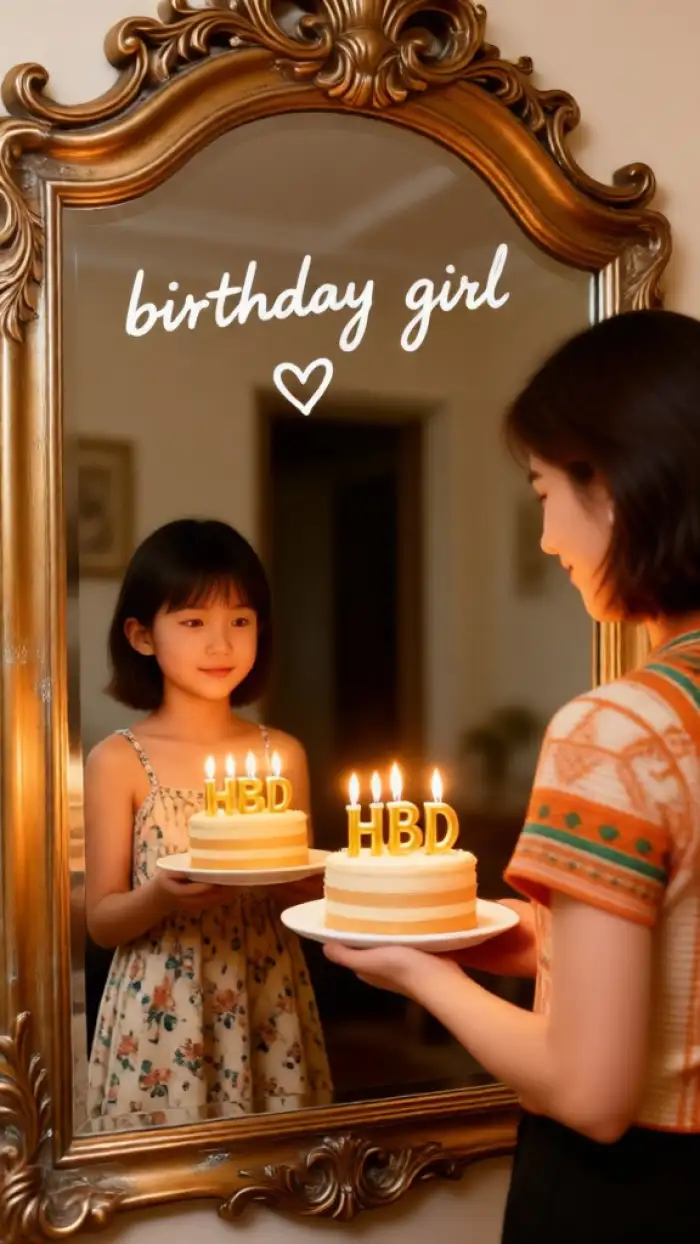
AfterBirthday Memories
Birthday photos often have candles in the frame. The Candlelight AI Portrait filter matches that moment. Upload a birthday selfie and let Vimi add a soft golden glow around your face. You can also turn the still image into a short video where the candle flame moves. It makes a simple birthday post feel more special.
How to Generate Candlelight AI Portrait with Vimi?
You can make a candlelit portrait in three short steps inside the Vimi app. Follow this simple flow from template selection to final download.

Step 01.
Download the Vimi app from the Google Play. Open the app and browse the template library. Find the Candlelight AI Portrait filter and tap to open it. The template preview shows what the final result will look like.

Step 02.
Upload one photo from your phone gallery. The filter accepts single portraits or photos with two to three people. Tap Generate and wait about 10 to 20 seconds. Vimi produces the candlelit portrait while keeping your facial features the same.

Step 03.
Once the portrait appears, tap Download to save it to your phone. You can also publish it directly to your Vimi profile with one tap. The app supports sharing to social platforms without leaving the creation screen. Your published work goes into your personal gallery for later viewing.
YouTube Videos About Candlelight AI Portrait Generator
Explore in-depth YouTube tutorials and demos that showcase the power and reliability of our AI Generator.
Frequently Asked Questions
Find clear answers to common questions and get the guidance you need to make the most of our platform, faster and easier.
More Topics You May Like
Explore more topics you may like and discover fresh ideas tailored to your interests.
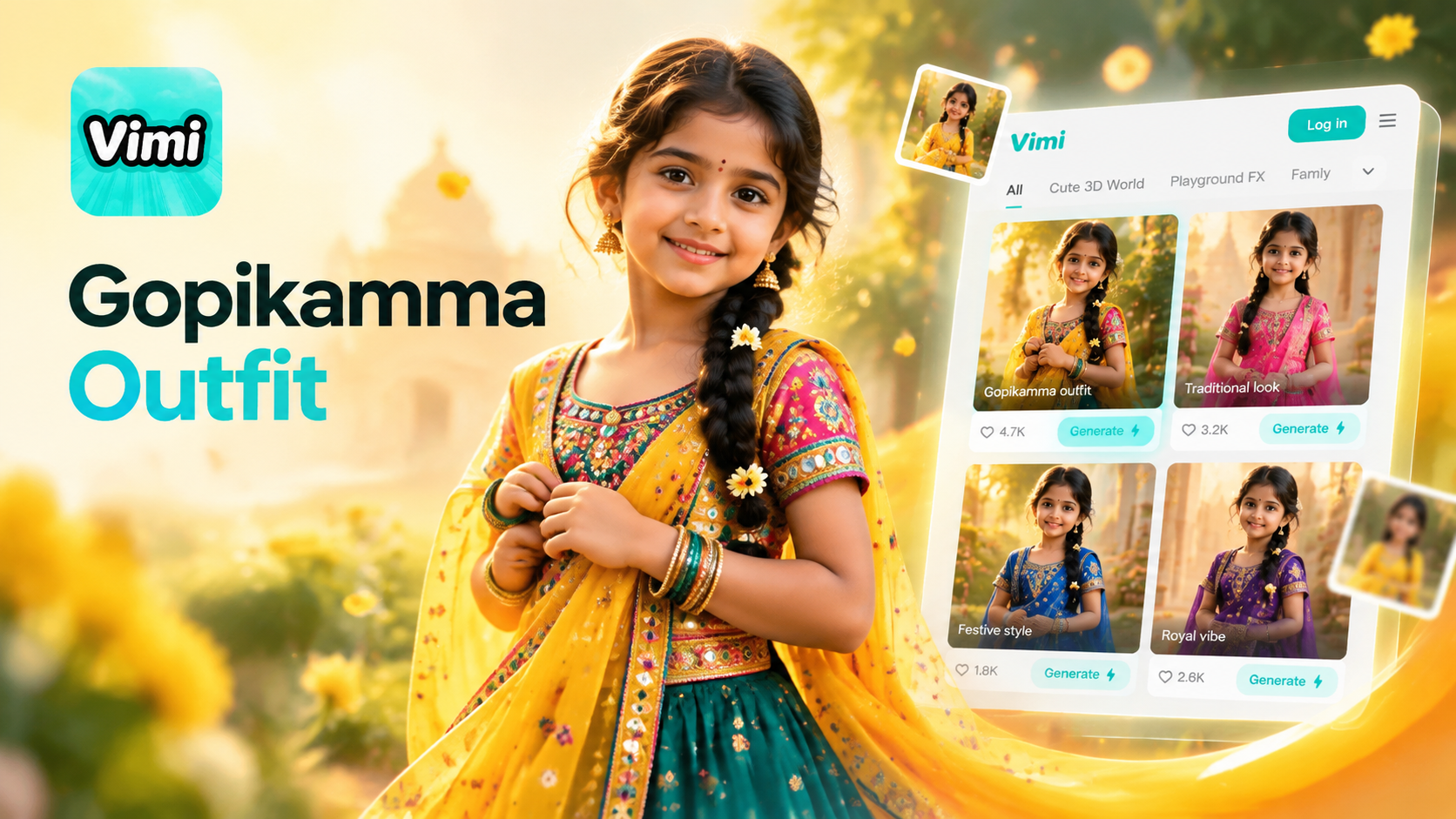
Gopikamma Outfit AI Photo: Create Traditional Looks with Vimi
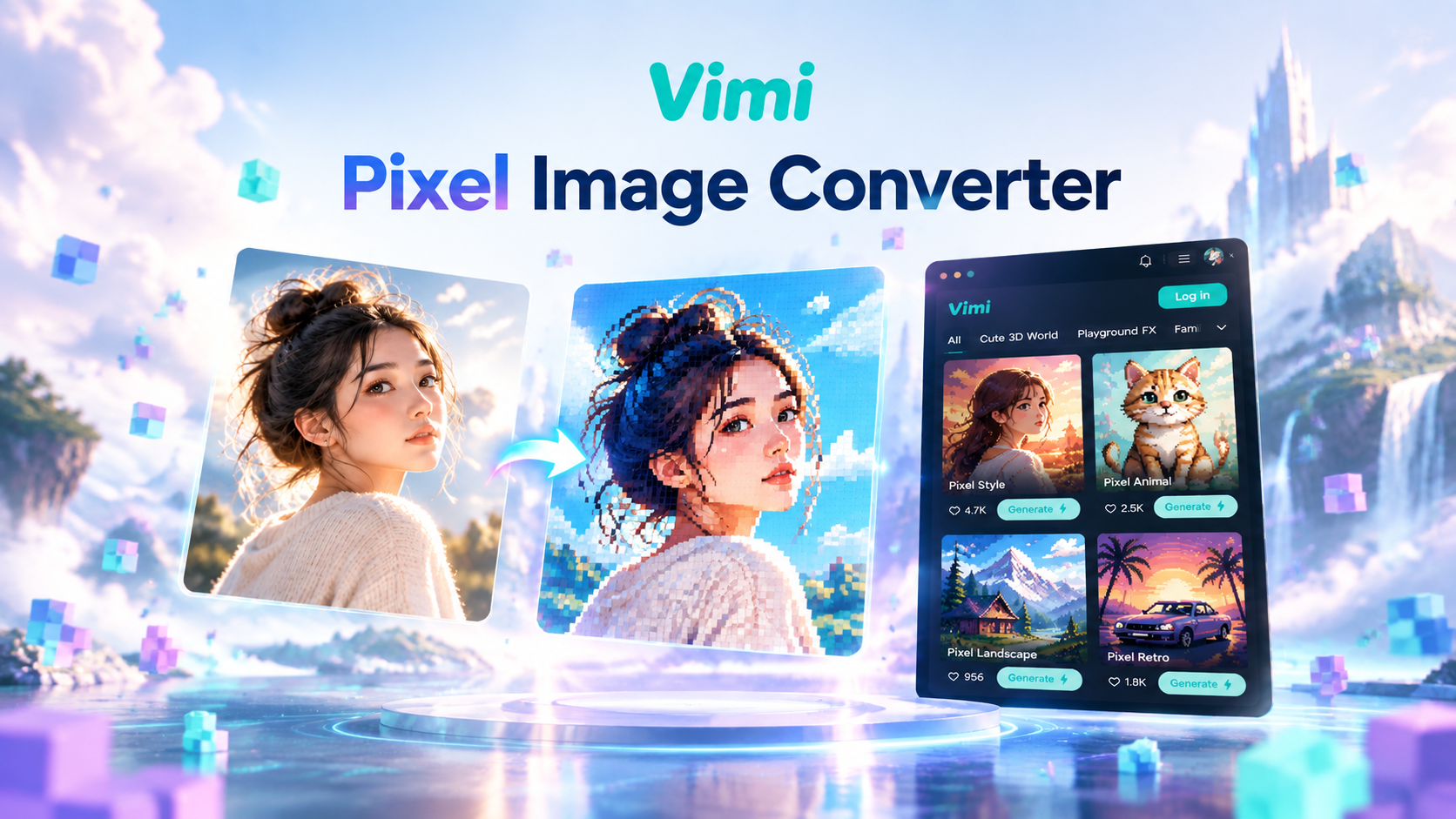
Vimi Pixel Image Converter for Retro Pixel Art Creation
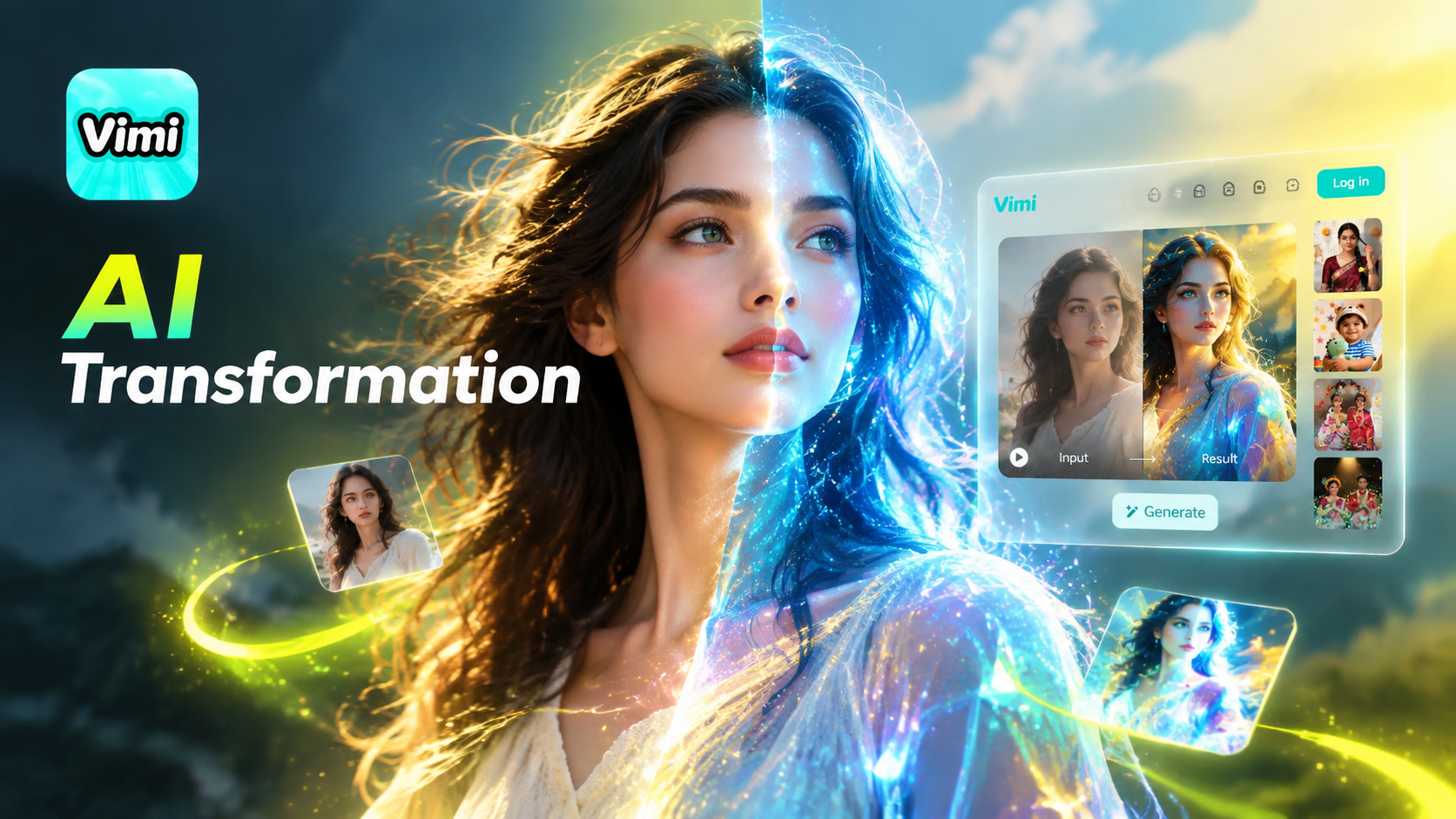
Vimi Transformation Video: AI Video Generator for Photos And Clips
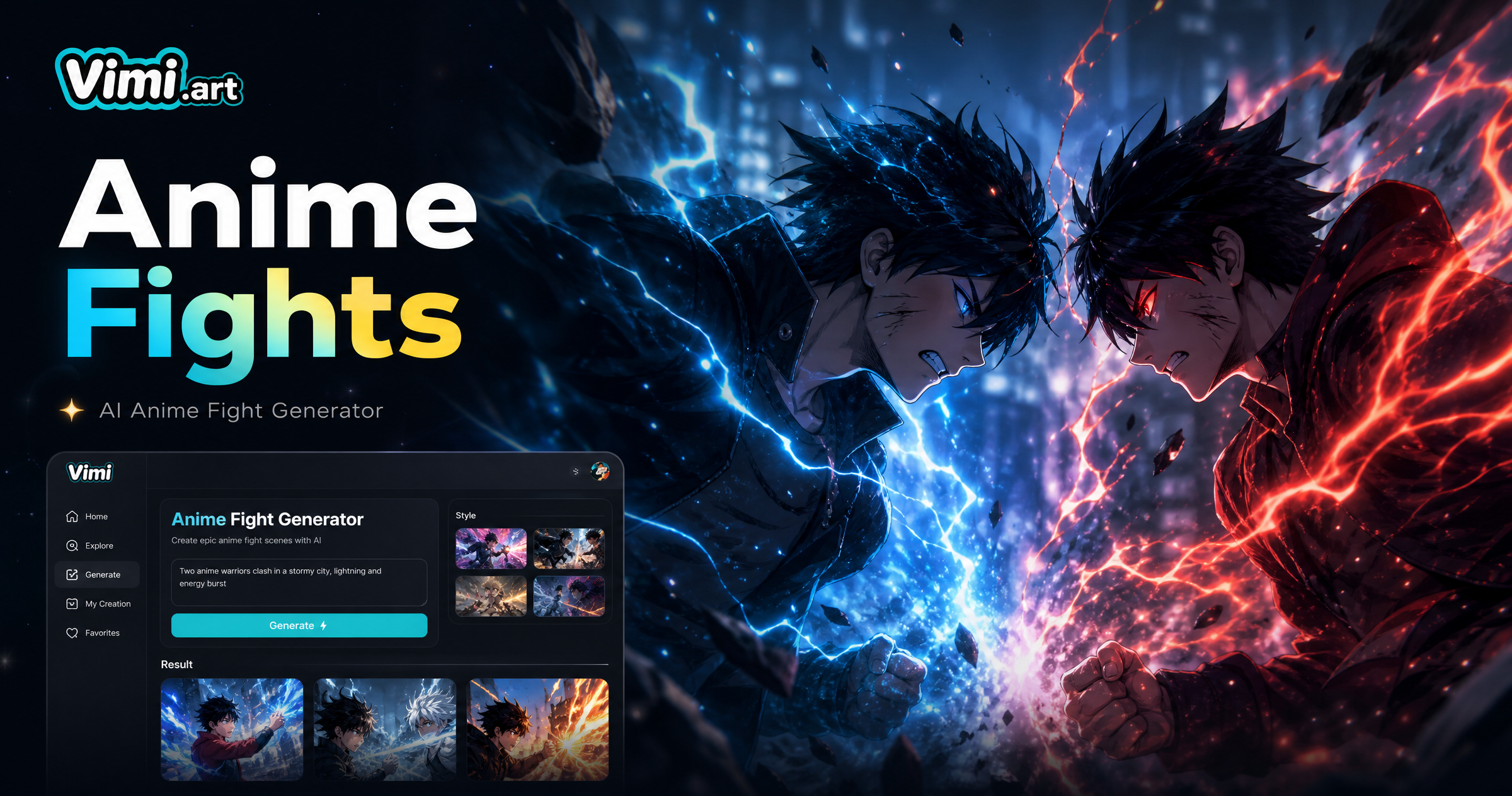
Vimi Anime Fight Generator: Turn Photos into Anime Battle Scenes
Gopikamma Outfit AI Photo: Create Traditional Looks with Vimi
Vimi Pixel Image Converter for Retro Pixel Art Creation
Vimi Transformation Video: AI Video Generator for Photos And Clips
Vimi Anime Fight Generator: Turn Photos into Anime Battle Scenes
Create Your Candlelight Portrait Today
Download Vimi and try the Candlelight AI Portrait filter. Generate a warm portrait in seconds and share it anywhere.
Create Your Candlelight Portrait Today
Download Vimi and try the Candlelight AI Portrait filter. Generate a warm portrait in seconds and share it anywhere.