Beard Remover AI
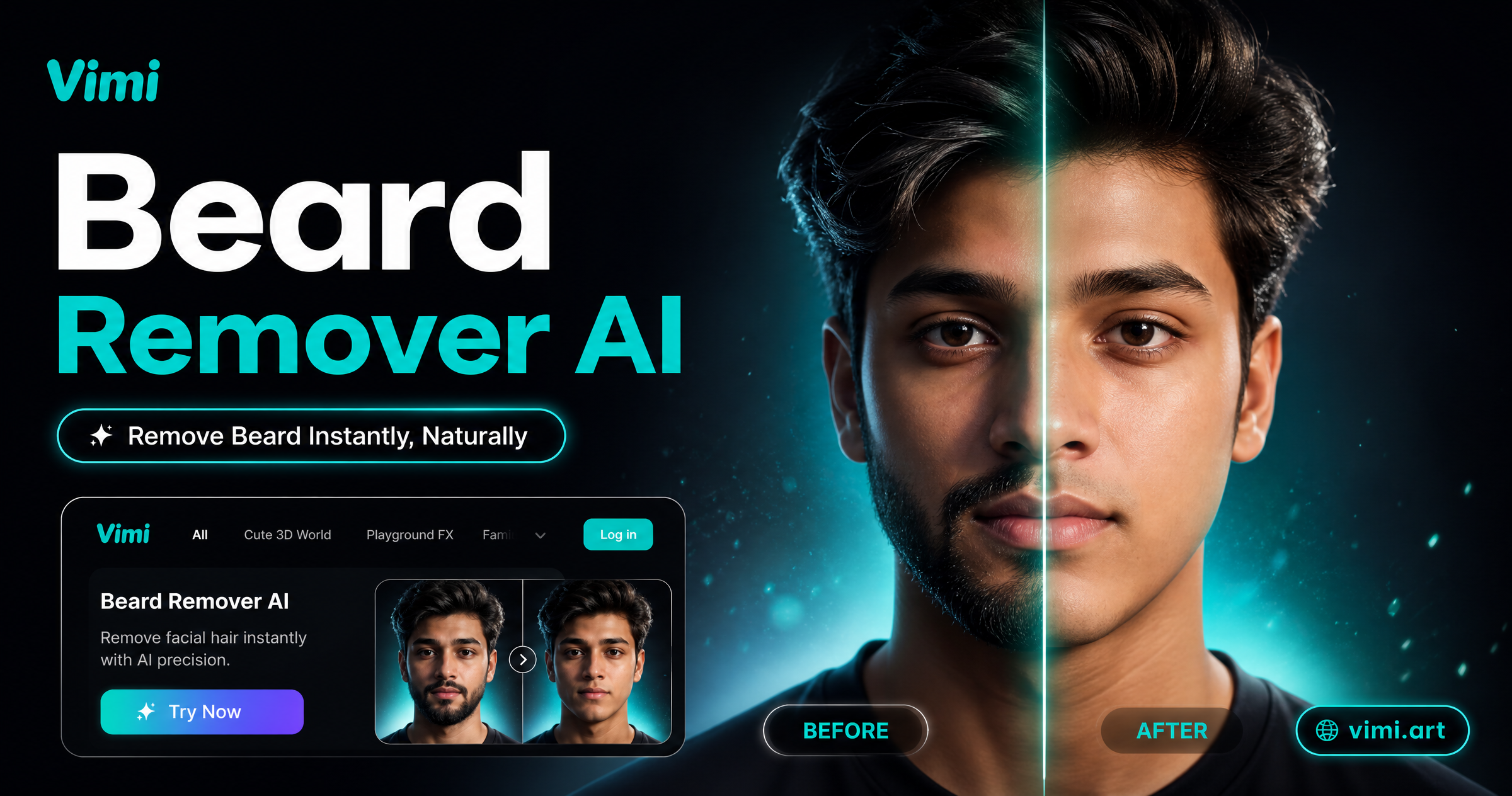
Choose the Beard Remover AI Filter
Discover the beard remover ai filter that perfectly matches your style and mood.
Vimi Beard Remover AI Filter Picks
Vimi offers a Beard Remover AI filter for portraits, family photos, and profile shots. It cleans facial hair while keeping your face shape, hair, glasses, and skin tone. You can preview the filter on the brand page and then complete every creation inside the Vimi app.



Key Features of Vimi Beard Remover AI
Explore the main tools inside Vimi that help you remove facial hair and create clean portraits from your photos fast.
 Before
 After
AfterOne Tap Beard Removal
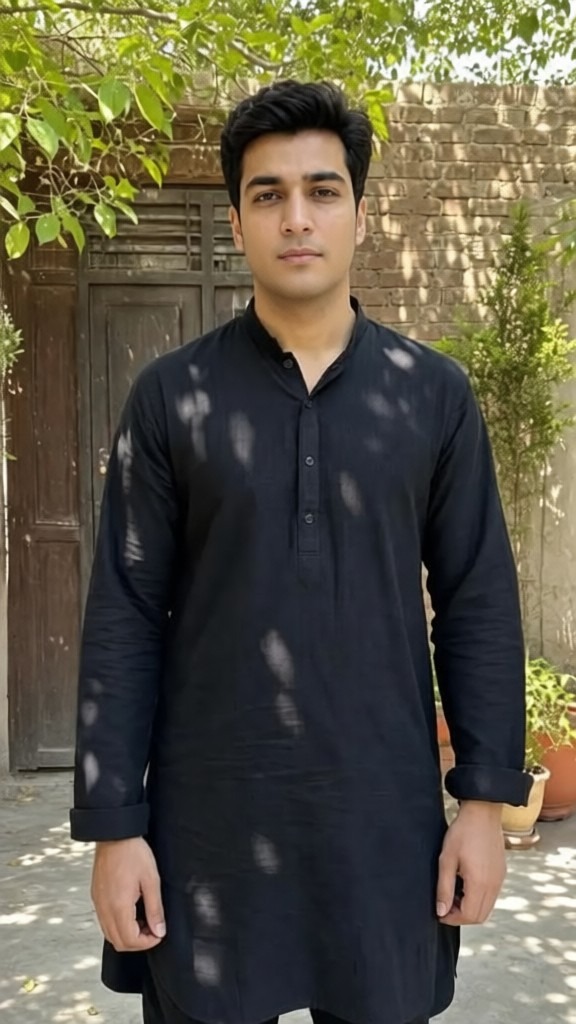
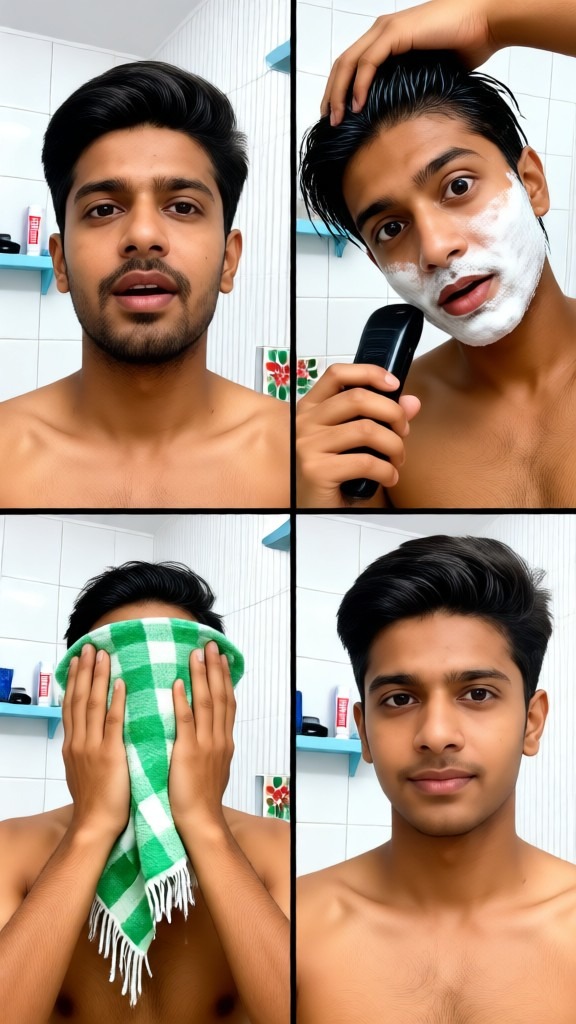
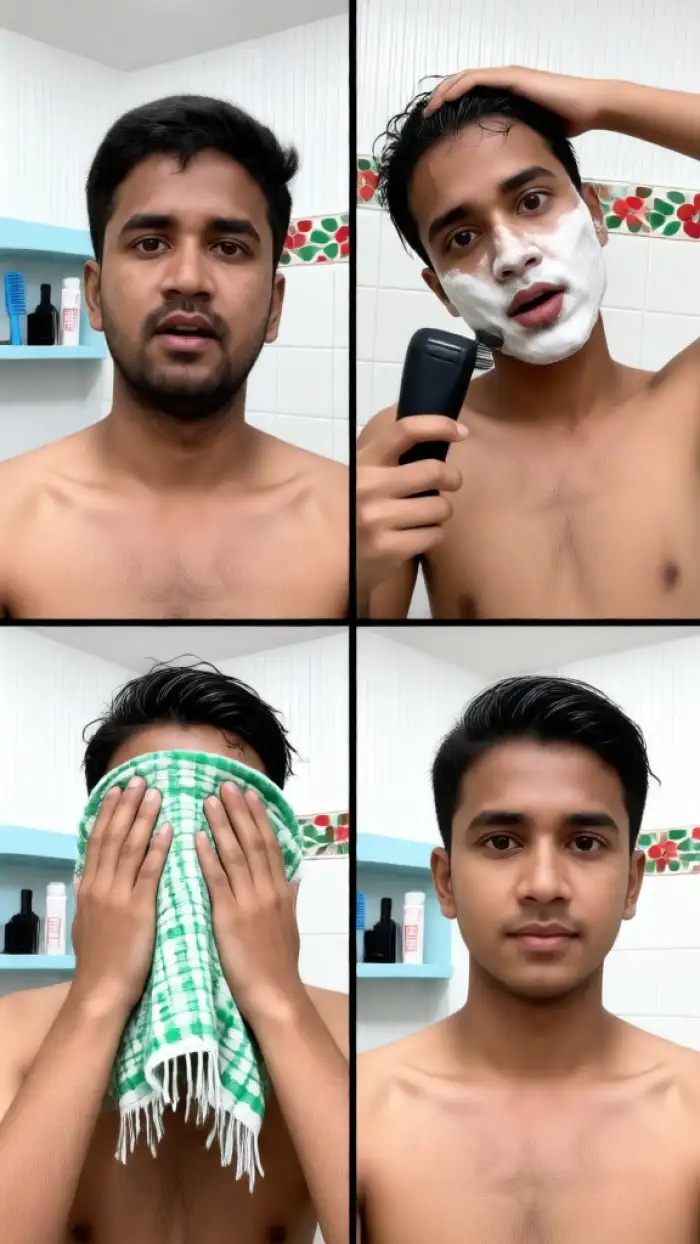
Vimi turns beard removal into a template. Open the app, pick the Beard Remover AI filter, and upload one portrait. Tap Generate. The system cleans facial hair while keeping your face shape, hair, glasses, and skin tone. Results appear in 10 to 20 seconds on your phone.
BeforeAfterOne Tap Beard Removal
Vimi turns beard removal into a template. Open the app, pick the Beard Remover AI filter, and upload one portrait. Tap Generate. The system cleans facial hair while keeping your face shape, hair, glasses, and skin tone. Results appear in 10 to 20 seconds on your phone.
 Before
 After
AfterPhoto to Photo Editing
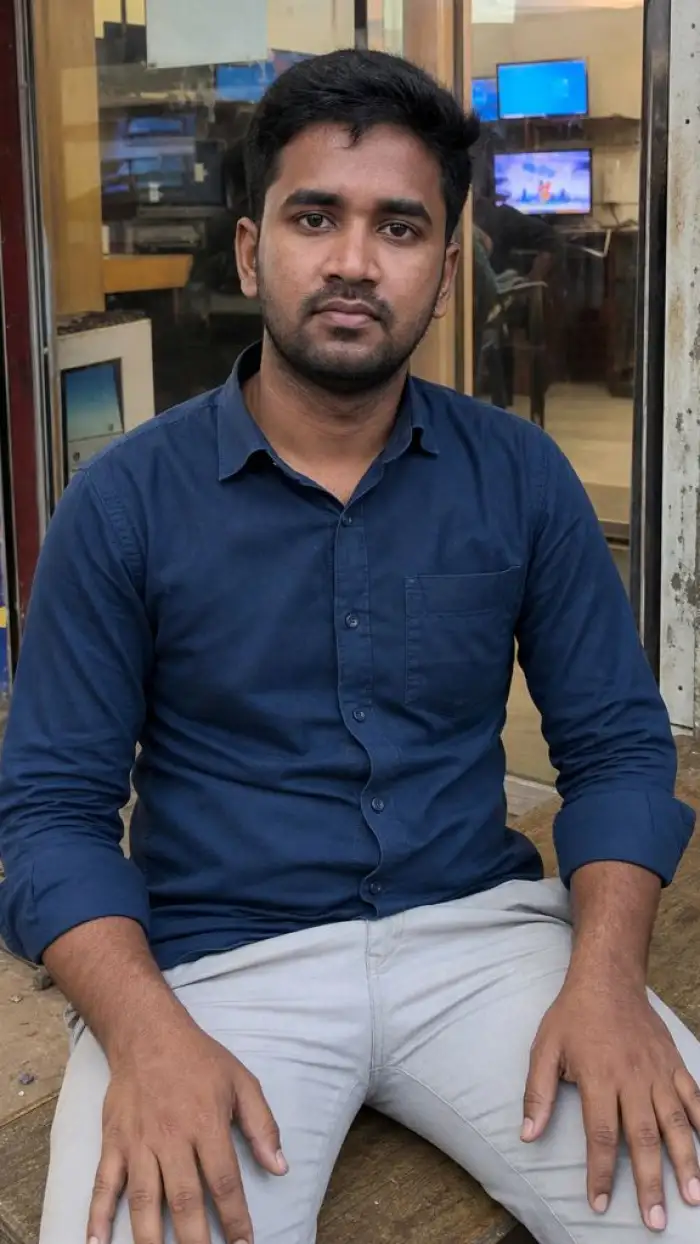
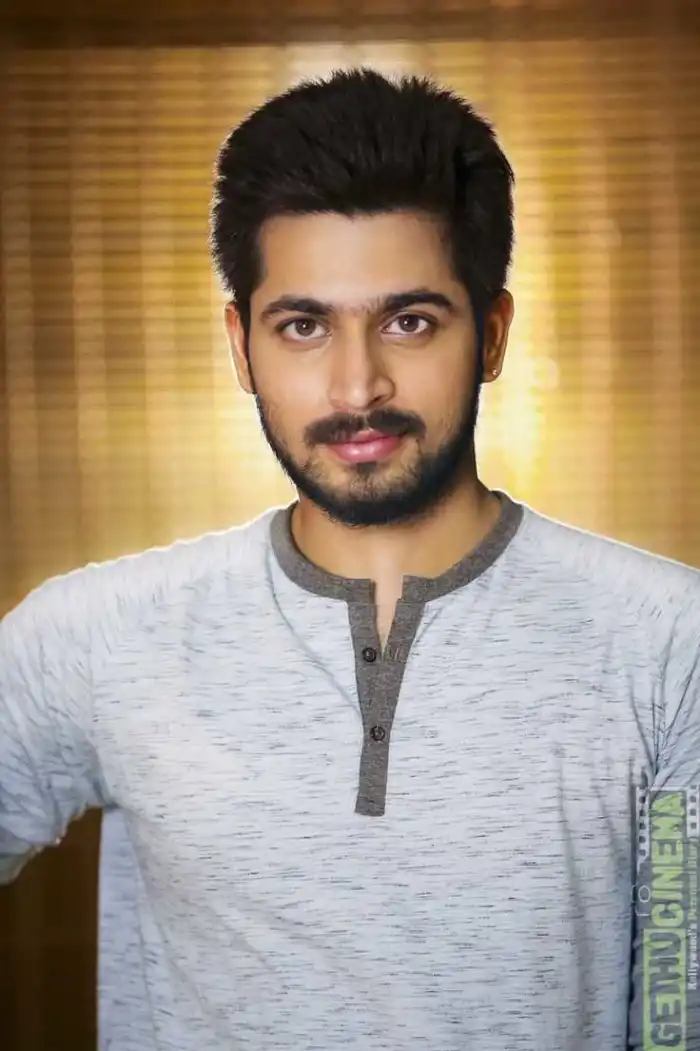
Use any clear portrait as a reference. Vimi keeps the main subject and applies the Beard Remover AI effect. You can also choose a new style from thousands of filters. This works for profile photos, dating photos, family pictures, and social media posts inside the Vimi app.
BeforeAfterPhoto to Photo Editing
Use any clear portrait as a reference. Vimi keeps the main subject and applies the Beard Remover AI effect. You can also choose a new style from thousands of filters. This works for profile photos, dating photos, family pictures, and social media posts inside the Vimi app.
 Before
Video Beard Removal Effects
Turn a clean face portrait into a short video. Vimi supports image to video templates. The subject can blink, smile, or turn their head. You can apply Beard Remover AI first, then add motion. This suits daily reels, stories, and chat apps for quick sharing.
BeforeVideo Beard Removal Effects
Turn a clean face portrait into a short video. Vimi supports image to video templates. The subject can blink, smile, or turn their head. You can apply Beard Remover AI first, then add motion. This suits daily reels, stories, and chat apps for quick sharing.
Why Choose Vimi for Beard Remover AI
Discover the practical benefits of Vimi Beard Remover AI for portraits, social posts, profile photos, and quick daily image edits.
Cleaner Portraits for Sharing
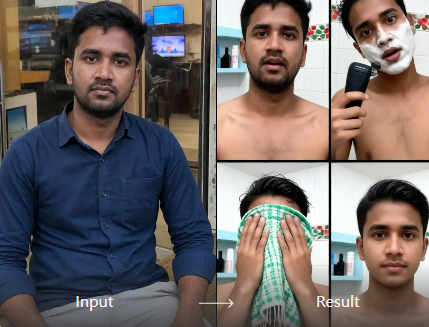
Vimi helps you create a clean face photo without shaving. You can remove a beard or mustache from an existing portrait. The result keeps your natural features, glasses, and hairstyle. Use it for dating profiles, work photos, social posts, and family albums inside the Vimi app.
Cleaner Portraits for Sharing
Vimi helps you create a clean face photo without shaving. You can remove a beard or mustache from an existing portrait. The result keeps your natural features, glasses, and hairstyle. Use it for dating profiles, work photos, social posts, and family albums inside the Vimi app.
How to Use Vimi Beard Remover AI in Vimi?
Follow three simple steps. Preview the filter, download the Vimi app, then create and save your clean face photo.

Step 01.
Open Vimi to view the Beard Remover AI filter. Tap the download link to get the Vimi app on your phone.

Step 02.
In the Vimi app, browse the filter library. Select Beard Remover AI. Upload one clear portrait photo.

Step 03.
Tap Generate and wait 10 to 20 seconds. Tap Download to save. Share your result to social platforms.
YouTube Videos About Beard Remover AI Generator
Explore in-depth YouTube tutorials and demos that showcase the power and reliability of our AI Generator.
Frequently Asked Questions
Find clear answers to common questions and get the guidance you need to make the most of our platform, faster and easier.
More Topics You May Like
Explore more topics you may like and discover fresh ideas tailored to your interests.

Photo With Ganesh Ji AI: Create Divine Festival Images With Vimi

Cricket Team Poster Maker: Create Professional Cricket Posters with AI

Vimi Ganpati Close Up AI Photo: Create Stunning Ganesh Chaturthi Portraits in Seconds
Magical Butterfly AI Photo Editing: Transform Your Photos with Vimi
Photo With Ganesh Ji AI: Create Divine Festival Images With Vimi
Cricket Team Poster Maker: Create Professional Cricket Posters with AI
Vimi Ganpati Close Up AI Photo: Create Stunning Ganesh Chaturthi Portraits in Seconds
Magical Butterfly AI Photo Editing: Transform Your Photos with Vimi
Try Vimi Beard Remover AI Today
Download the Vimi app and create clean face photos. Generate and share in minutes.

Try Vimi Beard Remover AI Today
Download the Vimi app and create clean face photos. Generate and share in minutes.