Bacolod Masskara Photo Edit
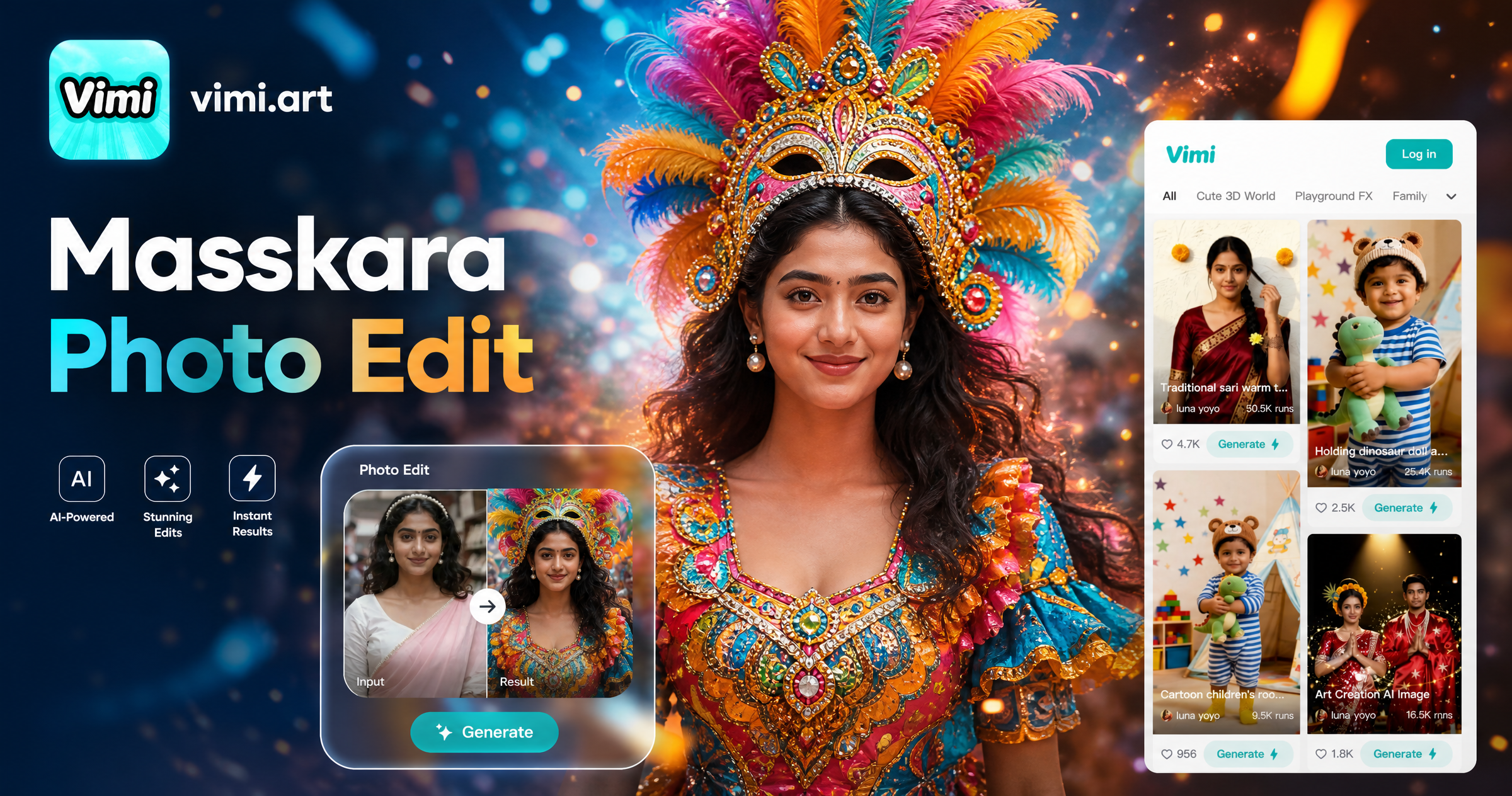
Choose the Bacolod Masskara Photo Edit Filter
Discover the bacolod masskara photo edit filter that perfectly matches your style and mood.
Vimi Filter Recommendation: Bacolod Masskara Photo Edit
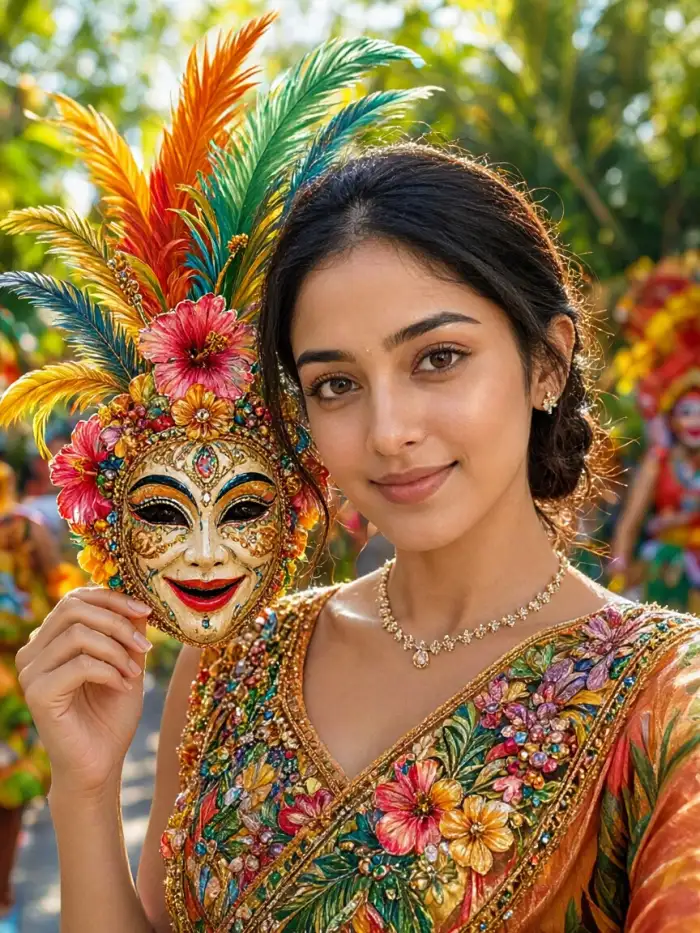
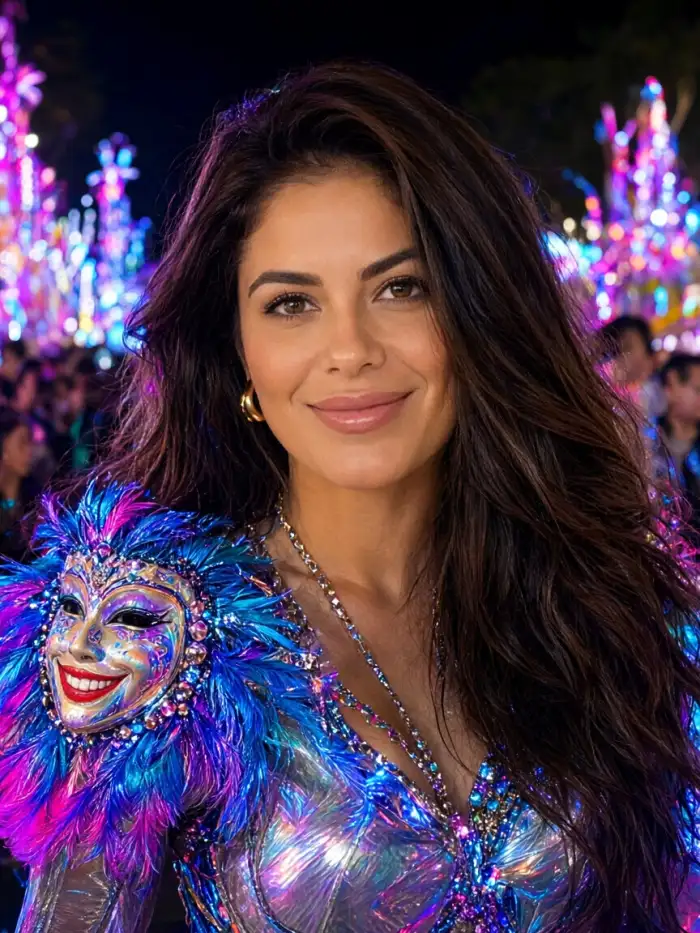
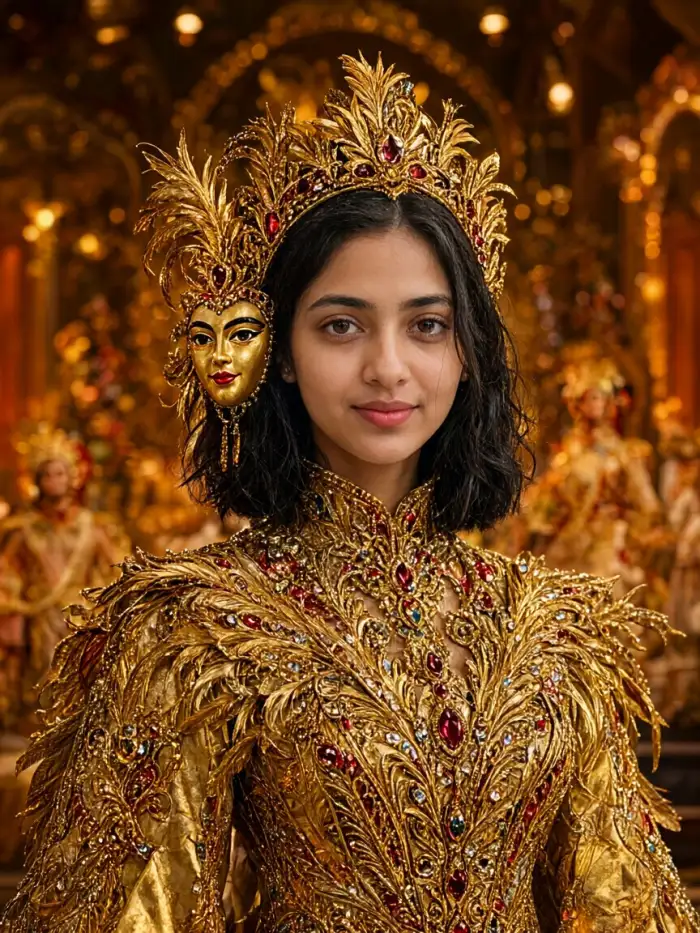
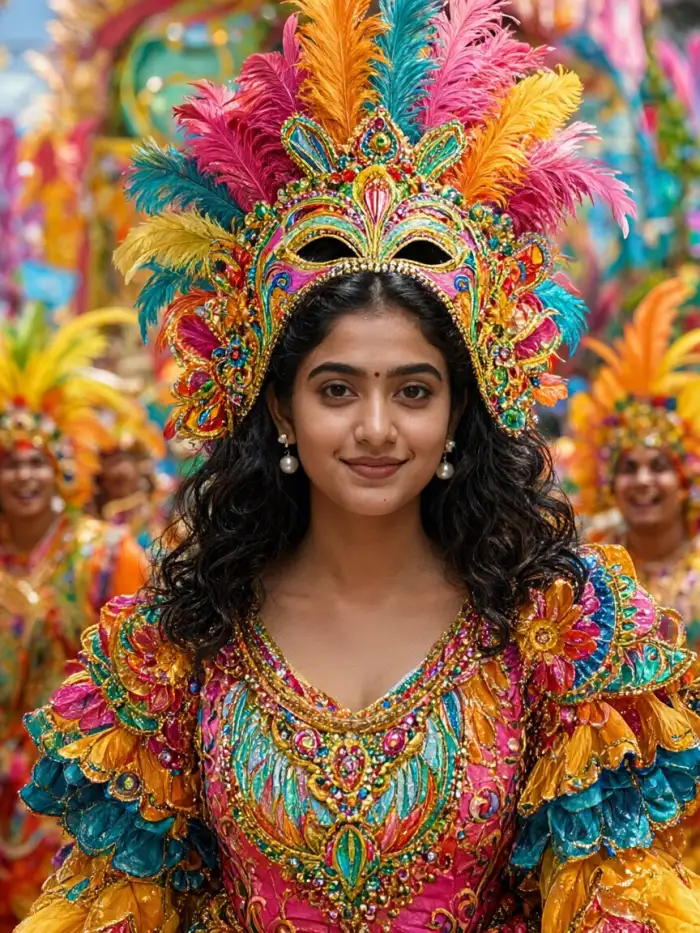
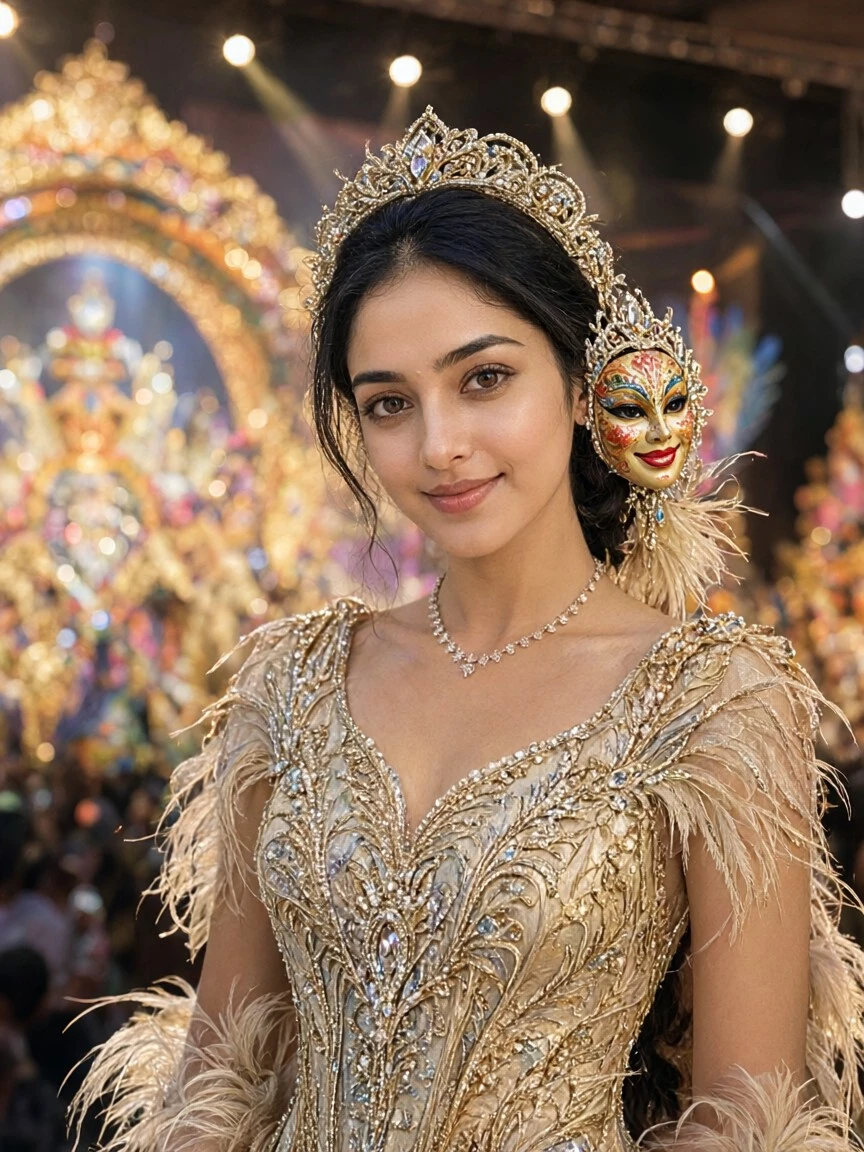
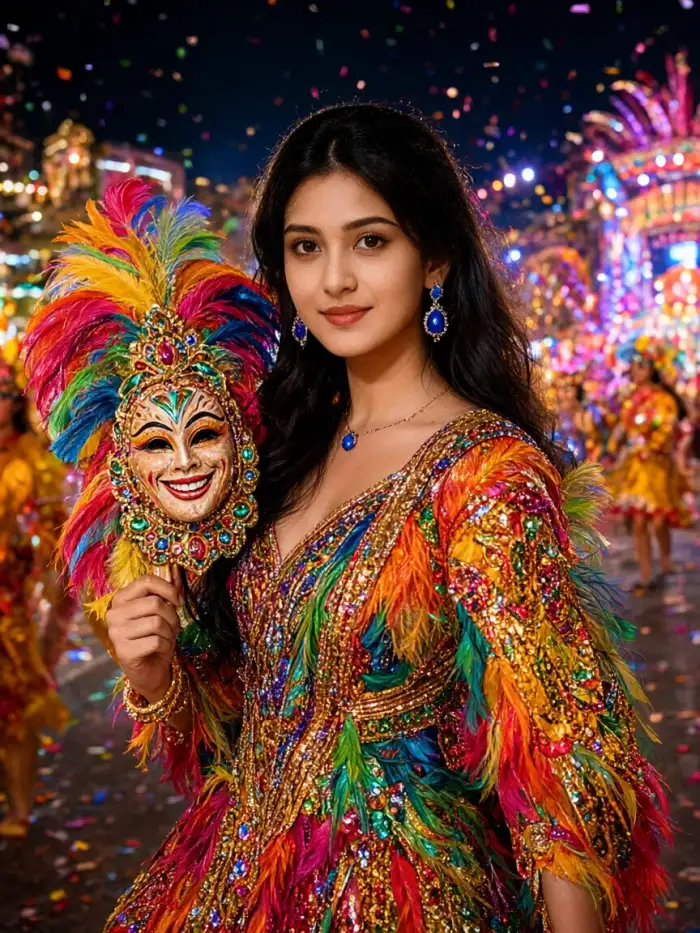
This filter turns your portrait into a Masskara participant. It adds the smiling mask, bright headpiece, and street parade colors.
Why Vimi Bacolod Masskara Photo Edit
Explore the template that handles mask placement and costume color in one tap.
Costume Colors
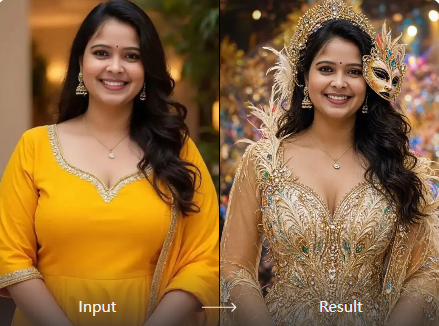
The filter adds bright feathers and beaded patterns around your shoulders. It uses red, yellow, and violet tones linked to Bacolod Masskara. Your original clothing stays underneath. The result looks like a parade photo.
Costume Colors
The filter adds bright feathers and beaded patterns around your shoulders. It uses red, yellow, and violet tones linked to Bacolod Masskara. Your original clothing stays underneath. The result looks like a parade photo.
Explore Use Cases for Vimi Bacolod Masskara Photo Edit
Turn your ideas into reality with a flexible and powerful platform. Find the right moment to use this filter for personal photos and group content.
 Before
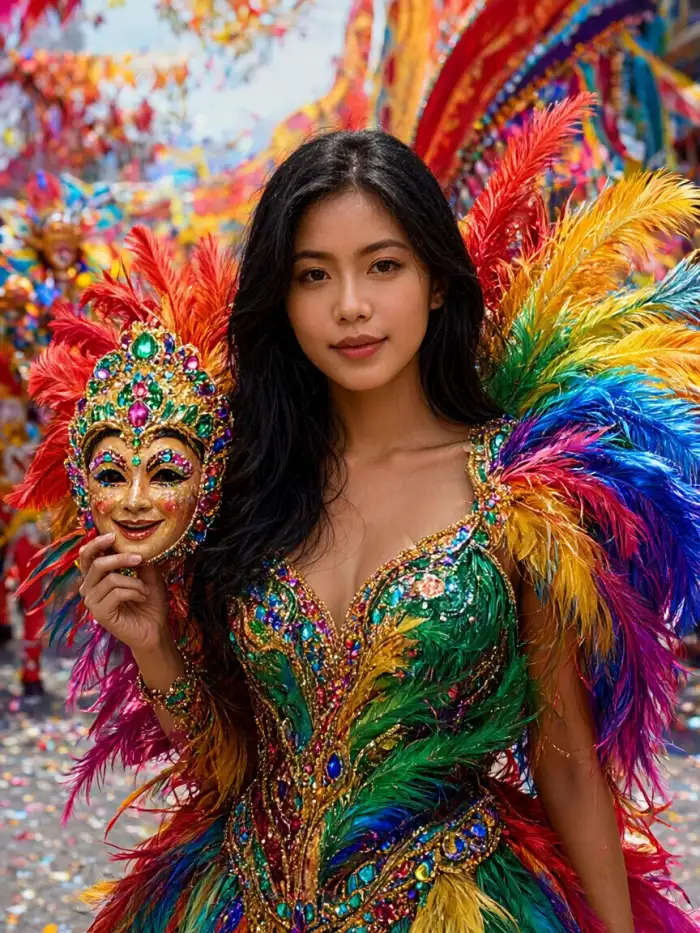 After
Solo Festival Portrait
Upload one selfie and apply the Bacolod Masskara filter. The template adds a mask and headdress that fit your face shape. You get a profile picture for festival season. No studio visit or costume rental needed.
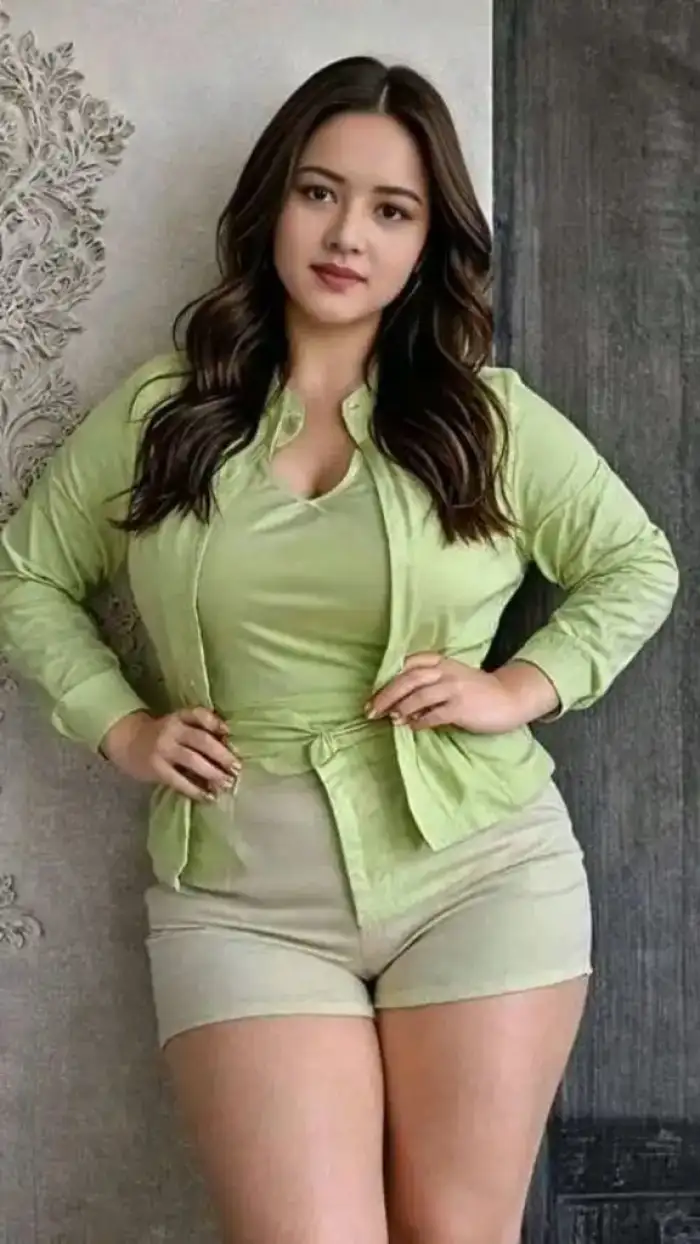 Before
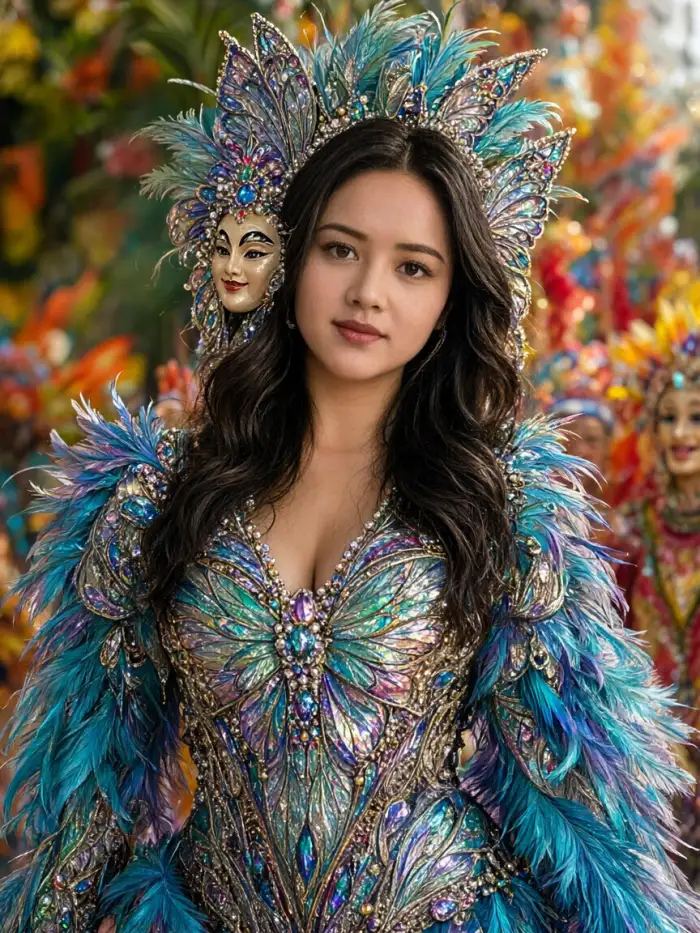 After
One Tap Mask
This template places a smiling Masskara mask on your face. It matches the angle of your head and keeps your eyes and hair visible. You get a festival look without drawing or masking by hand.
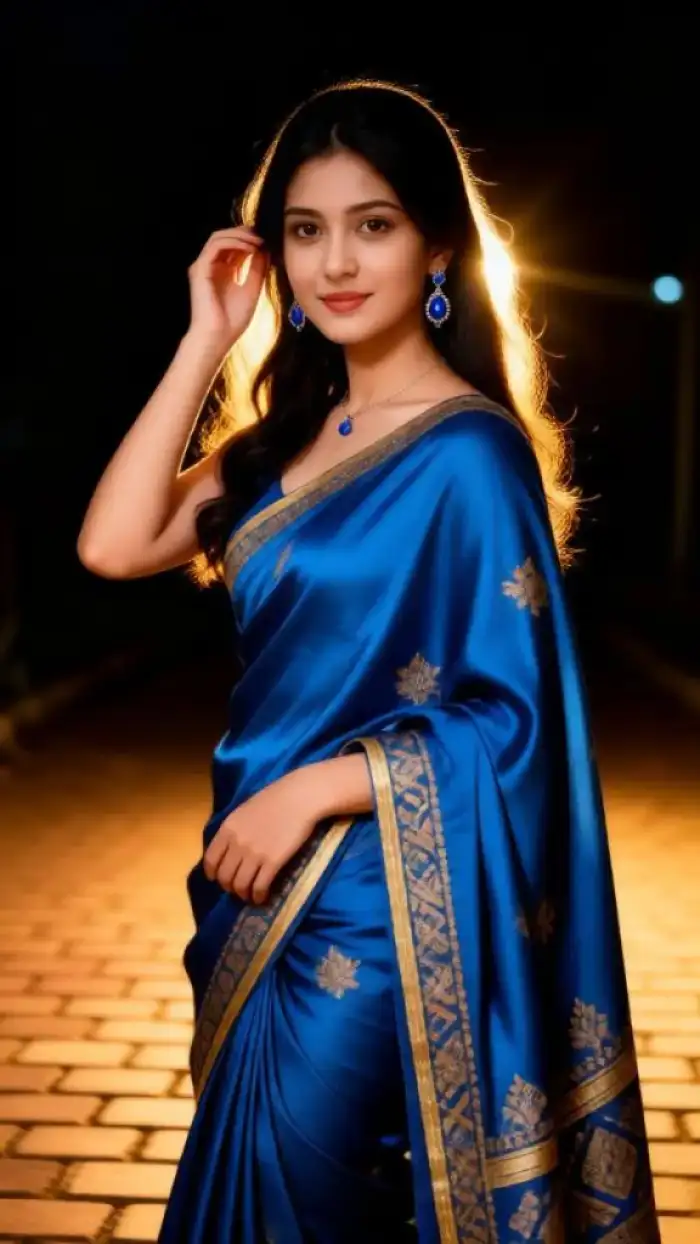 Before
 After
Street Parade Backdrop
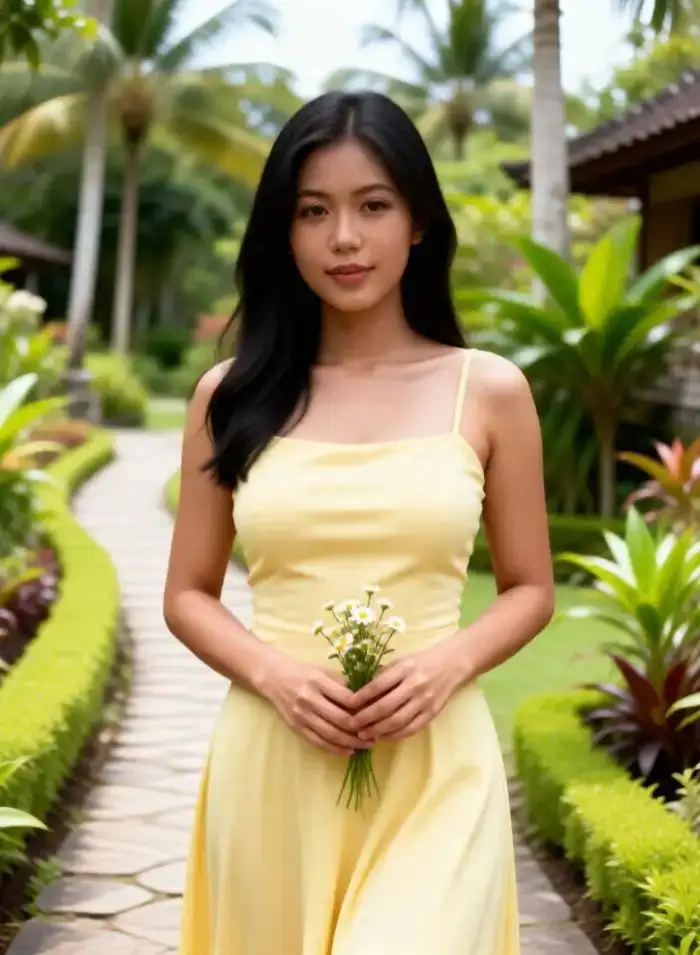
Turn a simple outdoor photo into a parade scene. The filter adds confetti, drum shapes, and crowd colors behind you. Your subject stays sharp. This helps when you cannot attend the actual festival in Bacolod.
How to Make a Bacolod Masskara Photo Edit with Vimi?
Open the Vimi app and use the Masskara template in three steps. You need one clear photo and about 20 seconds.

Step 01.
Get the Vimi app from your app store. Open it and sign in. The full template library sits on your phone.
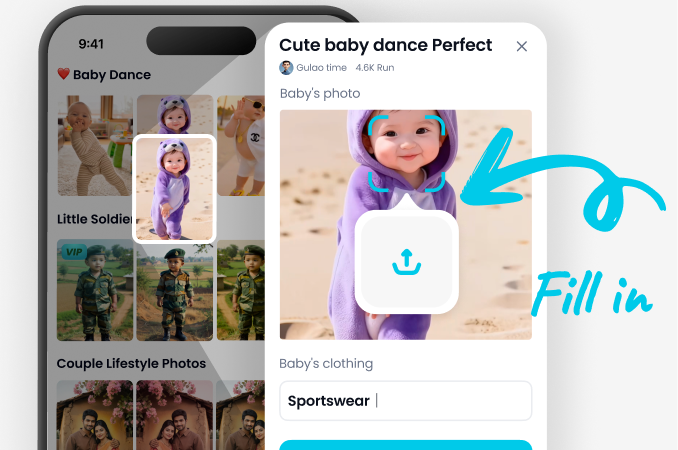
Step 02.
Browse the template library and tap Bacolod Masskara Photo Edit. Upload your photo. Tap Generate and wait for the result.
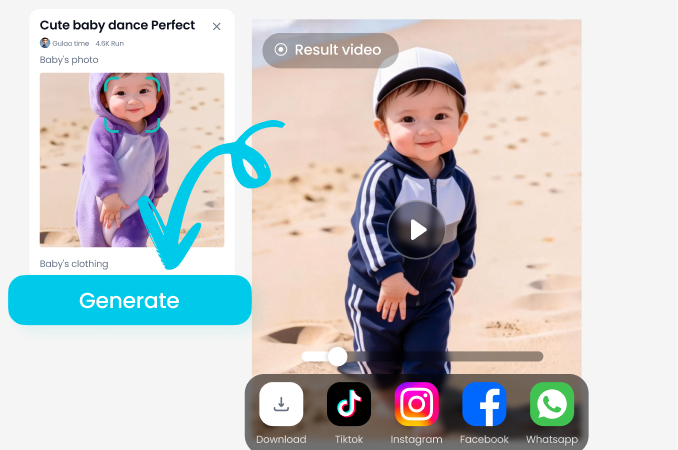
Step 03.
Tap Download to save the image to your phone. Tap Share to post it on social media or send it to friends.
YouTube Videos About Bacolod Masskara Photo Edit Generator
Explore in-depth YouTube tutorials and demos that showcase the power and reliability of our AI Generator.
Frequently Asked Questions
Find clear answers to common questions and get the guidance you need to make the most of our platform, faster and easier.
Who Uses Bacolod Masskara Photo Edit Enhancement Online
Mara L
I used this filter on a family photo from last summer. The masks landed on every face without mixing anyone up. My cousin thought we hired a costume team.
Jonas R
I run a small dance group in Bacolod. I made Masskara posters for our practice using this template. The colors matched our real costumes. It saved us a full day of editing.
Ella M
I uploaded one selfie and got a festival portrait in about 15 seconds. The headdress followed my hairline. I posted it on my profile and got comments from friends.
Paolo S
The group photo option kept all five of us in frame. Each mask had a different color. No one looked blurred or missing. I will use it again for our school project.
Mara L
I used this filter on a family photo from last summer. The masks landed on every face without mixing anyone up. My cousin thought we hired a costume team.
Jonas R
I run a small dance group in Bacolod. I made Masskara posters for our practice using this template. The colors matched our real costumes. It saved us a full day of editing.
Ella M
I uploaded one selfie and got a festival portrait in about 15 seconds. The headdress followed my hairline. I posted it on my profile and got comments from friends.
Paolo S
The group photo option kept all five of us in frame. Each mask had a different color. No one looked blurred or missing. I will use it again for our school project.
Mara L
I used this filter on a family photo from last summer. The masks landed on every face without mixing anyone up. My cousin thought we hired a costume team.
Jonas R
I run a small dance group in Bacolod. I made Masskara posters for our practice using this template. The colors matched our real costumes. It saved us a full day of editing.
Ella M
I uploaded one selfie and got a festival portrait in about 15 seconds. The headdress followed my hairline. I posted it on my profile and got comments from friends.
Paolo S
The group photo option kept all five of us in frame. Each mask had a different color. No one looked blurred or missing. I will use it again for our school project.
More Topics You May Like
Explore more topics you may like and discover fresh ideas tailored to your interests.

Vimi Jean Claude Van Damme AI Dance Filter Guide for Photo And Video

Vimi Hotel Lobby AI Video Trend Guide for Mobile Creators

Drake Burning Bridges AI Video Generator: A Vimi Filter Guide
Zwiya Deeper Dance Filter on Vimi: Turn Photos into Dance Videos
Vimi Jean Claude Van Damme AI Dance Filter Guide for Photo And Video
Vimi Hotel Lobby AI Video Trend Guide for Mobile Creators
Drake Burning Bridges AI Video Generator: A Vimi Filter Guide
Zwiya Deeper Dance Filter on Vimi: Turn Photos into Dance Videos
Create Your Masskara Look Today
Download Vimi and try the Bacolod Masskara template in one tap.Stay ahead of trends and create content everyone will notice.

Create Your Masskara Look Today
Download Vimi and try the Bacolod Masskara template in one tap.Stay ahead of trends and create content everyone will notice.