AI Zoom In Video Effect
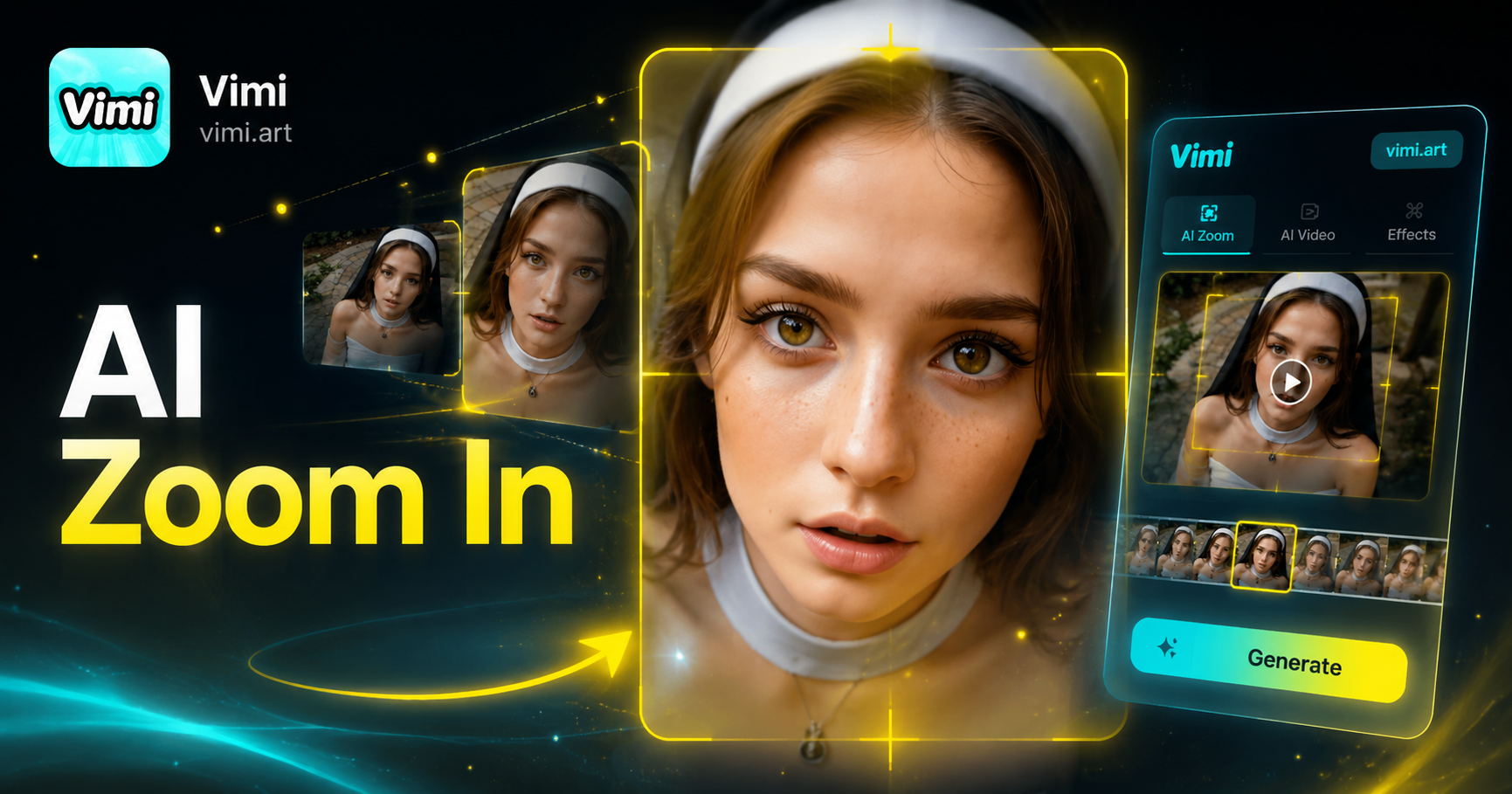
Super zoom



Use Cases of Vimi AI Zoom In Video Effect
See how this tool applies to different content types and creative projects.
Product Showcase Videos
Highlight product details with gradual zoom ins. Show face textures or features clearly. The effect directs customer attention to important elements. This works well for ecommerce listings and promotional content creation.
Product Showcase Videos
Highlight product details with gradual zoom ins. Show face textures or features clearly. The effect directs customer attention to important elements. This works well for ecommerce listings and promotional content creation.
Superzoom Effect
This effect pushes the camera closer to your subject with a smooth zoom in motion. The animation runs in a 3 second loop, creating dramatic focus on the center. Apply it to portraits or product shots. Generation takes seconds with one tap.
Superzoom Effect
This effect pushes the camera closer to your subject with a smooth zoom in motion. The animation runs in a 3 second loop, creating dramatic focus on the center. Apply it to portraits or product shots. Generation takes seconds with one tap.
Good Zoom Effect
This effect delivers a fast, punchy zoom that simulates a quick camera push. The motion includes a subtle shake for added intensity. It works well for action poses or surprise moments. Generate your dynamic video in just 10 seconds.
Good Zoom Effect
This effect delivers a fast, punchy zoom that simulates a quick camera push. The motion includes a subtle shake for added intensity. It works well for action poses or surprise moments. Generate your dynamic video in just 10 seconds.
How to Create Zoom Videos with Vimi?
Add the Vimi AI Zoom In Video Effect to your content in three simple steps now.

Step 01.
Visit the Vimi website, go to the app store. Install the Vimi app on your mobile device.

Step 02.
Open Vimi and browse the template library. Choose the AI Zoom In Video Effect filter. Upload your photo or video clip.

Step 03.
Tap generate and wait for some seconds. The AI creates your zoomed video. Download it or share directly to social platforms.
Here is What People Think About Us
Makes My Reels More Engaging
I use Vimi to create zoom effects for my brand's Instagram reels. The slow zoom option adds drama to product reveals. My followers commented more on videos with this effect. I can generate a finished clip in under 20 seconds without any editing software.
Great for Product Detail Videos
Vimi helps me highlight fabric textures and labels in my product listings. I upload a flat photo and the AI zooms smoothly into the key area. Customers can see quality details clearly. This increased my conversion rate on several items.
Adds Life to My Portrait Shoots
I turn my portrait photos into short cinematic videos with Vimi. The zoom effect focuses on the subject's eyes or smile. My clients love these moving versions for their social profiles. The process takes less time than manual editing in desktop software.
Frequently Asked Questions
Find clear answers to common questions and get the guidance you need to make the most of our platform, faster and easier.
More Topics You May Like
Explore more topics you may like and discover fresh ideas tailored to your interests.
AI One Piece Character Generator

AI Laughing Face Effect
AI Room Generator
AI Belly Generator
AI One Piece Character Generator
AI Laughing Face Effect
AI Room Generator
AI Belly Generator
Download Vimi and Add Zoom Effects to Your Videos Today
Create dramatic zoom videos instantly with Vimi AI. Stay ahead of trends and create content everyone will notice.
Download Vimi and Add Zoom Effects to Your Videos Today
Create dramatic zoom videos instantly with Vimi AI. Stay ahead of trends and create content everyone will notice.