AI Wet Look Video
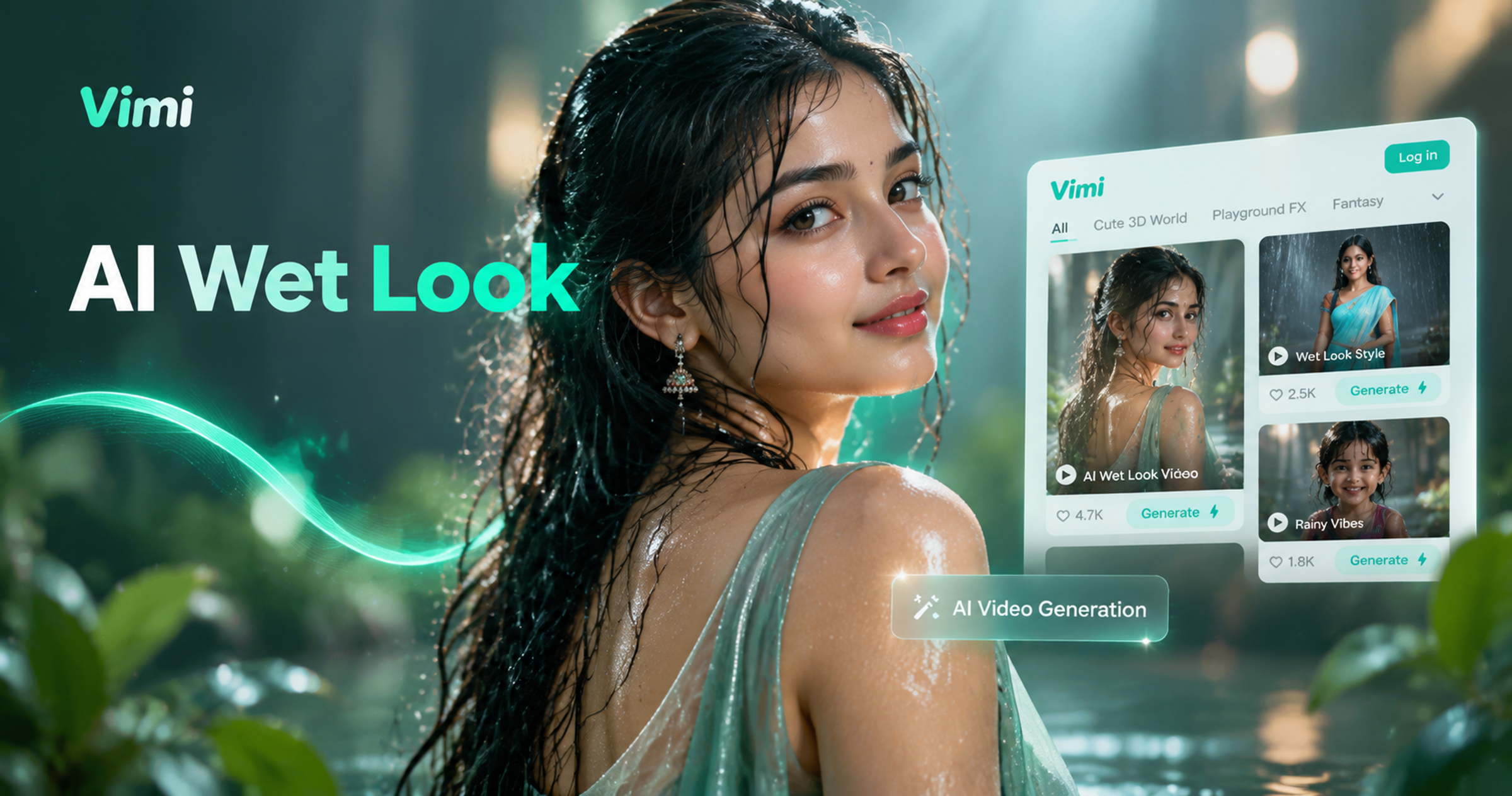
Choose the AI Wet Look Video Filter
Discover the ai wet look video filter that perfectly matches your style and mood.
Vimi AI Wet Look Video Filter Picks Templates
Rainy Street Glow adds fine rain, wet hair, and reflected city light to a portrait. The clip keeps the face steady while water moves across the frame.
Why Vimi AI Wet Look Video Fits Fast Content
Explore the Vimi AI Wet Look Video workflow and see how templates turn one photo into a moving clip quickly.
Template Based Video Control
Vimi keeps the process simple. Choose a wet look template, upload a photo, and tap Generate. The app reads the face and adds water drops, wet hair, and small head movements. Most clips finish in 10 to 20 seconds. You do not write prompts or adjust settings.
Template Based Video Control
Vimi keeps the process simple. Choose a wet look template, upload a photo, and tap Generate. The app reads the face and adds water drops, wet hair, and small head movements. Most clips finish in 10 to 20 seconds. You do not write prompts or adjust settings.
Explore Vimi AI Wet Look Video Use Cases
Discover the Vimi AI Wet Look Video scenes that fit fashion clips, travel posts, and group moments with clear faces.
 Before
Rainy City Portrait Clips
Turn a street photo into a short rain scene. Vimi adds wet hair, water beads, and reflected light on the pavement. The subject can blink, smile, and turn the head slightly. This suits music posts, mood boards, and night walk videos. The face stays clear and natural through the full clip.
BeforeRainy City Portrait Clips
Turn a street photo into a short rain scene. Vimi adds wet hair, water beads, and reflected light on the pavement. The subject can blink, smile, and turn the head slightly. This suits music posts, mood boards, and night walk videos. The face stays clear and natural through the full clip.
 Before
Poolside Summer Story Videos
Use a vacation photo near water. Vimi adds small splashes, bright sun, and a wet hair look. The person can smile and turn toward the camera. This works for summer outfit posts, travel diaries, and short story clips. Couple templates can place two people side by side with separate faces.
BeforePoolside Summer Story Videos
Use a vacation photo near water. Vimi adds small splashes, bright sun, and a wet hair look. The person can smile and turn toward the camera. This works for summer outfit posts, travel diaries, and short story clips. Couple templates can place two people side by side with separate faces.
 Before
Group Photo Water Effects
Upload a group shot and pick a wet look template. Vimi identifies each face and keeps people apart. It can add rain, pool light, or sea mist to the scene. Friends can stand together or move in a short group clip. The result keeps each person clear and visible in the frame.
BeforeGroup Photo Water Effects
Upload a group shot and pick a wet look template. Vimi identifies each face and keeps people apart. It can add rain, pool light, or sea mist to the scene. Friends can stand together or move in a short group clip. The result keeps each person clear and visible in the frame.
How to Make Vimi AI Wet Look Video in Minutes?
The Vimi AI Wet Look Video process has three short steps. You download the app, pick a template, then save and share the finished clip.

Who Uses AI Wet Look Video Enhancement Online

Maya R
I used the Rainy Street Glow template on a photo from last winter. The clip added wet hair and street light without changing my face. I posted it to my profile in one tap.

Ben T
The Poolside Splash template worked on a couple photo. Vimi kept both faces separate and added small water splashes. The clip was ready before I finished my coffee.

Nina K
I picked Glossy Close Up for a profile clip. My eyes blinked and my head turned a little. The water drops looked like they were on my skin, not painted on.

Sara L
The Beach Wave Mist template gave my travel photo a light sea mist. My hair looked wet and the motion stayed natural. I shared it to my page and friends asked which filter I used.
Maya R
I used the Rainy Street Glow template on a photo from last winter. The clip added wet hair and street light without changing my face. I posted it to my profile in one tap.
Ben T
The Poolside Splash template worked on a couple photo. Vimi kept both faces separate and added small water splashes. The clip was ready before I finished my coffee.
Nina K
I picked Glossy Close Up for a profile clip. My eyes blinked and my head turned a little. The water drops looked like they were on my skin, not painted on.
Sara L
The Beach Wave Mist template gave my travel photo a light sea mist. My hair looked wet and the motion stayed natural. I shared it to my page and friends asked which filter I used.
Frequently Asked Questions
Find clear answers to common questions and get the guidance you need to make the most of our platform, faster and easier.
More Topics You May Like
Explore more topics you may like and discover fresh ideas tailored to your interests.

Vimi Travel YouTube Thumbnail Maker for Clear Travel Covers
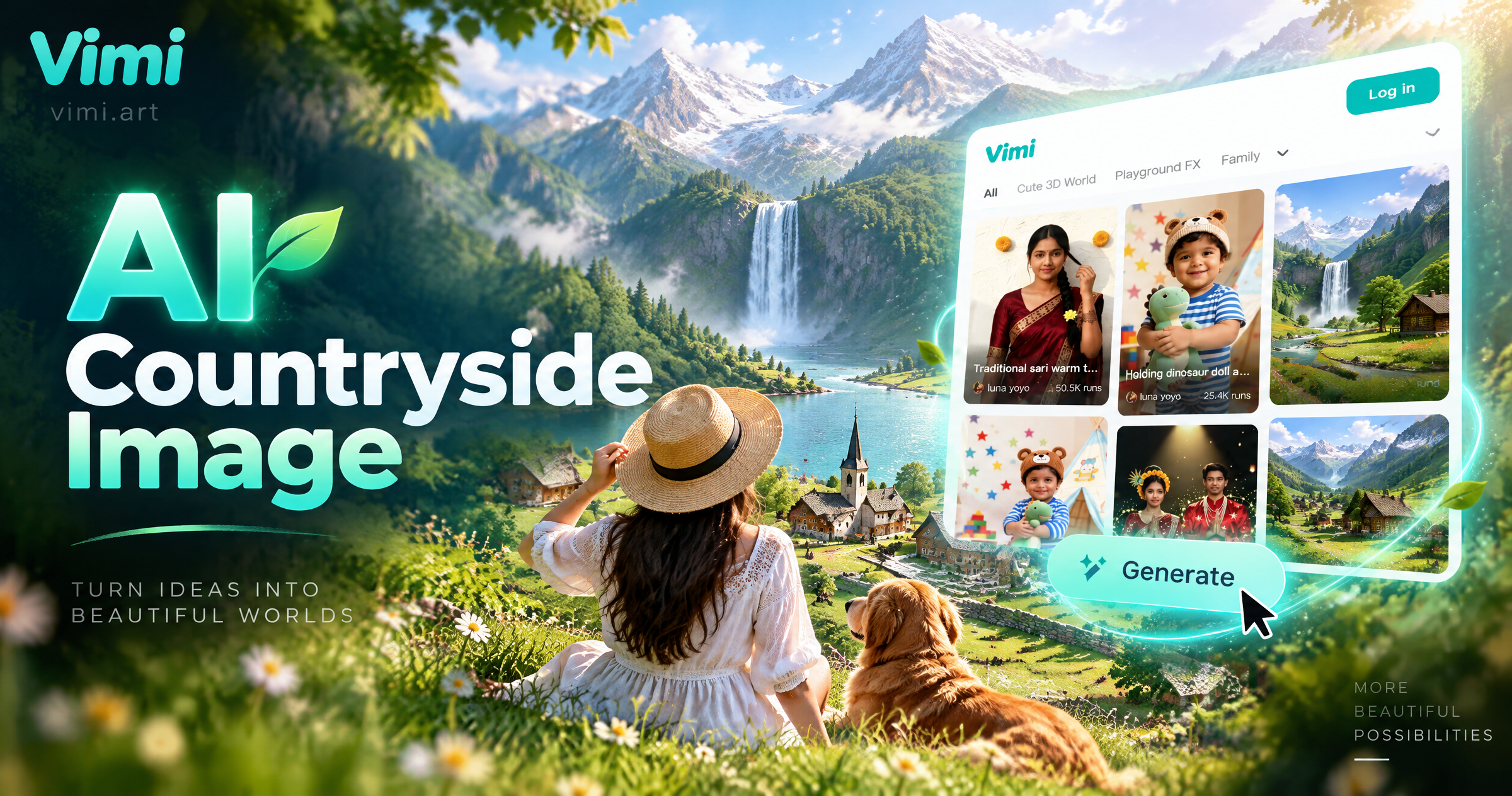
AI Countryside Image: Create Rural Scenes with Vimi
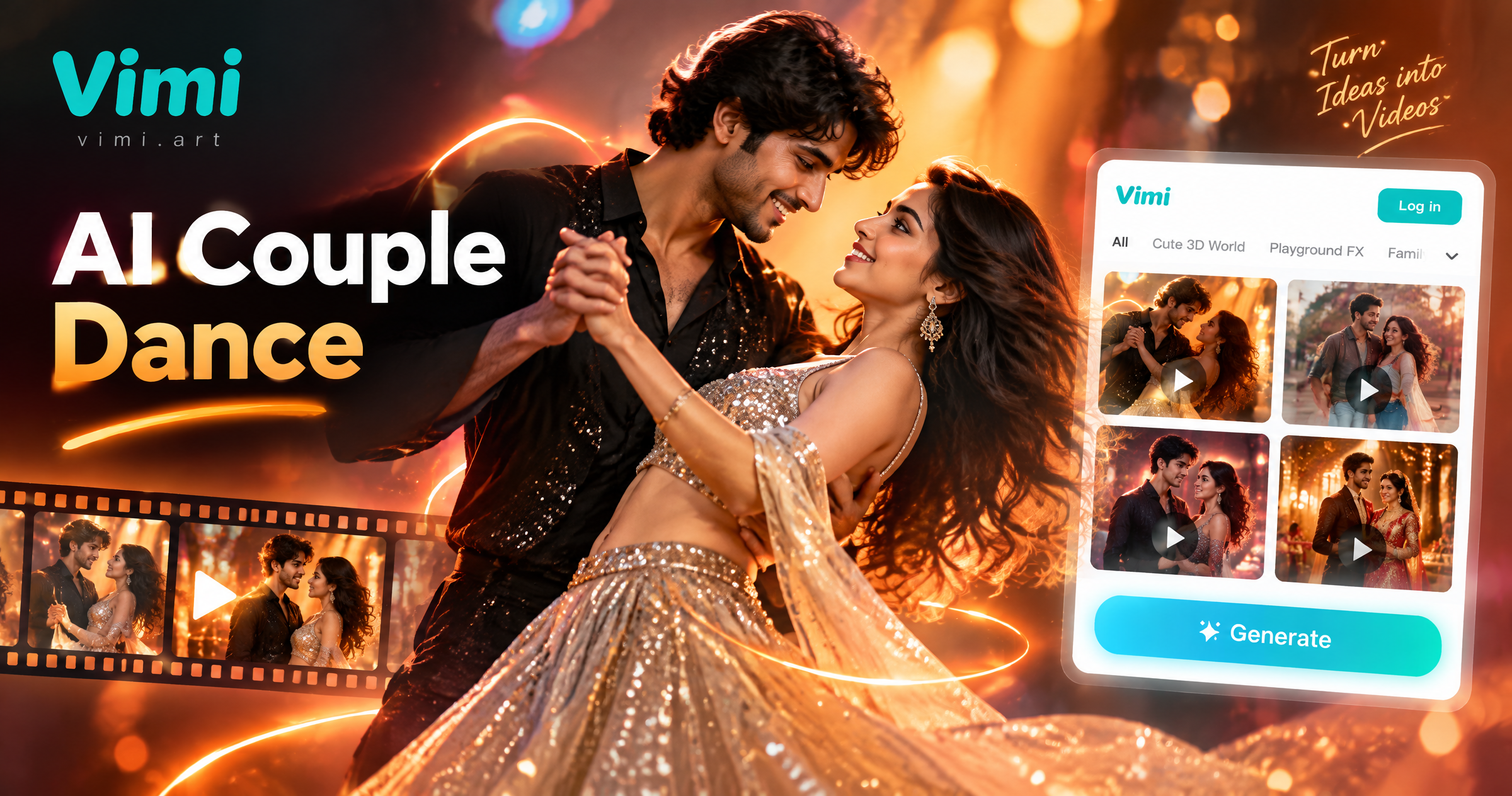
Vimi AI Couple Dance Video: Make Couple Dance Clips in App

AI Selfie with Celebrity: A Vimi App Guide
Vimi Travel YouTube Thumbnail Maker for Clear Travel Covers
AI Countryside Image: Create Rural Scenes with Vimi
Vimi AI Couple Dance Video: Make Couple Dance Clips in App
AI Selfie with Celebrity: A Vimi App Guide
Create Your Wet Look Clip Today
Download Vimi now. Pick a template and generate your clip.
Create Your Wet Look Clip Today
Download Vimi now. Pick a template and generate your clip.