AI Wanted Poster Maker

One Piece Wanted Poster

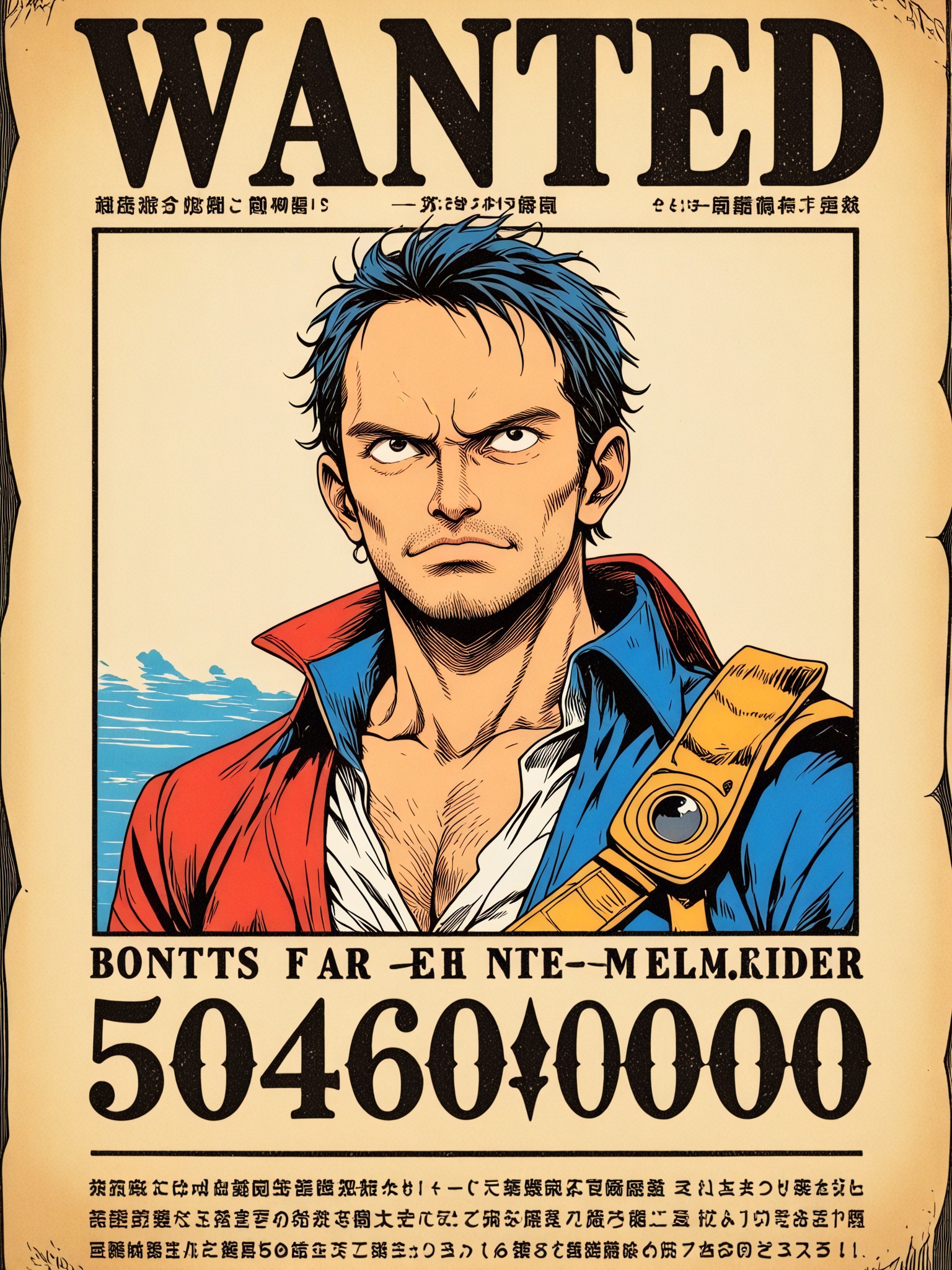

How To Use Vimi AI Wanted Poster Maker?
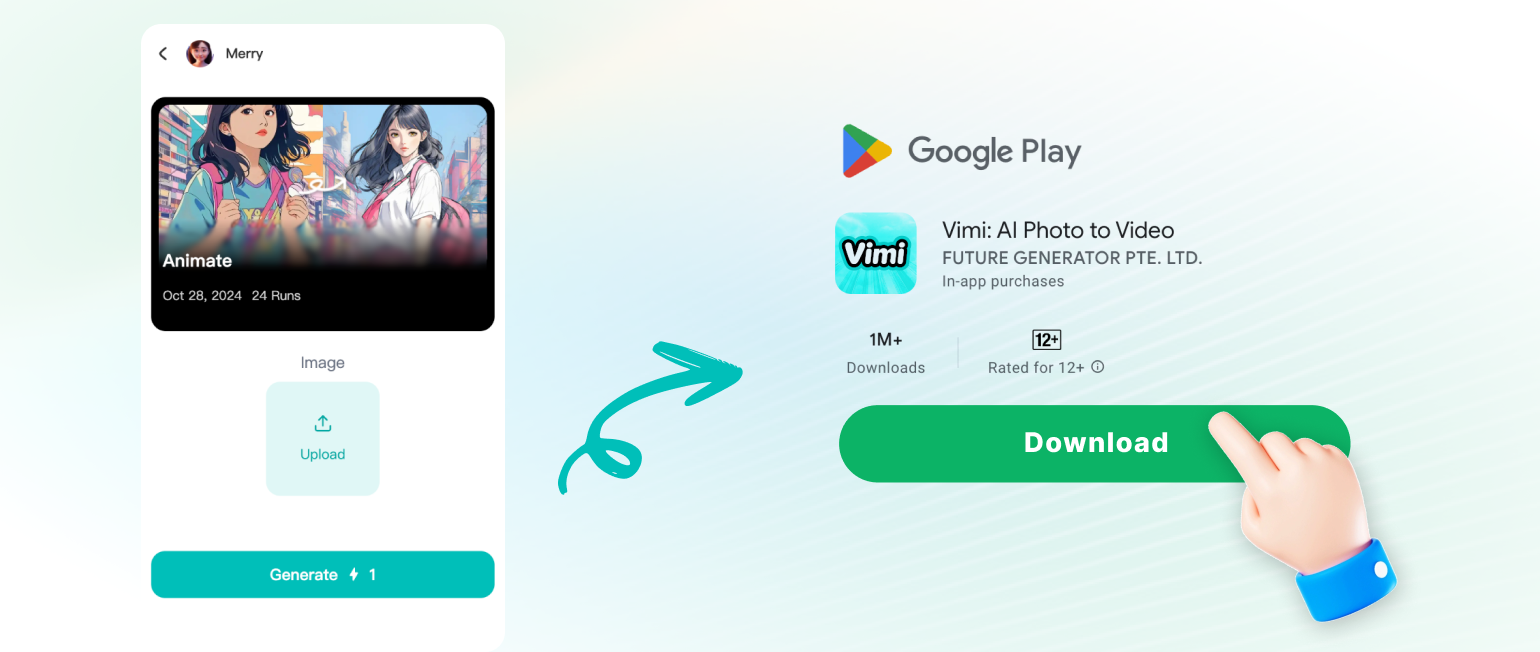
You can create a custom wanted poster in three easy steps. Vimi handles all the design work for you.
Vimi AI Wanted Poster Maker Key Features
Discover the key features that make Vimi AI Wanted Poster Maker the easiest way to create custom wanted posters on your phone.
 Before
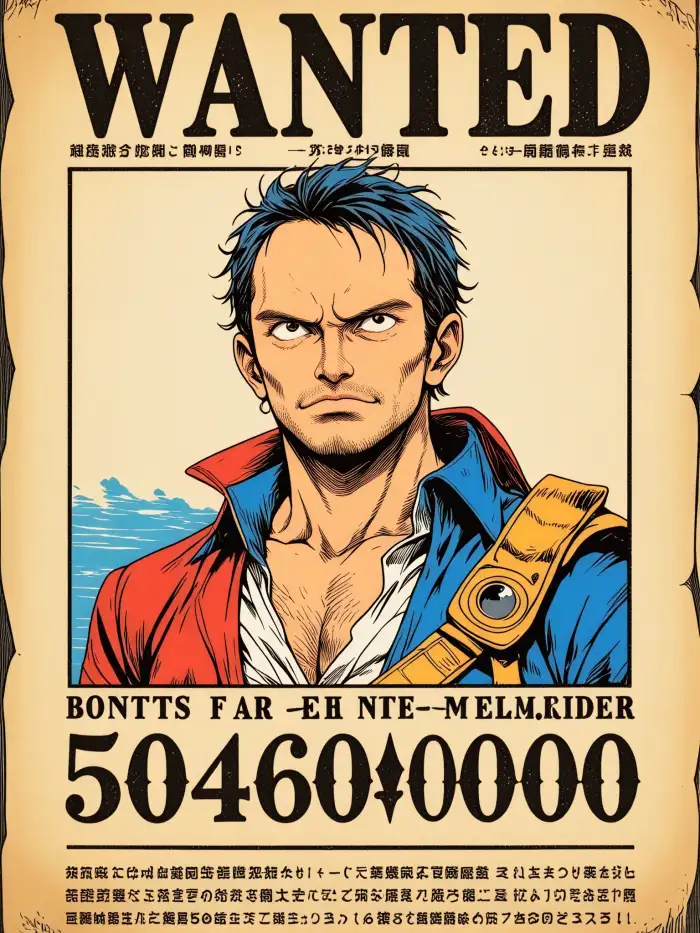 After
AfterVintage Paper Texture
The tool adds an old paper background with stains and creases. Your portrait gets a hand drawn sketch look with crosshatch shading. Text like WANTED and REWARD appears automatically in vintage typography. You also get a sheriff badge icon. No design skills needed. Just tap generate.
 Before
 After
AfterOne Tap Poster Creation
Choose a template, upload one photo, and tap generate. Vimi processes your image in 10 to 20 seconds. You get a ready to use wanted poster. No manual editing or complex settings. The whole process takes less than half a minute. You can generate multiple versions with different photos.
 Before
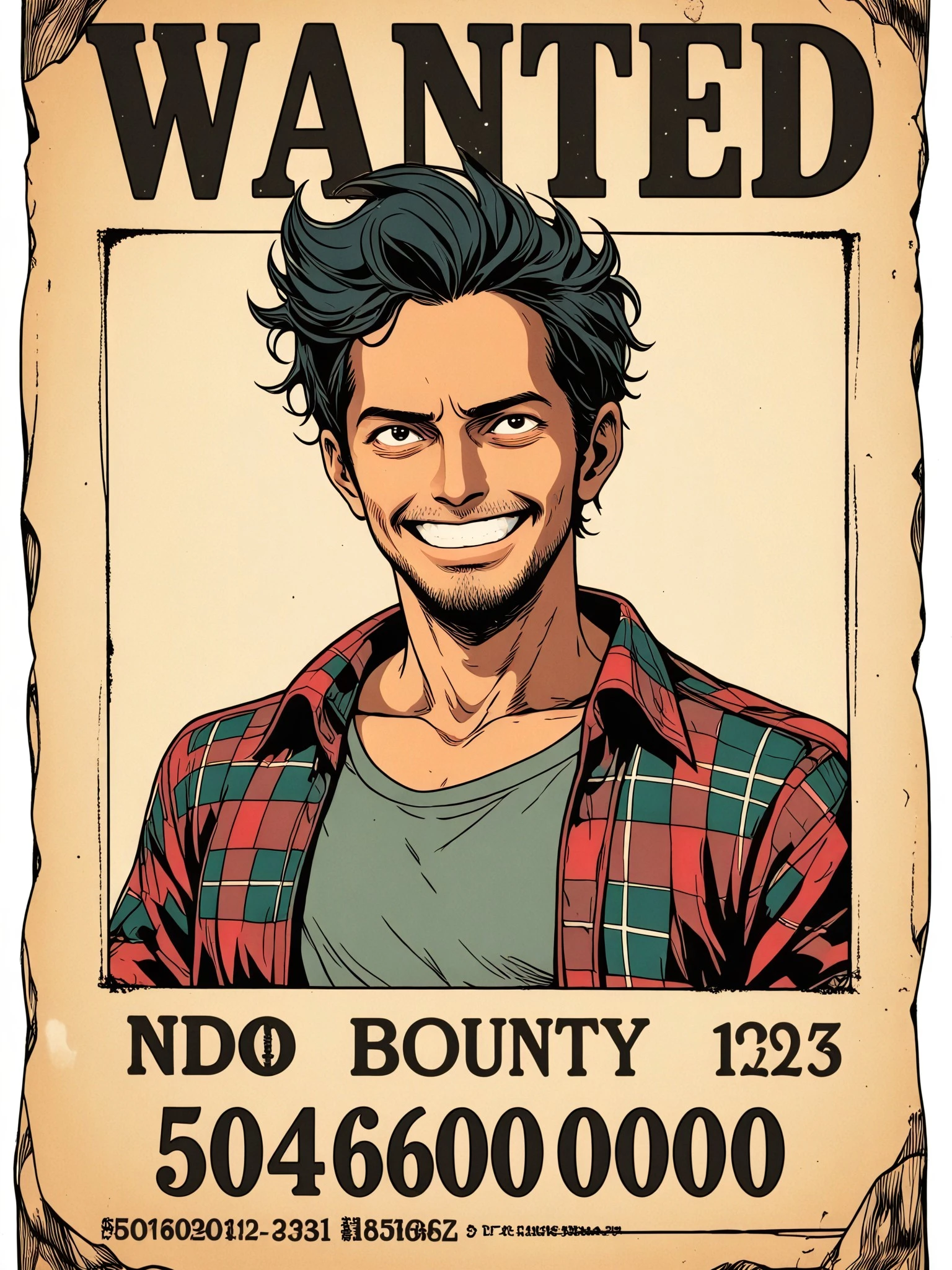 After
AfterVariety Of Poster Styles
Choose from different wanted poster looks. Some have a sepia tone. Others look like newspaper clippings or woodcut prints. Each style changes the border, badge, and text placement. You can preview each style before generating. The app saves your last used style for quick reuse.
Frequently Asked Questions
Find clear answers to common questions and get the guidance you need to make the most of our platform, faster and easier.
More Topics You May Like
Explore more topics you may like and discover fresh ideas tailored to your interests.
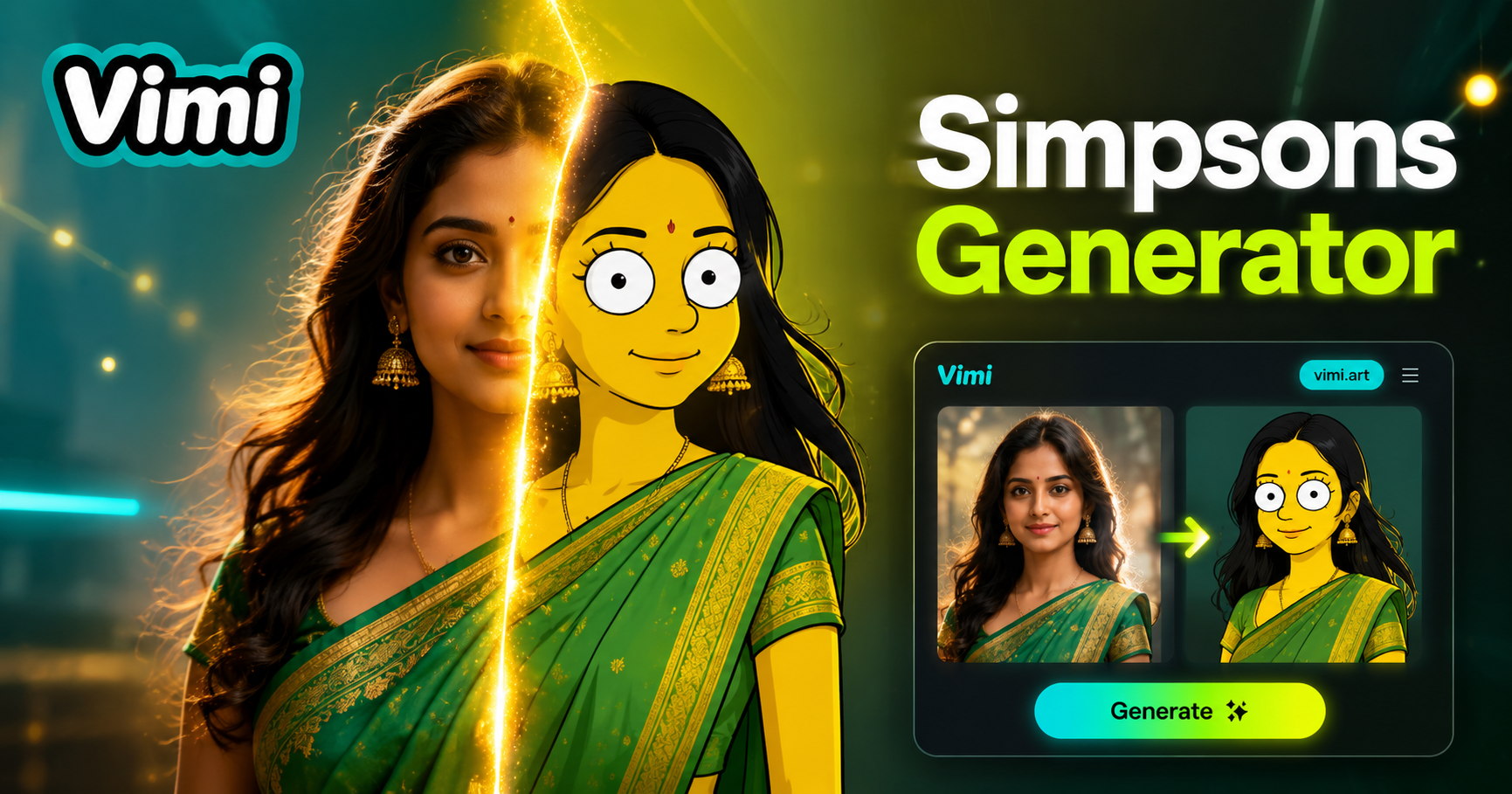
Simpsons AI Generator

AI Beauty Generator

AI Halloween Generator
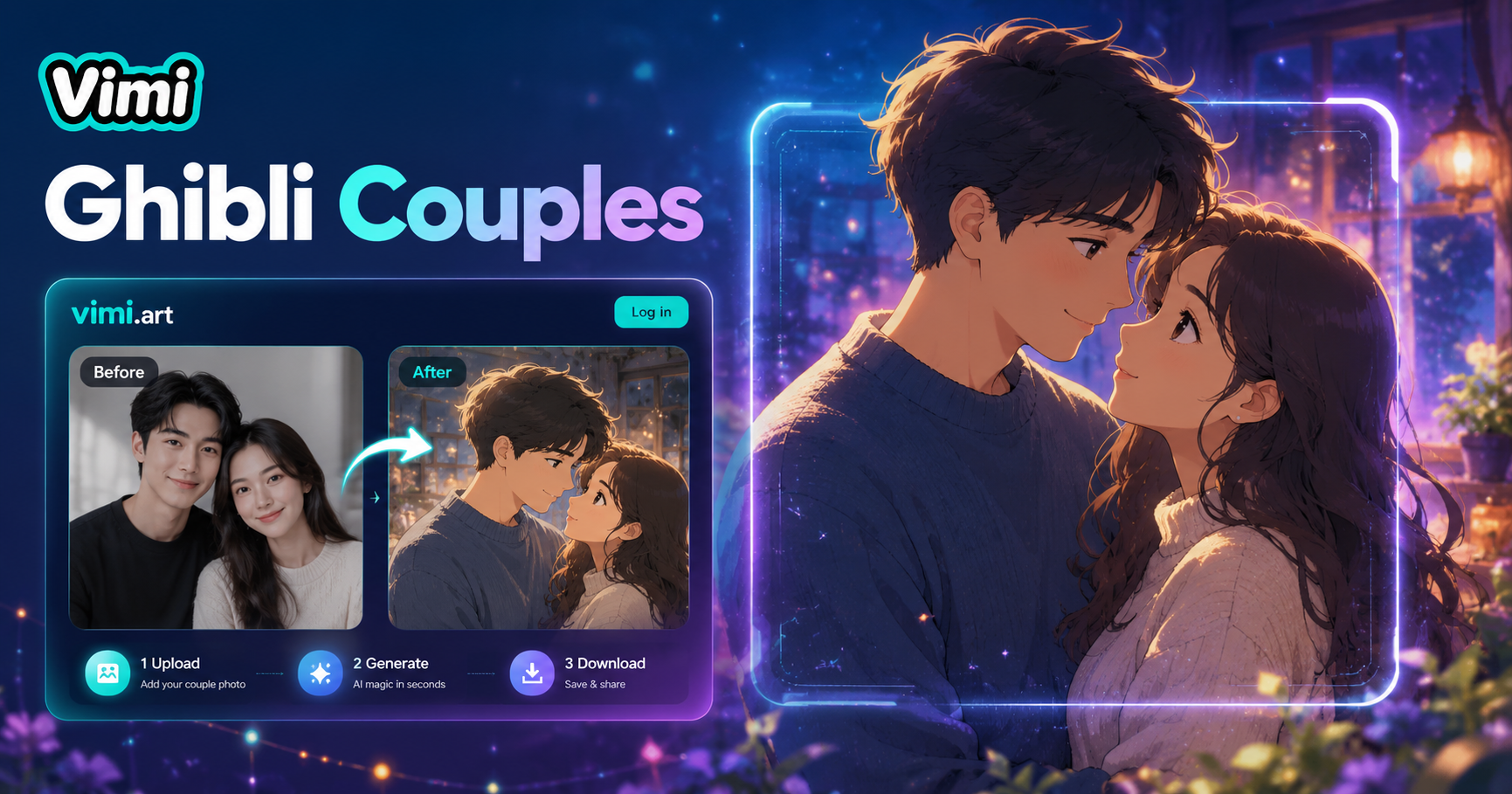
Ghibli Couple Photo
Simpsons AI Generator
AI Beauty Generator
AI Halloween Generator
Ghibli Couple Photo
Download Vimi And Create Your Wanted Poster Now
Turn your photos into Western style wanted posters. Get the app and generate in seconds.
Download Vimi And Create Your Wanted Poster Now
Turn your photos into Western style wanted posters. Get the app and generate in seconds.