AI Stadium Camera Capture Effect
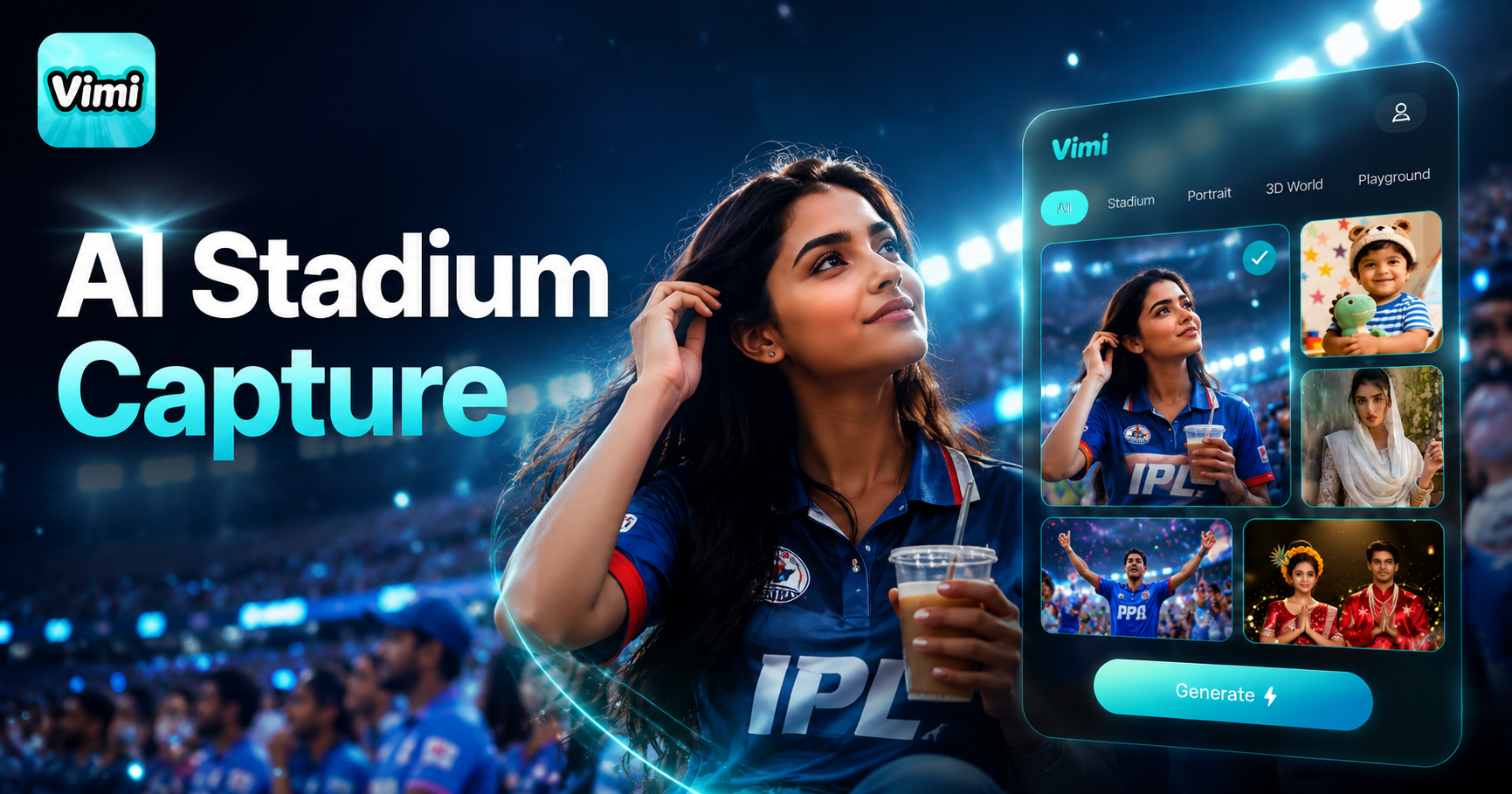
Cricket Crush Cam
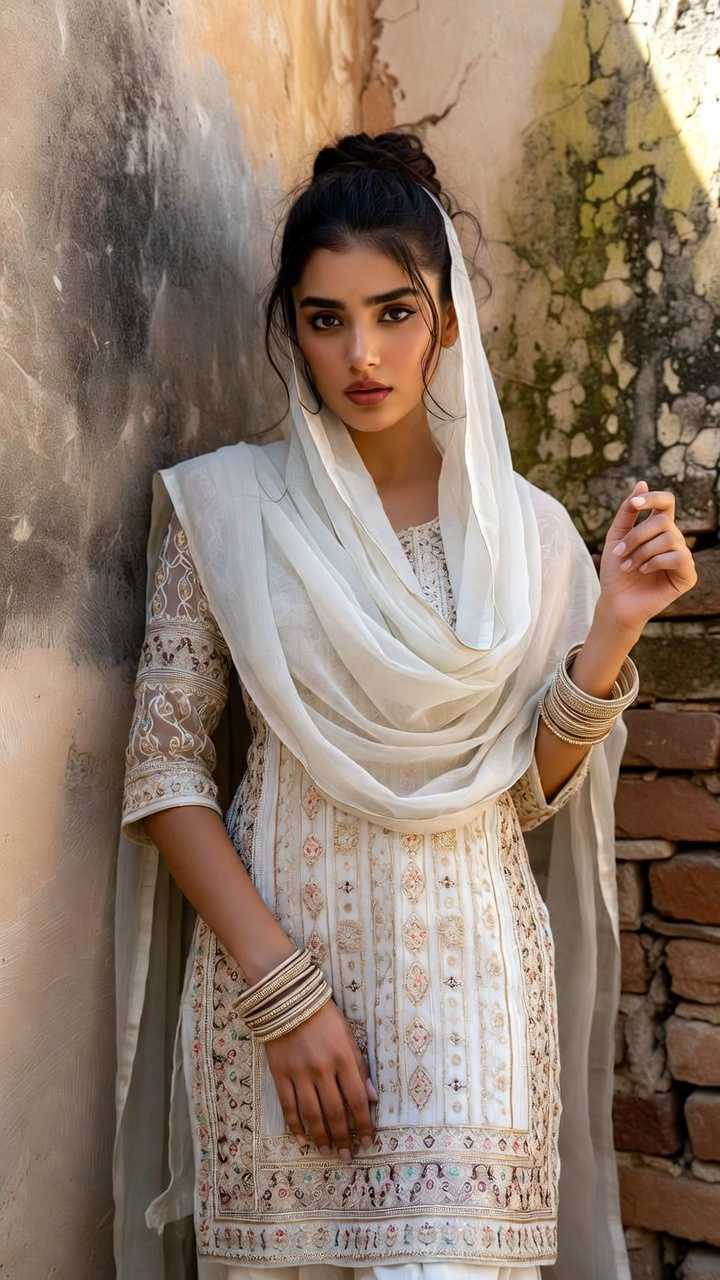
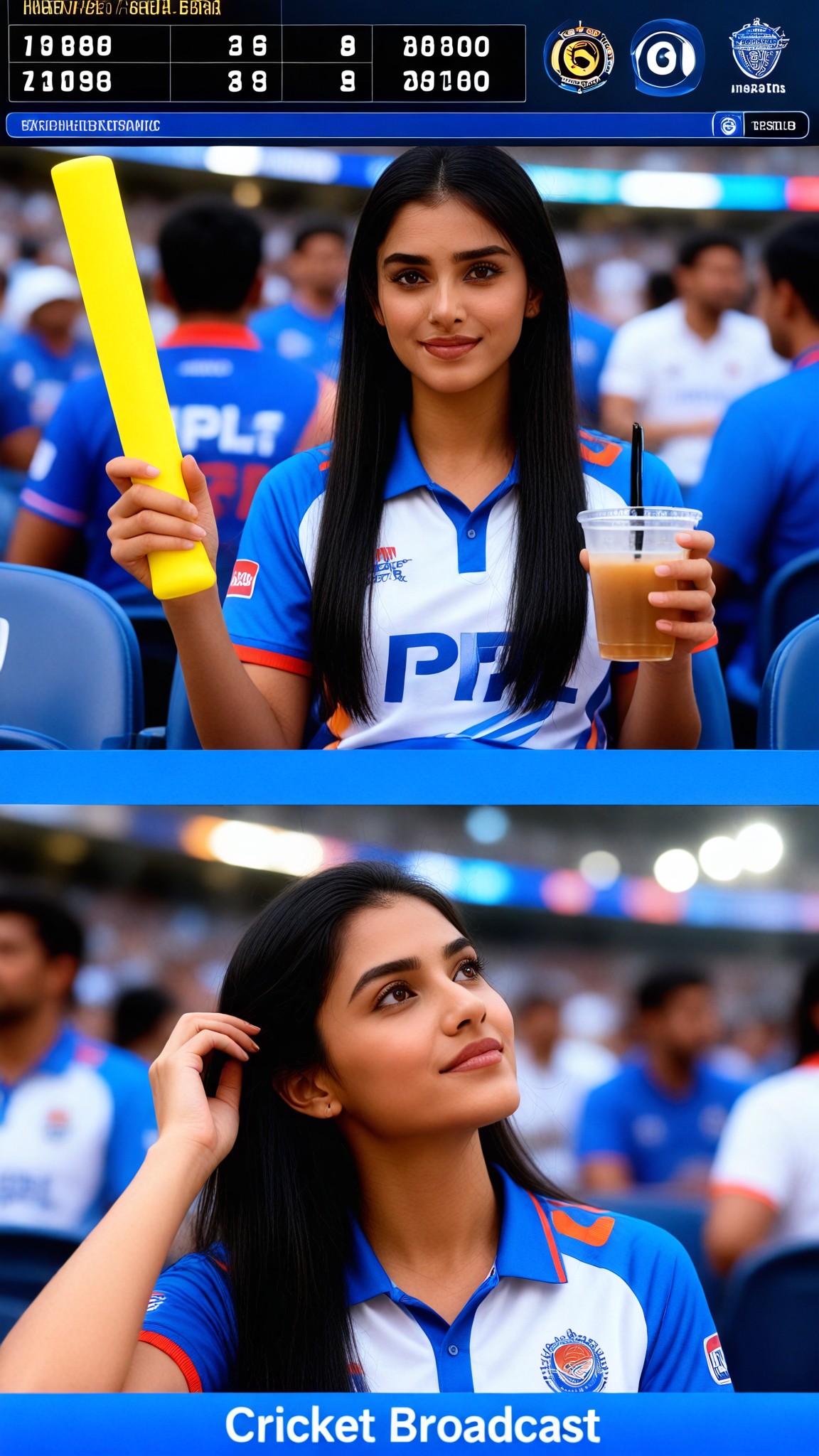

Why Use Vimi AI Stadium Camera Capture Effect
Explore the power of Vimi AI Stadium Camera Capture Effect to bring your game day photos to life with motion and energy.
Instant Sports Art
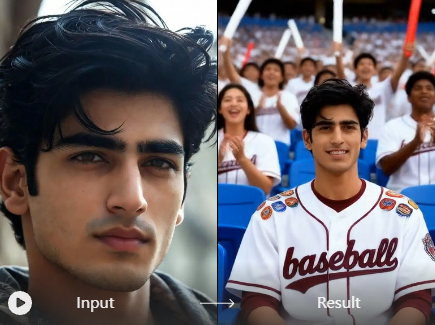
Vimi applies stadium specific effects to your photos. Choose from crowd wave animations, goal celebration filters, or player spotlight styles. Upload one picture and AI generates a dynamic version with moving elements. The whole process takes about seconds.
Instant Sports Art
Vimi applies stadium specific effects to your photos. Choose from crowd wave animations, goal celebration filters, or player spotlight styles. Upload one picture and AI generates a dynamic version with moving elements. The whole process takes about seconds.
Explore Use Cases for Vimi AI Stadium Camera Capture Effect
Find the many ways Vimi AI Stadium Camera Capture Effect enhances your sports photos for different moments and purposes.
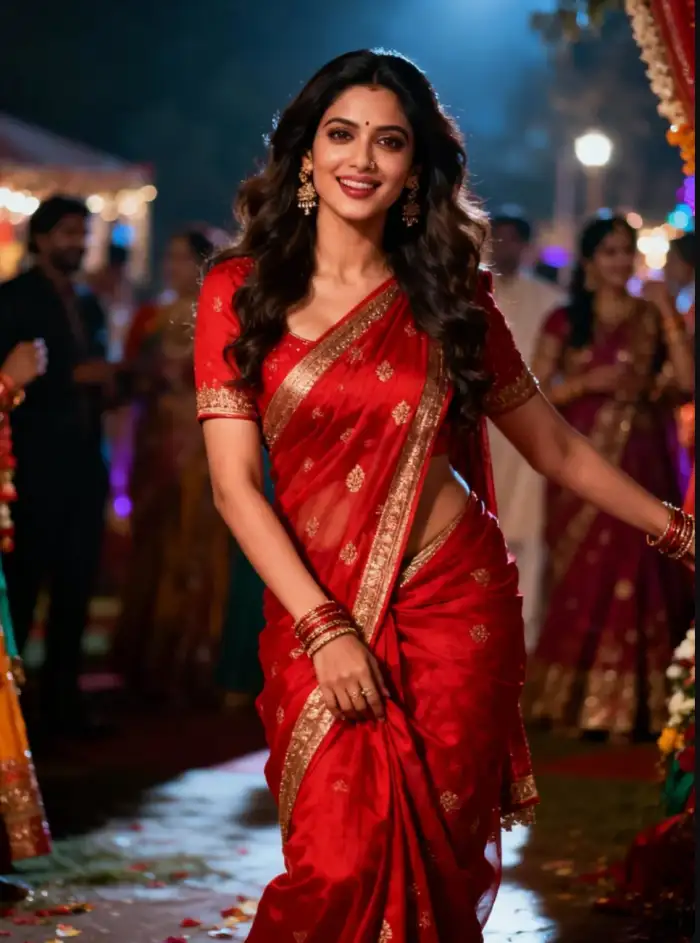 Before
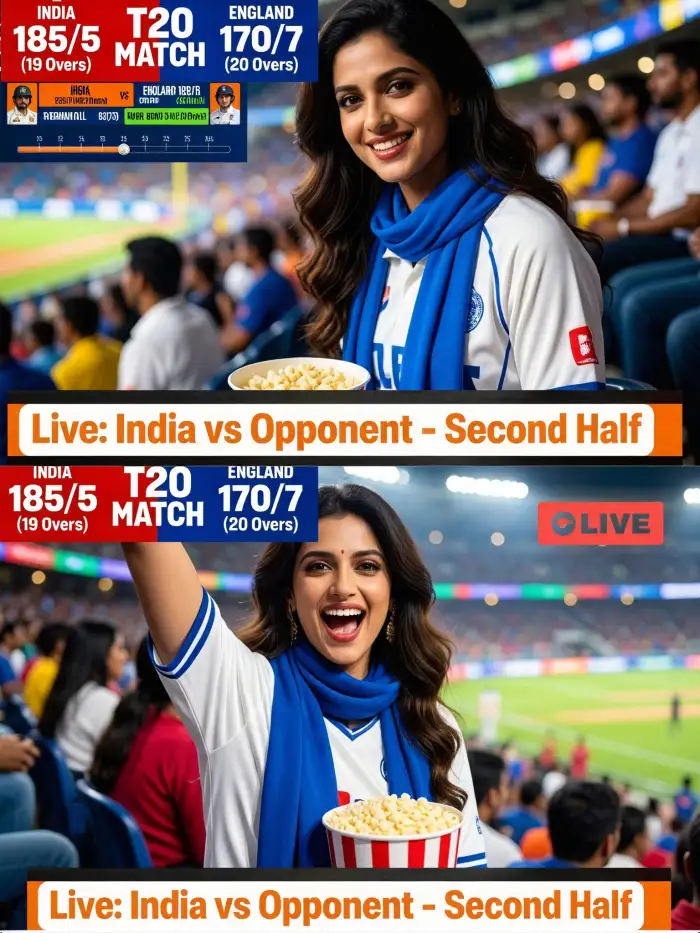 After
AfterMatch Day Recaps
Transform your game day photos into dynamic highlights. Apply stadium effects to key moments like goals, tackles, or celebrations. Share these animated versions on social media to relive the excitement. Friends and family can see the action come alive from your perspective.
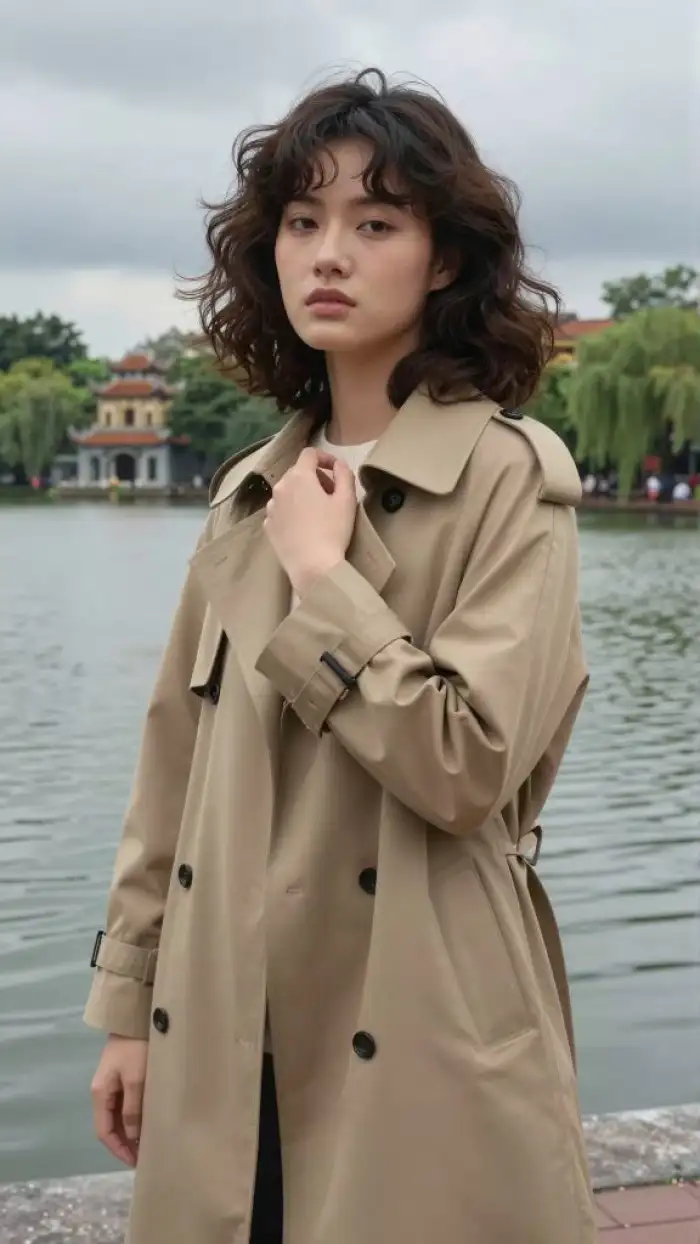 Before
Fan Zone Content
Create engaging content for fan communities. Turn selfies with fellow supporters into animated stadium scenes. Add crowd wave effects or team color filters. Post these to your personal Vimi page. Other fans can use your template to make their own versions.
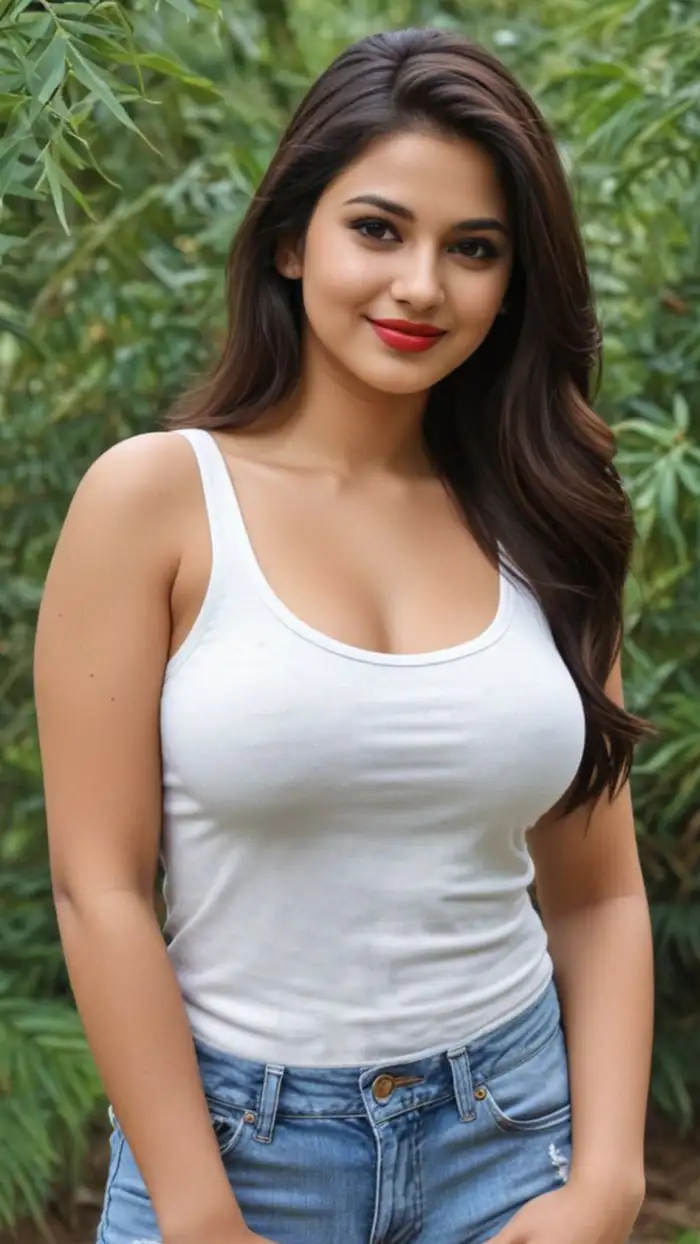 Before
Sports Event Memories
Preserve special match moments with cinematic effects. Convert ordinary photos into dramatic stadium scenes with motion blur and light flares. These enhanced images capture the energy of live sports. They make great digital souvenirs from tournaments and local games.
How to Create AI Stadium Camera Capture Effect With Vimi?
Using Vimi AI Stadium Camera Capture Effect is simple. Just follow these three steps to turn your sports photos into animated stadium art.

Step 01.
Get Vimi from your app store. Install and open it on your phone.

Step 02.
Browse the template library. Find a stadium filter. Upload your photo. Tap generate.

Step 03.
Review your result. Tap download to save it. Share to social media directly.
What Users Say About Vimi AI Stadium Camera Capture Effect

James T
My match photos look incredible now. The crowd effects make them feel like highlights.
Sarah M
The stadium templates are so easy to use. My whole team uses Vimi for our game recaps.

Carlos R
I love sharing my stadium creations. Friends always ask how I made them.
Emily K
The motion effects on crowd shots are amazing for social media posts.
James T
My match photos look incredible now. The crowd effects make them feel like highlights.
Sarah M
The stadium templates are so easy to use. My whole team uses Vimi for our game recaps.
Carlos R
I love sharing my stadium creations. Friends always ask how I made them.
Emily K
The motion effects on crowd shots are amazing for social media posts.
James T
My match photos look incredible now. The crowd effects make them feel like highlights.
Sarah M
The stadium templates are so easy to use. My whole team uses Vimi for our game recaps.
Carlos R
I love sharing my stadium creations. Friends always ask how I made them.
Emily K
The motion effects on crowd shots are amazing for social media posts.
Frequently Asked Questions
Find clear answers to common questions and get the guidance you need to make the most of our platform, faster and easier.
More Topics You May Like
Explore more topics you may like and discover fresh ideas tailored to your interests.
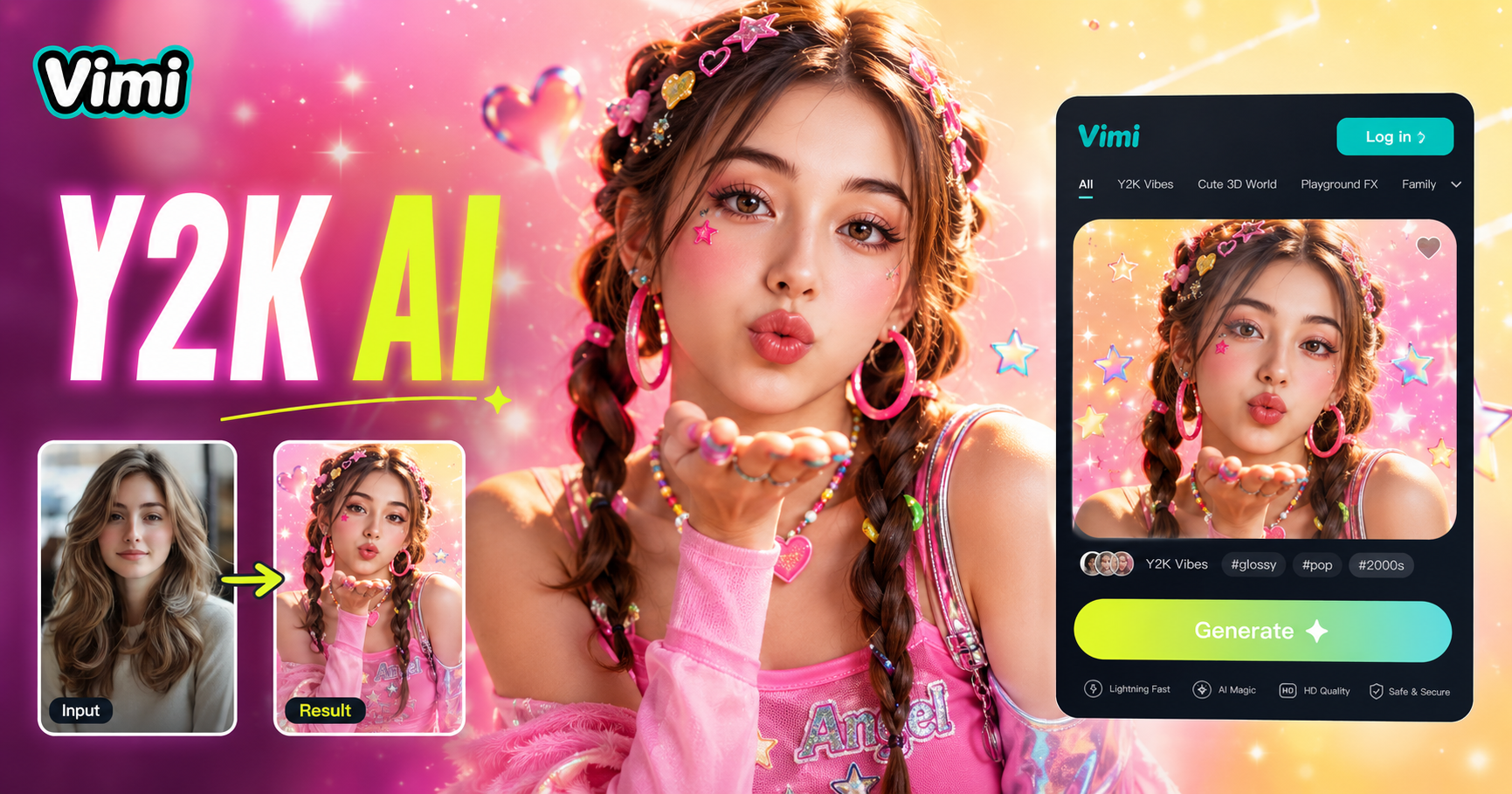
AI Y2k Generator
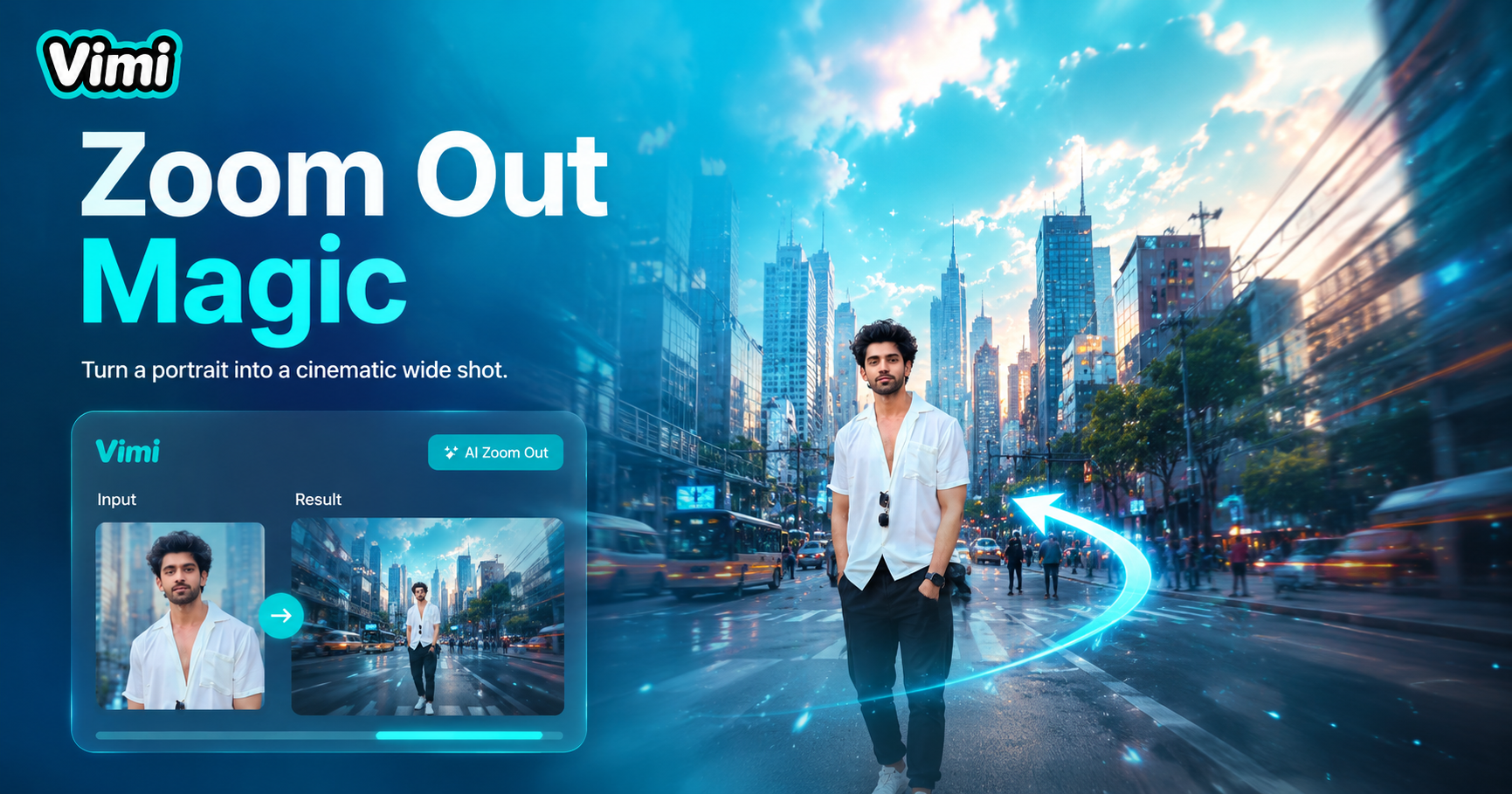
AI Zoom Out Video Effect
AI Catwalk With Animal
AI Hair Growth
AI Y2k Generator
AI Zoom Out Video Effect
AI Catwalk With Animal
AI Hair Growth
Download Vimi and Transform Your Stadium Photos Today
Turn your match day photos into dynamic art. Get Vimi now and start creating.
Download Vimi and Transform Your Stadium Photos Today
Turn your match day photos into dynamic art. Get Vimi now and start creating.