AI Speech Bubble Generator
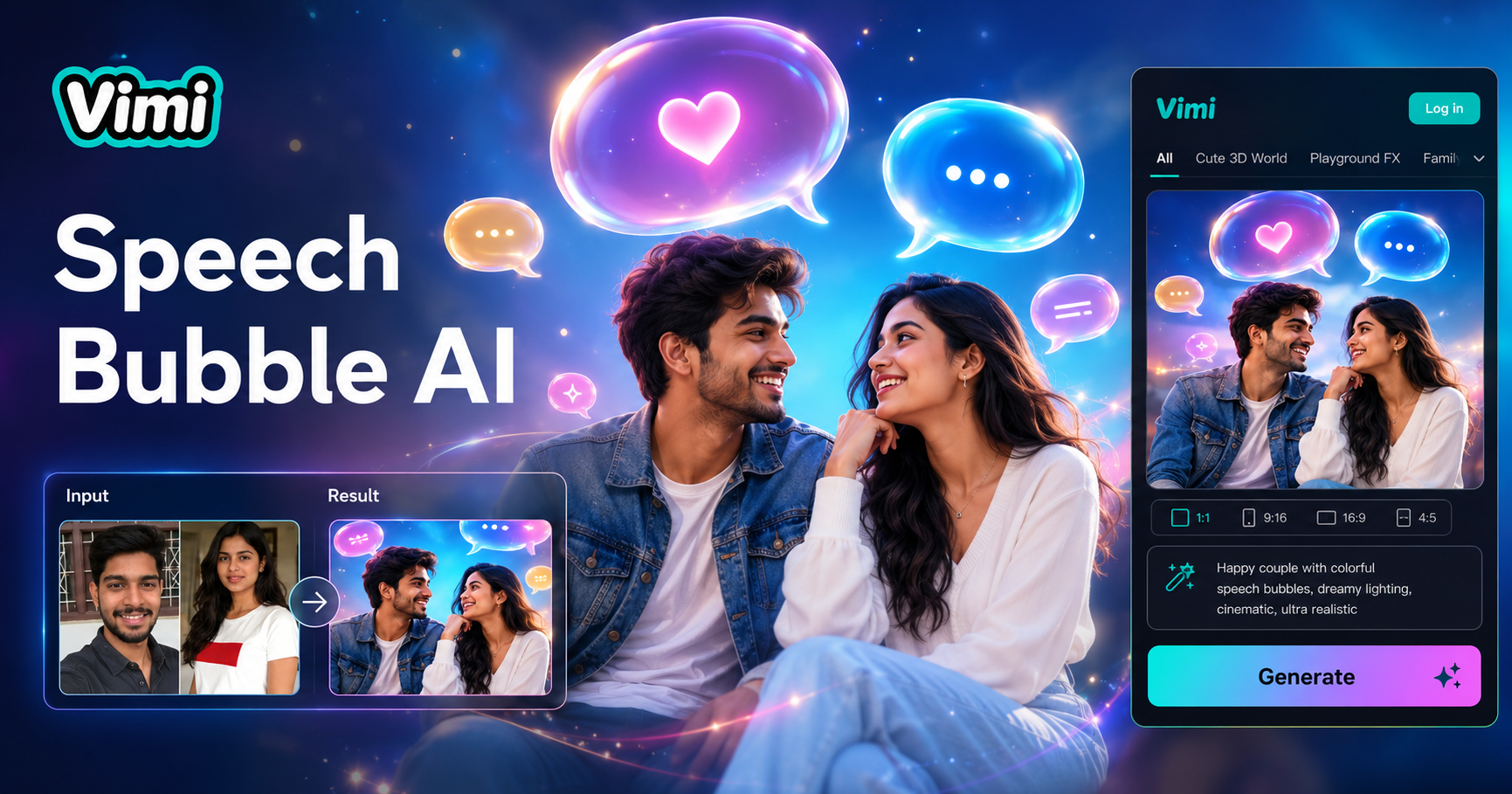
AI Speech Bubble Generator

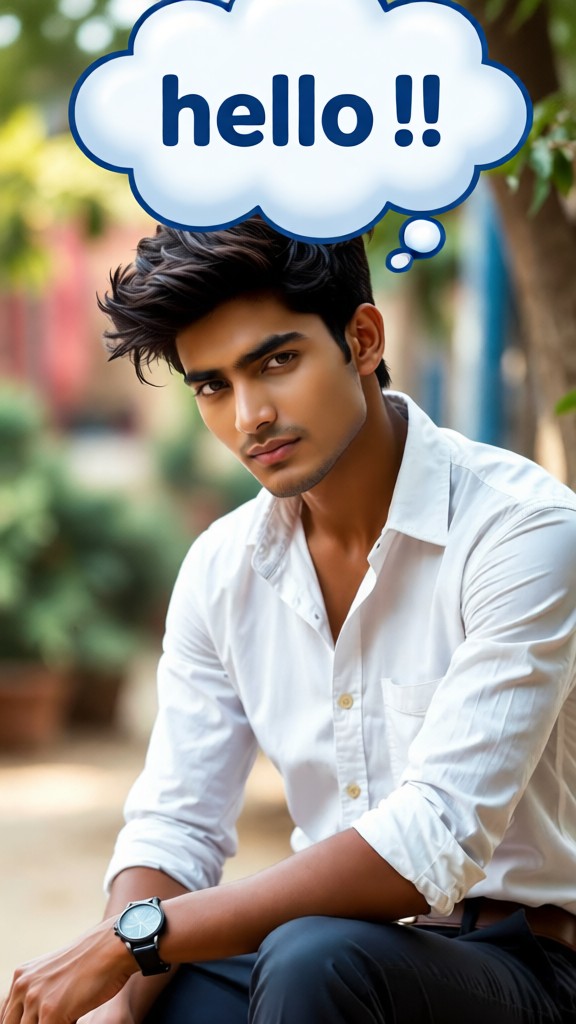

How to Use Vimi AI Speech Bubble Generator?
Create adorable AI speech bubble images in just a few simple steps using Vimi.

Step 01.
Get Vimi from the Google Play. Open the app.

Step 02.
Browse the template library. Find AI Speech Bubble Generator.Pick a style for 1, 2, or 3 people. Upload one photo.

Step 03.
Tap Generate. Wait seconds. Preview the result. Tap Download to save or share to your Vimi profile.
Vimi AI Speech Bubble Generator Fits Your Creative Needs
Find simple ways to turn ordinary portraits into dialogue driven comics.
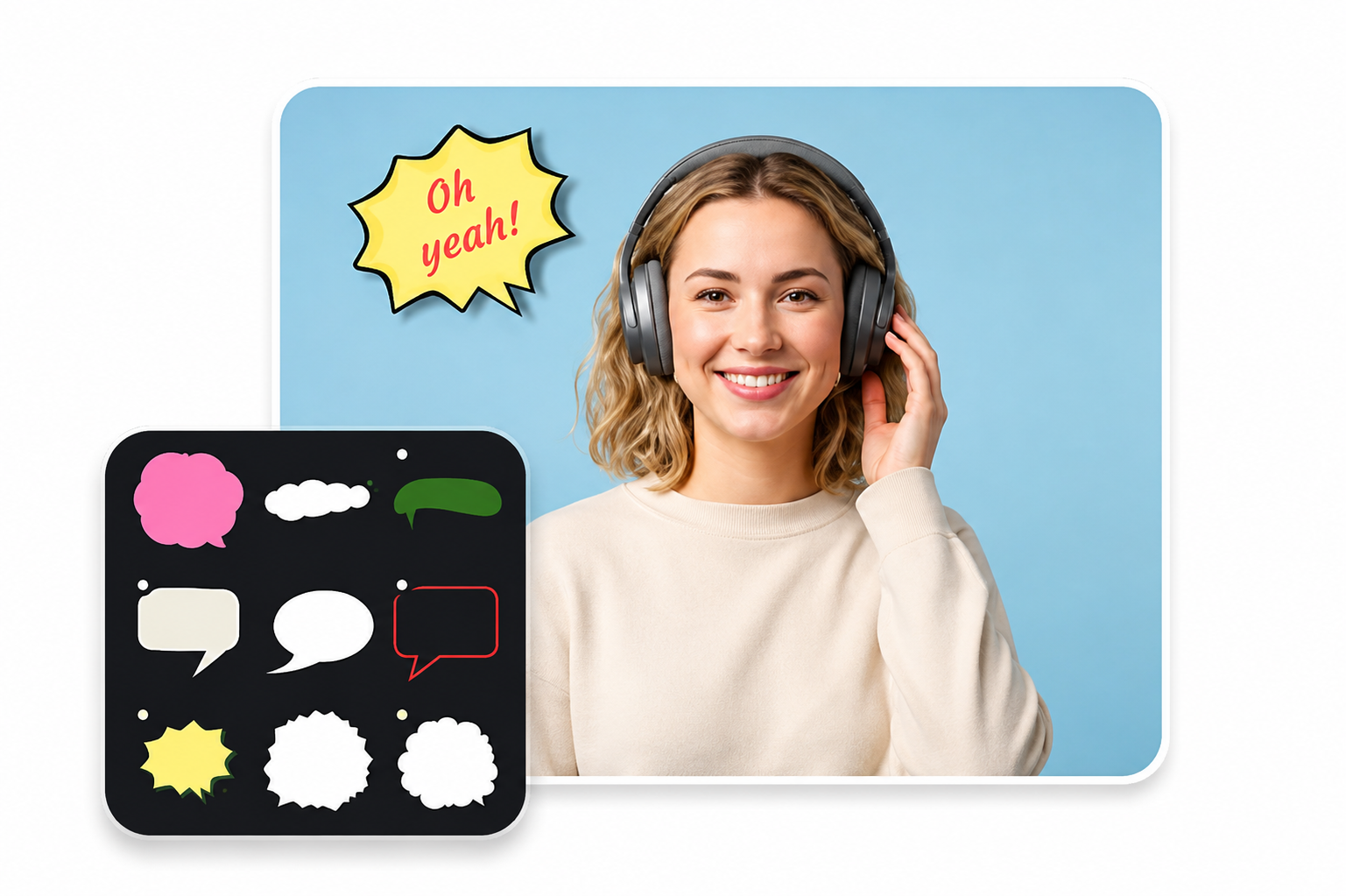
Social Media Memes
Upload a selfie or a two person photo. Pick a meme style bubble. In 10 seconds, get ready to post PNG. Use for Twitter reactions, Instagram Stories, or WhatsApp stickers. The bubble orientation automatically follows each person’s face direction.
Social Media Memes
Upload a selfie or a two person photo. Pick a meme style bubble. In 10 seconds, get ready to post PNG. Use for Twitter reactions, Instagram Stories, or WhatsApp stickers. The bubble orientation automatically follows each person’s face direction.
Frequently Asked Questions
Find clear answers to common questions and get the guidance you need to make the most of our platform, faster and easier.
More Topics You May Like
Explore more topics you may like and discover fresh ideas tailored to your interests.
AI Model Girl Generator

Ai Saree Generator
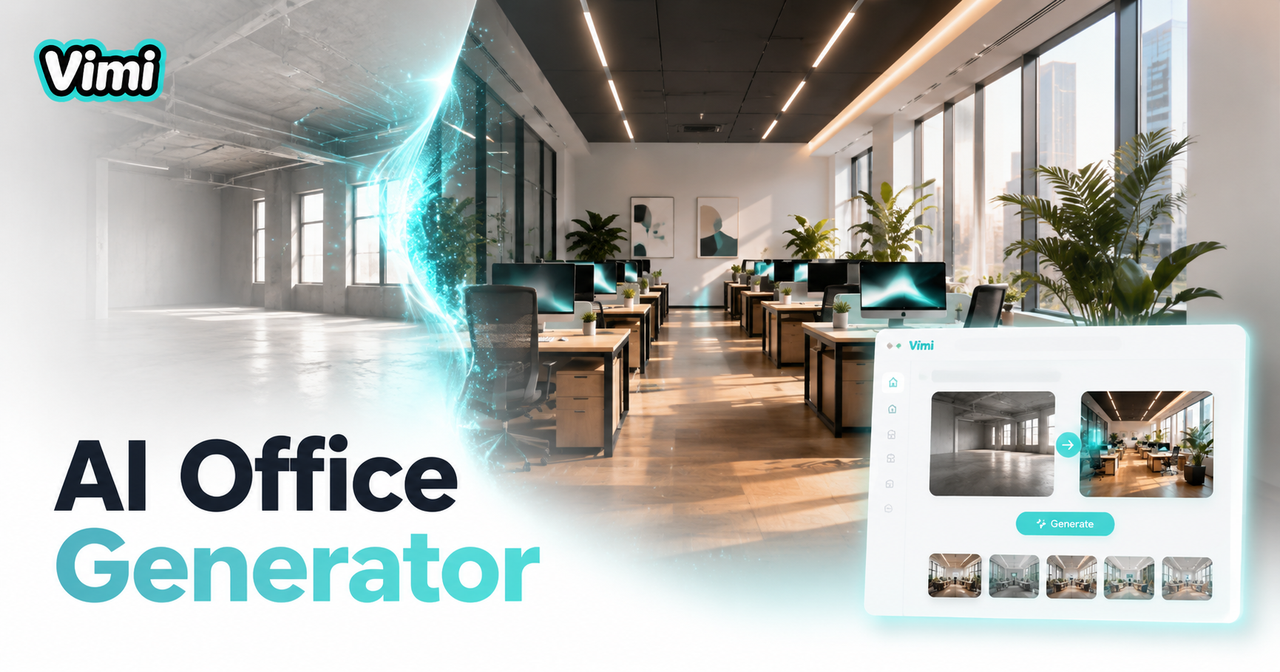
AI Office Setting Generator
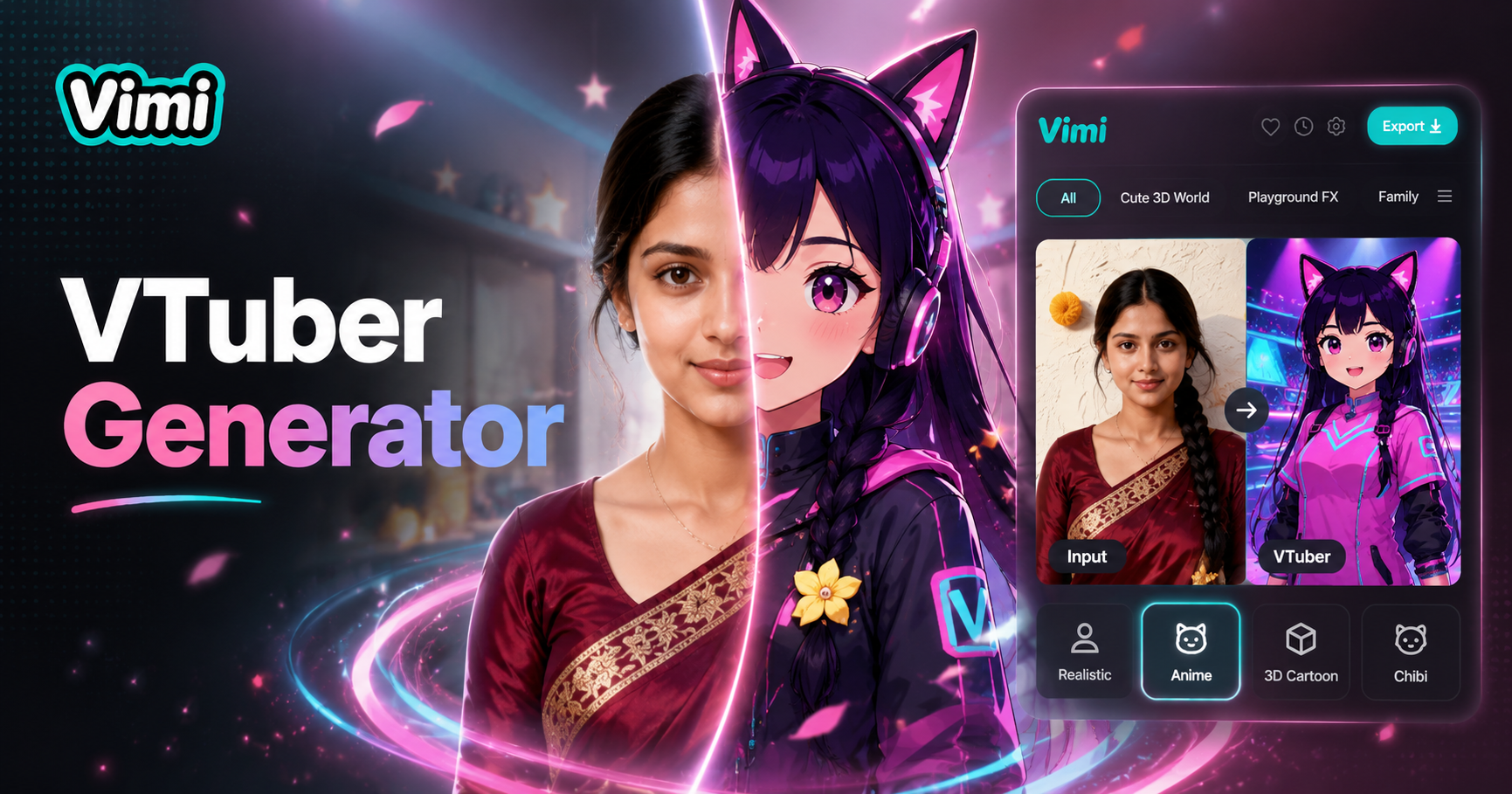
Vtuber AI Generator
AI Model Girl Generator
Ai Saree Generator
AI Office Setting Generator
Vtuber AI Generator
Create Your First Speech Bubble Comic Today
Download Vimi. Pick a template. Turn one photo into a funny conversation. Share with friends or save to your phone gallery.
Create Your First Speech Bubble Comic Today
Download Vimi. Pick a template. Turn one photo into a funny conversation. Share with friends or save to your phone gallery.