AI Restore Old Photo
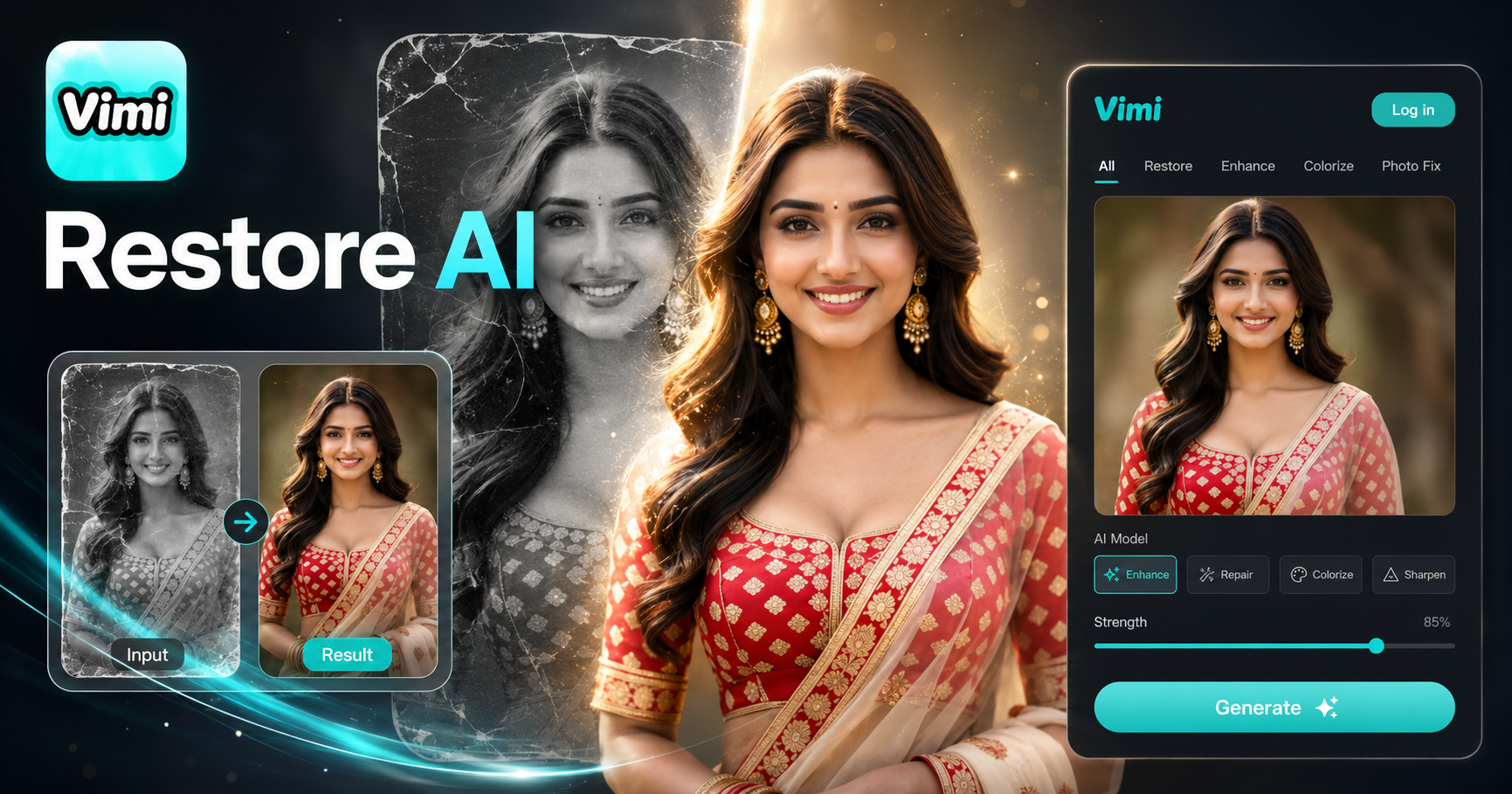
AI Restore Old Photo
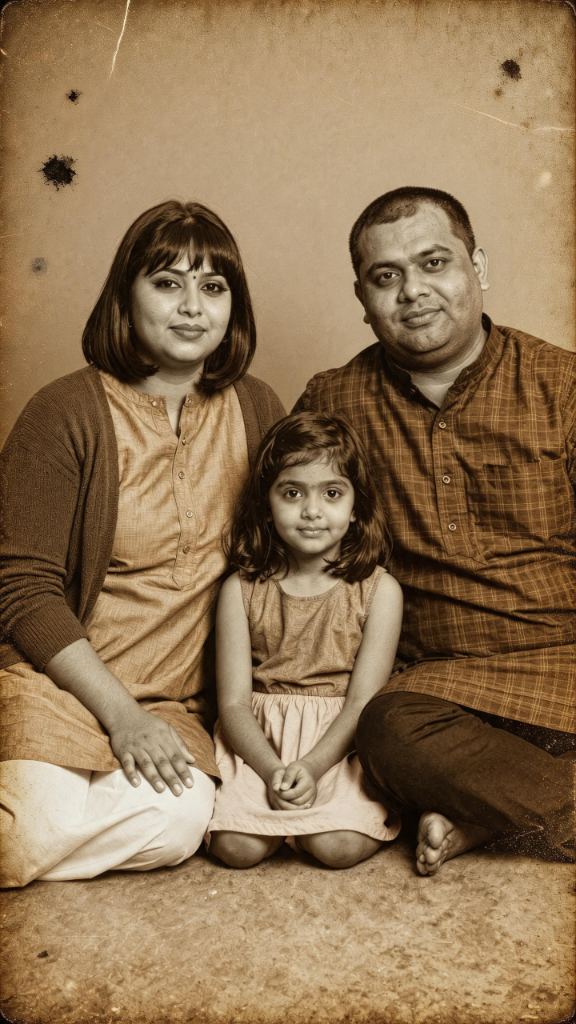


Key Features of Vimi AI Restore Old Photo
Turn your ideas into reality with a flexible and powerful platform. Discover the repair tools inside Vimi.
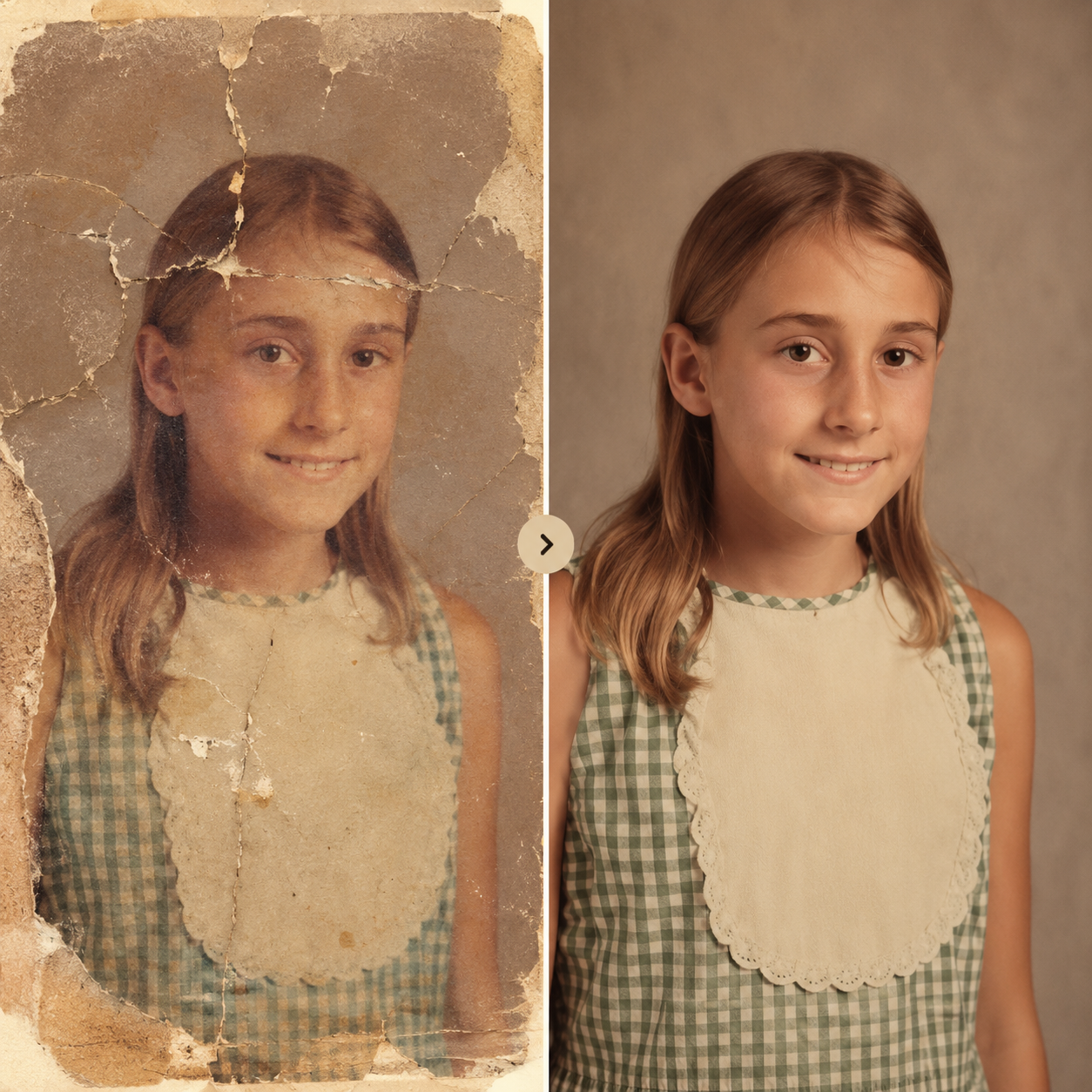
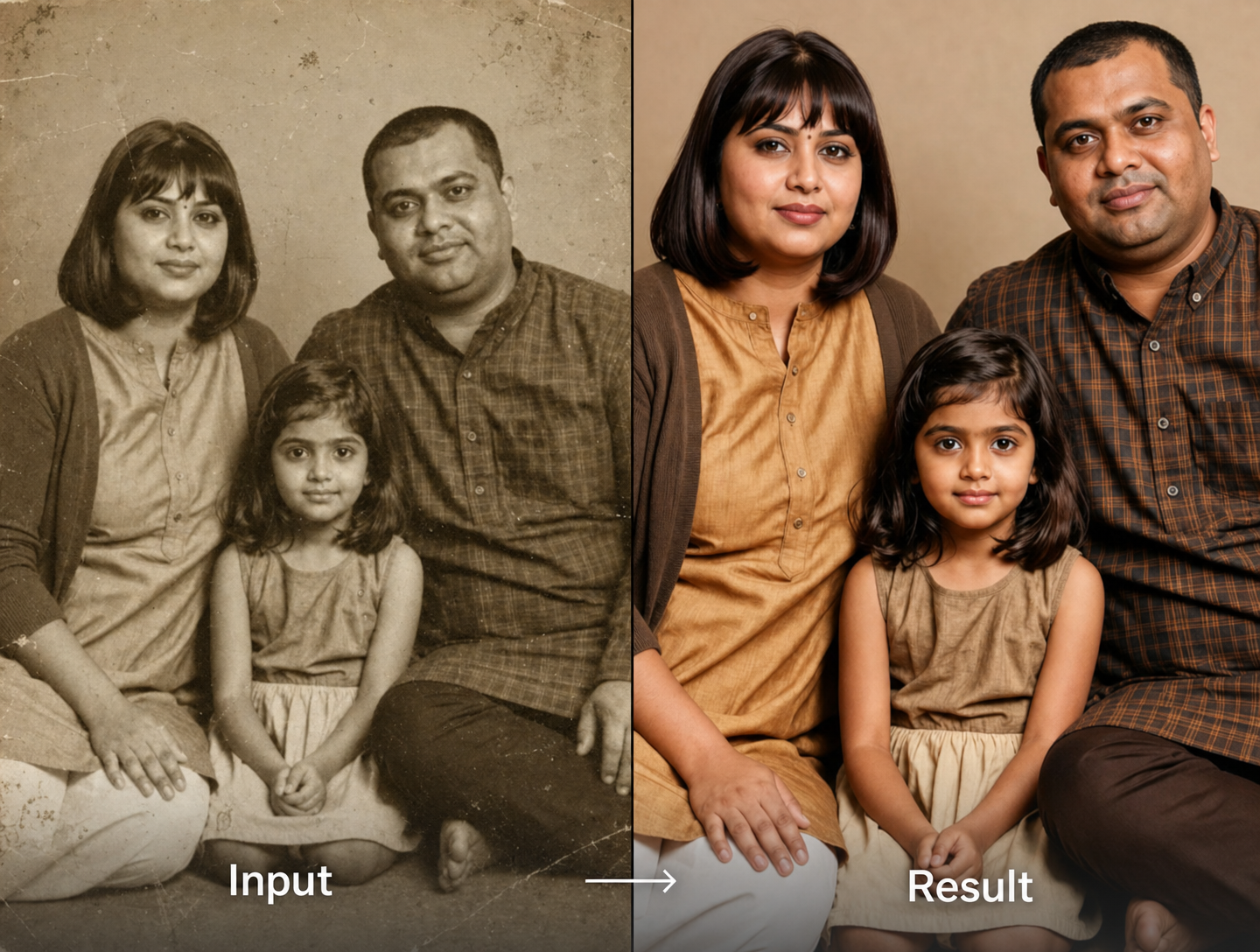
Scratch and Dust Removal
Turn your ideas into reality with a flexible and powerful platform. Create, customize, and launch with ease, no matter what you're working on.
Scratch and Dust Removal
Turn your ideas into reality with a flexible and powerful platform. Create, customize, and launch with ease, no matter what you're working on.
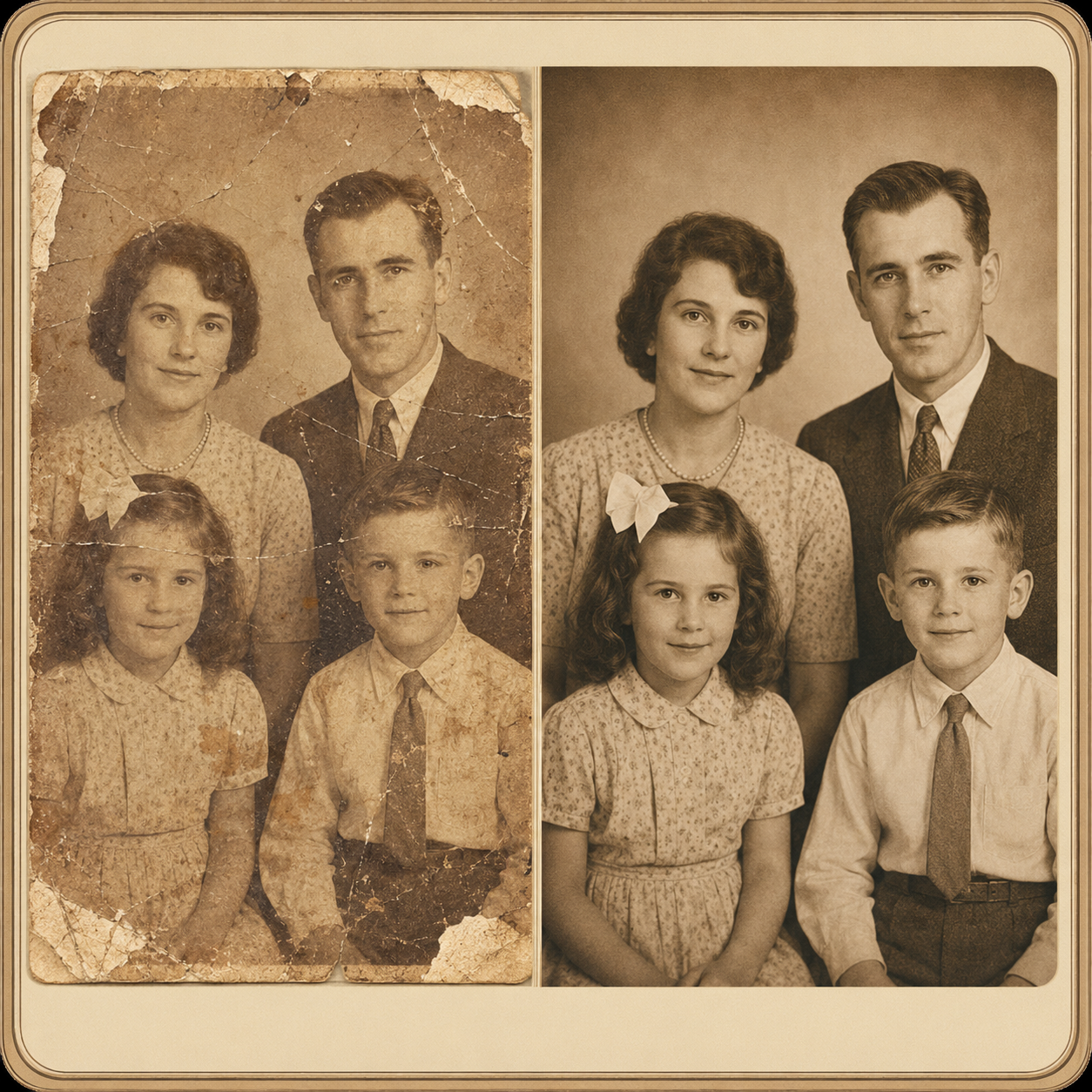
Color Fade Correction
Old photos often turn yellow or lose red and blue tones. Vimi analyzes the color histogram of your image and applies a targeted color balance adjustment. It brings back natural skin tones and sky blues without over-saturating faces or backgrounds.
Color Fade Correction
Old photos often turn yellow or lose red and blue tones. Vimi analyzes the color histogram of your image and applies a targeted color balance adjustment. It brings back natural skin tones and sky blues without over-saturating faces or backgrounds.
Face Detail Recovery
When faces in old photos become blurry or eyes disappear, Vimi rebuilds facial structures. The AI detects eye sockets, nose bridges, and mouth lines even from 50 year old prints. It redraws these features clearly while keeping the person recognizable.
Face Detail Recovery
When faces in old photos become blurry or eyes disappear, Vimi rebuilds facial structures. The AI detects eye sockets, nose bridges, and mouth lines even from 50 year old prints. It redraws these features clearly while keeping the person recognizable.
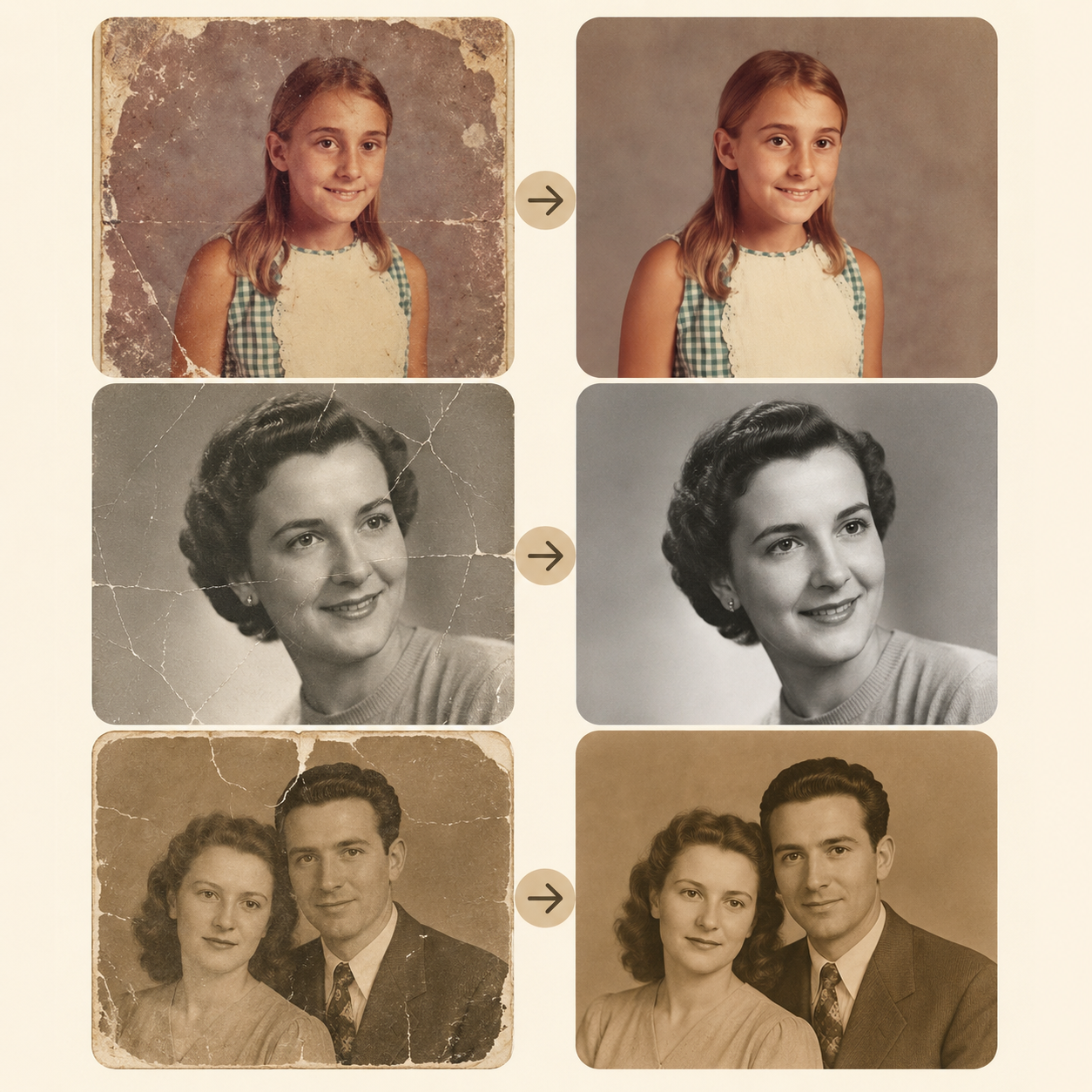
Torn Edge Repair
Upload a scanned photo with missing corners or ripped edges. Vimi generates new pixels that match the surrounding pattern. The repaired area blends smoothly so no one can tell where the tear was.
Torn Edge Repair
Upload a scanned photo with missing corners or ripped edges. Vimi generates new pixels that match the surrounding pattern. The repaired area blends smoothly so no one can tell where the tear was.
Three Steps For Vimi AI Restore Old Photo
Create AI restore an old photo in just a few simple steps using our powerful platform.

Step 01.
Download Vimi from your phone’s app store. Installation takes under 30 seconds.
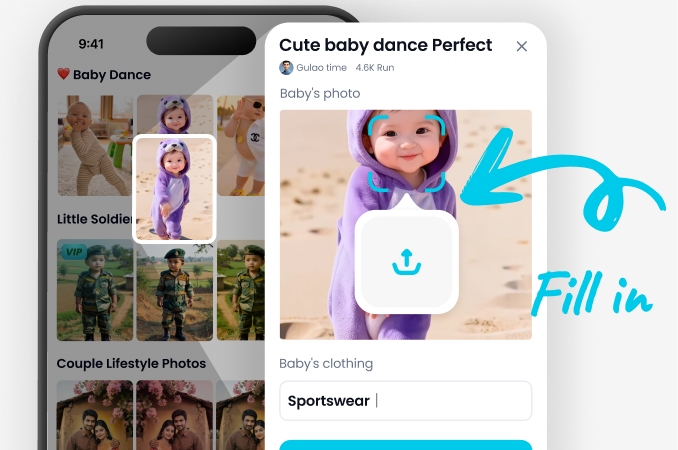
Step 02.
Open Vimi, find AI Restore Old Photo, upload your damaged image, and tap Generate.
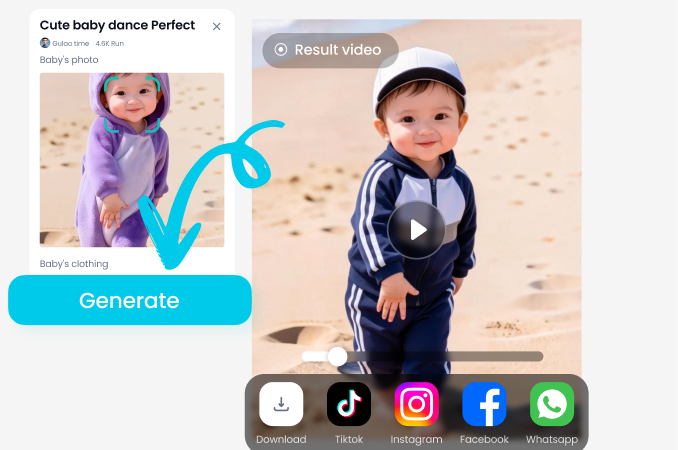
Step 03.
After 10–20 seconds, tap Download. You can also share directly to your Vimi profile or social media.
Frequently Asked Questions
Find clear answers to common questions and get the guidance you need to make the most of our platform, faster and easier.
More Topics You May Like
Explore more topics you may like and discover fresh ideas tailored to your interests.

Couple Mirror Selfie

World Cup Baby Effects

Ai Digital Avatar Generator

Ai Raksha Bandhan Card Design Generator
Couple Mirror Selfie
World Cup Baby Effects
Ai Digital Avatar Generator
Ai Raksha Bandhan Card Design Generator
Download Vimi And Restore Memories
Get the Vimi app on your phone. Choose the Old Photo Restore filter and upload your damaged image.
Download Vimi And Restore Memories
Get the Vimi app on your phone. Choose the Old Photo Restore filter and upload your damaged image.