AI Pop Art Generator
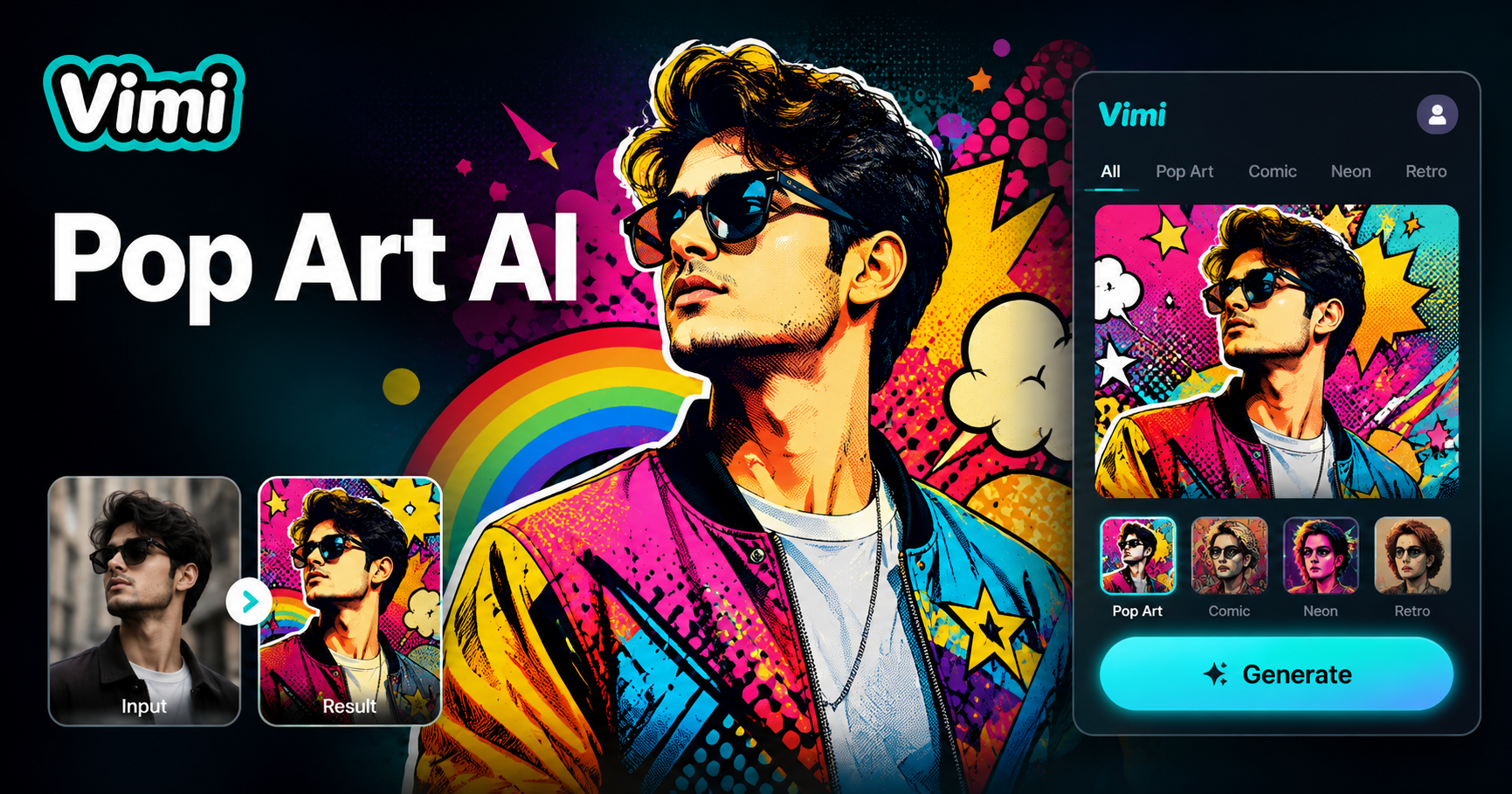
Choose Your AI Pop Art Generator Filter
Find the AI Pop Art Generator filter that matches your style and mood.
Key Use Cases for Vimi AI Pop Art Generator
Find the ways Vimi pop art templates work for your daily needs and see how you can turn ordinary photos into pop art for messaging apps, wall art, or gifts.
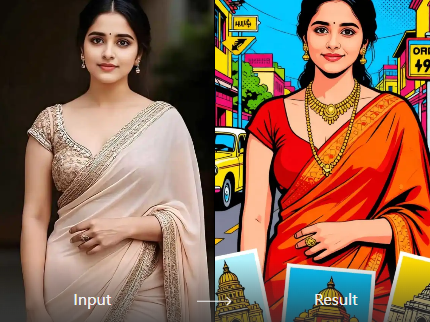
Your Profile Picture
Upload a selfie and pick a pop art template. Vimi keeps your face shape and hair while adding comic style dots and bright contrast colors. The result works for social media avatars, forum badges, or messaging app icons.
Your Profile Picture
Upload a selfie and pick a pop art template. Vimi keeps your face shape and hair while adding comic style dots and bright contrast colors. The result works for social media avatars, forum badges, or messaging app icons.
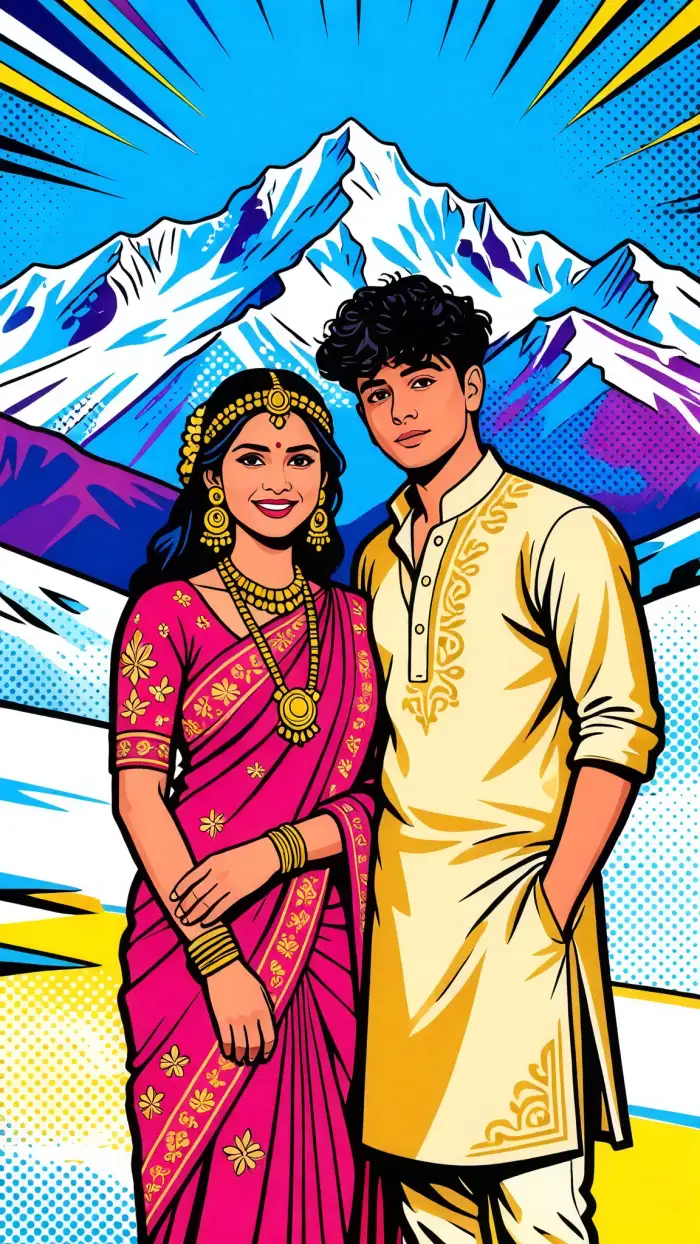
Design Album Covers
Musicians and podcasters can turn a band photo into a Warhol style cover. Vimi applies halftone patterns and bold outlines. The generated image stands out on streaming platforms and helps your release get noticed without hiring a designer.
Design Album Covers
Musicians and podcasters can turn a band photo into a Warhol style cover. Vimi applies halftone patterns and bold outlines. The generated image stands out on streaming platforms and helps your release get noticed without hiring a designer.
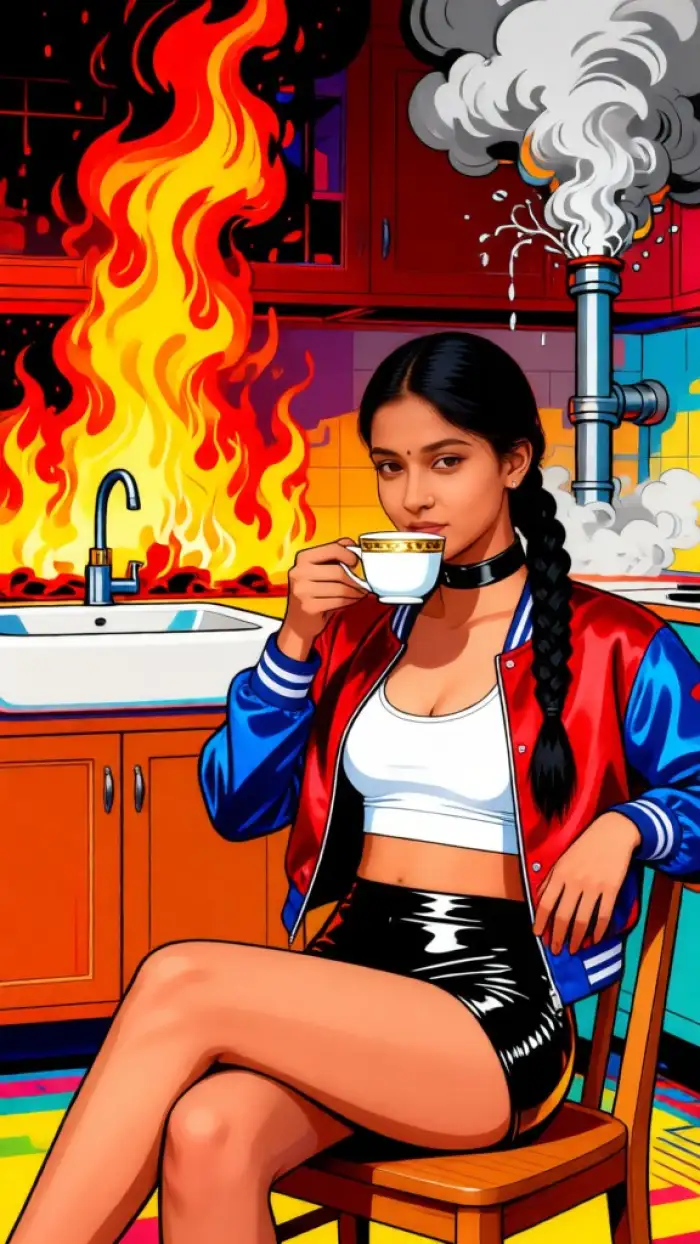
Use Pop Art Stickers
Convert your daily sketches or kids drawings into pop art stickers. Vimi cleans up lines and adds retro color palettes. Upload the result to messaging apps or sticker marketplaces. You build a sticker pack in minutes using only your mobile device.
Use Pop Art Stickers
Convert your daily sketches or kids drawings into pop art stickers. Vimi cleans up lines and adds retro color palettes. Upload the result to messaging apps or sticker marketplaces. You build a sticker pack in minutes using only your mobile device.
How To Generate Pop Art With Vimi AI Pop Art Generator?
You complete everything in three simple steps. You do not need any desktop software or web tools. All creation stays inside the Vimi mobile app from start to finish.
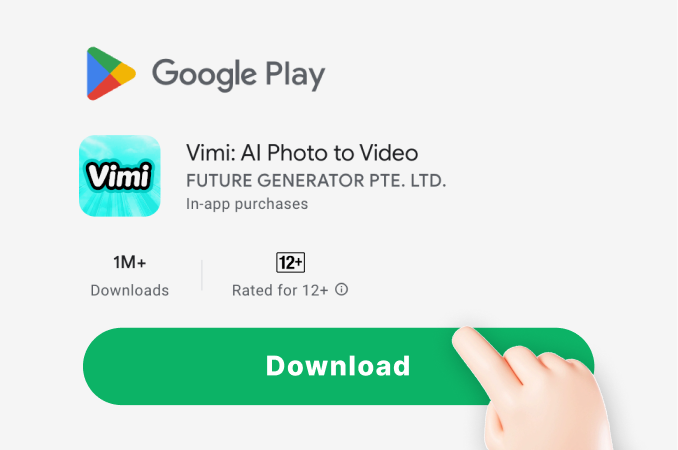
Step 01.
Visit Vimi official website on your phone. Tap the download button to install the Google Play app.
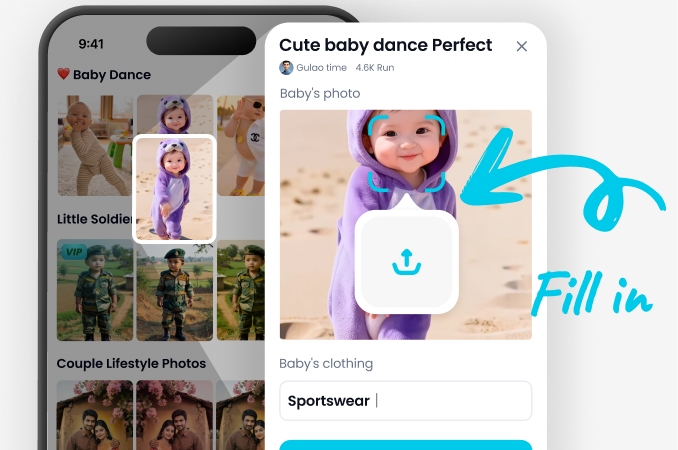
Step 02.
Open Vimi and browse the template library. Choose AI Pop Art Generator. Upload one photo.
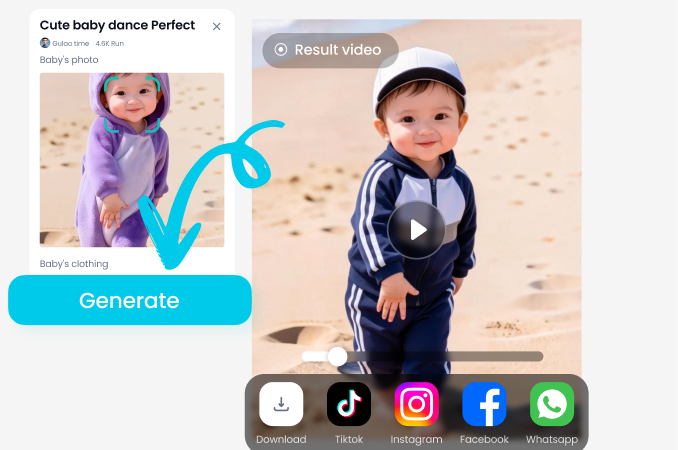
Step 03.
Tap the Generate button. Wait 10 to 20 seconds. Click Download to save your pop art or share it directly to your feed.
Frequently Asked Questions
Find clear answers to common questions and get the guidance you need to make the most of our platform, faster and easier.
More Topics You May Like
Explore more topics you may like and discover fresh ideas tailored to your interests.
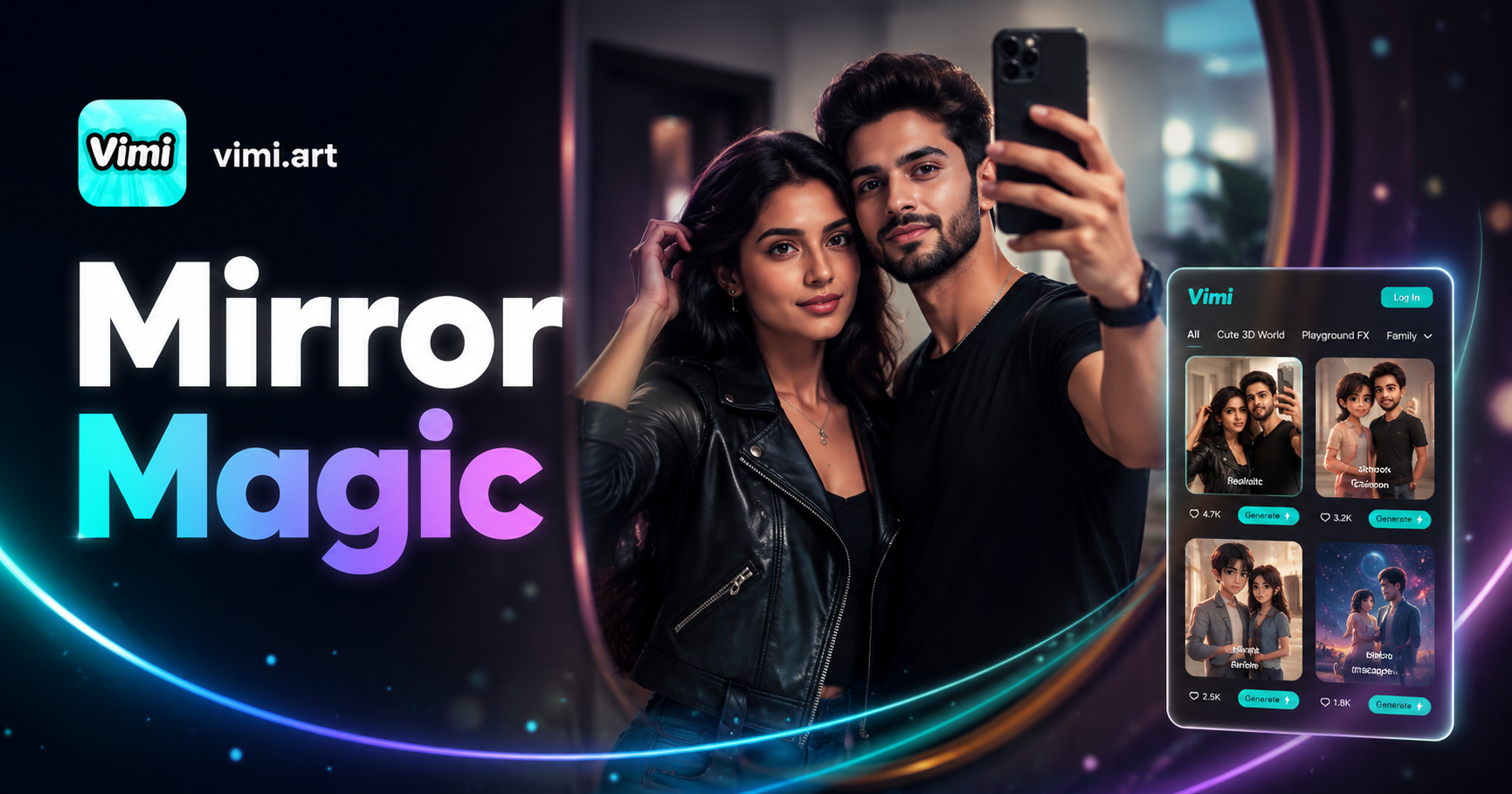
Couple Mirror Selfie
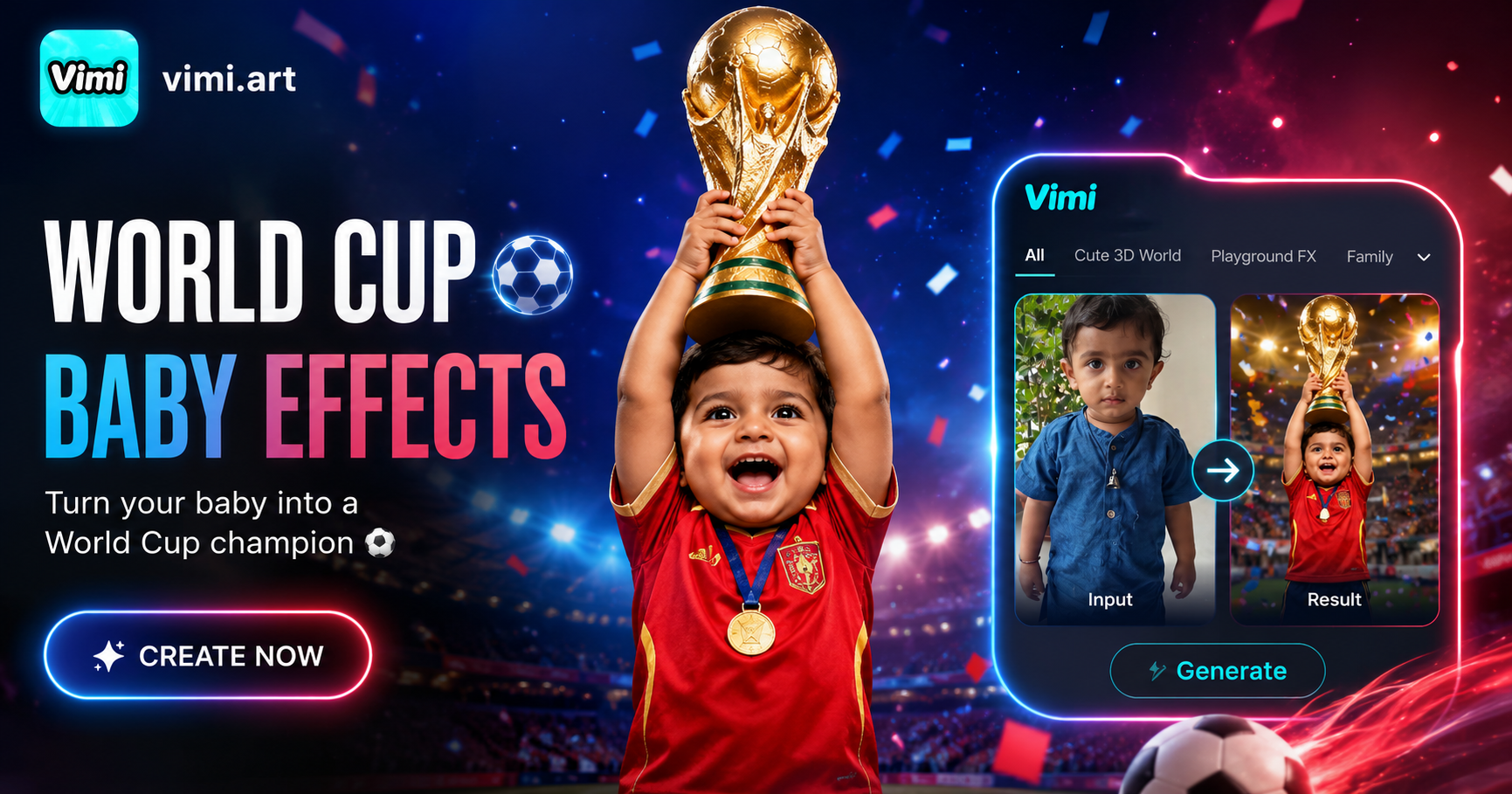
World Cup Baby Effects
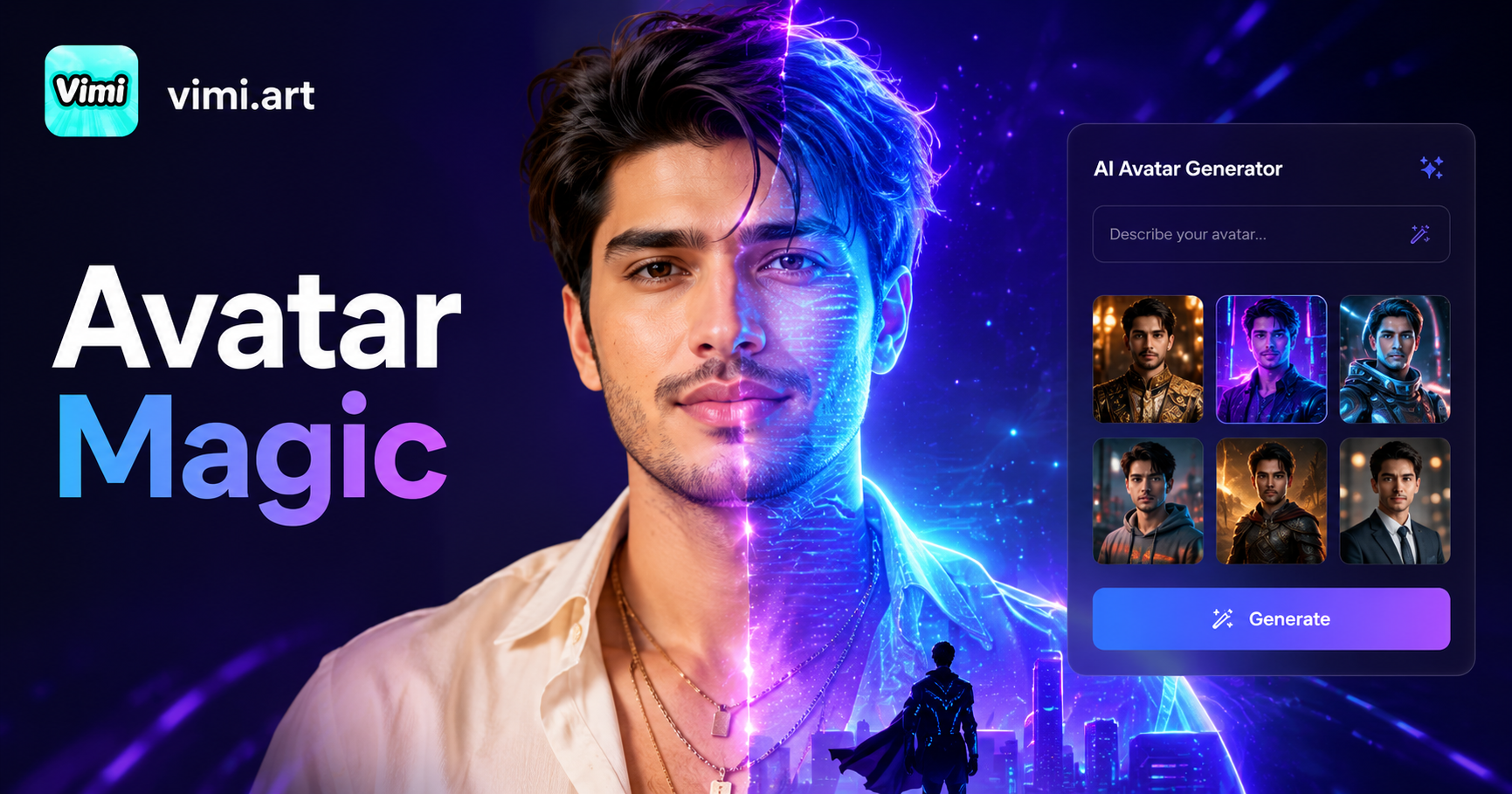
Ai Digital Avatar Generator
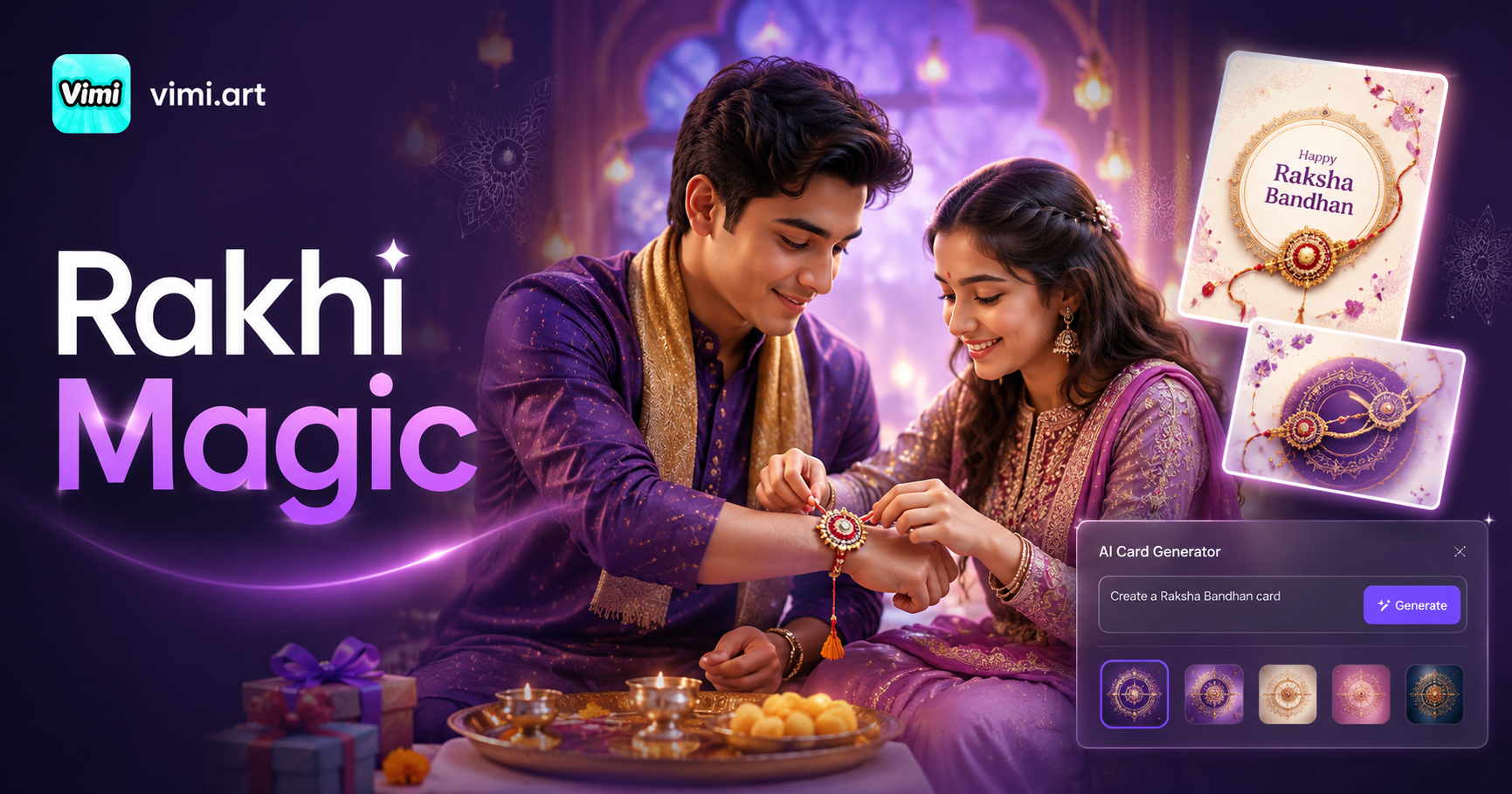
Ai Raksha Bandhan Card Design Generator
Couple Mirror Selfie
World Cup Baby Effects
Ai Digital Avatar Generator
Ai Raksha Bandhan Card Design Generator
Make Pop Art With Your Phone Today
Download Vimi App. Generate your first pop art in twenty seconds.
Make Pop Art With Your Phone Today
Download Vimi App. Generate your first pop art in twenty seconds.