AI Photo Face Swap
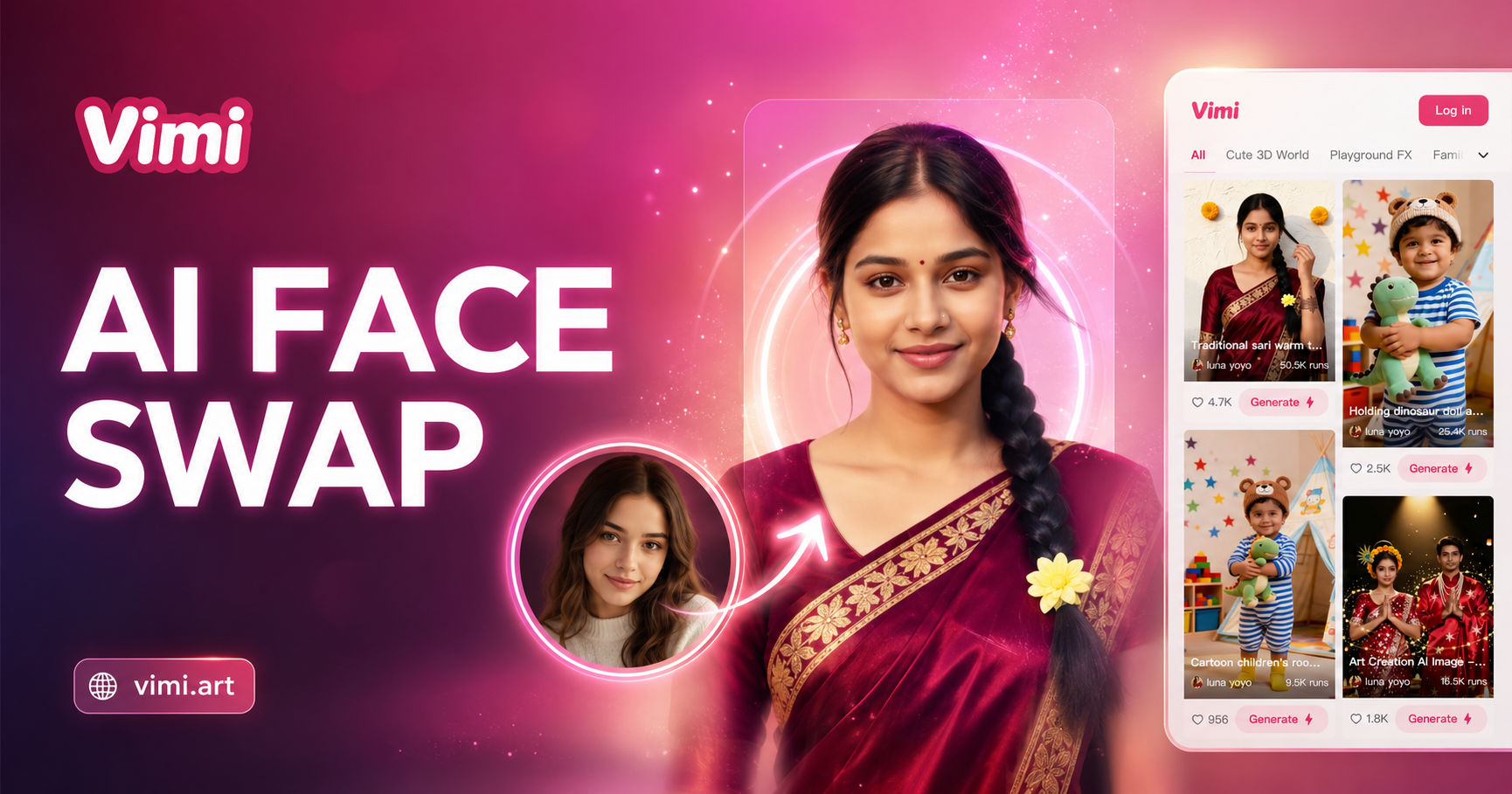
Choose the Filter That Suits You Best
Discover the filter that perfectly matches your style and mood.
Key Features of Vimi AI Photo Face Swap Tool
Discover the core functions that make face swapping magic.
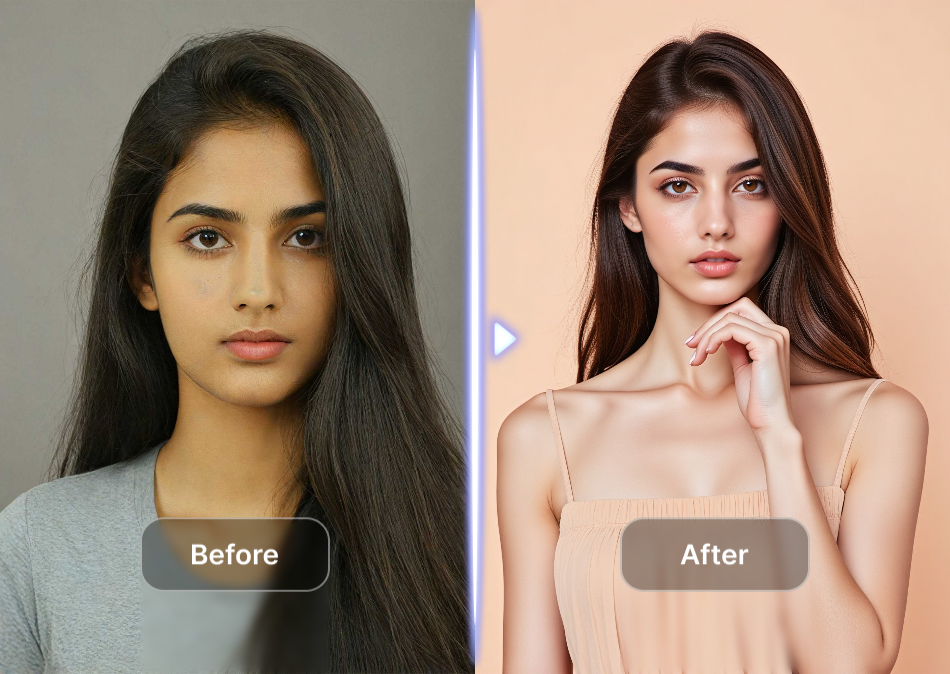
One Click Face Swap
Upload a single face photo, pick a template, and tap generate. The AI automatically swaps faces while keeping skin tone, lighting, and head angle natural. No manual adjustments needed.
One Click Face Swap
Upload a single face photo, pick a template, and tap generate. The AI automatically swaps faces while keeping skin tone, lighting, and head angle natural. No manual adjustments needed.
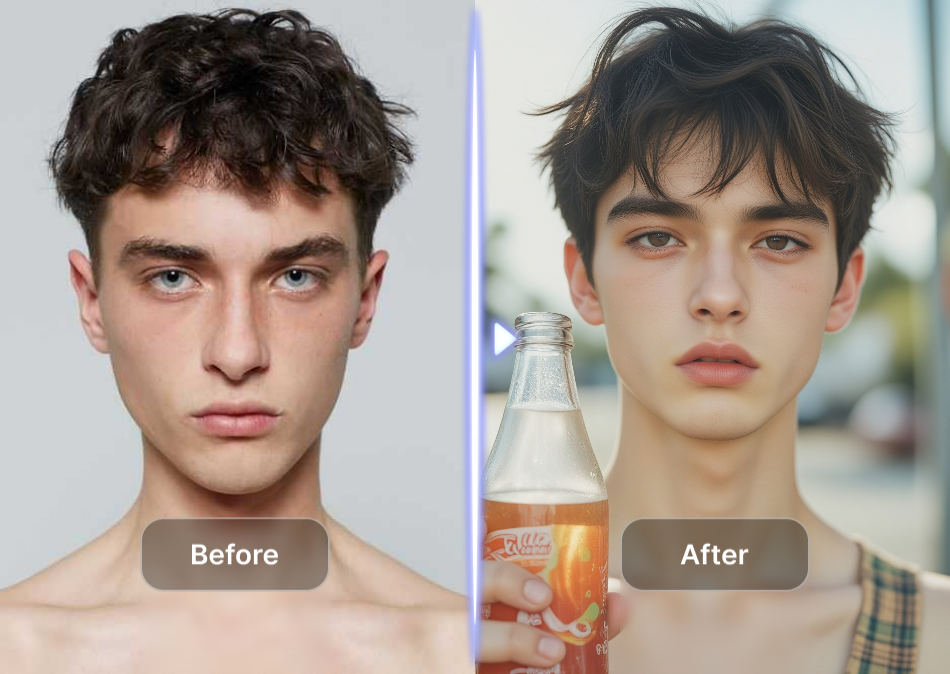
Live Pose Matching
The AI reads the target body’s head position and expression. It then adjusts your uploaded face to match that exact pose, smile, or eye direction for a believable result.
Live Pose Matching
The AI reads the target body’s head position and expression. It then adjusts your uploaded face to match that exact pose, smile, or eye direction for a believable result.
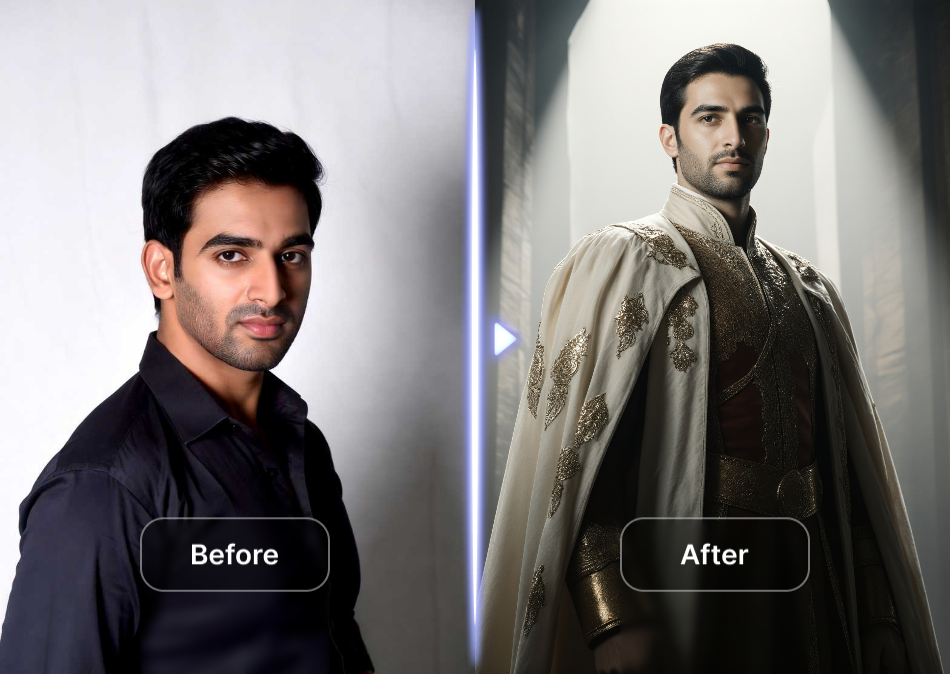
Private Local Processing
Your uploaded face photo stays on your device during generation. Vimi does not store or reuse your images for any other purpose. Delete the result anytime from your phone.
Private Local Processing
Your uploaded face photo stays on your device during generation. Vimi does not store or reuse your images for any other purpose. Delete the result anytime from your phone.
Explore AI Face Swap Image Gallery
Discover fun and realistic AI face swap examples made with photos using Vimi creative tools.




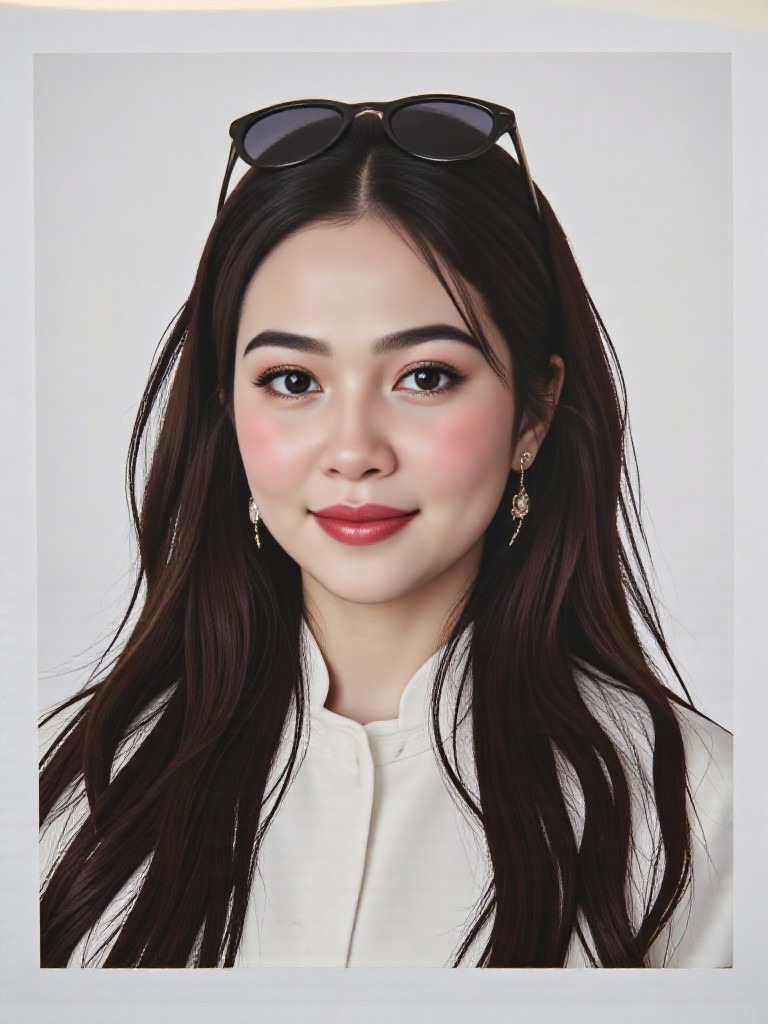
Why Use Vimi AI Photo Face Swap?
Explore why creators love this simple face swap tool.
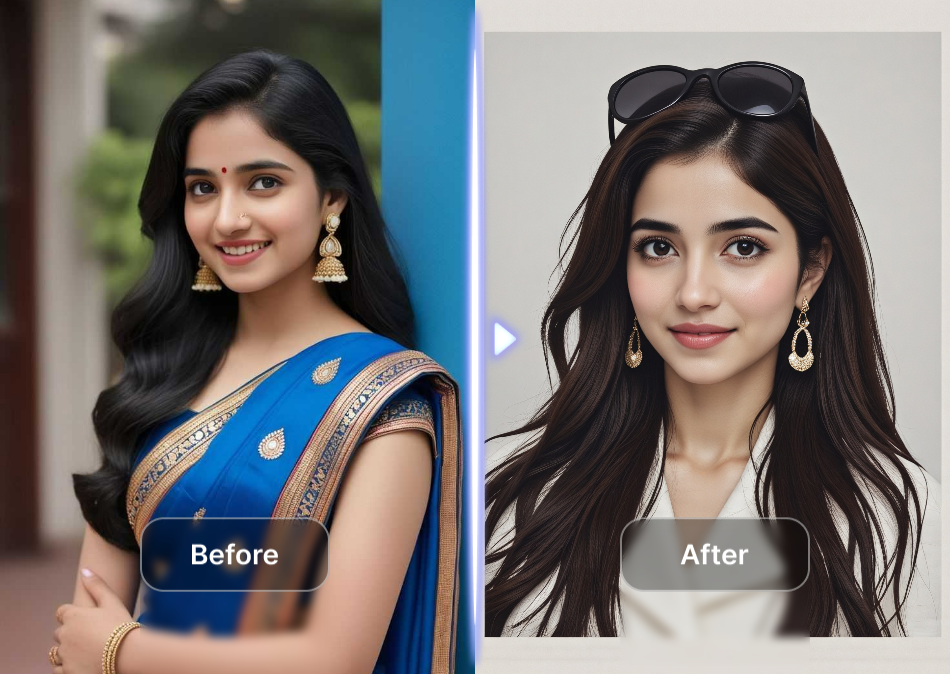
Save Hours of Editing
Forget Photoshop or complex desktop software. What takes 30 minutes of manual masking now finishes in seconds. Just choose a template and let the AI handle every detail.
Save Hours of Editing
Forget Photoshop or complex desktop software. What takes 30 minutes of manual masking now finishes in seconds. Just choose a template and let the AI handle every detail.
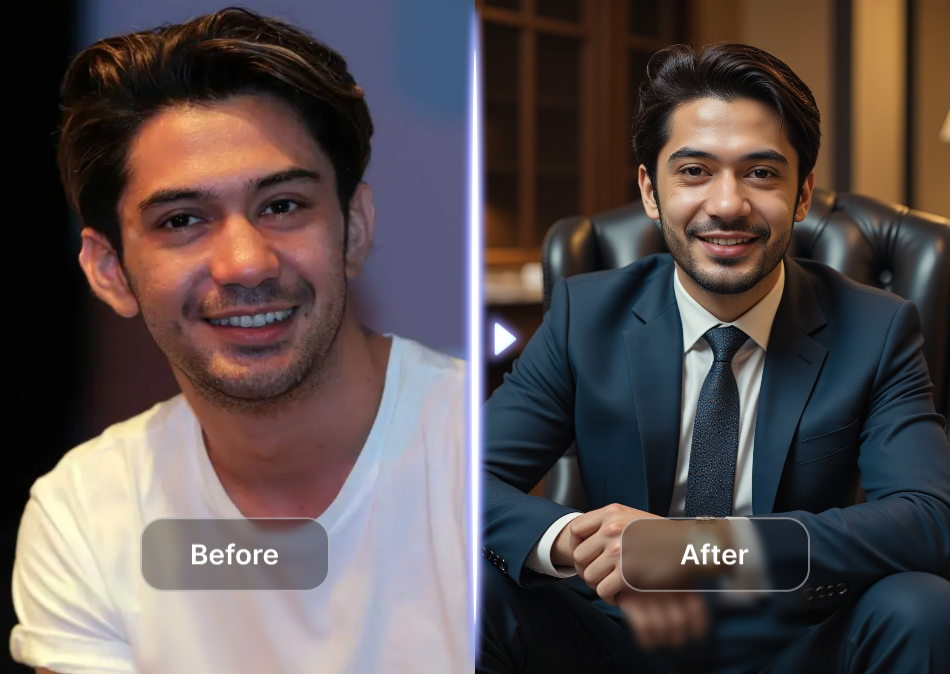
Zero Prompt Engineering
Other tools need long technical text prompts. Vimi removes all that. Each face swap filter has preset parameters. You only pick one template and add your photo to get professional results.
Zero Prompt Engineering
Other tools need long technical text prompts. Vimi removes all that. Each face swap filter has preset parameters. You only pick one template and add your photo to get professional results.
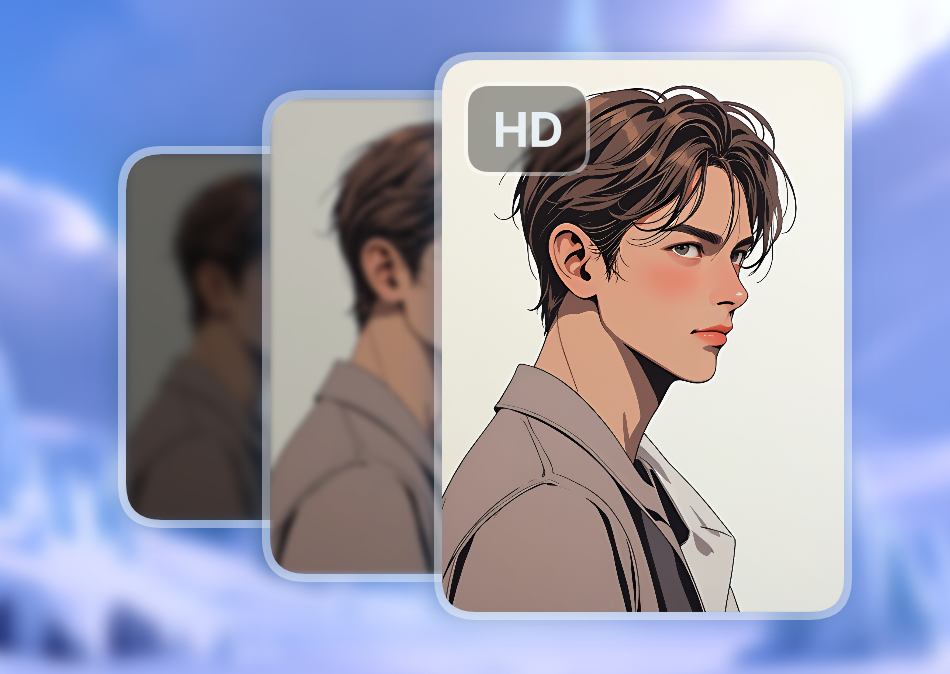
Perfect for Social Media
Create viral content in seconds. Turn yourself into a movie character or a comic book character. Every result is ready to post directly from your phone's gallery.
Perfect for Social Media
Create viral content in seconds. Turn yourself into a movie character or a comic book character. Every result is ready to post directly from your phone's gallery.
How to Generate a Face Swap Using Vimi AI Photo Face Swap?
Create Face Swap images in just a few simple steps using our powerful platform.

Step 01.
Get the Vimi app from your official mobile store. Open it and browse the main template dashboard.
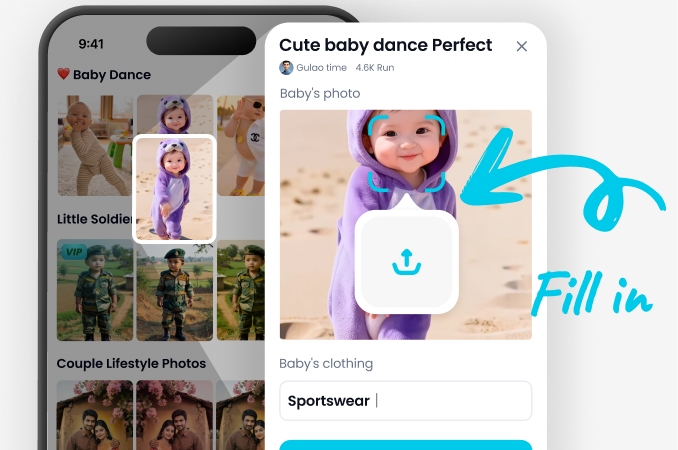
Step 02.
Find any face swap filter. Upload your photo and tap the generate button.
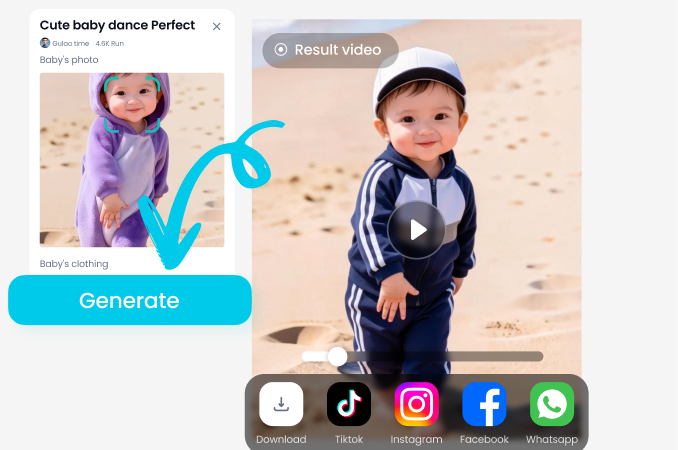
Step 03.
Wait for some seconds. Tap the download icon or post it directly to your public profile.
Frequently Asked Questions
Find clear answers to common questions and get the guidance you need to make the most of our platform, faster and easier.
More Topics You May Like
Explore more topics you may like and discover fresh ideas tailored to your interests.

Couple Mirror Selfie

World Cup Baby Effects

Ai Digital Avatar Generator

Ai Raksha Bandhan Card Design Generator
Couple Mirror Selfie
World Cup Baby Effects
Ai Digital Avatar Generator
Ai Raksha Bandhan Card Design Generator
Get Vimi Now for Fun Face Swaps
Create hilarious or realistic swaps in seconds from your phone.
Get Vimi Now for Fun Face Swaps
Create hilarious or realistic swaps in seconds from your phone.