AI Old Lady Generator
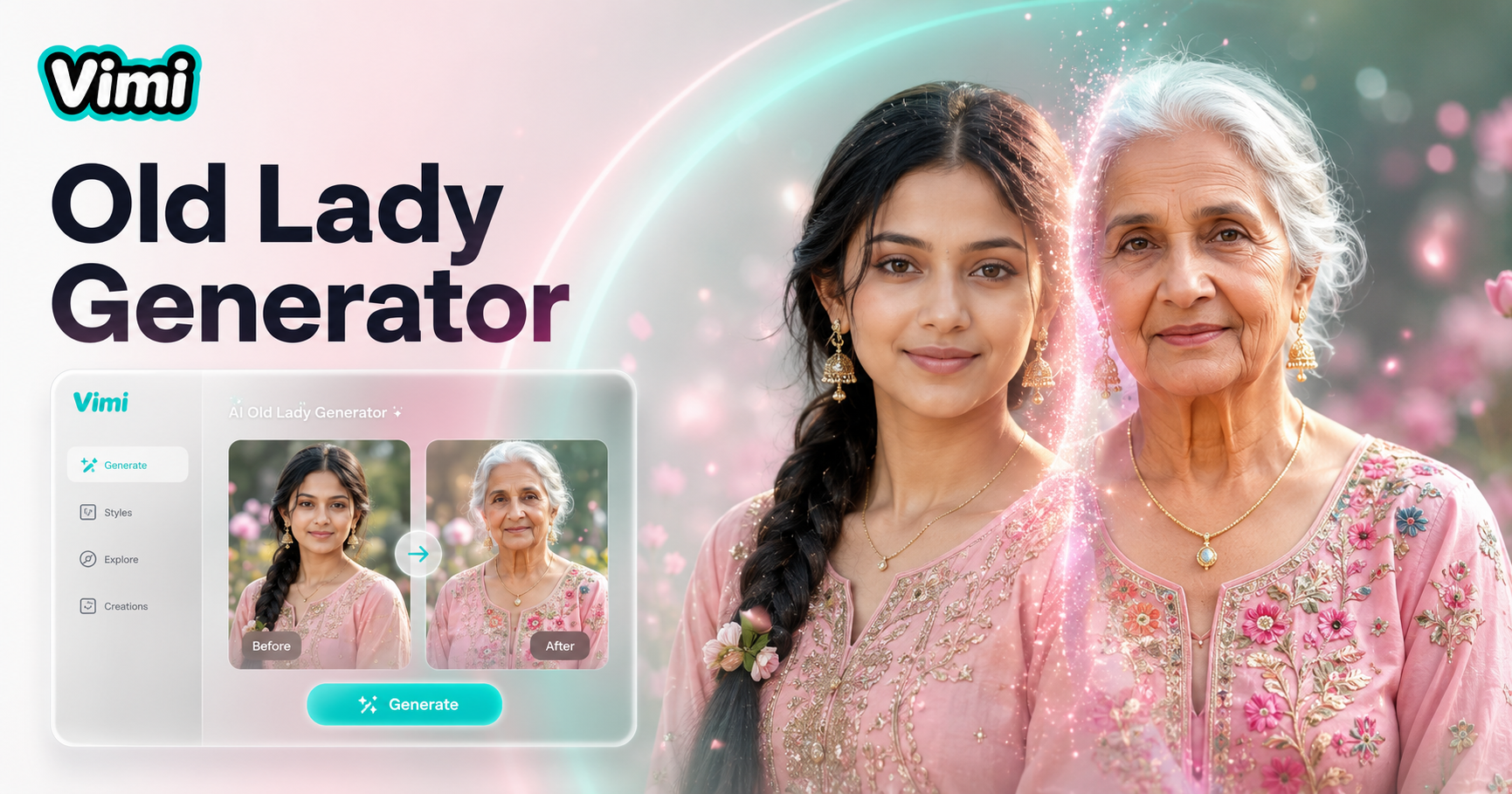
AI Old Lady Generator

How to Use Vimi AI Old Lady Generator in Three Steps?
Download the Vimi app. Find the old lady template. Upload a photo. Tap generate. Save your aged portrait in under one minute.

Key Features of Vimi AI Old Lady Generator
Find the tools to age any face with realistic wrinkles, gray hair, and aged skin inside the Vimi app.
 Before
 After
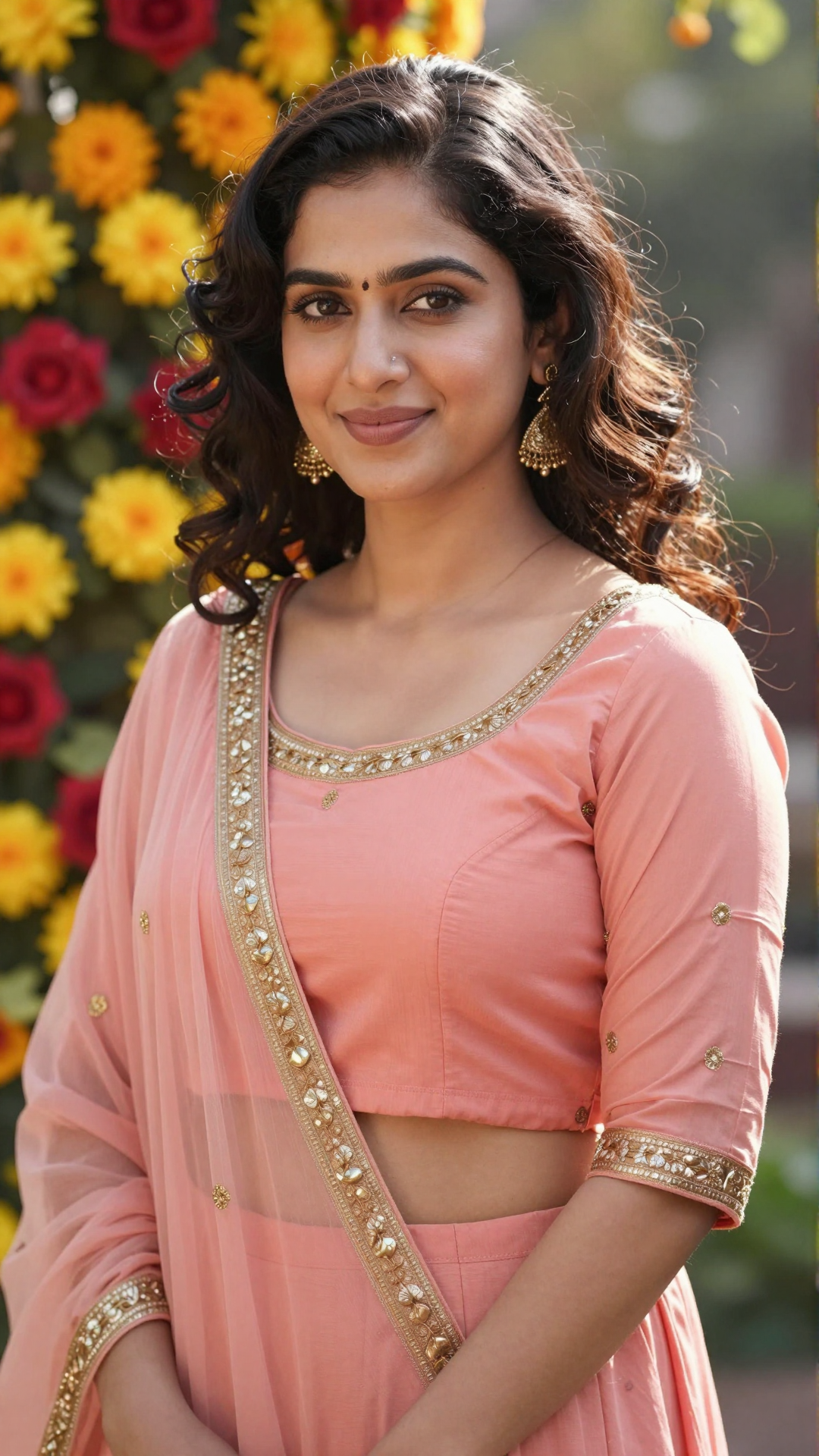
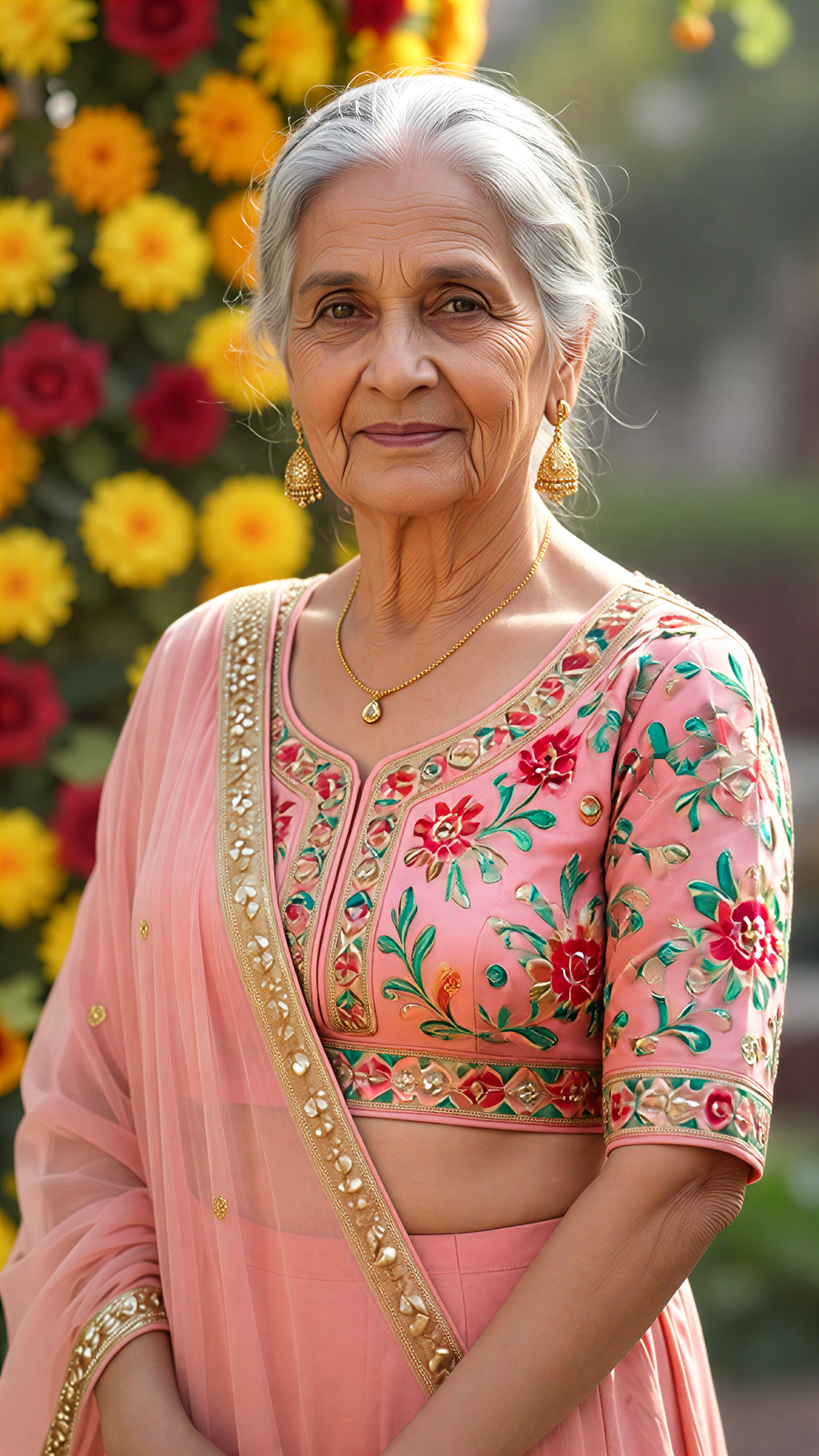
AfterAdd Realistic Skin Wrinkles
Vimi adds fine lines around the eyes, mouth, and forehead. The AI studies your original photo first. Then it applies age related texture without losing your natural expression. The result shows a believable older version of yourself within seconds.
 Before
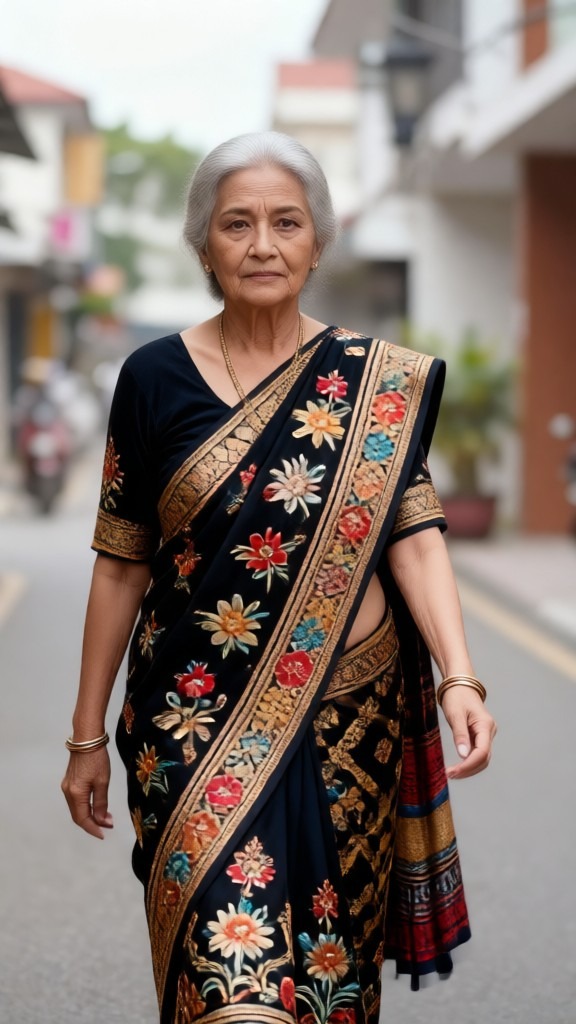 After
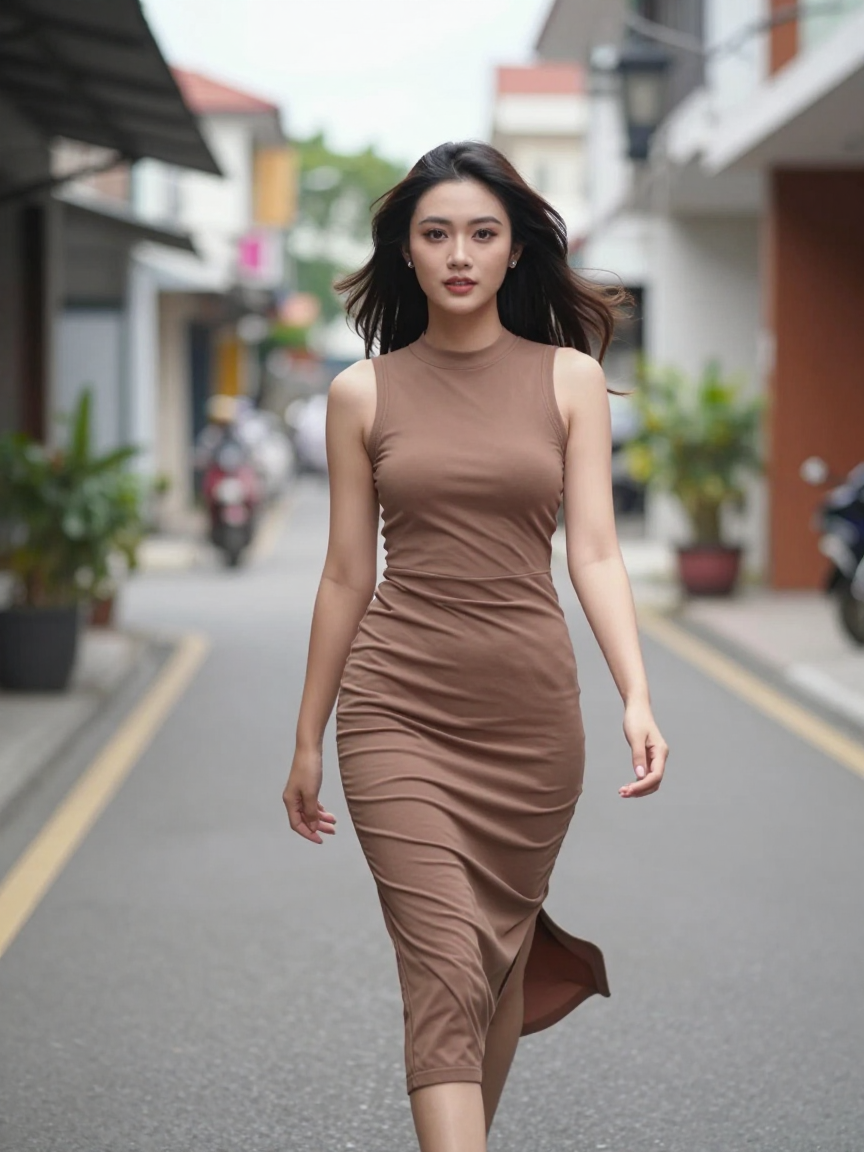
AfterTurn Hair Gray And White
Your original hair color changes to silver, white, or light gray. Vimi keeps the same hair shape and volume. You get a natural aged look. The tool works on short hair, long hair, and curly hair equally well.
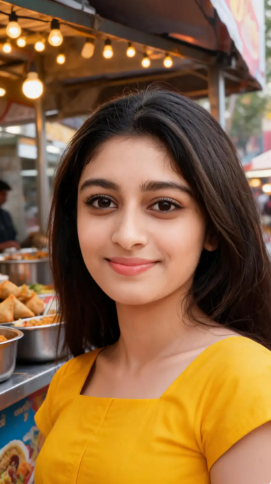 Before
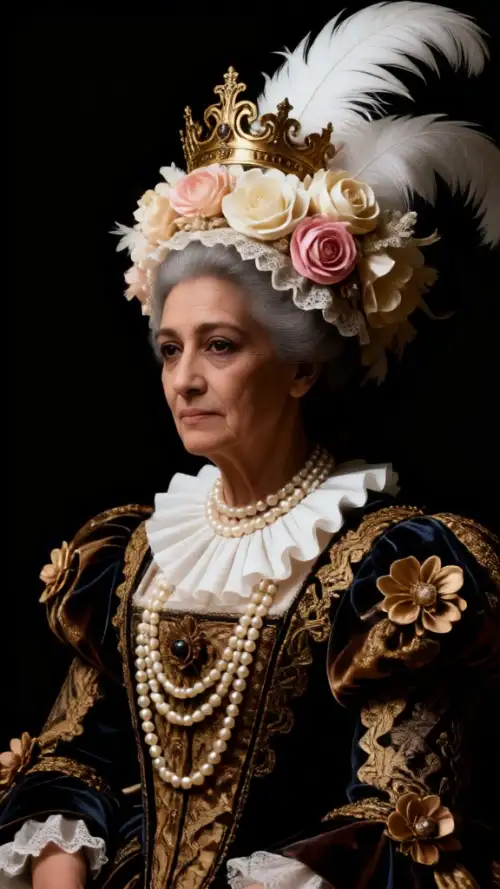 After
AfterKeep Original Face Shape
Your face shape, eye size, and nose structure remain the same. Only the skin texture and hair color change. This makes the aged version look like a real future you. No distortion or strange warping occurs during generation.
Frequently Asked Questions
Find clear answers to common questions and get the guidance you need to make the most of our platform, faster and easier.
More Topics You May Like
Explore more topics you may like and discover fresh ideas tailored to your interests.
Ai Saree Generator
AI Model Girl Generator

AI Office Setting Generator
Vtuber AI Generator
Ai Saree Generator
AI Model Girl Generator
AI Office Setting Generator
Vtuber AI Generator
Start Aging Your Photos Today
Download Vimi for free. Generate your old lady portrait in seconds. Try all different aging styles without spending any money.
Start Aging Your Photos Today
Download Vimi for free. Generate your old lady portrait in seconds. Try all different aging styles without spending any money.