AI Movie Poster Generator
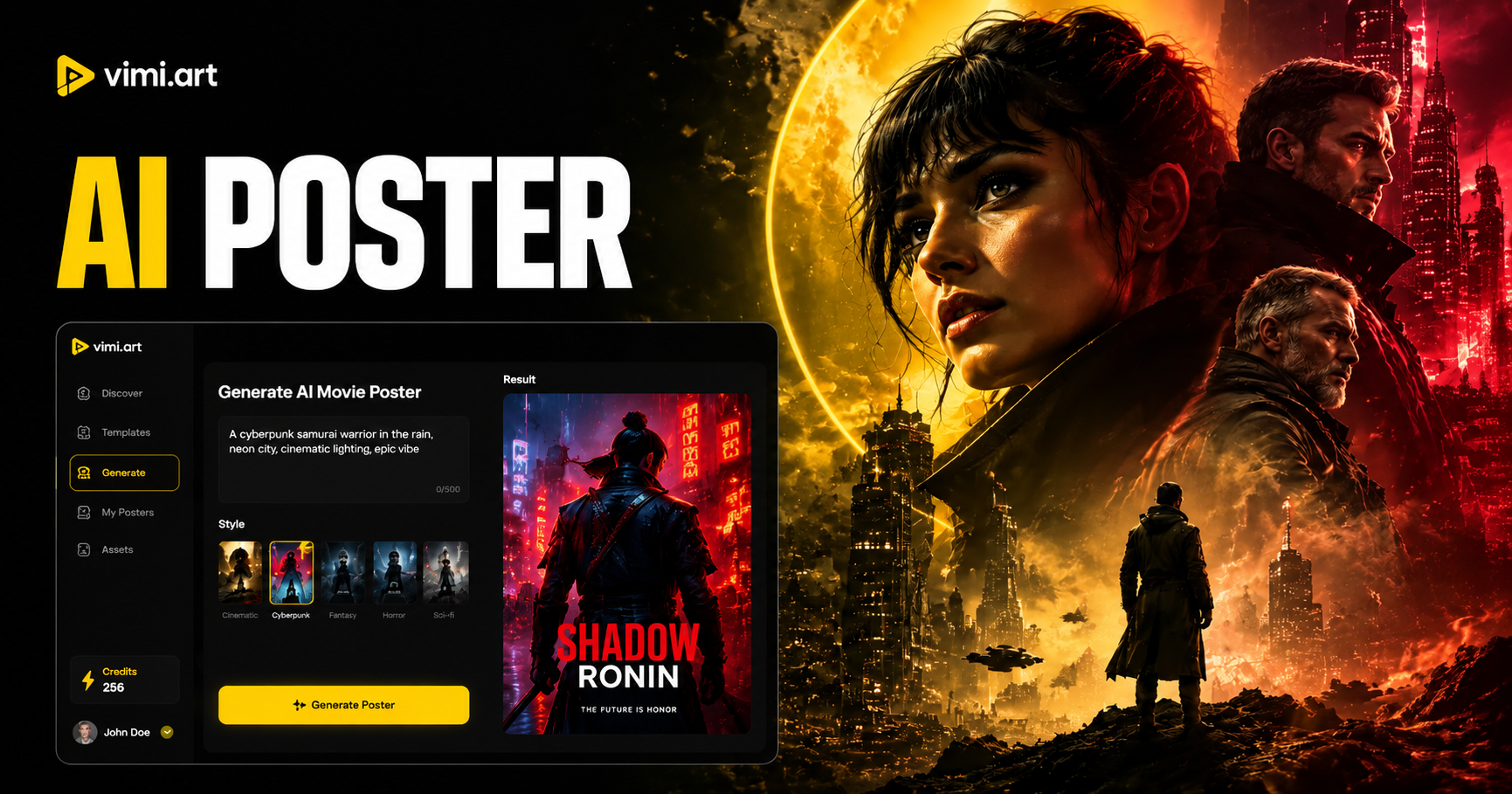
Explore the AI Movie Poster Generator Filter
Discover the AI movie poster generator filter that perfectly matches your style and mood.
Why Use Vimi AI Movie Poster Generator
Explore the advantages of choosing Vimi AI movie poster generator for your creative projects.
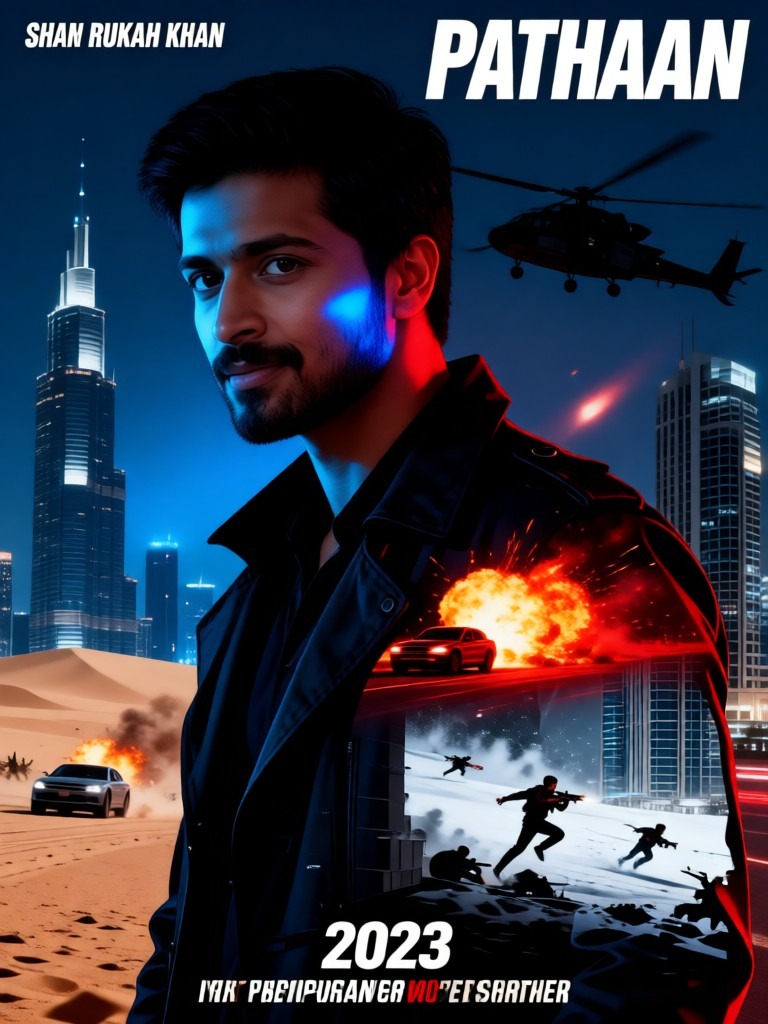
Create Posters without Design Skills
You do not need to know Photoshop or color theory. Vimi handles all the technical design work. The templates control the layout, fonts, and lighting. You just provide the photo or the idea. This makes professional looking movie posters available to anyone with a smartphone and an imagination.
Create Posters without Design Skills
You do not need to know Photoshop or color theory. Vimi handles all the technical design work. The templates control the layout, fonts, and lighting. You just provide the photo or the idea. This makes professional looking movie posters available to anyone with a smartphone and an imagination.
Explore the Use Cases of Vimi AI Movie Poster Generator
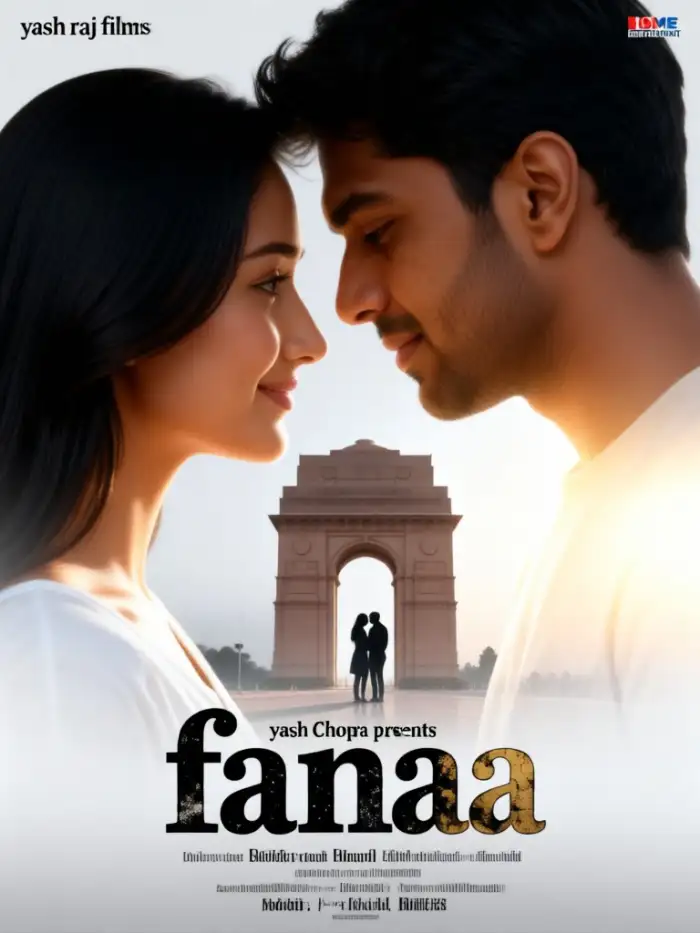
Discover the different ways you can use Vimi AI movie poster generator in real life.Turn a portrait of a friend or family member into a movie poster.
 Before
 After
AfterPersonal Branding Share
Content creators can make custom posters for their video series, podcasts, or social media channels. A unique movie poster style thumbnail helps your content stand out in crowded feeds. You can generate a poster for each episode, keeping your visual identity fresh while maintaining a consistent cinematic look across your profile.
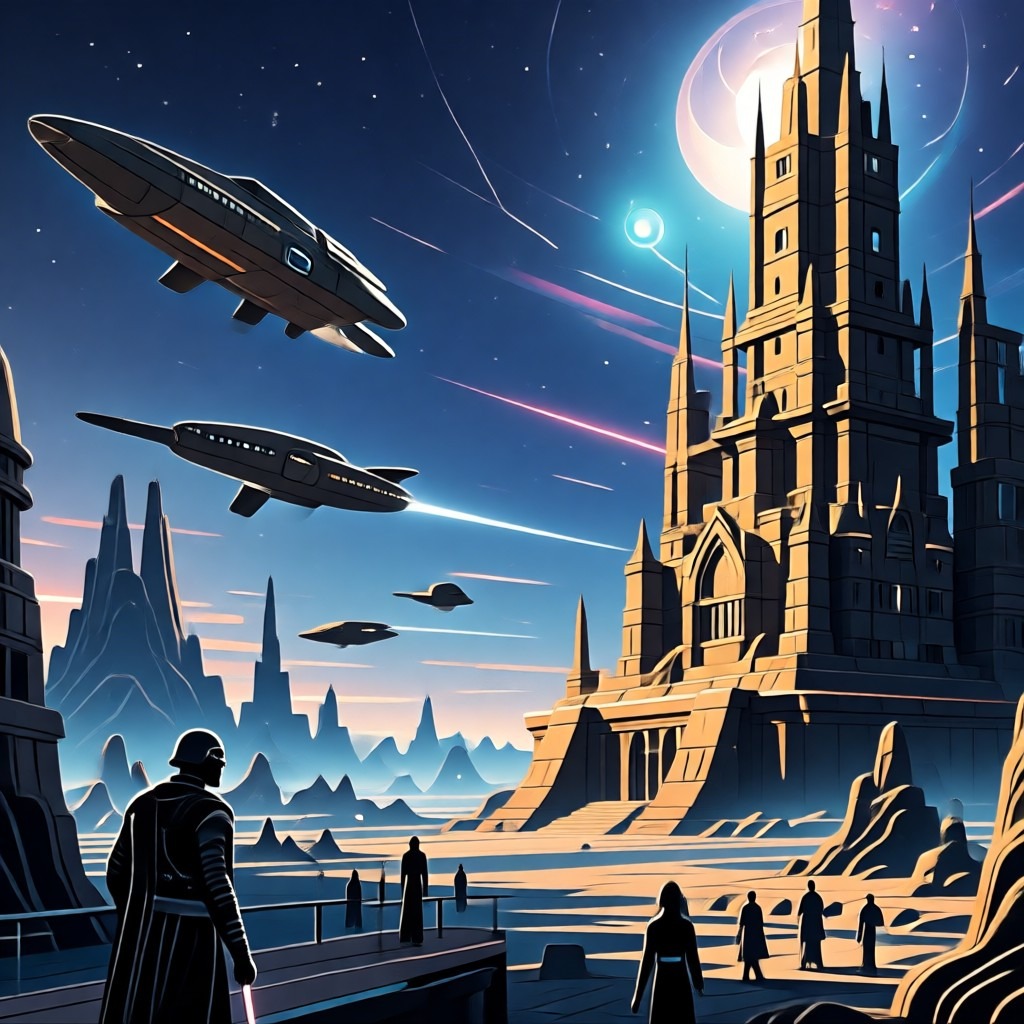
Fan Art and Character Posters
Movie and game fans can create official looking posters for their favorite characters. Use a photo of a cosplay or a fan drawing as the base. Apply a template that matches the genre of the original work, like a sci fi template for a Star Wars character. This produces shareable fan art that looks authentic.
 Before
 After
AfterEvent Promotion and Invitations
Organize a themed party, a film screening, or a gaming night. Design a movie style poster as your digital invitation. Include the key details in the image or in the caption. The cinematic design builds excitement and sets the tone for your event. Guests will immediately understand the theme from the poster style.
How to Make a Movie Poster with Vimi AI?
Follow these simple three steps to create your own cinematic poster.

Step 01.
Open your app store on your mobile device. Search for Vimi. Download and install the application.

Step 02.
Open the app. Browse the template library. Find a template under the movie poster category. Choose a style like cyberpunk, noir, or fantasy.

Step 03.
Upload your photo. Tap the Generate button. Wait 10 to 20 seconds. Review the result and download it to your device.
Frequently Asked Questions
Find clear answers to common questions and get the guidance you need to make the most of our platform, faster and easier.
More Topics You May Like
Explore more topics you may like and discover fresh ideas tailored to your interests.
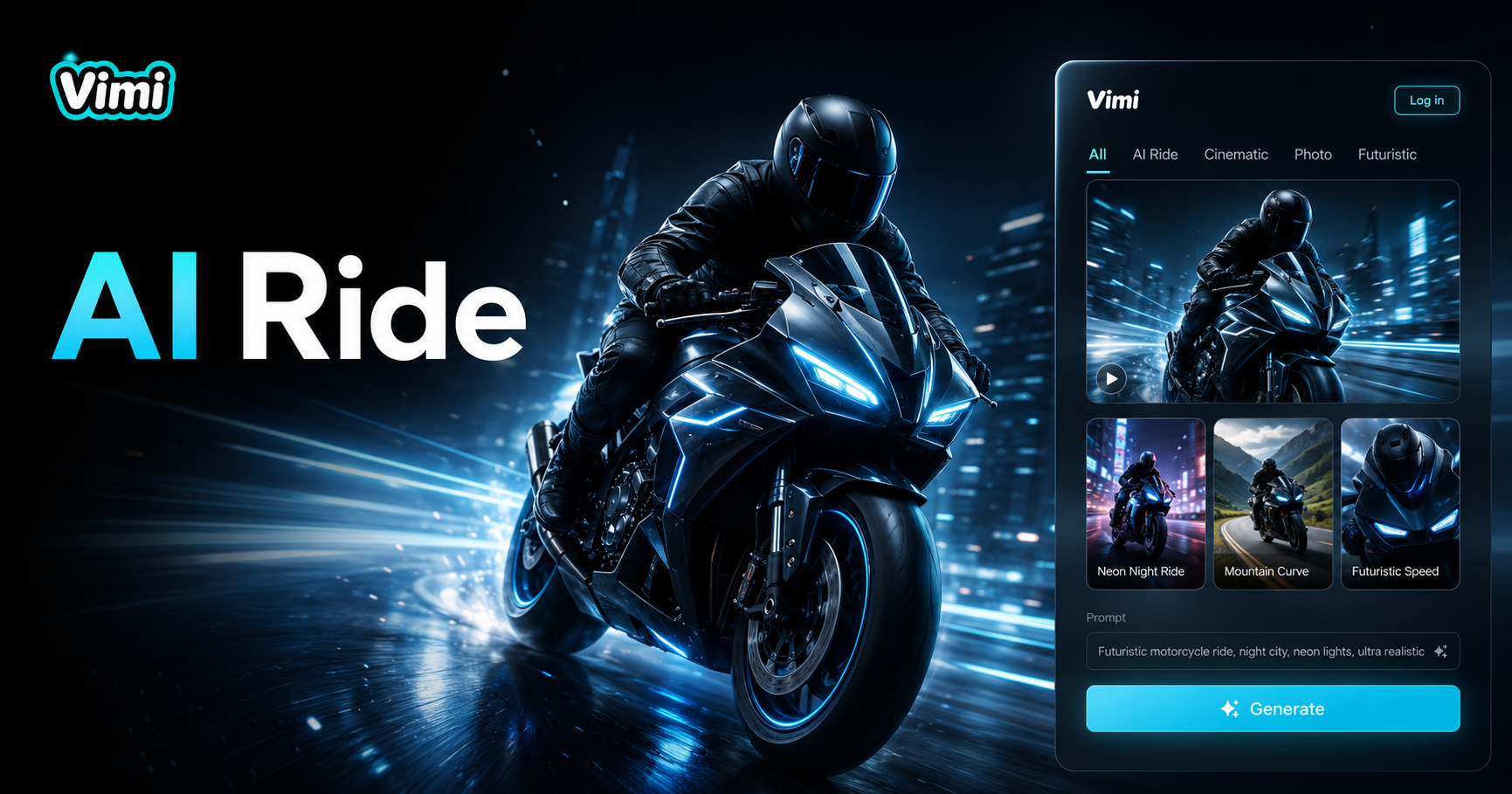
Vimi AI Motorcycle Ride: Turn Your Photos Into Dynamic Riding Scenes
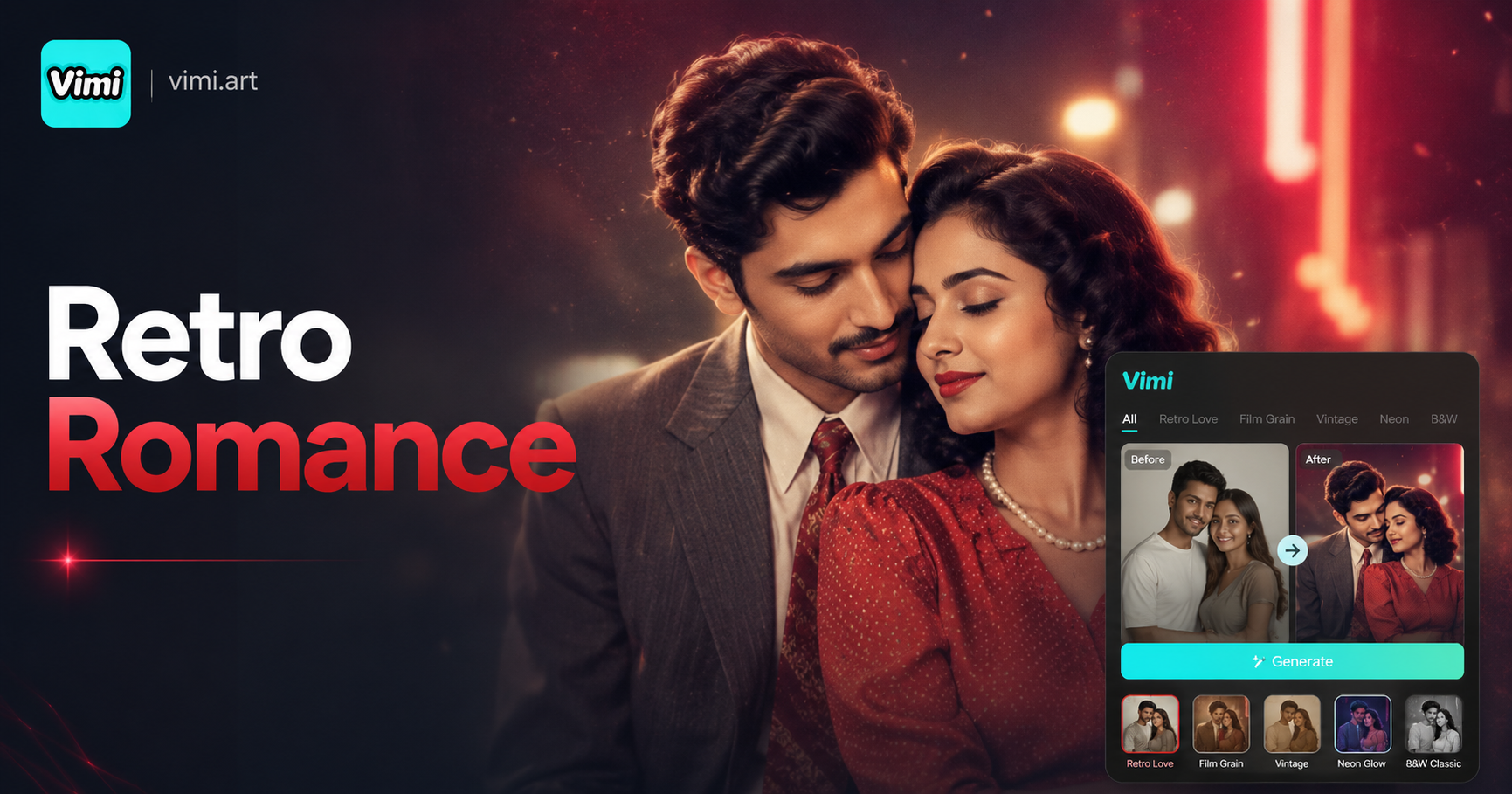
Vimi AI Retro Couple Photo: Turn Your Modern Photos Into Vintage Love Story Images
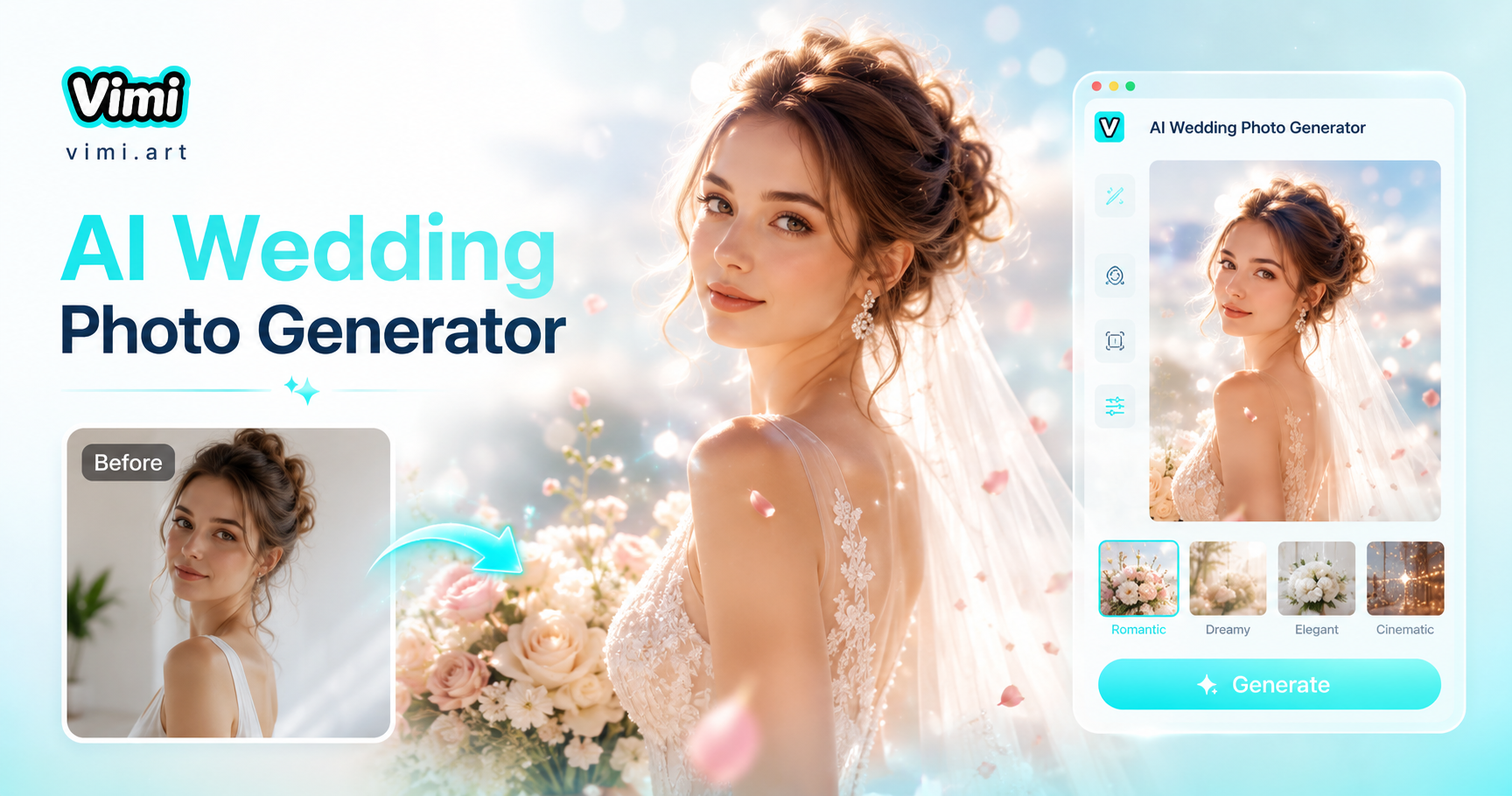
AI Wedding Photo Generator - Create beautiful AI wedding photos instantly
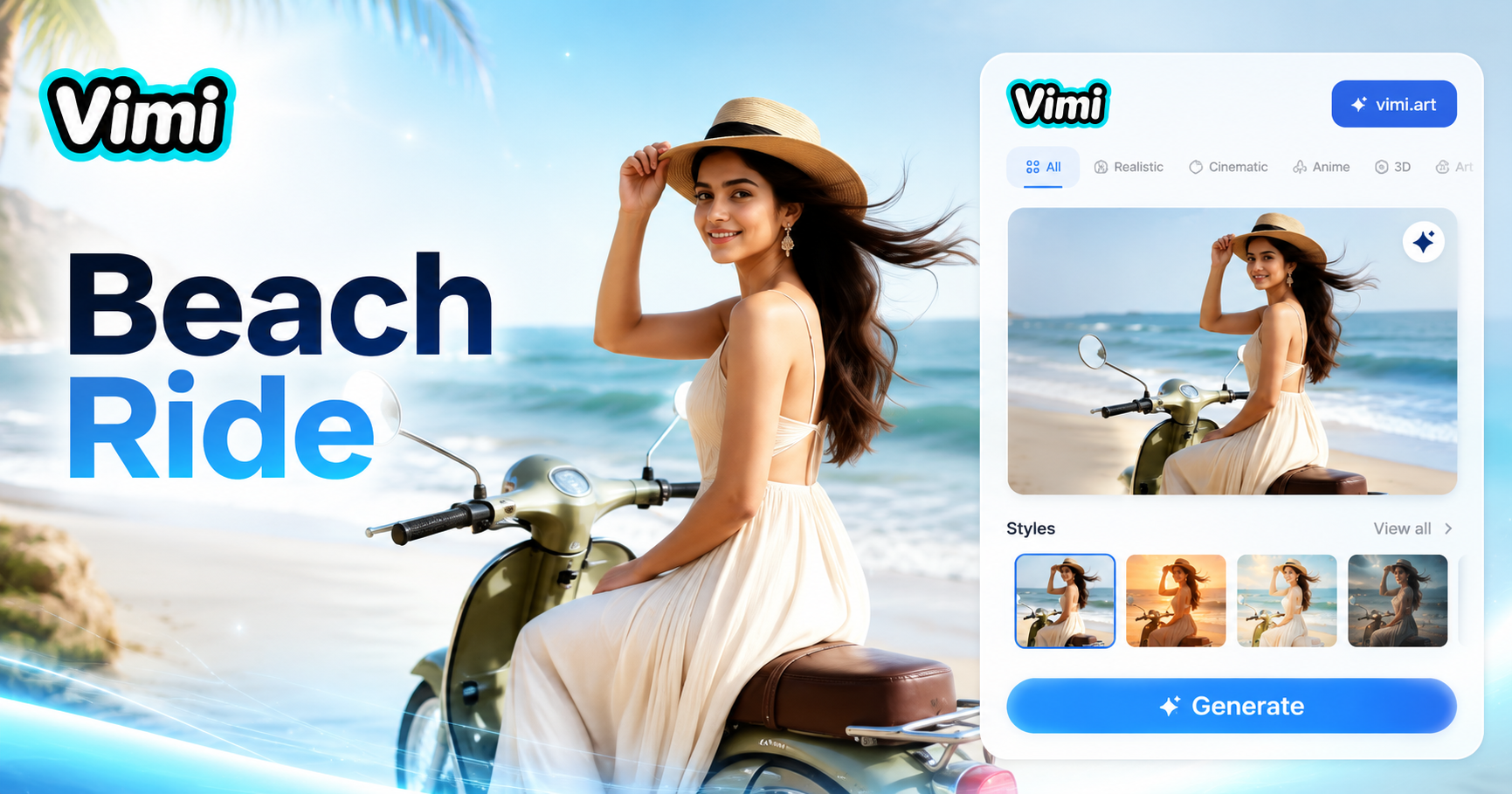
Vimi Beach Motorcycle Portrait: Create Dynamic Summer Rider Images
Vimi AI Motorcycle Ride: Turn Your Photos Into Dynamic Riding Scenes
Vimi AI Retro Couple Photo: Turn Your Modern Photos Into Vintage Love Story Images
AI Wedding Photo Generator - Create beautiful AI wedding photos instantly
Vimi Beach Motorcycle Portrait: Create Dynamic Summer Rider Images
Create Your Movie Poster Today
Download Vimi and turn your photos into cinematic art. Share your creation with your followers.
Create Your Movie Poster Today
Download Vimi and turn your photos into cinematic art. Share your creation with your followers.