AI Mermaid Video Effect
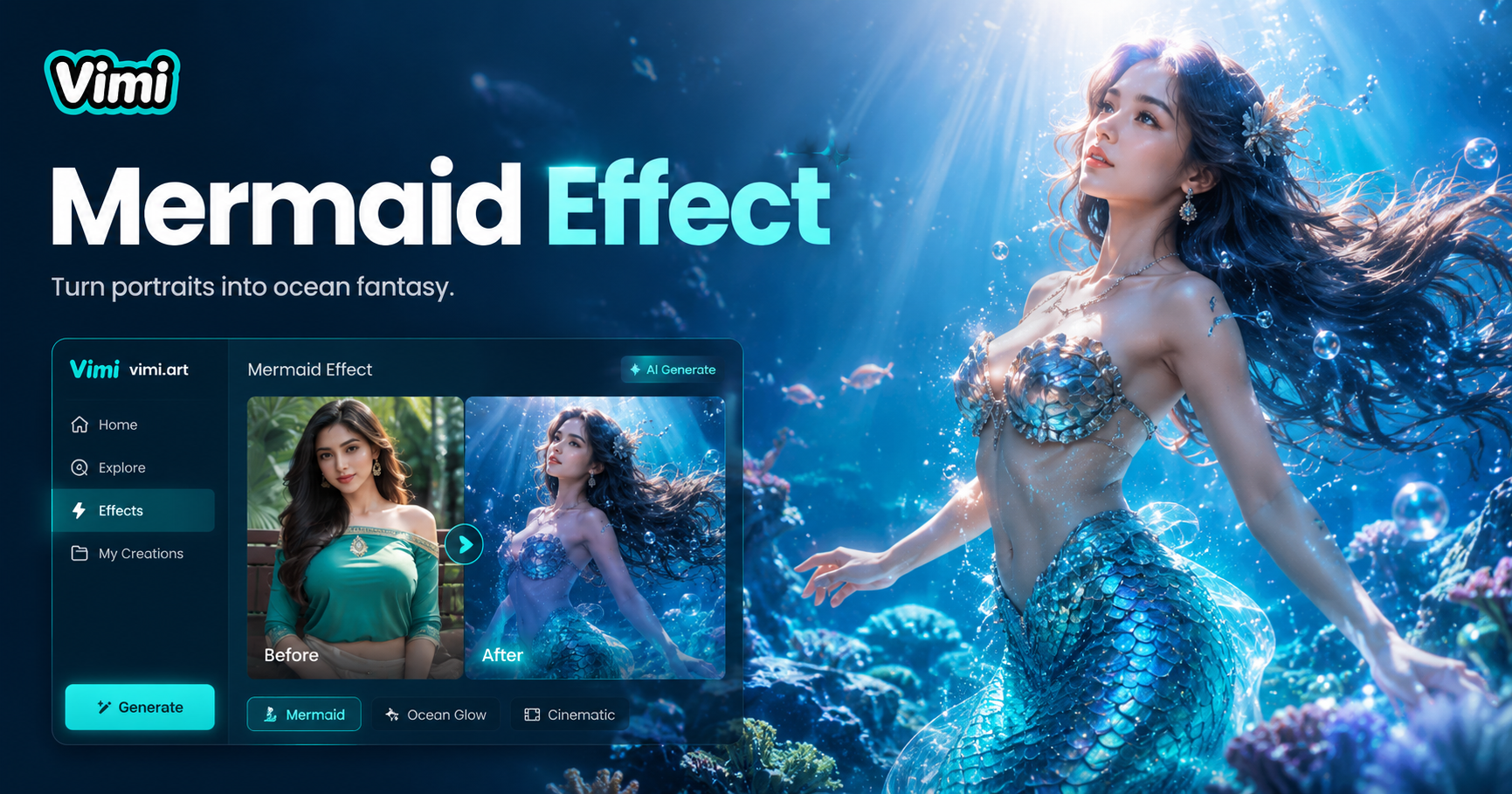
Choose the AI Mermaid Video Effect Filter That Suits You
Discover the AI Mermaid Video Effect filter that perfectly matches your style and mood.
Why Use Vimi AI Mermaid Video Effect
Discover the advantages that make Vimi your go to app for mermaid content.
Entertain Your Audience
Mermaid videos capture attention on social media. Friends and followers enjoy watching these creative transformations. The fantasy theme appeals to all ages. Your content stands out with this unique visual effect.
Entertain Your Audience
Mermaid videos capture attention on social media. Friends and followers enjoy watching these creative transformations. The fantasy theme appeals to all ages. Your content stands out with this unique visual effect.
Key Features of Vimi AI Mermaid Video Effect for Creators
Find the tools that make Vimi the top choice for mermaid video creation.
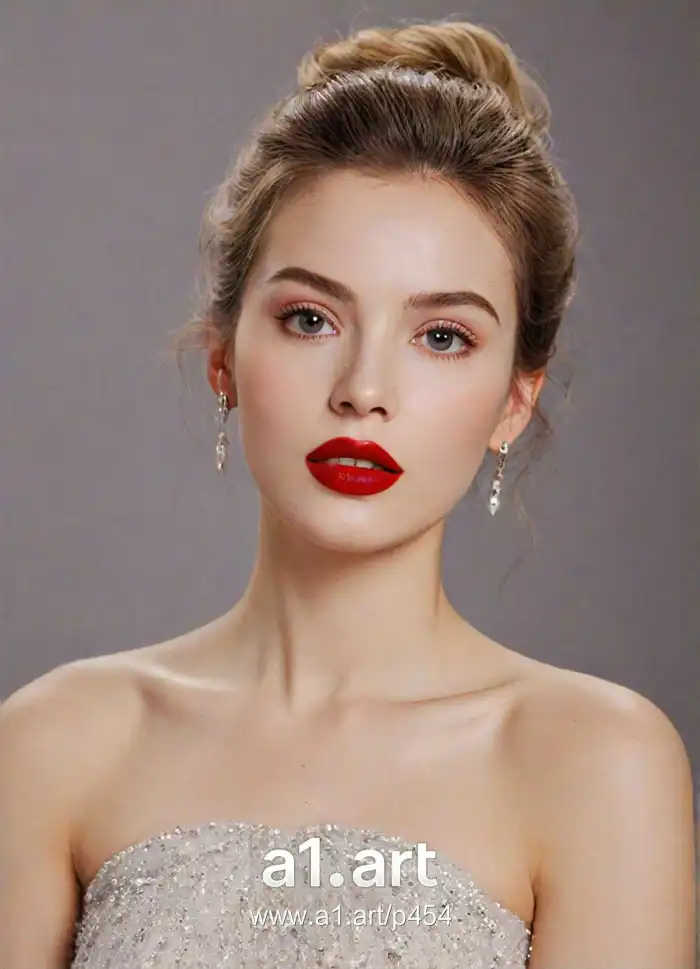 Before
One Tap Transformation
Upload any portrait photo to Vimi. The AI adds a flowing fish tail and underwater scenes automatically. You do not need to edit frame by frame. The whole process takes one tap and a short wait.
 Before
Multiple Tail Styles
Vimi offers several tail designs for your video. Choose from colorful fins, pearl textures, or scale patterns. Each style changes the look of your mermaid character. You can try different tails to see which fits your photo best.
 Before
Natural Swimming Motion
The AI generates realistic swimming movements. Your character appears to glide through water. Arms move gently and hair flows backward. This creates a believable underwater experience that looks natural.
How to Create AI Mermaid Videos with Vimi?
Making mermaid videos takes only three simple steps with Vimi.

Step 01.
Visit the official Vimi website. This takes you to the Google Play Store. Install the app on your mobile device.

Step 02.
Open Vimi and browse the template library. Select the AI Mermaid Video Effect. Upload a photo with a clear face.

Step 03.
Tap generate and wait 10 to 20 seconds. The AI creates your video. Download it to your device or share it directly.
Frequently Asked Questions
Find clear answers to common questions and get the guidance you need to make the most of our platform, faster and easier.
More Topics You May Like
Explore more topics you may like and discover fresh ideas tailored to your interests.
AI One Piece Character Generator
AI Laughing Face Effect

AI Room Generator
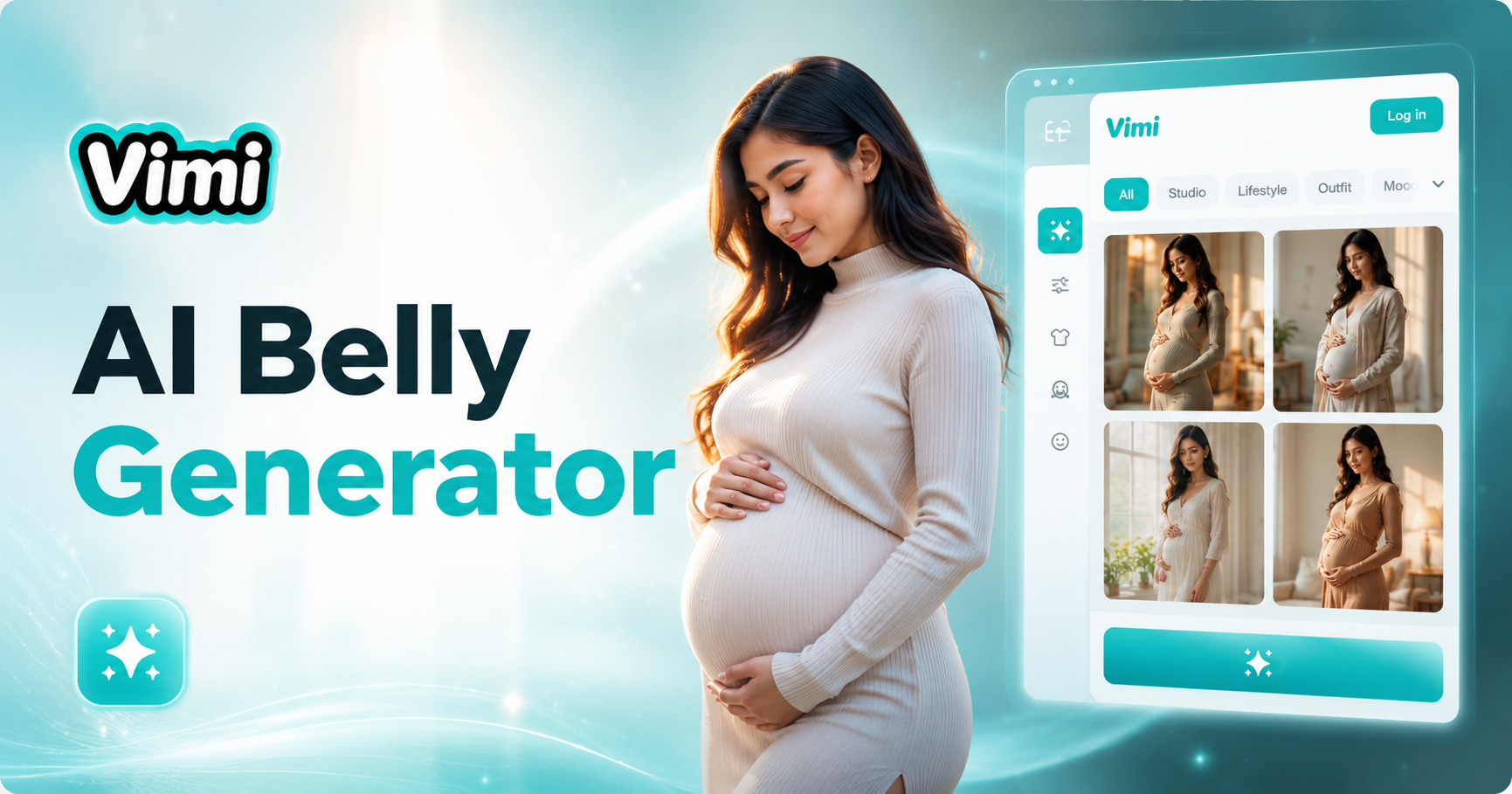
AI Belly Generator
AI One Piece Character Generator
AI Laughing Face Effect
AI Room Generator
AI Belly Generator
Download Vimi and Create Your Mermaid Video Today
Turn your photos into magical underwater adventures with Vimi AI now.
Download Vimi and Create Your Mermaid Video Today
Turn your photos into magical underwater adventures with Vimi AI now.