AI Hug Video Generator
Pick a Hug Filter That Fits the Moment
Browse Vimi's hug filters and pick the vibe that matches your story. Each AI hugging video filter handles posture, lighting, and emotion for you.
How to Create AI Hugging Videos
Three steps from photos to a finished AI hug video. No editing skills needed.

Step 01.
Get started by downloading the Vimi App. Easily generate AI hugging videos anytime, anywhere.

Step 02.
Open Vimi and pick the hug style that matches your moment. Upload one group photo or two separate portraits. Clear faces work best.

Step 03.
Tap Generate. Wait 10 to 20 seconds while Vimi animates the hug. Save the video to your phone or post it straight to anywhere you like.
Key Features of AI Hug Video Generator
Vimi's AI hug video generator runs on tech built to keep faces, bodies, and emotion intact across every AI hugging video.
Two-Person Face Lock
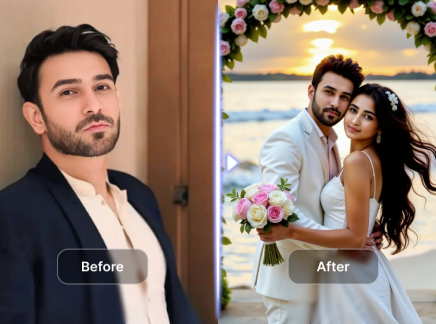
Vimi reads two separate faces from one photo or two uploads. No face swap. No melted features. Both people keep their own look throughout the whole hug. Hair colour, glasses, freckles, outfits all stay the same from frame one to frame last. You get back the people you uploaded, not a new pair.
Two-Person Face Lock
Vimi reads two separate faces from one photo or two uploads. No face swap. No melted features. Both people keep their own look throughout the whole hug. Hair colour, glasses, freckles, outfits all stay the same from frame one to frame last. You get back the people you uploaded, not a new pair.
Natural Body Motion
Arms wrap. Heads tilt. Shoulders meet. The motion follows real human posture, not a flat flipping animation. You can see lifelike details in every AI hugging video you get in Vimi. Characters move just like they're behaving in real life. The hug actually looks like you and your partner.
Natural Body Motion
Arms wrap. Heads tilt. Shoulders meet. The motion follows real human posture, not a flat flipping animation. You can see lifelike details in every AI hugging video you get in Vimi. Characters move just like they're behaving in real life. The hug actually looks like you and your partner.
Ten Thousands of Emotion-Tuned Templates
Each template ships with its own pacing and lighting. Soft for memory hugs. Bright for friend reunions. Slow for romantic ones. Some hugs you can't get in real life. Maybe they live across the ocean. Maybe they're gone. Maybe you just miss your best friend from college. Vimi closes that distance
Ten Thousands of Emotion-Tuned Templates
Each template ships with its own pacing and lighting. Soft for memory hugs. Bright for friend reunions. Slow for romantic ones. Some hugs you can't get in real life. Maybe they live across the ocean. Maybe they're gone. Maybe you just miss your best friend from college. Vimi closes that distance
Why Use Vimi for AI Hugging Videos
Most AI hug video generators ask you to write prompts, pay per credit, and pray the faces don't melt. Vimi does it differently. You pick an AI hug template, upload photos, and the AI make them hug. Vimi's two-person tech reads each face on its own, so an AI hugging video keeps both people looking like themselves. Group photo mode, 3D cartoon characters, high realism output all on your phone, all in one app.
Why Use Vimi for AI Hugging Videos
Most AI hug video generators ask you to write prompts, pay per credit, and pray the faces don't melt. Vimi does it differently. You pick an AI hug template, upload photos, and the AI make them hug. Vimi's two-person tech reads each face on its own, so an AI hugging video keeps both people looking like themselves. Group photo mode, 3D cartoon characters, high realism output all on your phone, all in one app.
Who Uses AI Hugging Video Generator Online

Marcus
Reverse the aggressive compression damage caused by platforms like TikTok, Instagram, and LinkedIn before cross-posting your content.

Priya
Upscale older 720p backlog videos to crisp 1080p, giving your older content the modern visual quality your current audience expects.

Sophie
Fix heavily compressed Zoom recordings and webinar captures. Enhance screen-shared presentations so text remains readable and faces stay clear.

Daniel
Breathe new life into archival footage and low-quality source material, transforming it into professional-grade content ready for modern platforms.
Marcus
Reverse the aggressive compression damage caused by platforms like TikTok, Instagram, and LinkedIn before cross-posting your content.
Priya
Upscale older 720p backlog videos to crisp 1080p, giving your older content the modern visual quality your current audience expects.
Sophie
Fix heavily compressed Zoom recordings and webinar captures. Enhance screen-shared presentations so text remains readable and faces stay clear.
Daniel
Breathe new life into archival footage and low-quality source material, transforming it into professional-grade content ready for modern platforms.
Marcus
Reverse the aggressive compression damage caused by platforms like TikTok, Instagram, and LinkedIn before cross-posting your content.
Priya
Upscale older 720p backlog videos to crisp 1080p, giving your older content the modern visual quality your current audience expects.
Sophie
Fix heavily compressed Zoom recordings and webinar captures. Enhance screen-shared presentations so text remains readable and faces stay clear.
Daniel
Breathe new life into archival footage and low-quality source material, transforming it into professional-grade content ready for modern platforms.
Frequently Asked Questions
Get answers to common questions about creating AI hugging videos with Vimi. Learn how the AI hug video generator works and what you need to start.
More Topics You May Like
Explore more topics you may like and discover fresh ideas tailored to your interests.
Couple Mirror Selfie
World Cup Baby Effects
Ai Digital Avatar Generator
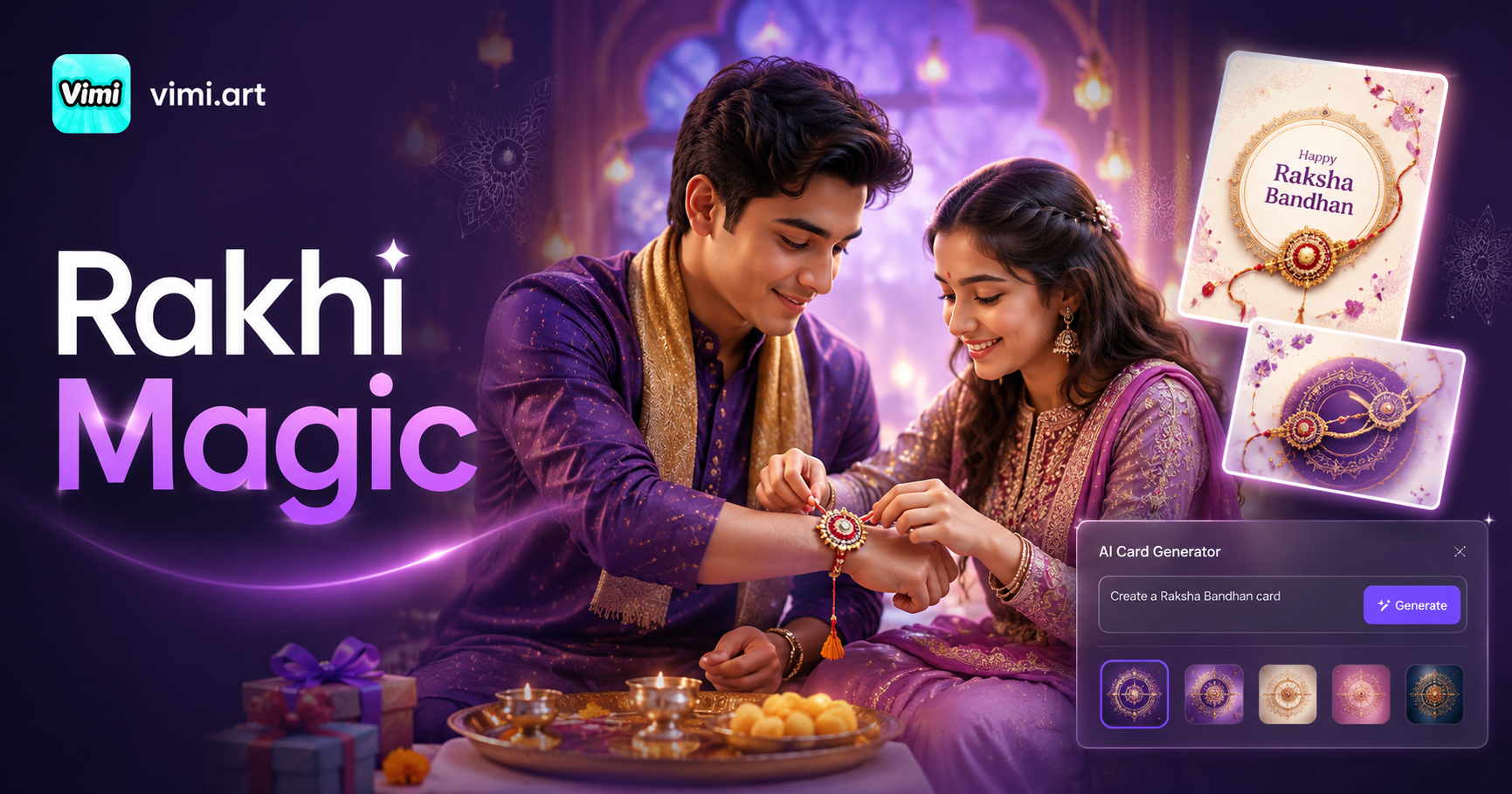
Ai Raksha Bandhan Card Design Generator
Couple Mirror Selfie
World Cup Baby Effects
Ai Digital Avatar Generator
Ai Raksha Bandhan Card Design Generator
AI Make Them Hug Tonight
Download the Vimi App from Google Play, pick a hug template, and turn your photos into an AI hug video before bed. Free to try. Made for your phone.
AI Make Them Hug Tonight
Download the Vimi App from Google Play, pick a hug template, and turn your photos into an AI hug video before bed. Free to try. Made for your phone.