AI Handshake
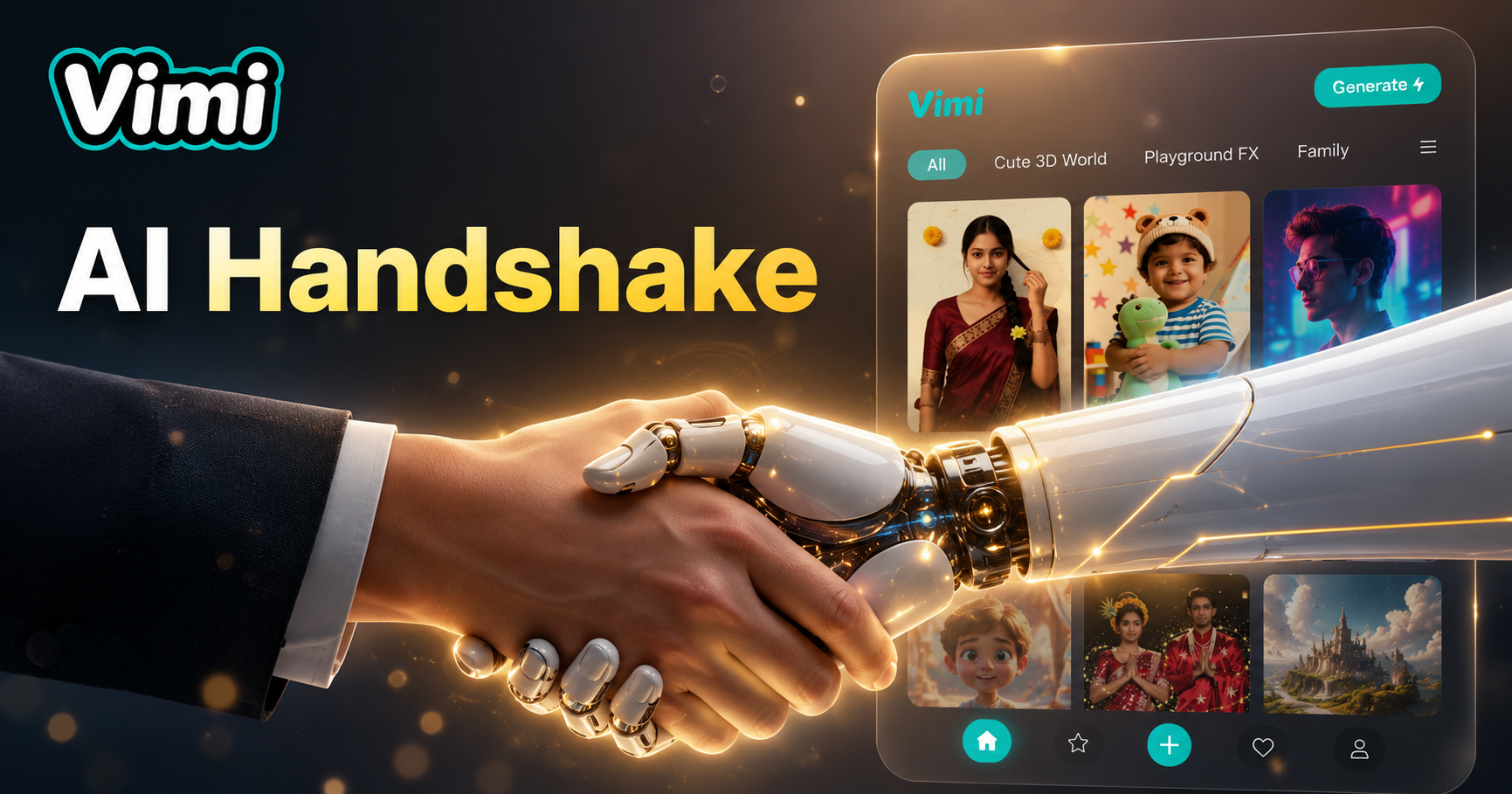
AI Handshake
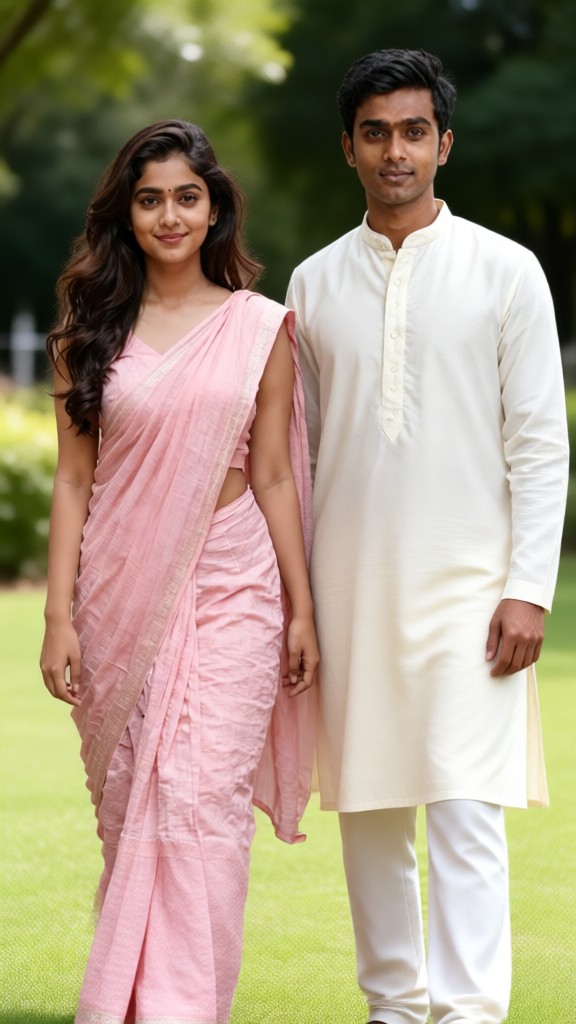

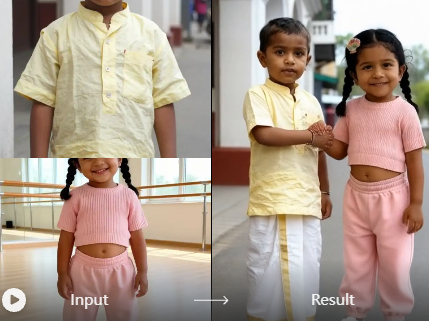
Why Use Vimi AI Handshake
Instead of manually animating hands frame by frame, you just upload photos. The AI does all the motion work in under 20 seconds. You can create a handshake photo faster than traditional photo editing software.
Why Use Vimi AI Handshake
Instead of manually animating hands frame by frame, you just upload photos. The AI does all the motion work in under 20 seconds. You can create a handshake photo faster than traditional photo editing software.
Key Features of Vimi AI Handshake Filter
Find the specific features inside Vimi AI Handshake that turn static portraits into handshake videos with natural motion.

Separate Two People
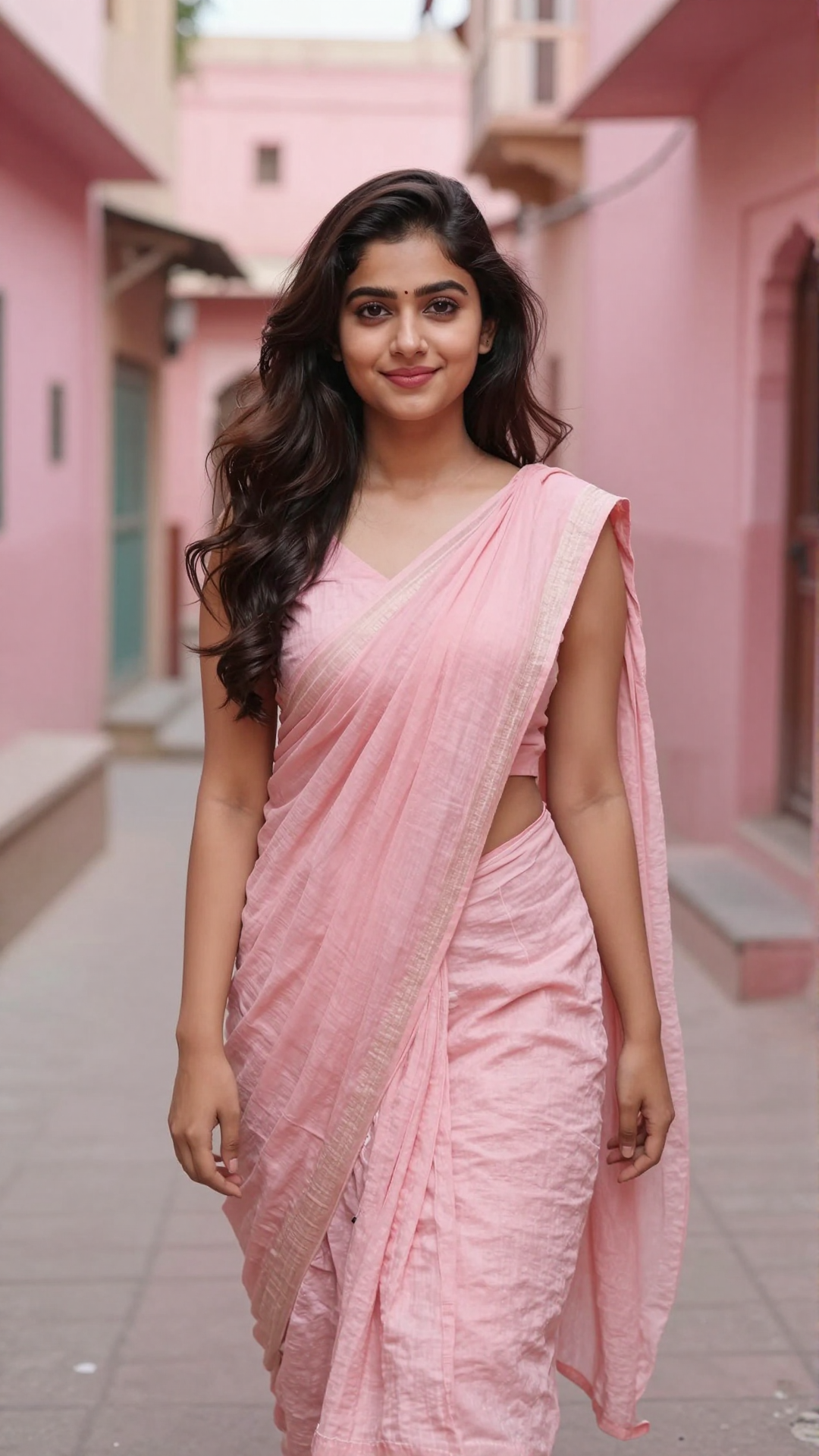
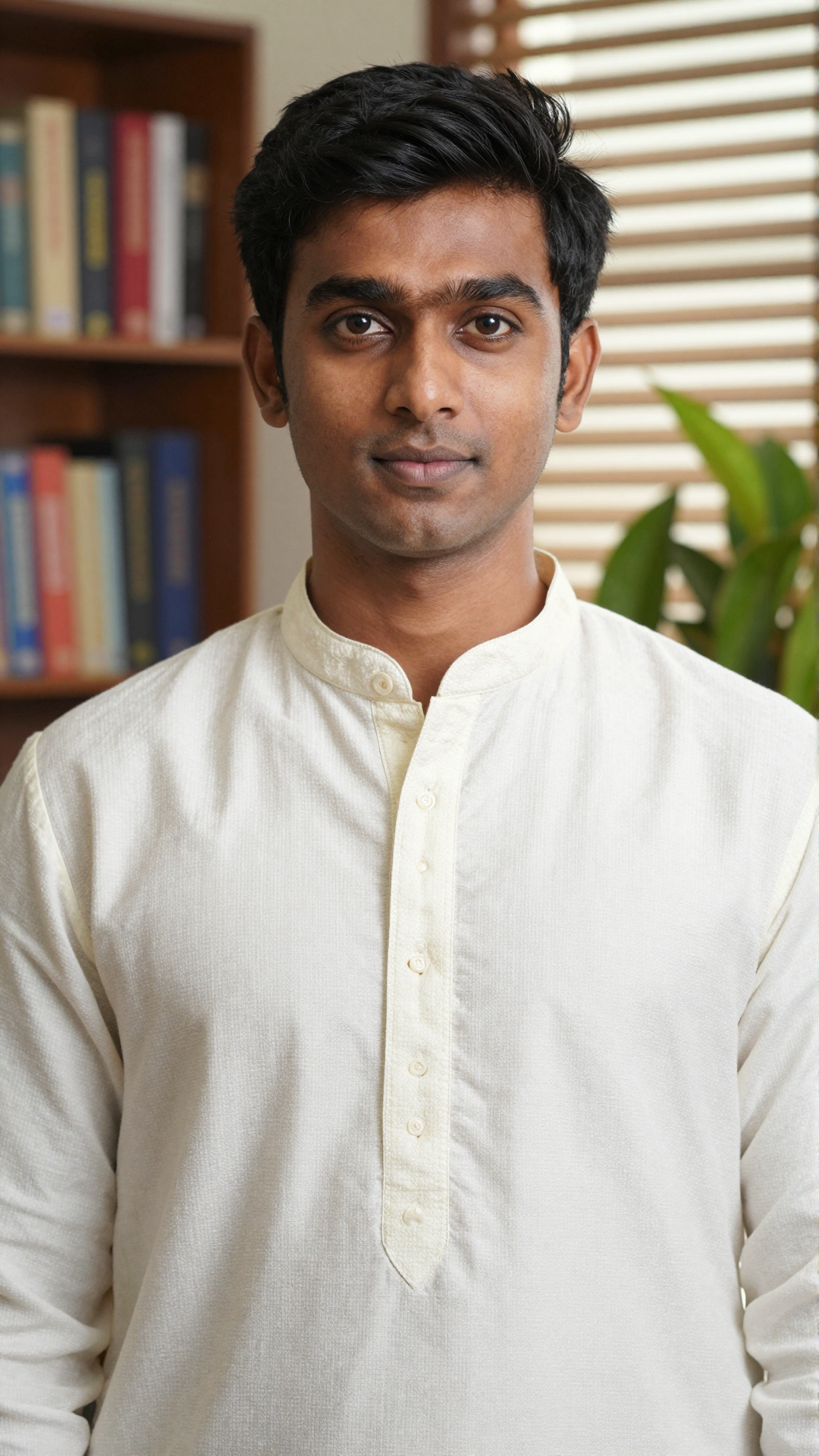
The AI scans each uploaded photo to detect and separate two individuals. It labels each person's face and body separately. This prevents mixed features or wrong hand assignments during the handshake motion generation.
 Before
Natural Handshake Motion
The AI calculates the trajectory of both hands from a static pose to a shaking motion. It adds subtle wrist rotations and gentle up down movements. The result looks like a real handshake between two people.
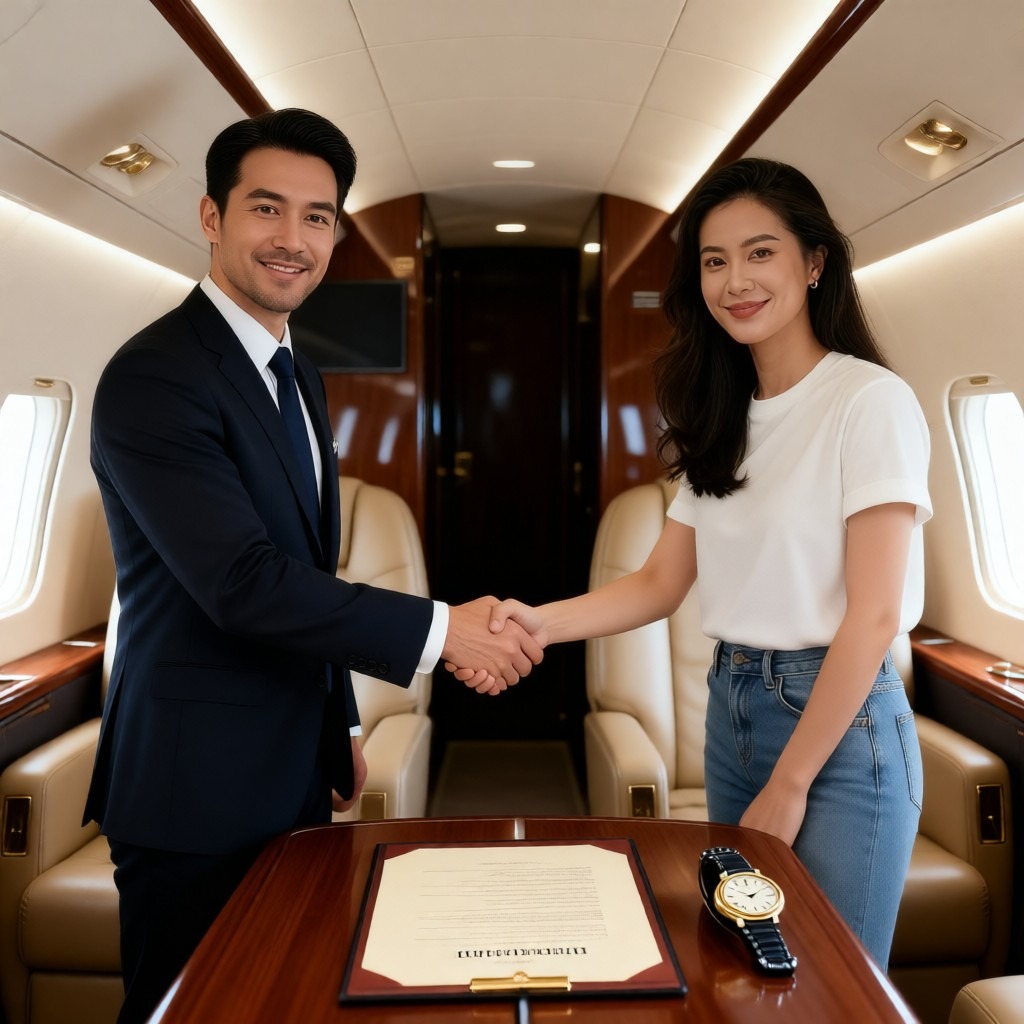
Keep Original Face Details
While the hands and arms move, each person's face stays unchanged. The AI preserves original expressions, hairstyle, and facial structure. No distortion or replacement occurs on the faces during photo generation.
How To Generate AI Handshake Photos With Vimi App?
Creating an AI handshake photo takes only a few taps. Follow these three simple steps inside the Vimi app.

Step 01.
Open your phone's app store or visit the official Vimi website. Download and install the app. Then launch it.

Step 02.
Browse the template library or search for handshake. Tap on the AI Handshake filter. Upload one photo of each person. Tap Generate.

Step 03.
After a few seconds, the handshake photo appears. Tap the Download button to save it to your phone. You can also share directly to TikTok or Instagram.
Frequently Asked Questions
Find clear answers to common questions and get the guidance you need to make the most of our platform, faster and easier.
More Topics You May Like
Explore more topics you may like and discover fresh ideas tailored to your interests.
AI Horror Generator
AI Happy Birthday Generator
AI Hair Color Changer
AI Horror Generator
AI Happy Birthday Generator
AI Hair Color Changer
Start Your AI Handshake Creation
Generate realistic handshake group photos from two separate images. Download Vimi and try the AI Handshake filter today.
Start Your AI Handshake Creation
Generate realistic handshake group photos from two separate images. Download Vimi and try the AI Handshake filter today.