AI Flower Generator
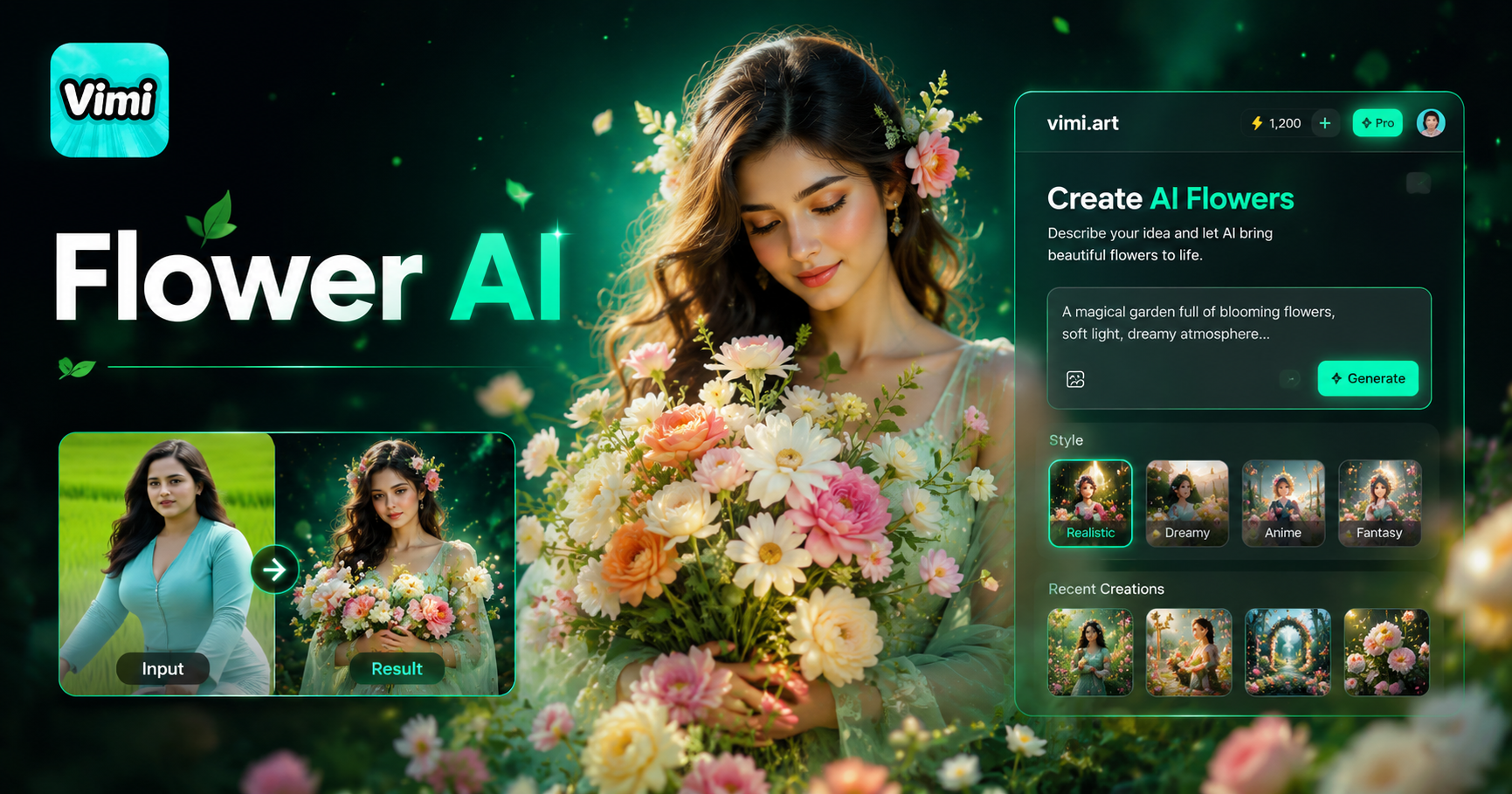
Choose Your AI Flower Generator Filter
Find the AI Flower Generator filter that matches your mood. Pick a template, upload one or two photos, and create flower art.
How to Generate Flowers With Vimi AI Flower Generator?
Inside the Vimi app, the process is simple and fast. You start by picking a template that suits your style, whether it's energetic or heartfelt. Then you upload your favorite photos, tap generate.
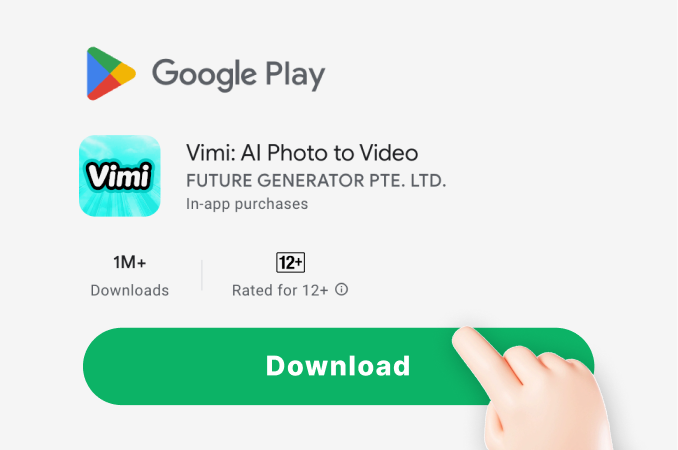
Step 01.
Visit official Vimi site on your Google Play. Tap the download button to install.
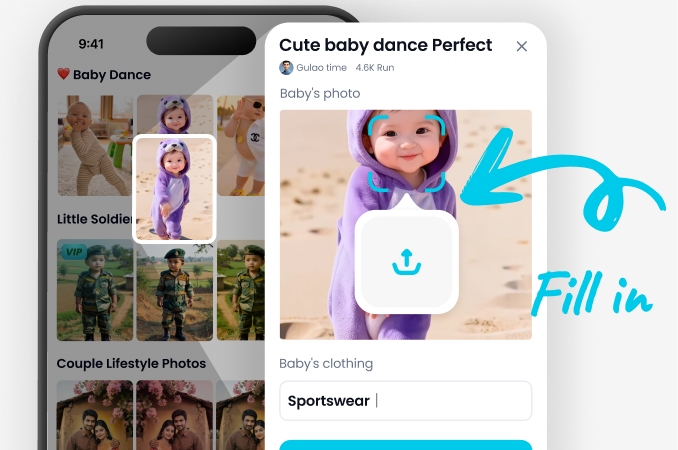
Step 02.
Open Vimi, browse the library. Tap AI Flower Generator. Choose an image template or a video template.
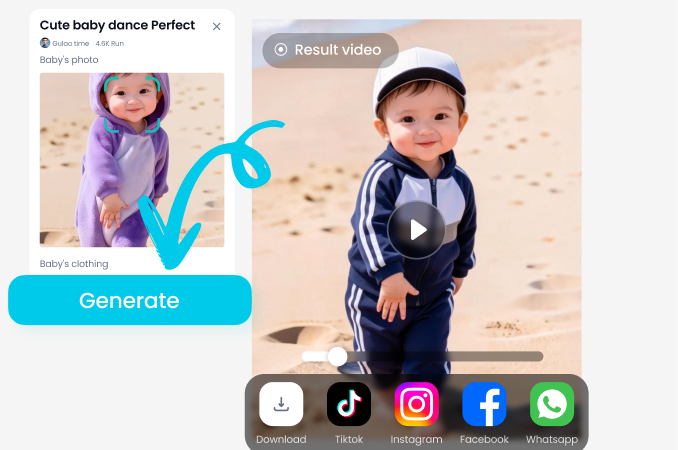
Step 03.
Upload one or two photos as shown on the template. Tap Generate. Wait 10‑20 seconds. Press Download or share to your profile.
Benefits of Using Vimi AI Flower Generator
Discover ways flower templates work for your daily creative tasks. Turn a pet photo into a watercolor bloom. Place a friend into a sunflower field. Or generate a 3 second video where petals gently move.
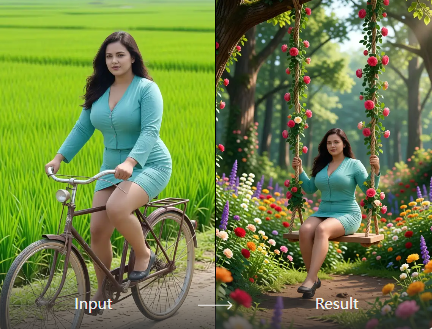
Single Photo Templates
Choose a flower image template. Upload one photo of a flower or a person. Vimi applies the template style. You get a still image in 10‑20 seconds. No text prompts or settings needed. Over 21,000 total templates are available across all categories.
Single Photo Templates
Choose a flower image template. Upload one photo of a flower or a person. Vimi applies the template style. You get a still image in 10‑20 seconds. No text prompts or settings needed. Over 21,000 total templates are available across all categories.
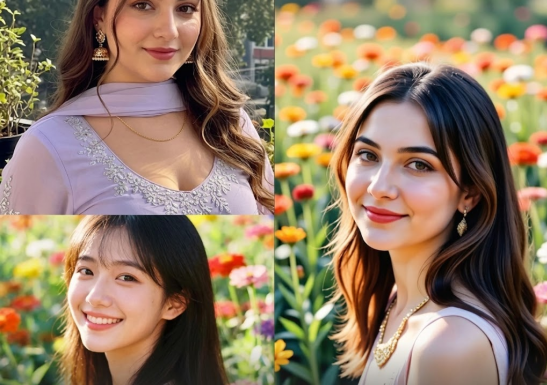
Dual Photo Compositing
Some flower templates show two input slots. Upload a person photo to one slot and a flower field or bouquet photo to the other. Vimi places the person into the flower scene. The result keeps both subjects clearly separated.
Dual Photo Compositing
Some flower templates show two input slots. Upload a person photo to one slot and a flower field or bouquet photo to the other. Vimi places the person into the flower scene. The result keeps both subjects clearly separated.
Video Flower Templates
Select a flower video template marked with a play icon. Upload one photo (a flower or a person) or two photos. Vimi produces a 3 second clip where petals move or light changes. No manual animation required.
Video Flower Templates
Select a flower video template marked with a play icon. Upload one photo (a flower or a person) or two photos. Vimi produces a 3 second clip where petals move or light changes. No manual animation required.
Frequently Asked Questions
Find clear answers to common questions and get the guidance you need to make the most of our platform, faster and easier.
More Topics You May Like
Explore more topics you may like and discover fresh ideas tailored to your interests.
Couple Mirror Selfie

World Cup Baby Effects
Ai Digital Avatar Generator

Ai Raksha Bandhan Card Design Generator
Couple Mirror Selfie
World Cup Baby Effects
Ai Digital Avatar Generator
Ai Raksha Bandhan Card Design Generator
Create Your Flower Art Today
Download Vimi App. Generate your first flower image in twenty seconds.

Create Your Flower Art Today
Download Vimi App. Generate your first flower image in twenty seconds.