AI Face Expression Generator
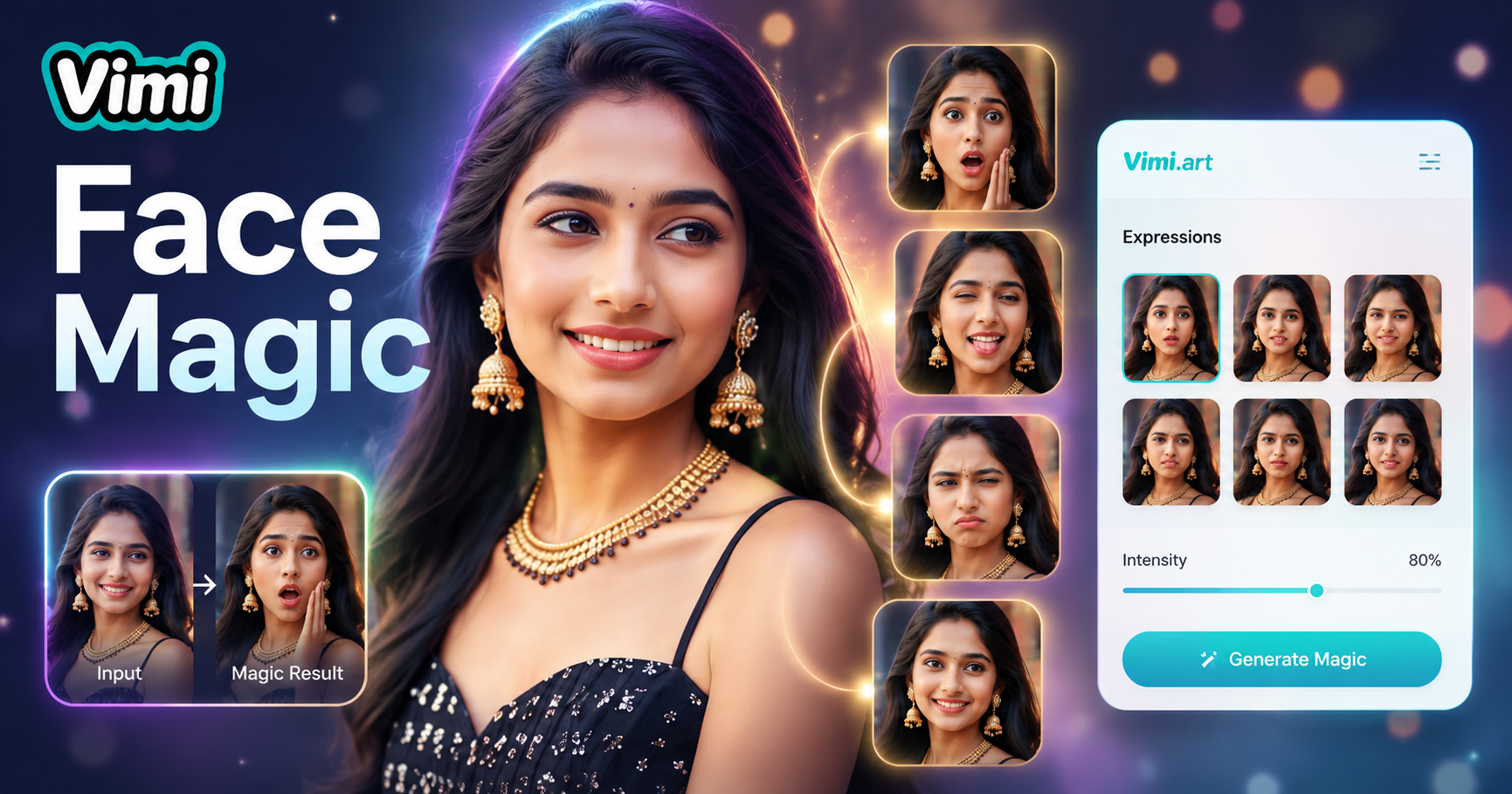
Expression Editing - p2


Explore AI Face Expression Uses for Content and Communication
Find the many ways you can apply the AI Face Expression Generator for creative, professional, and personal projects.
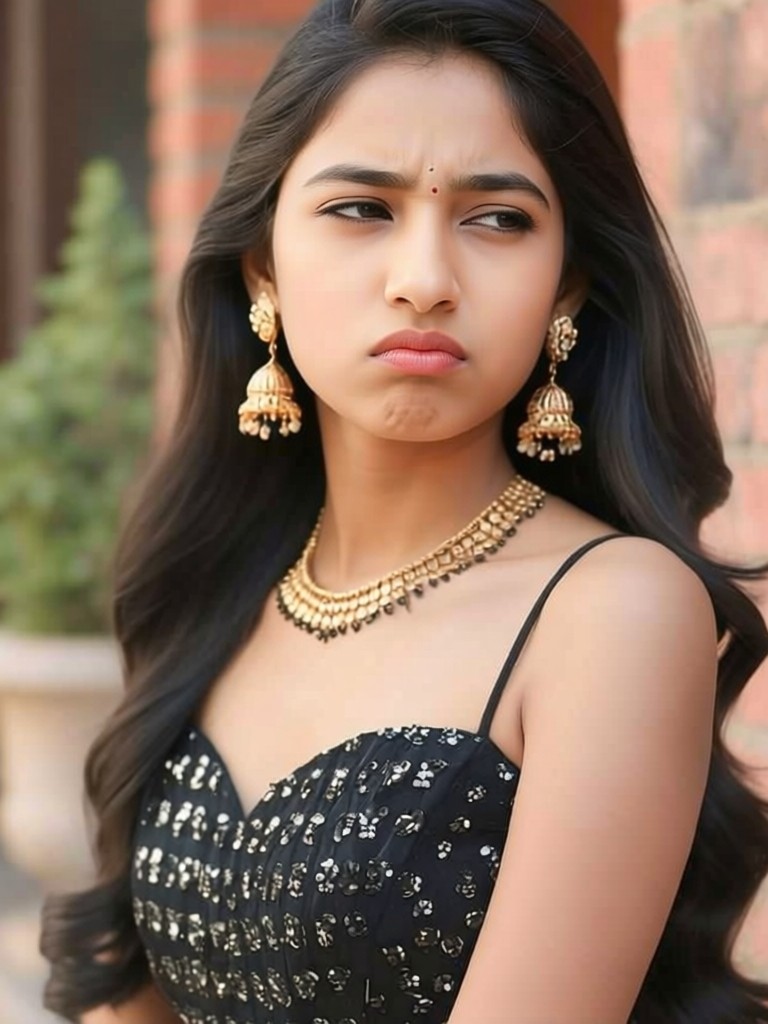
 Before
 After
AfterMarketing and Advertising Visuals
Create ad images with models showing appropriate expressions for your message. A smiling face promotes positive products while surprised expressions highlight exciting offers. Generate multiple variations from one stock photo. This saves on photoshoot costs and gives you flexible visual assets for different campaigns.
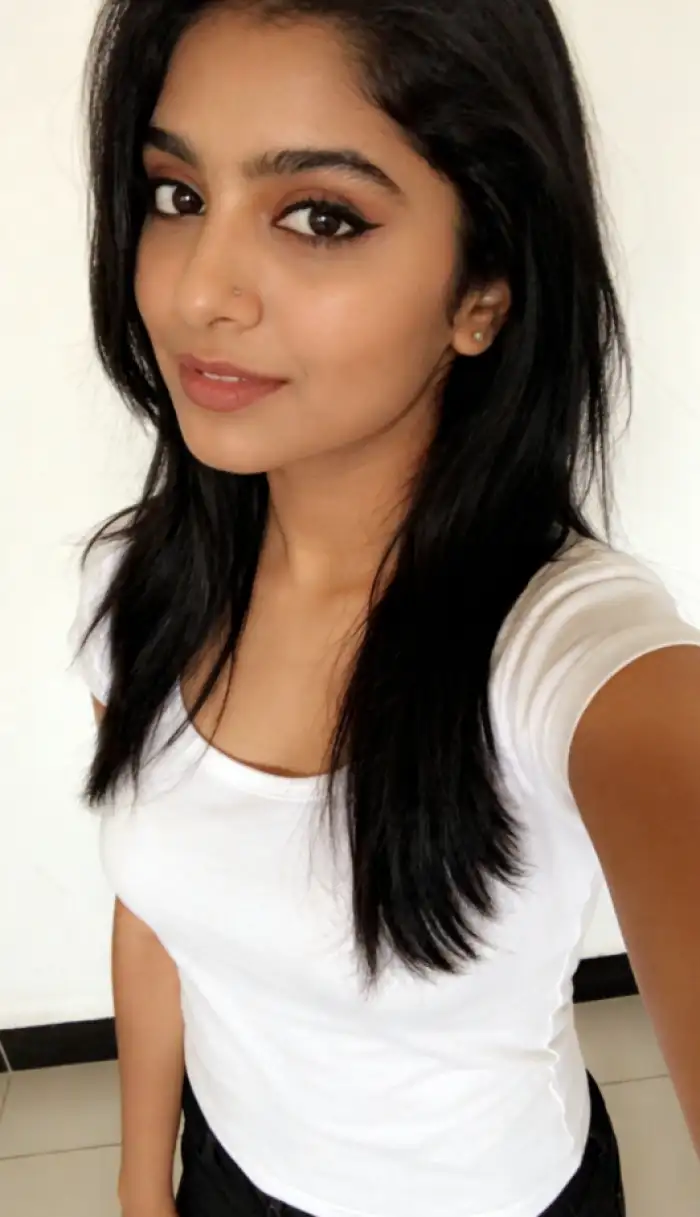
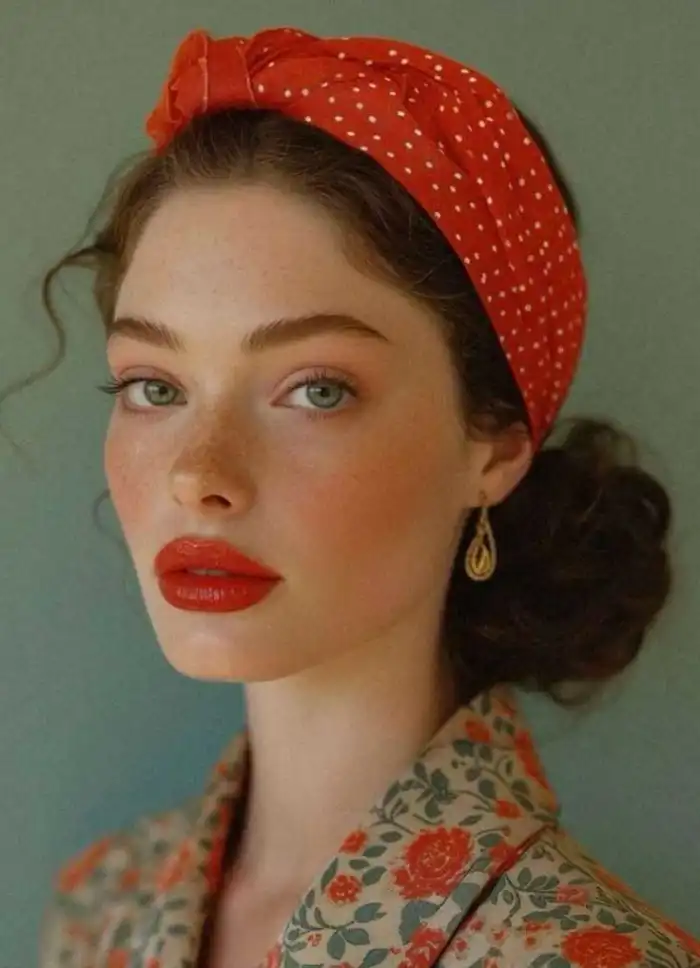 Before
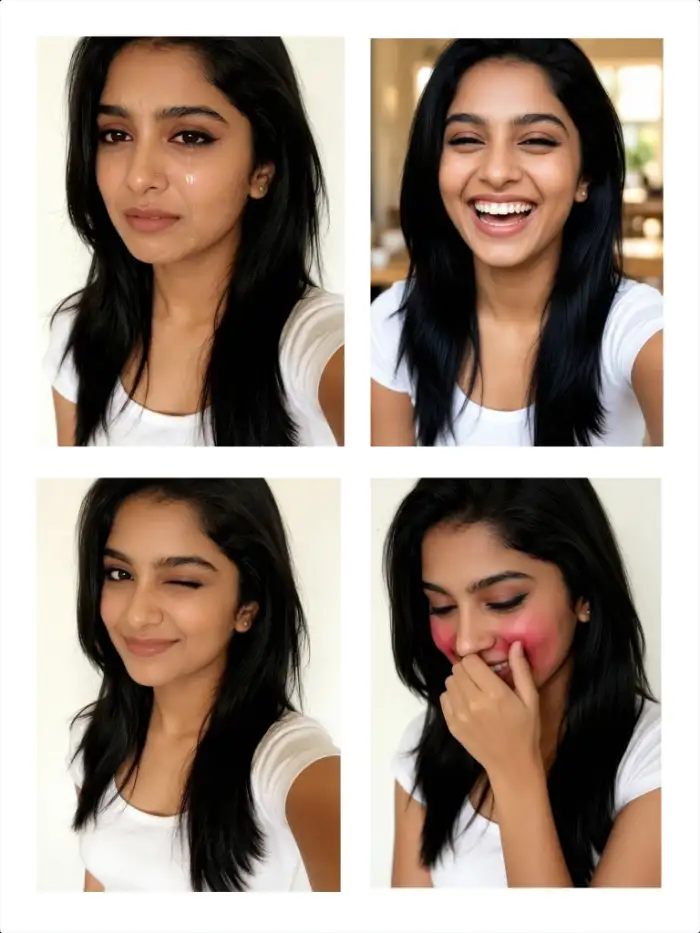
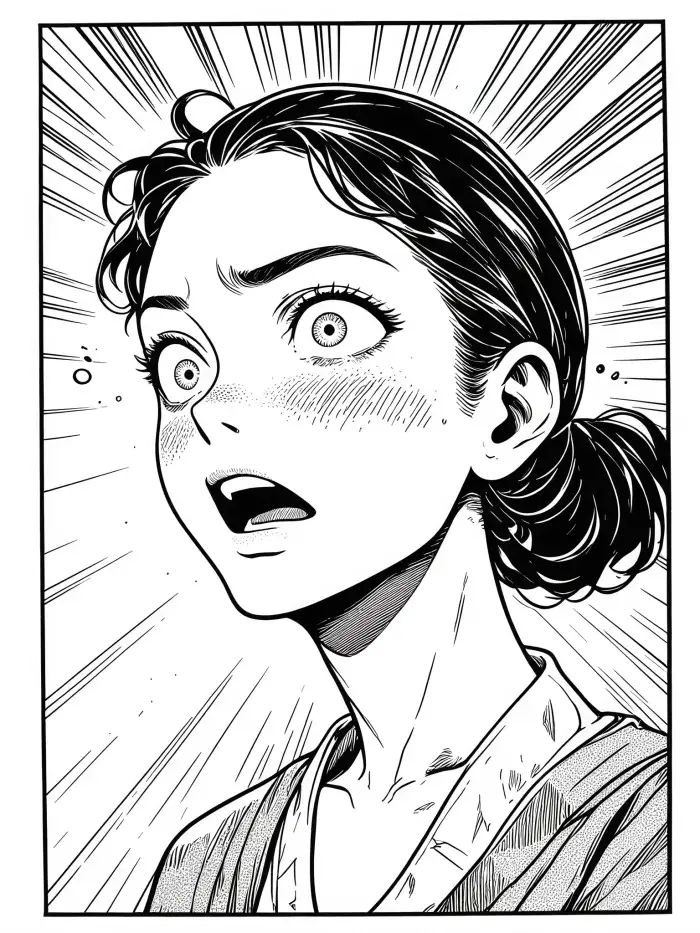 After
AfterDigital Communication Enhancement
Add expression variations to your messaging app profile pictures. Match your photo to your current mood or the conversation tone. A friendly smile for general chats and a thoughtful look for serious discussions. Your contacts get a better sense of your emotional state through your profile image.
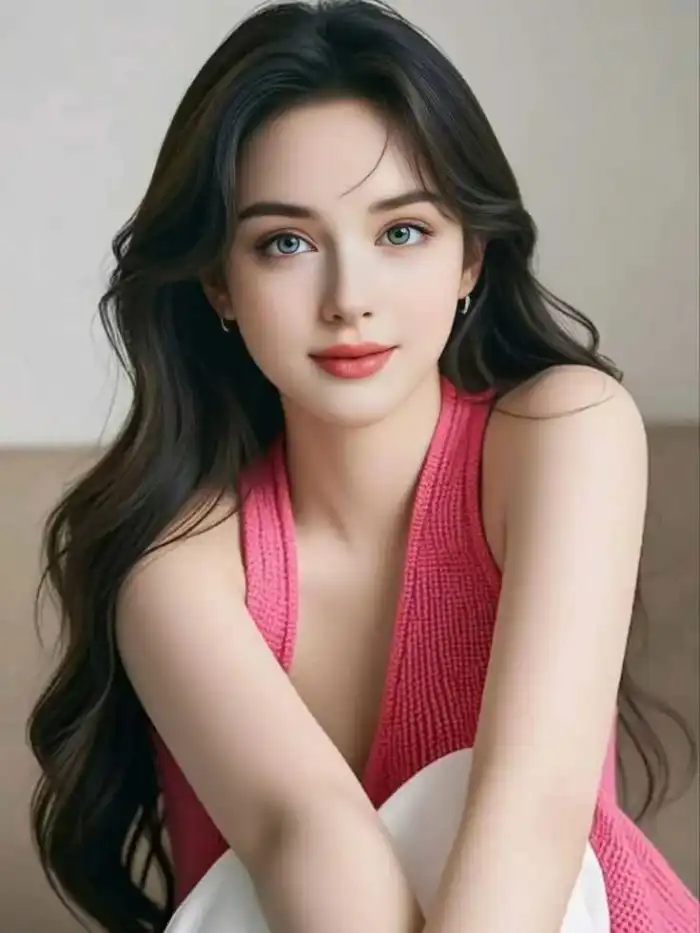 Before
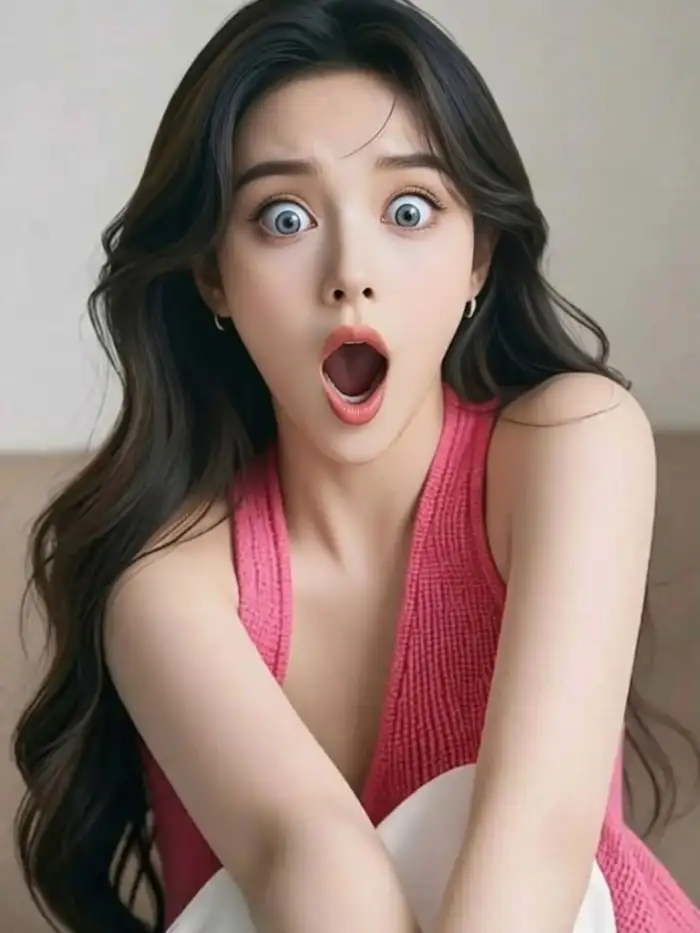 After
AfterEducational and Training Materials
Create teaching resources with characters showing different emotions. This helps students learn to recognize facial expressions. Generate images for psychology classes, language learning, or social skills training. Teachers can produce custom materials without needing professional illustrators or photographers.
How to Generate AI Face Expressions With Vimi?
Follow these three straightforward steps to transform your portrait into multiple expression variations using the Vimi app on your phone.

Step 01.
Open your app store. Search for Vimi. Tap download and install the app on your phone.

Step 02.
Open Vimi and browse templates. Find the AI Face Expression Generator. Upload your portrait photo. Choose your desired expression.

Step 03.
Wait seconds for processing. Review each generated expression. Tap Download to save your favorites. Share directly to social media platforms.
Frequently Asked Questions
Find clear answers to common questions and get the guidance you need to make the most of our platform, faster and easier.
Who Uses AI Face Expression Generator Online
Jennifer Lopez
Vimi changed my profile picture game. I generated five expressions from one photo. My friends thought I took new pictures. The winking version is my favorite.
Mark Sullivan
Used this for my marketing materials. Generated smiling versions of our team photos. The expressions looked natural. Saved us time and money on reshoots.
Robert Chang
I generated surprising expressions for my birthday invitation. Everyone commented on the creative photos. The app made my invitation stand out.

Claire Williams
Love how quick this works. I generated 20 expressions in five minutes. The consistency across all versions was impressive. Each one clearly looked like me.
Jennifer Lopez
Vimi changed my profile picture game. I generated five expressions from one photo. My friends thought I took new pictures. The winking version is my favorite.
Mark Sullivan
Used this for my marketing materials. Generated smiling versions of our team photos. The expressions looked natural. Saved us time and money on reshoots.
Robert Chang
I generated surprising expressions for my birthday invitation. Everyone commented on the creative photos. The app made my invitation stand out.
Claire Williams
Love how quick this works. I generated 20 expressions in five minutes. The consistency across all versions was impressive. Each one clearly looked like me.
Jennifer Lopez
Vimi changed my profile picture game. I generated five expressions from one photo. My friends thought I took new pictures. The winking version is my favorite.
Mark Sullivan
Used this for my marketing materials. Generated smiling versions of our team photos. The expressions looked natural. Saved us time and money on reshoots.
Robert Chang
I generated surprising expressions for my birthday invitation. Everyone commented on the creative photos. The app made my invitation stand out.
Claire Williams
Love how quick this works. I generated 20 expressions in five minutes. The consistency across all versions was impressive. Each one clearly looked like me.
More Topics You May Like
Explore more topics you may like and discover fresh ideas tailored to your interests.
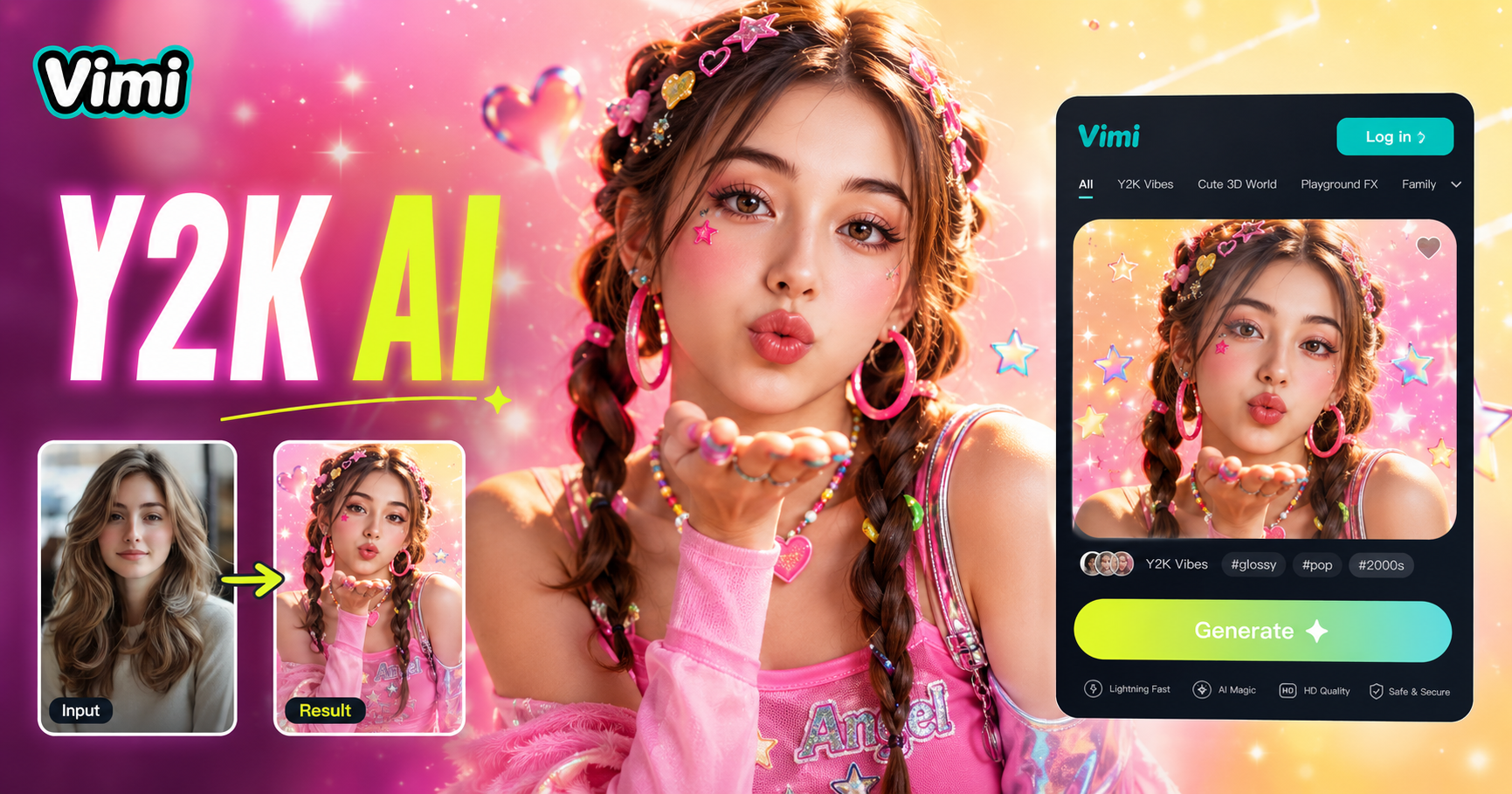
AI Y2k Generator
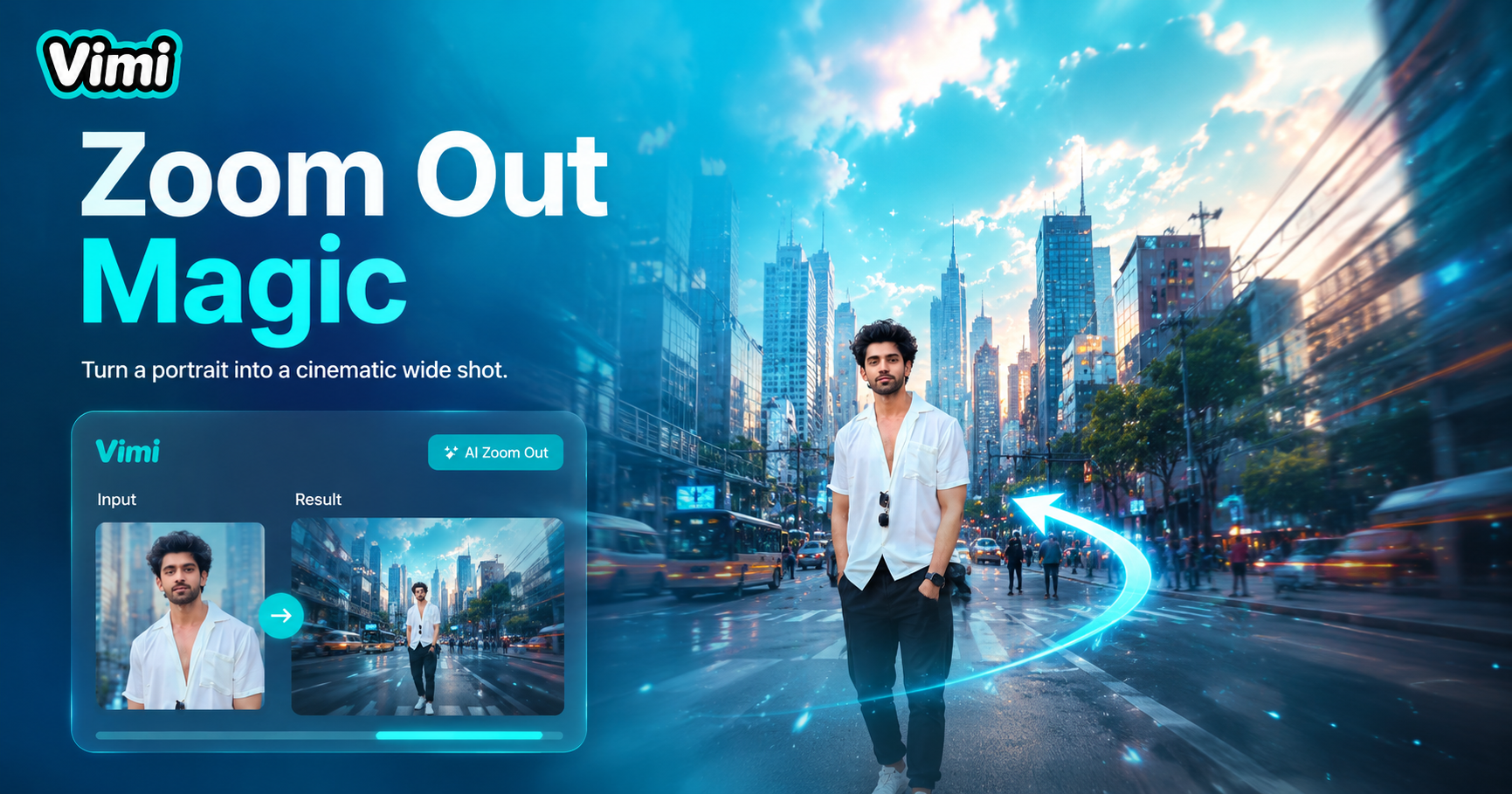
AI Zoom Out Video Effect
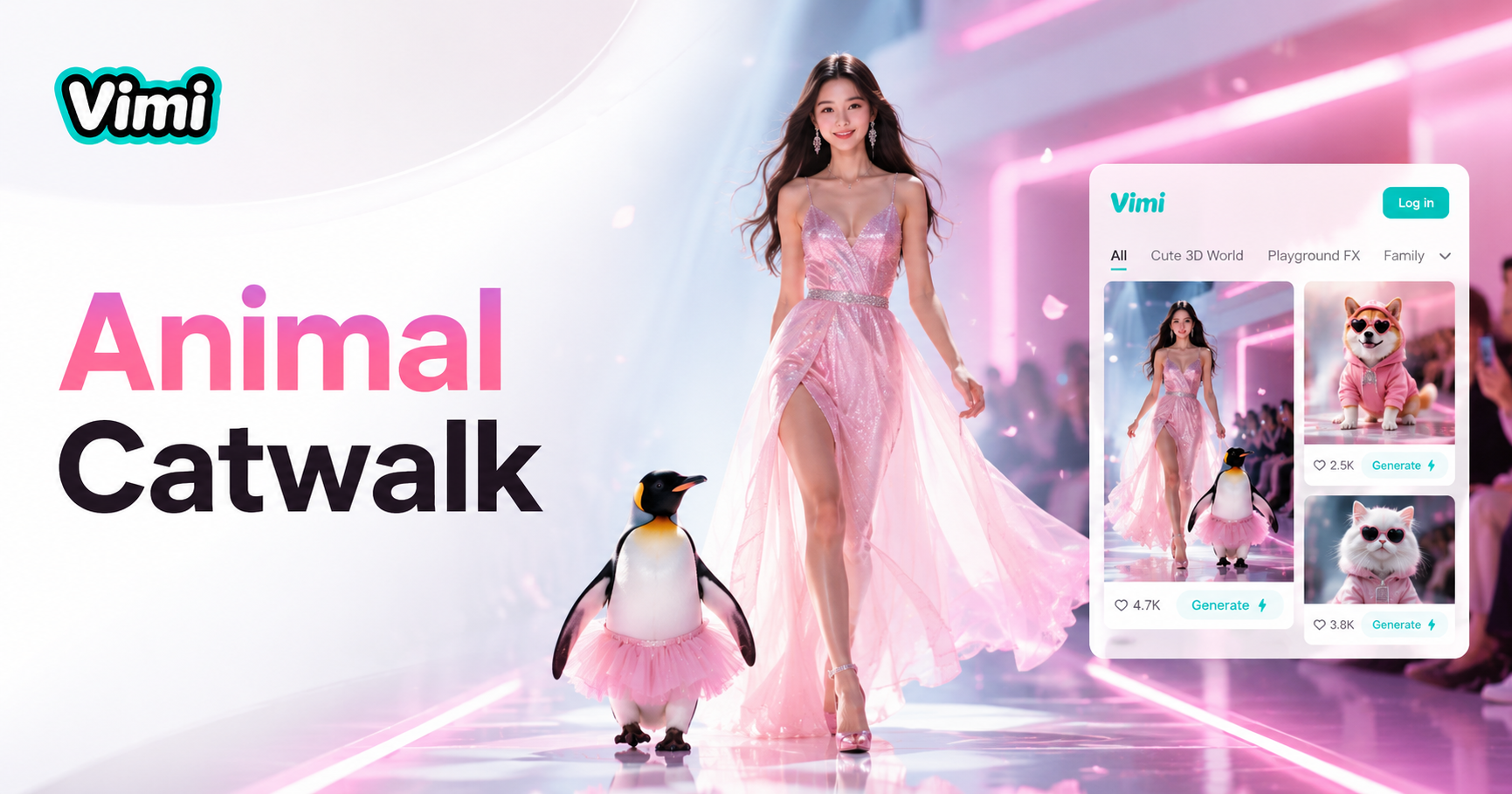
AI Catwalk With Animal
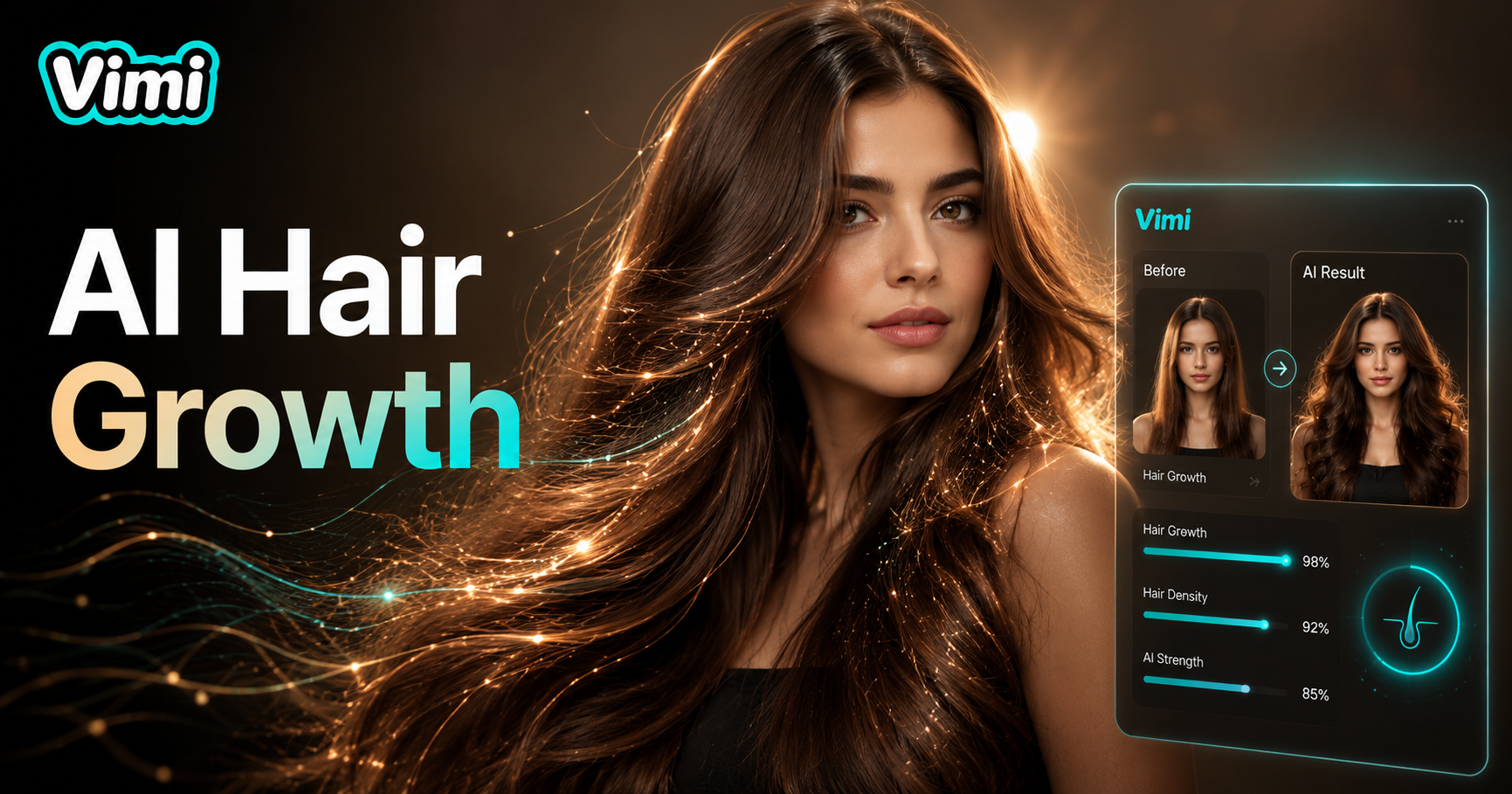
AI Hair Growth
AI Y2k Generator
AI Zoom Out Video Effect
AI Catwalk With Animal
AI Hair Growth
Change Your Photos With New Expressions Using Vimi
Download Vimi today. Generate multiple facial expressions from one photo in seconds. Thousands of creative templates available.
Change Your Photos With New Expressions Using Vimi
Download Vimi today. Generate multiple facial expressions from one photo in seconds. Thousands of creative templates available.