AI Comic Generator
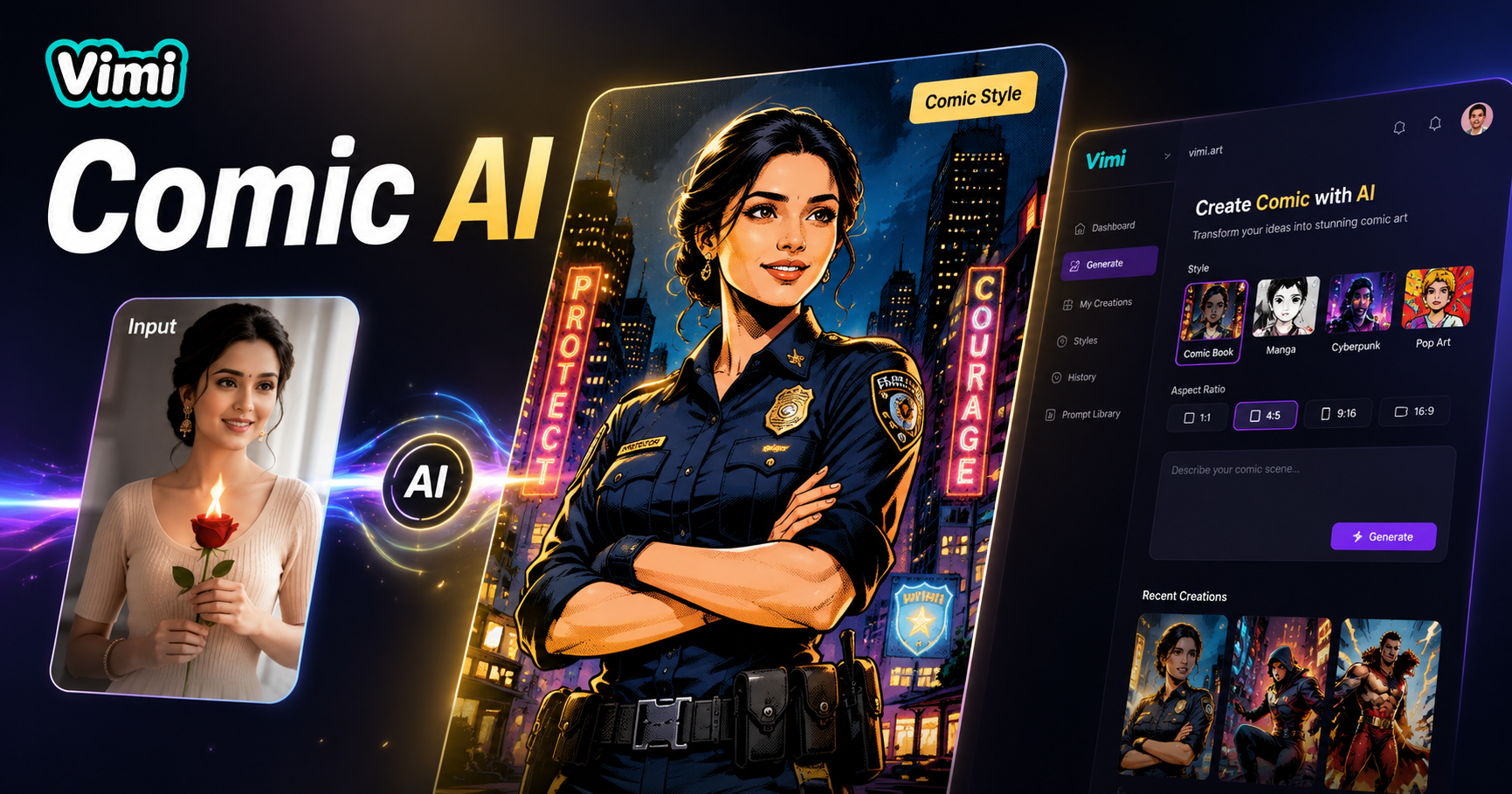
Choose the Filter That Suits You Best
Discover the AI comic generator filter that perfectly matches your style and mood.
Key Features of Vimi AI Comic Generator
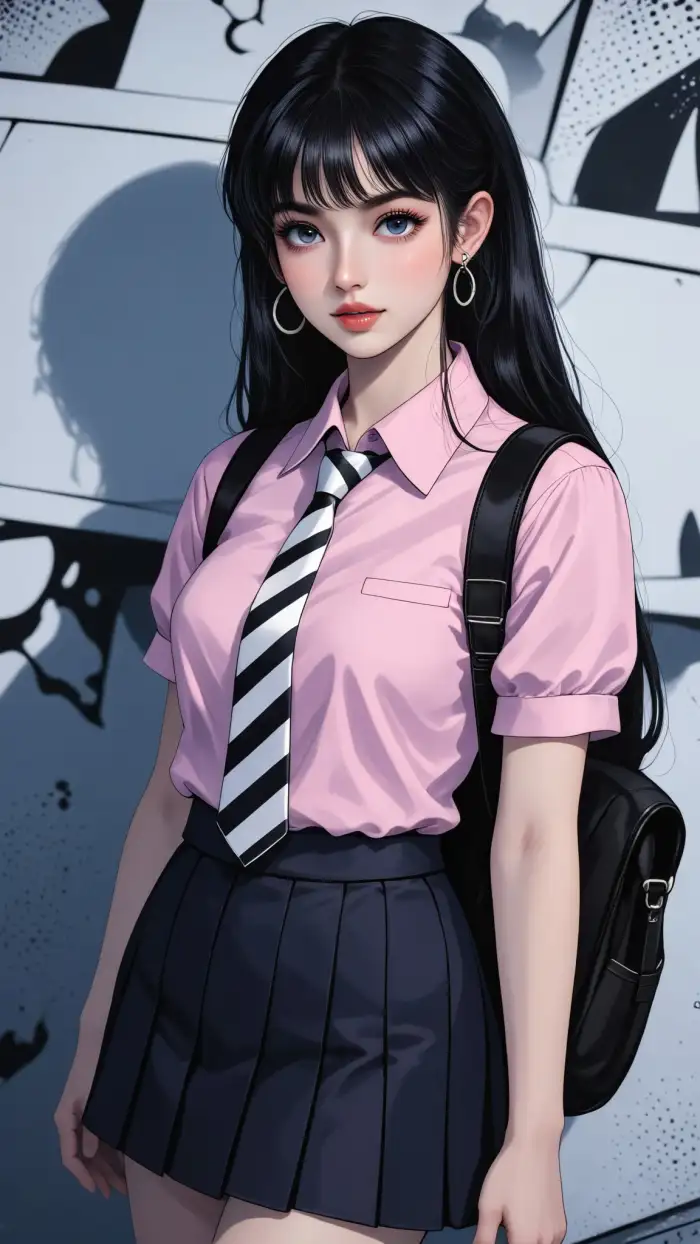
Discover the five comic creation functions that help you turn any image into a comic panel.
 Before
 After
AfterPanel Layout Templates
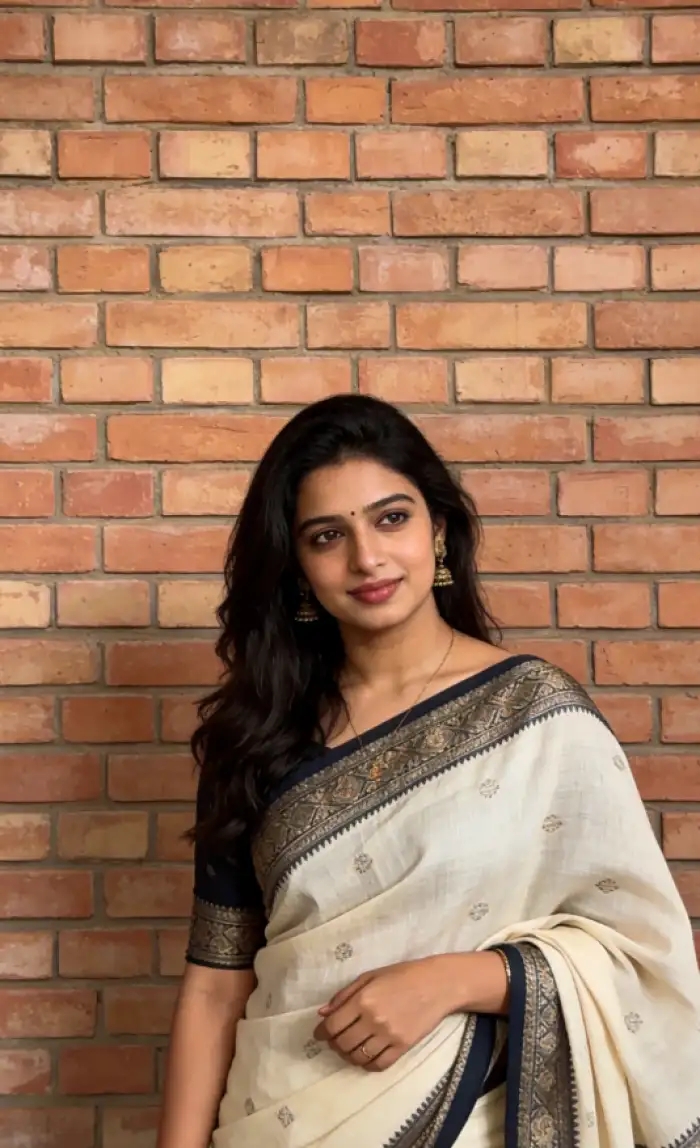
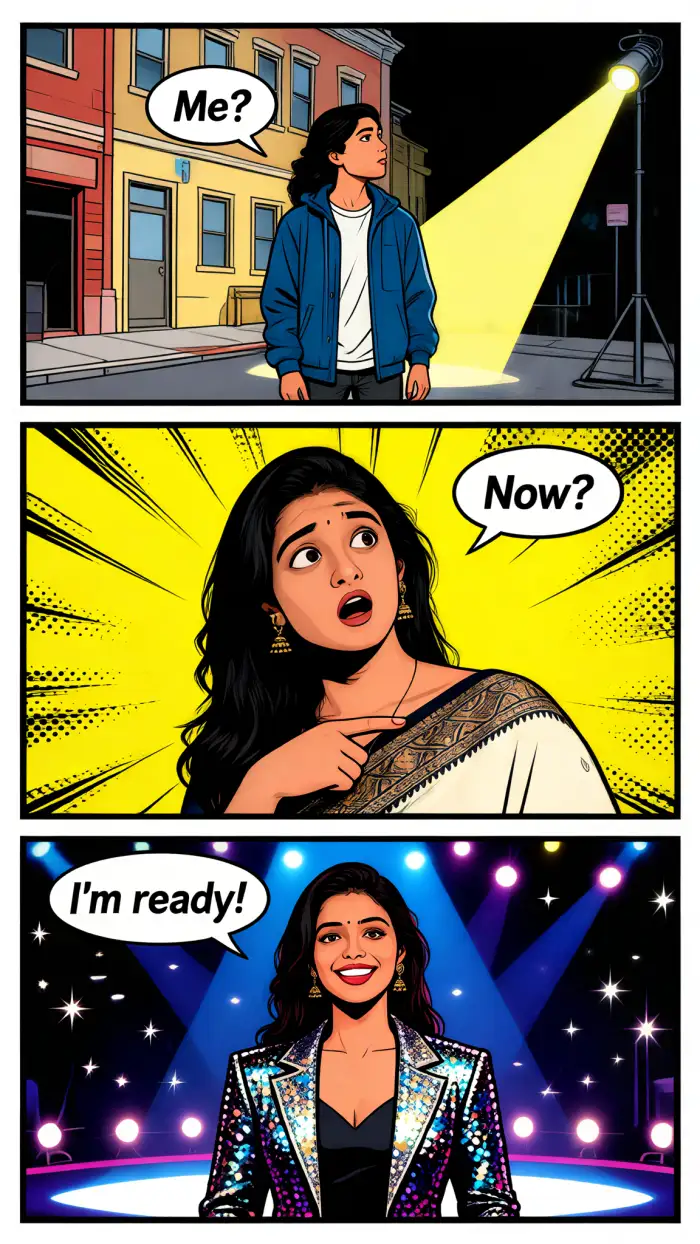
Vimi provides 50+ comic layouts, including 3 panel,4 panel, and full page designs. Pick a layout. Your photos automatically arrange into reading order. No manual resizing or cropping needed.
BeforeAfterPanel Layout Templates
Vimi provides 50+ comic layouts, including 3 panel,4 panel, and full page designs. Pick a layout. Your photos automatically arrange into reading order. No manual resizing or cropping needed.
 Before
 After
AfterSpeech Bubble Templates
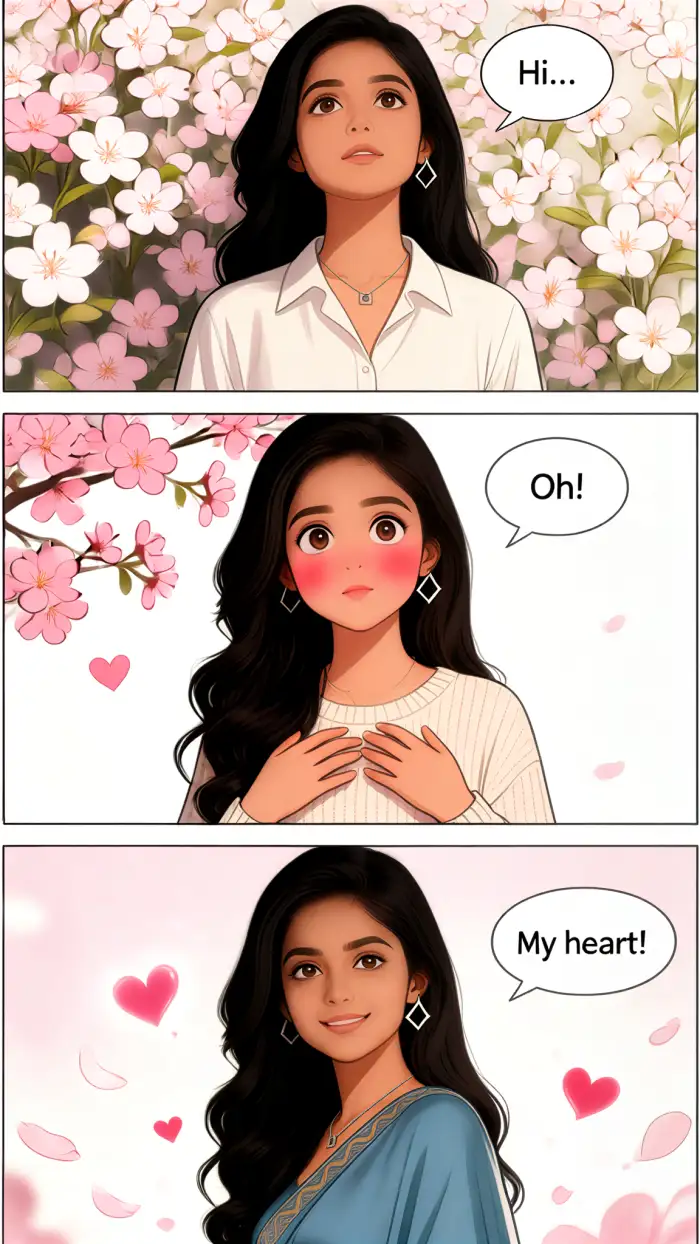
Add dialogue directly inside the app. Choose from different bubble shapes comic templates. Choose a dialog box template. Vimi can provide you with the anime templates you want, including dialog boxes.
BeforeAfterSpeech Bubble Templates
Add dialogue directly inside the app. Choose from different bubble shapes comic templates. Choose a dialog box template. Vimi can provide you with the anime templates you want, including dialog boxes.
 Before
 After
AfterComic Style Library
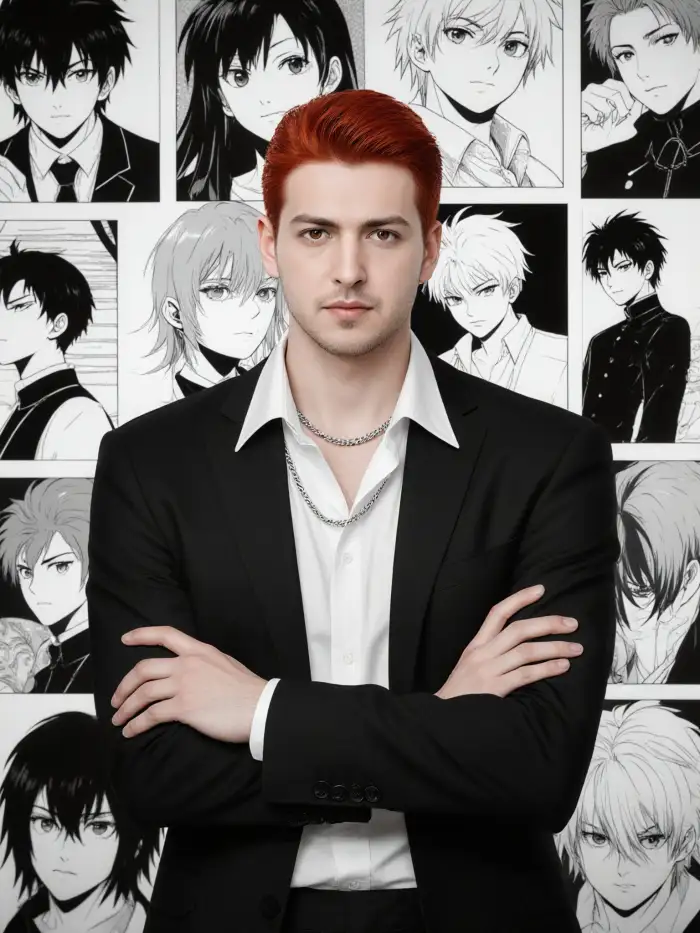
Select from manga black and white, American superhero, French Belgian, or retro 1950s styles. Each style changes line weight, shading, and color palette. One tap transforms your photo into that comic look.
BeforeAfterComic Style Library
Select from manga black and white, American superhero, French Belgian, or retro 1950s styles. Each style changes line weight, shading, and color palette. One tap transforms your photo into that comic look.
 Before
 After
AfterMulti Panel Consistency
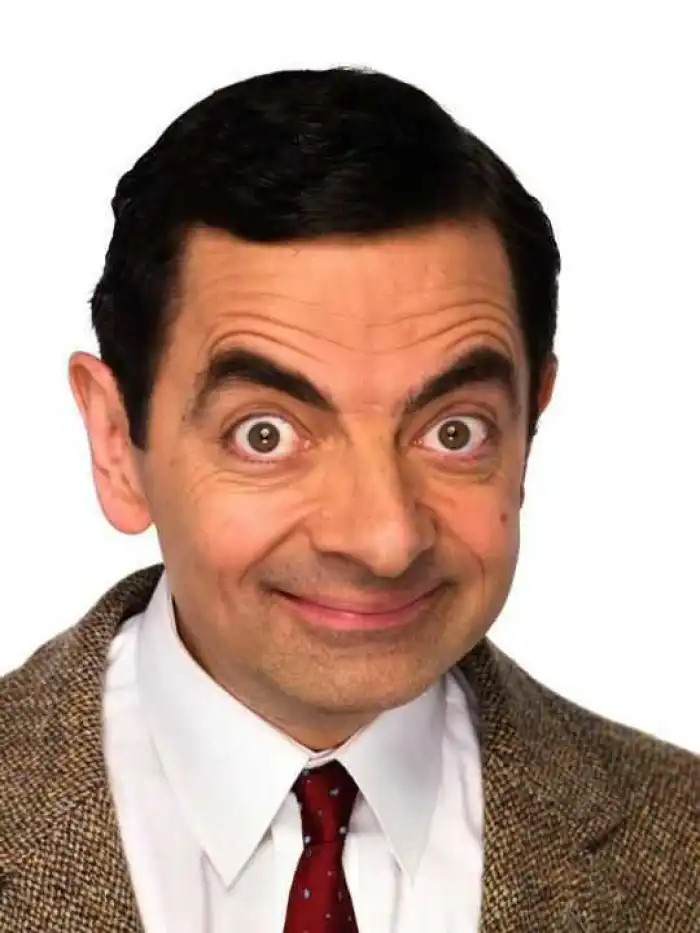
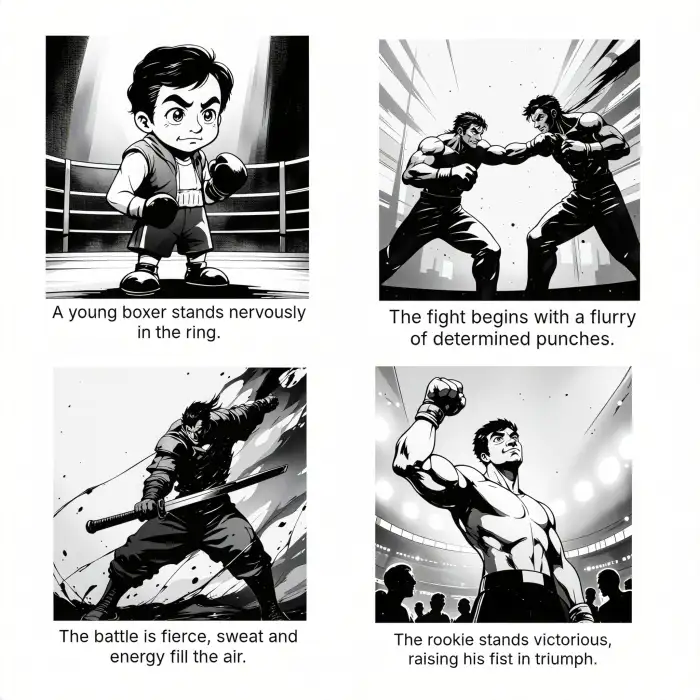
Keep the same character face across 3 panels. Vimi locks facial features, hair, and clothing. Your hero looks identical in every cell. No face drift between panels. Great for short stories.
BeforeAfterMulti Panel Consistency
Keep the same character face across 3 panels. Vimi locks facial features, hair, and clothing. Your hero looks identical in every cell. No face drift between panels. Great for short stories.
 Before
 After
AfterAction Line Effects
Add speed lines, impact bursts, or motion trails. Choose from many effect overlays. Place them behind a punching character or next to a running figure. Vimi keeps the original photo shape while adding dynamic lines.
BeforeAfterAction Line Effects
Add speed lines, impact bursts, or motion trails. Choose from many effect overlays. Place them behind a punching character or next to a running figure. Vimi keeps the original photo shape while adding dynamic lines.
Frequently Asked Questions
Find clear answers to common questions and get the guidance you need to make the most of our platform, faster and easier.
More Topics You May Like
Explore more topics you may like and discover fresh ideas tailored to your interests.
Ai Saree Generator
Vtuber AI Generator
AI Model Girl Generator
AI Office Setting Generator
Ai Saree Generator
Vtuber AI Generator
AI Model Girl Generator
AI Office Setting Generator
Create Your First AI Comic With Vimi Now
Download Vimi. Pick a layout. Turn your photos into comic panels in 10 seconds. Share or print.

Create Your First AI Comic With Vimi Now
Download Vimi. Pick a layout. Turn your photos into comic panels in 10 seconds. Share or print.