AI Birthday Party Video Effect
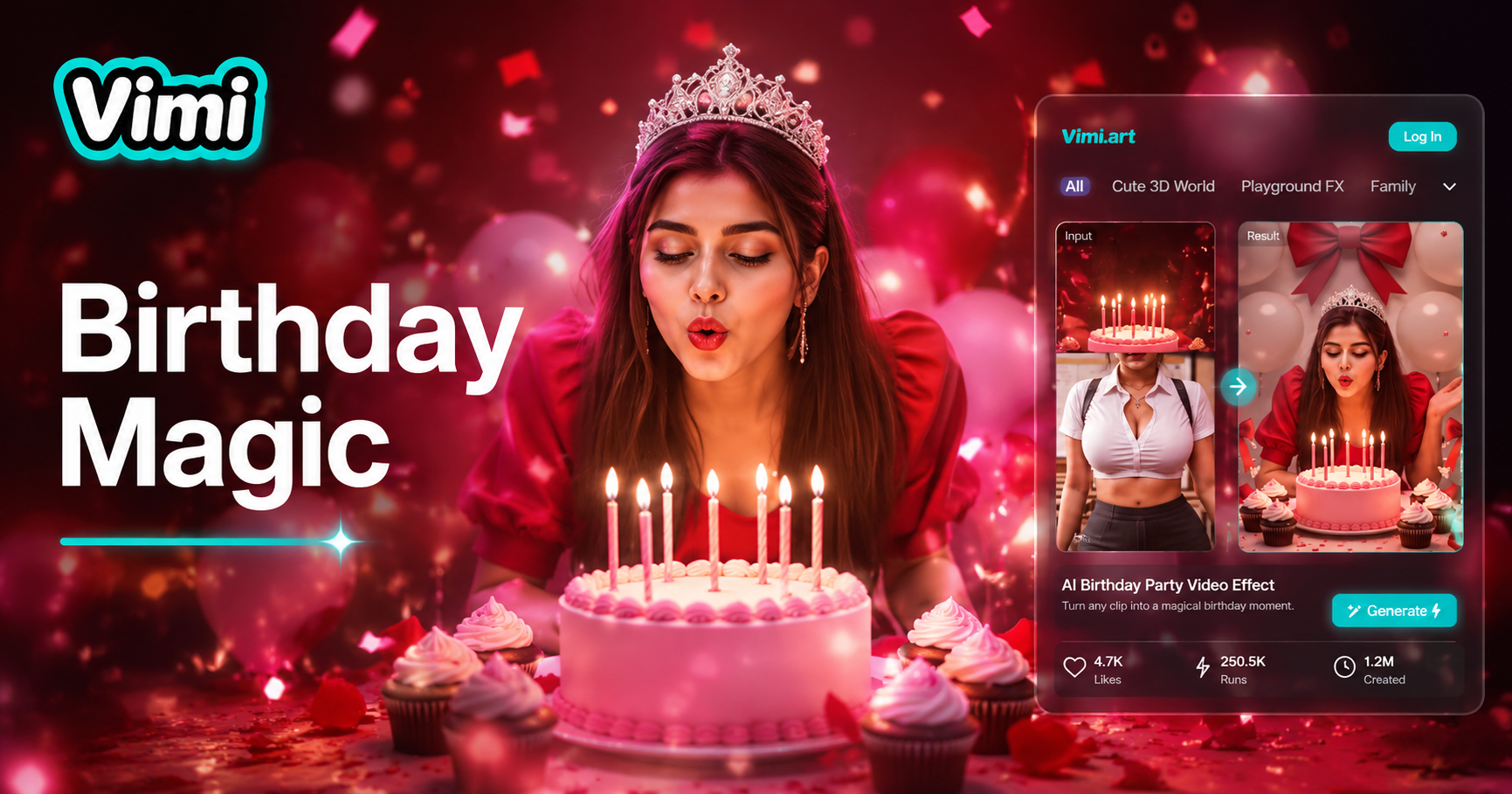
Happy birthday




Why Use Vimi for an AI Birthday Party Video
Discover how Vimi helps you create memorable birthday videos. These benefits show why Vimi is the right tool for your celebration content.
Bring Party Photos to Life
Transform your static birthday images into moving memories. See your friends and family wave, smile, and celebrate through video. The motion captures the joy and energy of your special day. Watch your favorite party photo move like a real scene.
Bring Party Photos to Life
Transform your static birthday images into moving memories. See your friends and family wave, smile, and celebrate through video. The motion captures the joy and energy of your special day. Watch your favorite party photo move like a real scene.
Explore the Use Cases for Vimi AI Birthday Party Video
Find the many ways to use Vimi for birthday party videos. These scenarios show how individuals, parents, and content creators benefit from this tool.
Birthday Invitation Videos
Send unique video invitations featuring birthday party animations. Your guests will be excited by the moving images. Create a preview of the celebration. Share the invitation through messaging apps or social media. Stand out with a creative digital invite that captures attention.
 Before
Social Media Birthday Posts
Post birthday videos on Instagram, TikTok, or Facebook for higher engagement. Moving content receives more views and likes than static photos. Show your followers a creative side of your celebration. Use trending templates to increase your post visibility and reach.
Personalized Birthday Gifts
Create custom birthday videos as gifts for friends and family. Upload their party photos and make a moving memory. The video becomes a keepsake they will treasure. Surprise them with a creative animation that captures their special moments.
How to Create AI Birthday Party Video with Vimi?
Follow these three steps to make your birthday party video. The process takes less than one minute from start to finish.

Step 01.
Go to your Google Play Store and search for Vimi. Download and install the application on your phone.

Step 02.
Open the template library and choose your preferred birthday party style. Upload your celebration photo and tap generate.

Step 03.
Review the generated birthday video. Tap download to save it or share directly to social platforms.
Frequently Asked Questions
Find clear answers to common questions and get the guidance you need to make the most of our platform, faster and easier.
Who Uses AI Birthday Party Video Effect

Jessica Martinez
Vimi helped me create birthday videos for my clients. The group face recognition keeps everyone looking natural. My clients love seeing their party photos move.

Thomas Wilson
I made a birthday video for my daughter's party invitation. Her friends were so surprised by the moving photo. Vimi made everything simple.

Amanda Lee
The birthday party template created great content for my brand's Instagram. I got many views and comments. Vimi is now my favorite video tool.
Robert Park
I use Vimi to make personalized birthday videos for my customers. They love the fun animations. My gift orders increased after offering these videos.
Jessica Martinez
Vimi helped me create birthday videos for my clients. The group face recognition keeps everyone looking natural. My clients love seeing their party photos move.
Thomas Wilson
I made a birthday video for my daughter's party invitation. Her friends were so surprised by the moving photo. Vimi made everything simple.
Amanda Lee
The birthday party template created great content for my brand's Instagram. I got many views and comments. Vimi is now my favorite video tool.
Robert Park
I use Vimi to make personalized birthday videos for my customers. They love the fun animations. My gift orders increased after offering these videos.
Jessica Martinez
Vimi helped me create birthday videos for my clients. The group face recognition keeps everyone looking natural. My clients love seeing their party photos move.
Thomas Wilson
I made a birthday video for my daughter's party invitation. Her friends were so surprised by the moving photo. Vimi made everything simple.
Amanda Lee
The birthday party template created great content for my brand's Instagram. I got many views and comments. Vimi is now my favorite video tool.
Robert Park
I use Vimi to make personalized birthday videos for my customers. They love the fun animations. My gift orders increased after offering these videos.
More Topics You May Like
Explore more topics you may like and discover fresh ideas tailored to your interests.
AI Laughing Face Effect
AI Room Generator
AI One Piece Character Generator
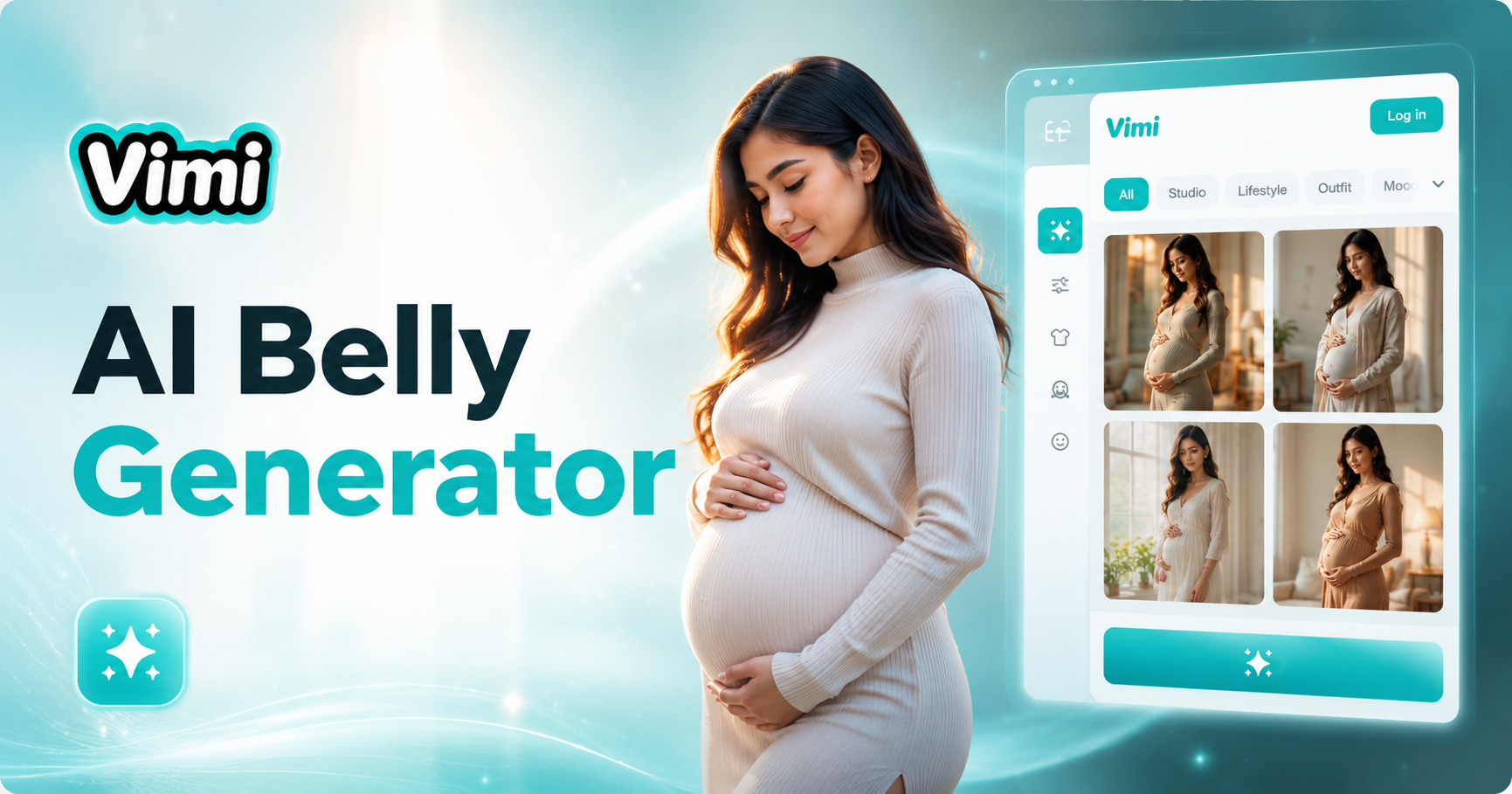
AI Belly Generator
AI Laughing Face Effect
AI Room Generator
AI One Piece Character Generator
AI Belly Generator
Make Your Birthday Party Video with Vimi Today
Download the Vimi App and turn your celebration photos into moving memories. Create your first birthday video in seconds.
Make Your Birthday Party Video with Vimi Today
Download the Vimi App and turn your celebration photos into moving memories. Create your first birthday video in seconds.