AI Background Generator
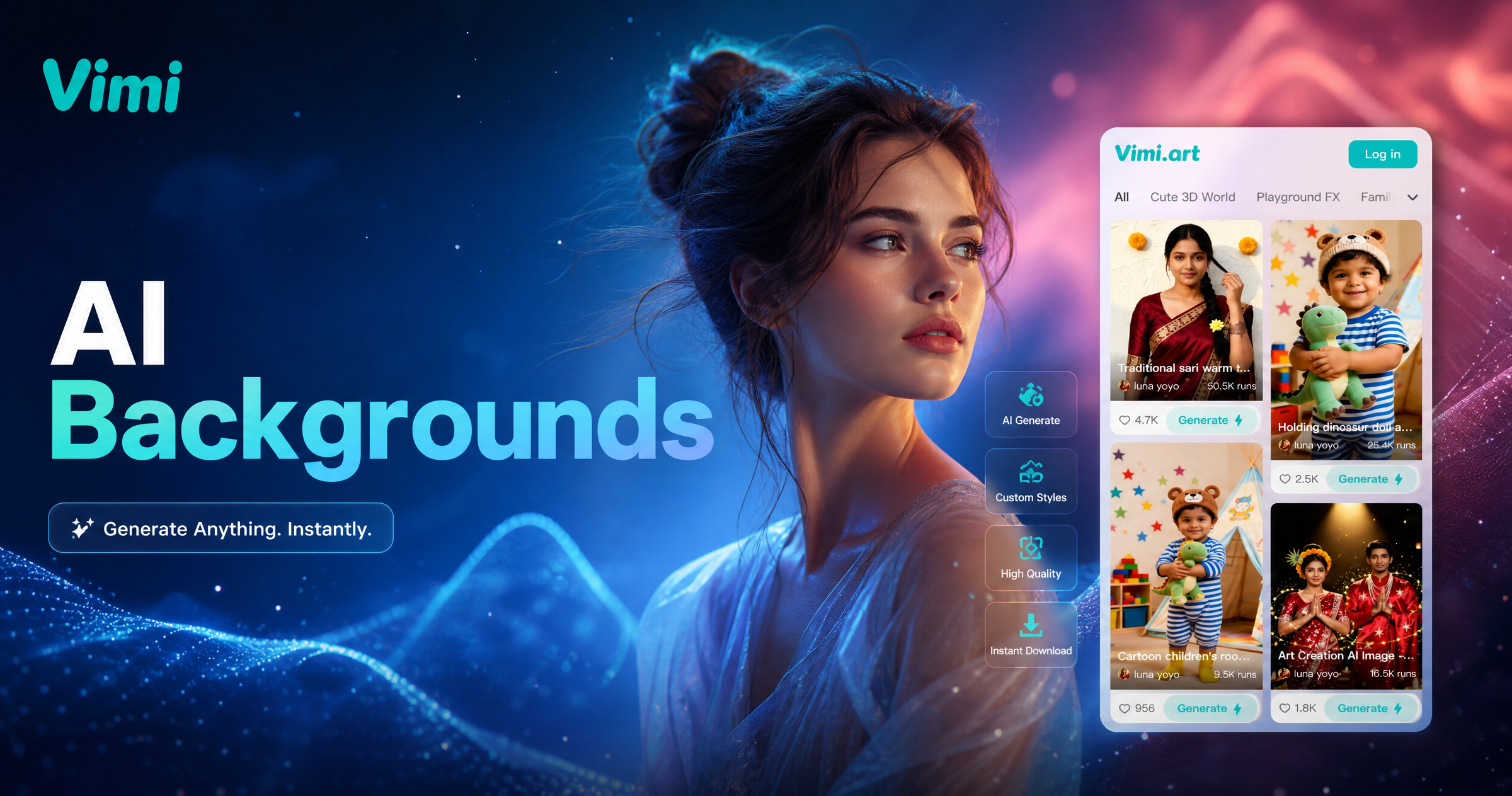
Choose the AI Background Generator Filter
Discover the ai background generator filter that perfectly matches your style and mood.
Popular AI Background Generator Sample for Download
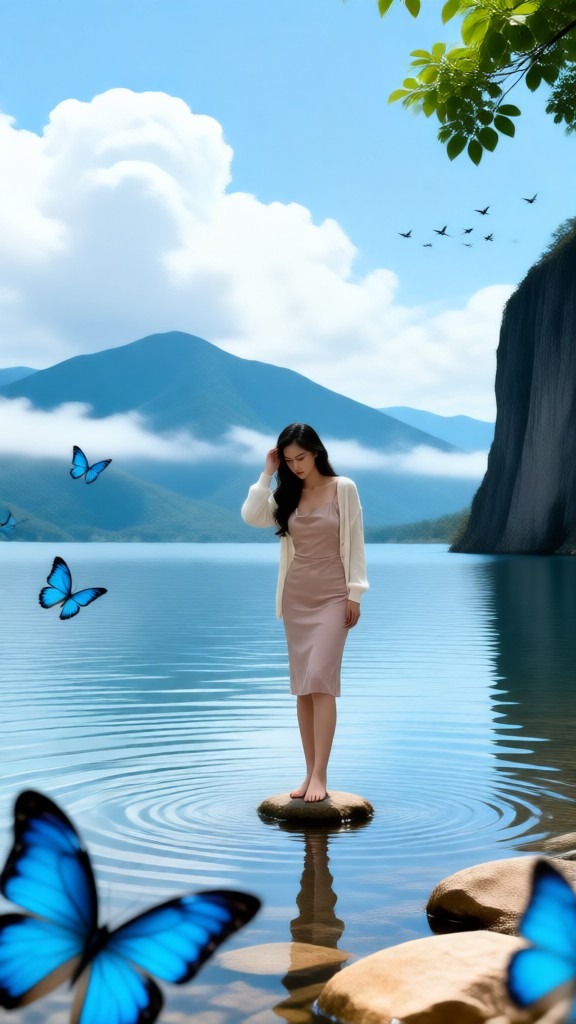
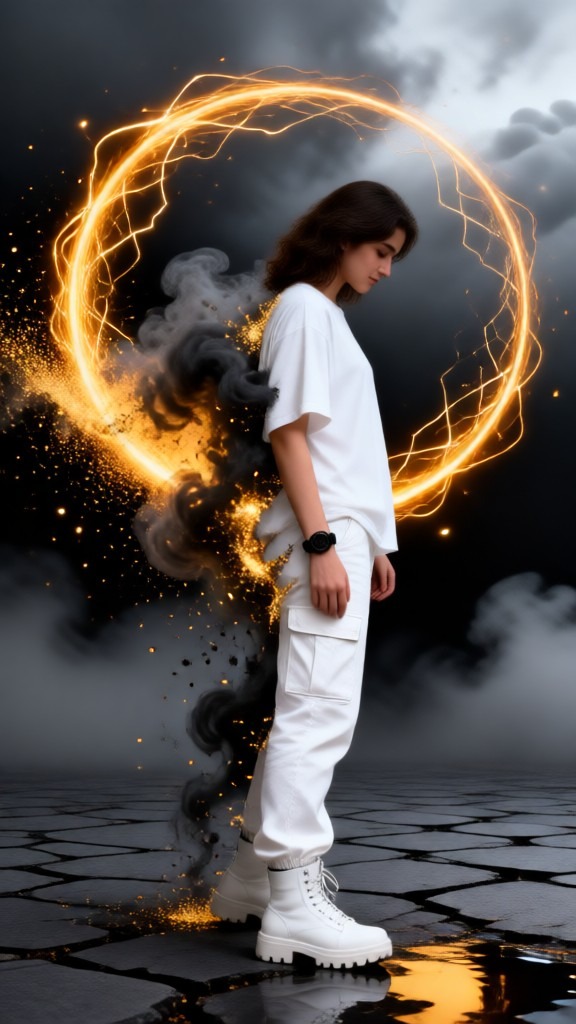
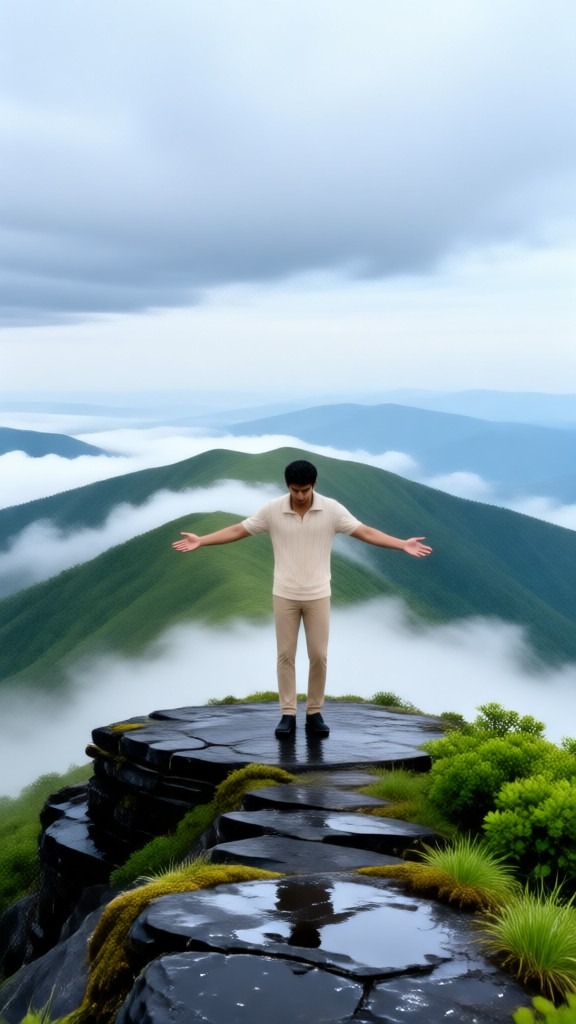
Vimi provides free sample backgrounds that highlight its template library of over 21,000 styles. Download these samples to explore realistic landscapes, anime worlds, and watercolor paintings.

Key Features of Vimi AI Background Generator for Custom Scenes
Find the key features that make Vimi the smart choice for background generation. These tools give you complete control over your image environments.
 Before
 After
AfterSmart Subject Background Separation
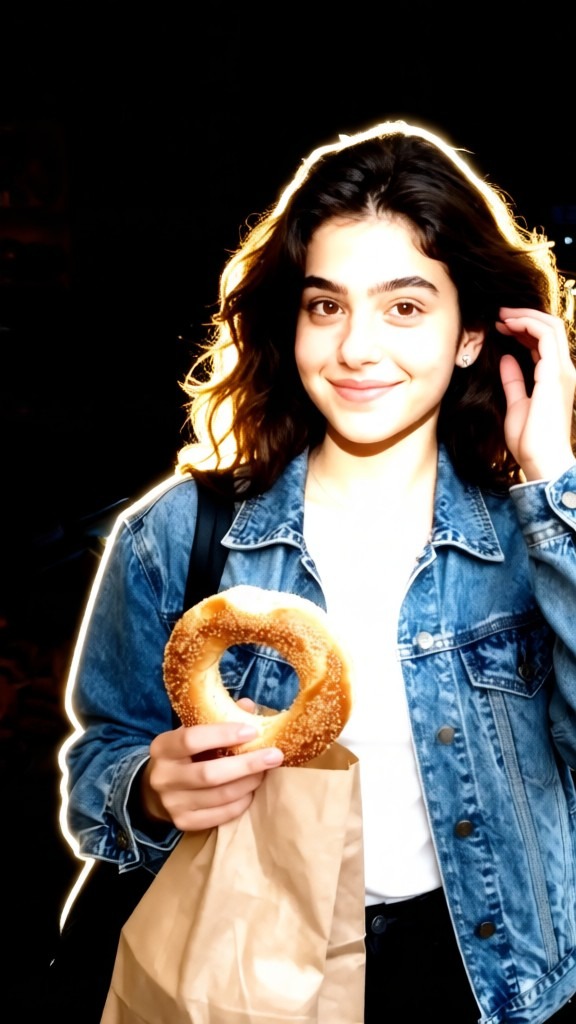
The AI detects and separates your main subject from the original background automatically. It preserves fine details like hair, edges, and clothing textures during removal. This clean cutout ensures your subject blends naturally into any new background you choose from the template library.
BeforeAfterSmart Subject Background Separation
The AI detects and separates your main subject from the original background automatically. It preserves fine details like hair, edges, and clothing textures during removal. This clean cutout ensures your subject blends naturally into any new background you choose from the template library.
 Before
 After
AfterStyle Transfer Background Effects
Apply artistic styles to your entire image including the background. Choose from watercolor, oil painting, 3D clay, Ghibli inspired, or cyberpunk aesthetics. The AI transforms both subject and environment consistently so the final image looks cohesive and professionally designed.
BeforeAfterStyle Transfer Background Effects
Apply artistic styles to your entire image including the background. Choose from watercolor, oil painting, 3D clay, Ghibli inspired, or cyberpunk aesthetics. The AI transforms both subject and environment consistently so the final image looks cohesive and professionally designed.
 Before
 After
AfterReal Time Background Preview Mode
See how different backgrounds look on your photo before generating the final result. The app shows a live preview of your subject against various templates. This helps you compare options and pick the perfect backdrop for your image quickly.
BeforeAfterReal Time Background Preview Mode
See how different backgrounds look on your photo before generating the final result. The app shows a live preview of your subject against various templates. This helps you compare options and pick the perfect backdrop for your image quickly.
Why Choose Vimi AI Background Generator for Your Images
Discover the real advantages of using Vimi for background generation. These benefits help you create better images faster.
Save Hours of Manual Editing Work
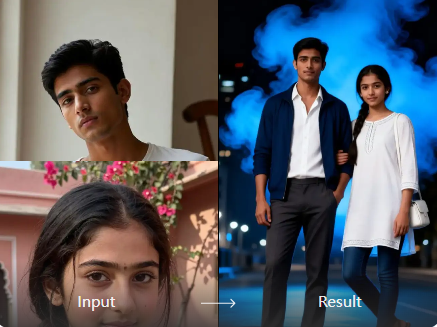
Manual background editing takes time and skill. Vimi automates this process. You get clean cutouts and new backgrounds in 10 20 seconds. This speed lets you focus on creative decisions rather than technical editing tasks.
Save Hours of Manual Editing Work
Manual background editing takes time and skill. Vimi automates this process. You get clean cutouts and new backgrounds in 10 20 seconds. This speed lets you focus on creative decisions rather than technical editing tasks.
How to Use Vimi AI Background Generator?
Follow these three simple steps to change backgrounds in your photos using Vimi.

Step 01.
Open your app store, search for Vimi, and download the app to your phone. Installation takes less than a minute.

Step 02.
Browse the template library, select a background style that matches your vision, upload your photo, and tap Generate.

Step 03.
Review your new image, tap Download to save it to your device, or share directly to social media platforms.
YouTube Videos About AI Background Generator
Explore in-depth YouTube tutorials and demos that showcase the power and reliability of our AI Generator.
Frequently Asked Questions
Find clear answers to common questions and get the guidance you need to make the most of our platform, faster and easier.
More Topics You May Like
Explore more topics you may like and discover fresh ideas tailored to your interests.
Vimi Underwater AI Photo Editor: Transform Your Photos Into Ocean-Inspired Art
Create Old Money Style Photos with Vimi AI Generator
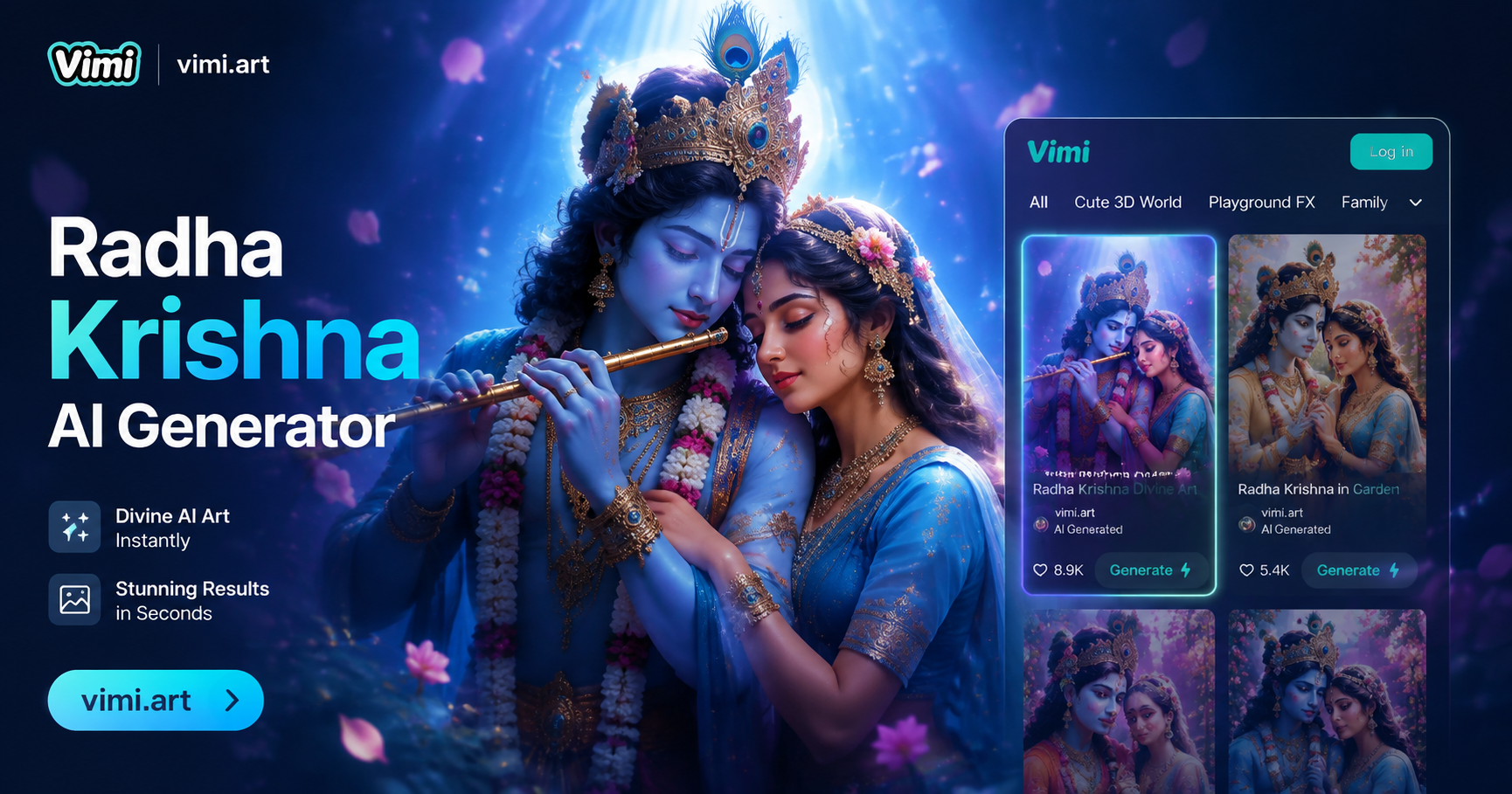
Vimi Radha Krishna AI Photo Generator: Create Divine Portraits Instantly
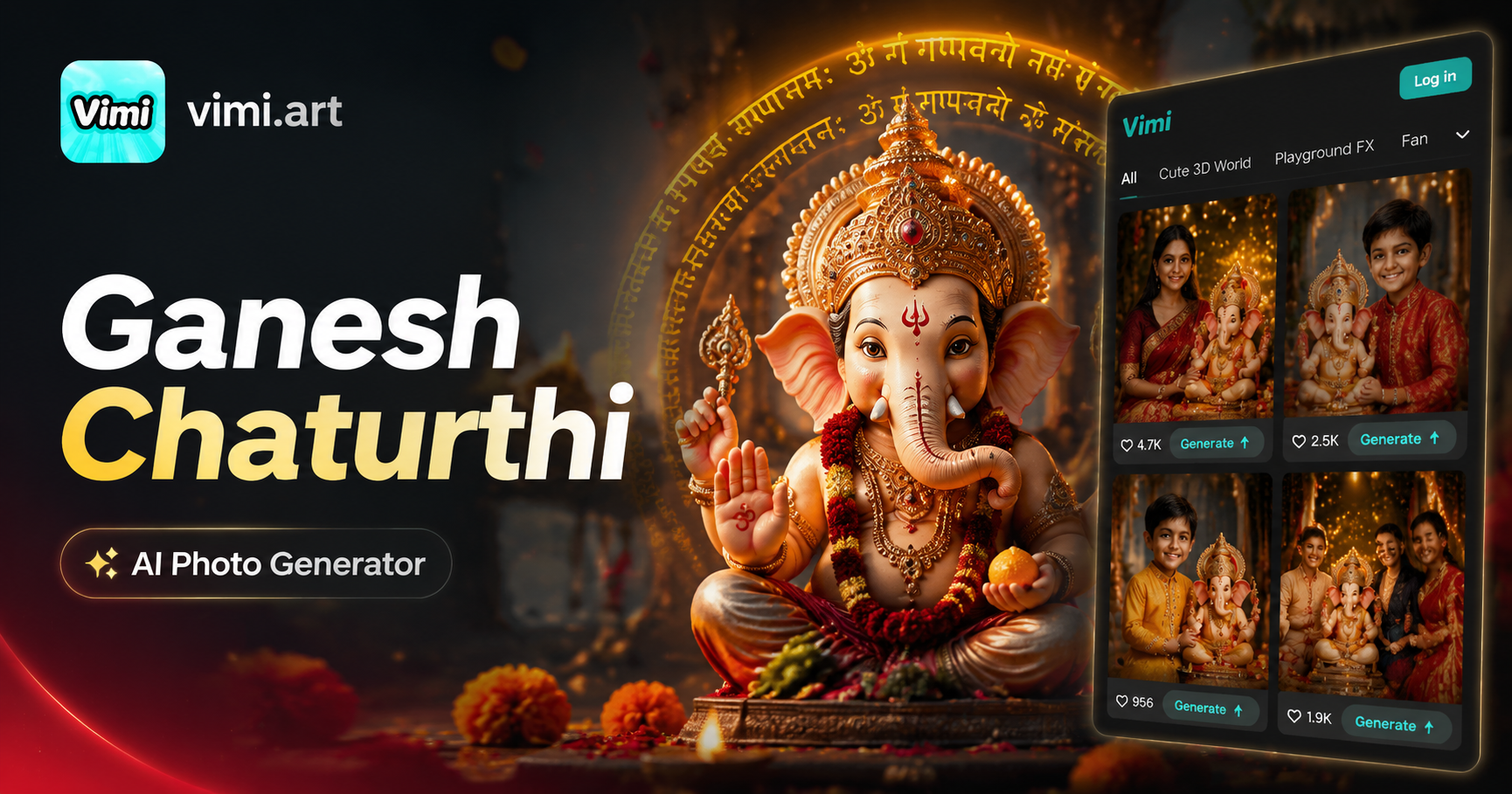
Vimi Ganesh Chaturthi AI Photo Generator
Vimi Underwater AI Photo Editor: Transform Your Photos Into Ocean-Inspired Art
Create Old Money Style Photos with Vimi AI Generator
Vimi Radha Krishna AI Photo Generator: Create Divine Portraits Instantly
Vimi Ganesh Chaturthi AI Photo Generator
Create Your Perfect Background With Vimi Today
Download Vimi Now and Change Any Photo Background in Seconds.Get the app. Pick a template. Generate your new image today.

Create Your Perfect Background With Vimi Today
Download Vimi Now and Change Any Photo Background in Seconds.Get the app. Pick a template. Generate your new image today.