AI Anime Muslim Generator
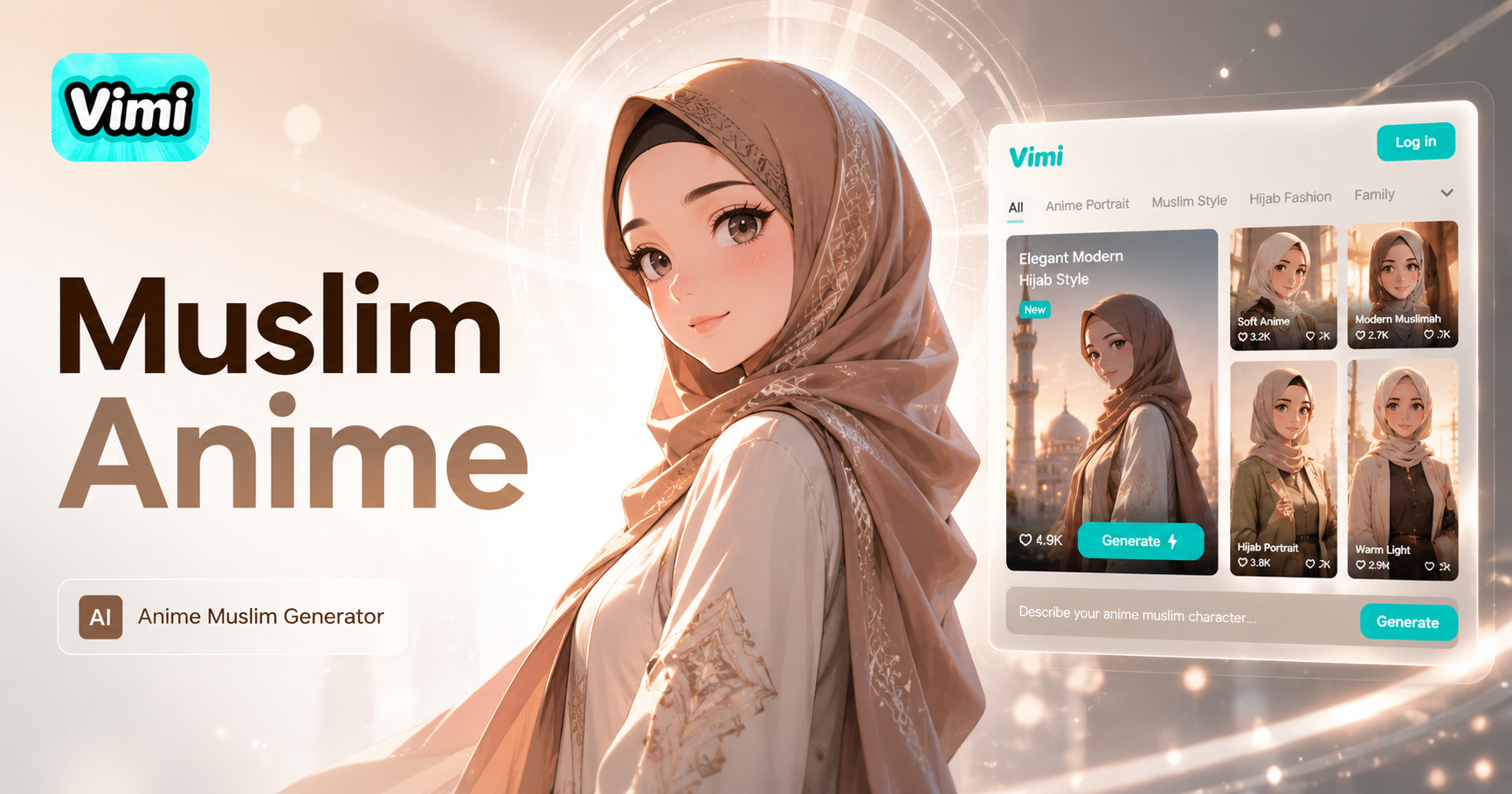
Ghibli-style portraits
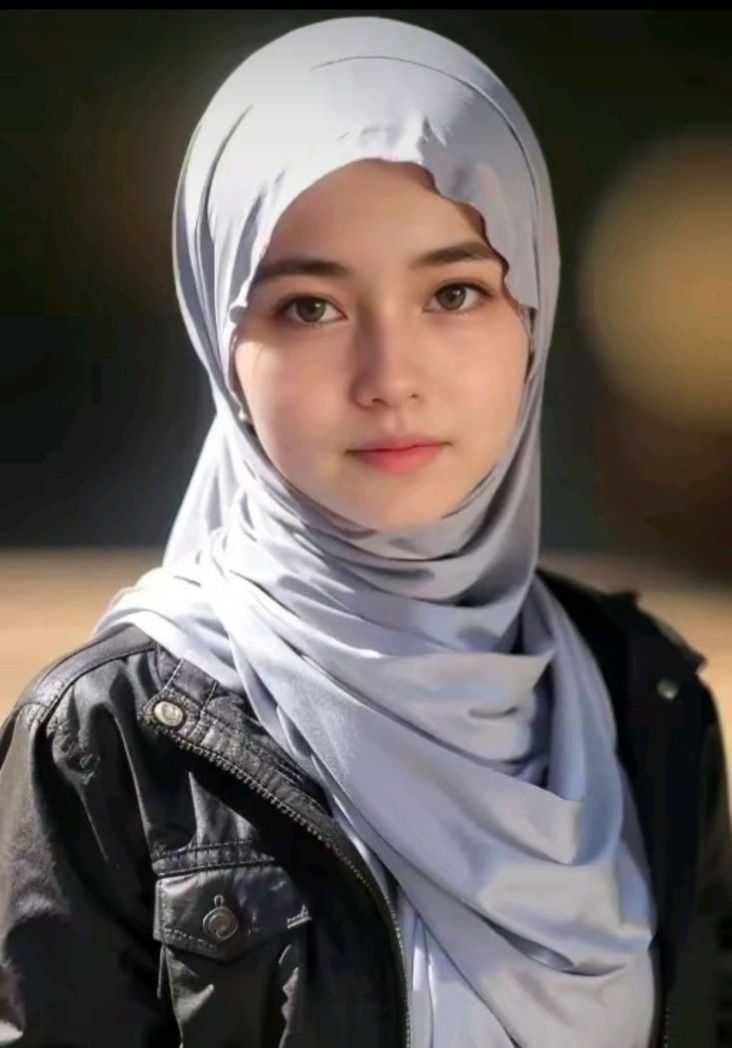
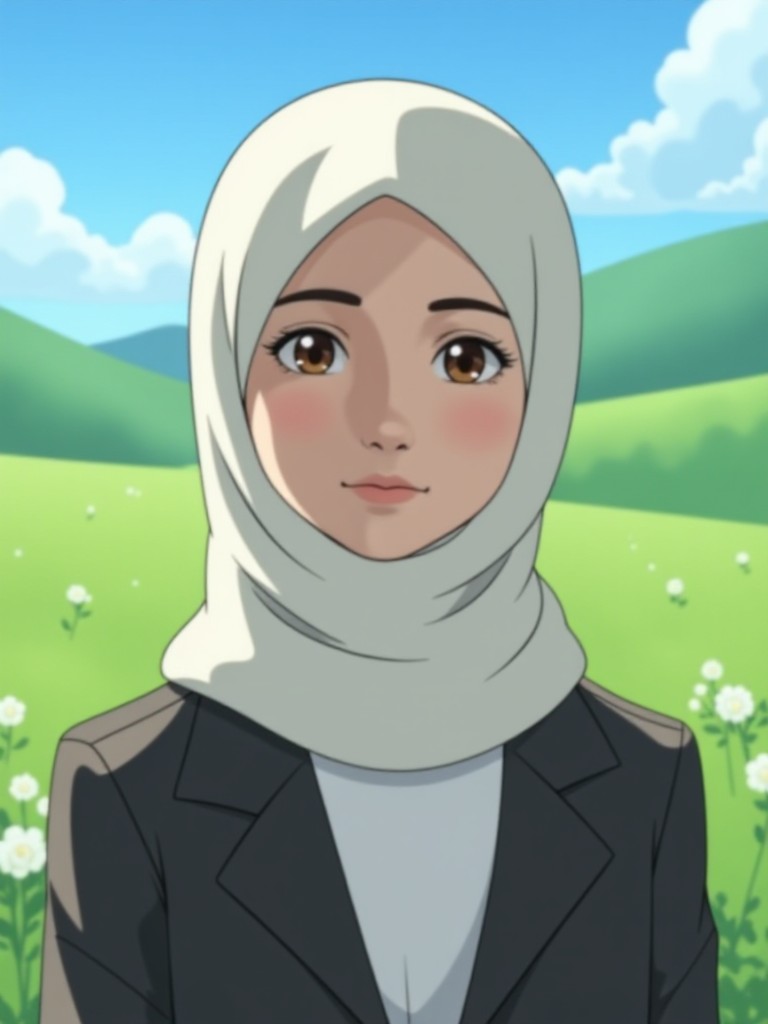

Why Choose Vimi AI Anime Muslim Generator
Find the reasons why Vimi AI anime muslim generator is the right tool for your anime portrait needs.
 Before
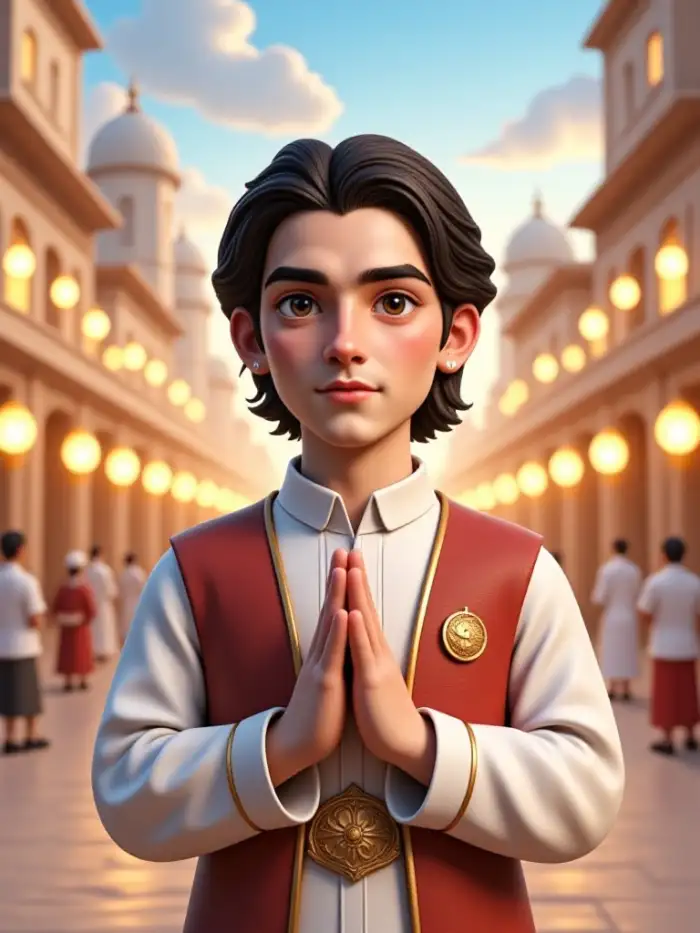 After
AfterSave Time on Manual Drawing
Creating anime art by hand takes hours of practice and expensive software. Vimi does the same work in under 30 seconds. You get professional quality anime portraits without any drawing skills. The AI handles all the artistic work while you focus on choosing styles and sharing your creations with others.
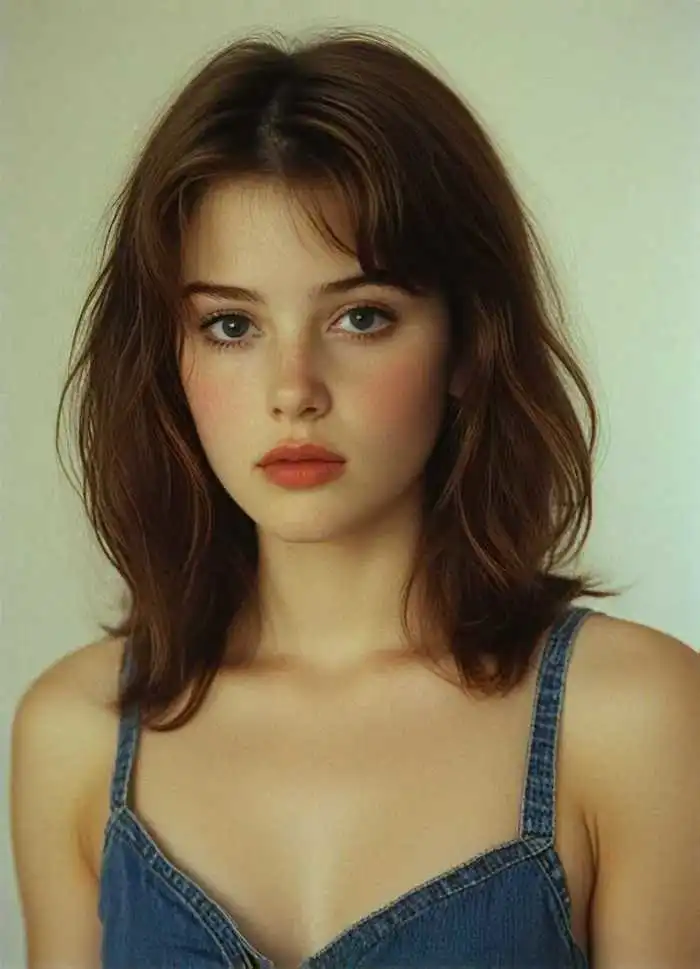 Before
Create Personalized Gifts
Generate custom anime portraits for friends and family members. Turn a photo of your sister into an anime character with her favorite hijab color. Create a portrait of your father in traditional thobe with anime styling. These personalized images make thoughtful digital gifts for Eid, birthdays, or other special occasions.
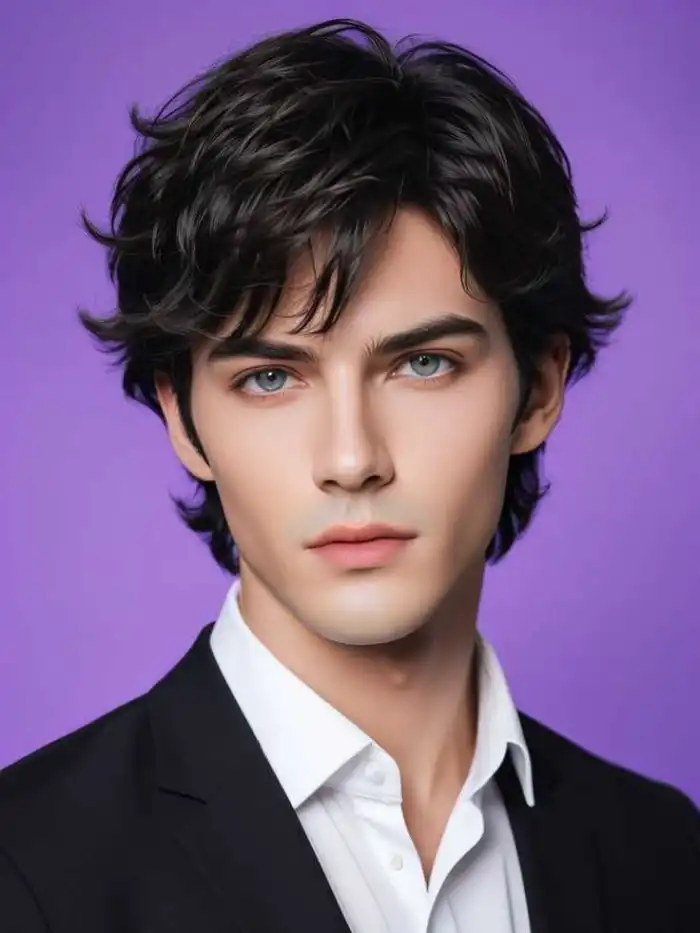 Before
Express Cultural Identity
Anime art often lacks proper representation of Muslim culture. Vimi fills this gap by offering templates that reflect real cultural clothing and styles. You can create characters that look like you and your community. This helps Muslim users see themselves represented in the popular anime art form.
Key Features of Vimi AI Anime Muslim Generator
Explore the core features of Vimi that enable you to produce anime Muslim portraits directly from your photos using thousands of cultural templates.
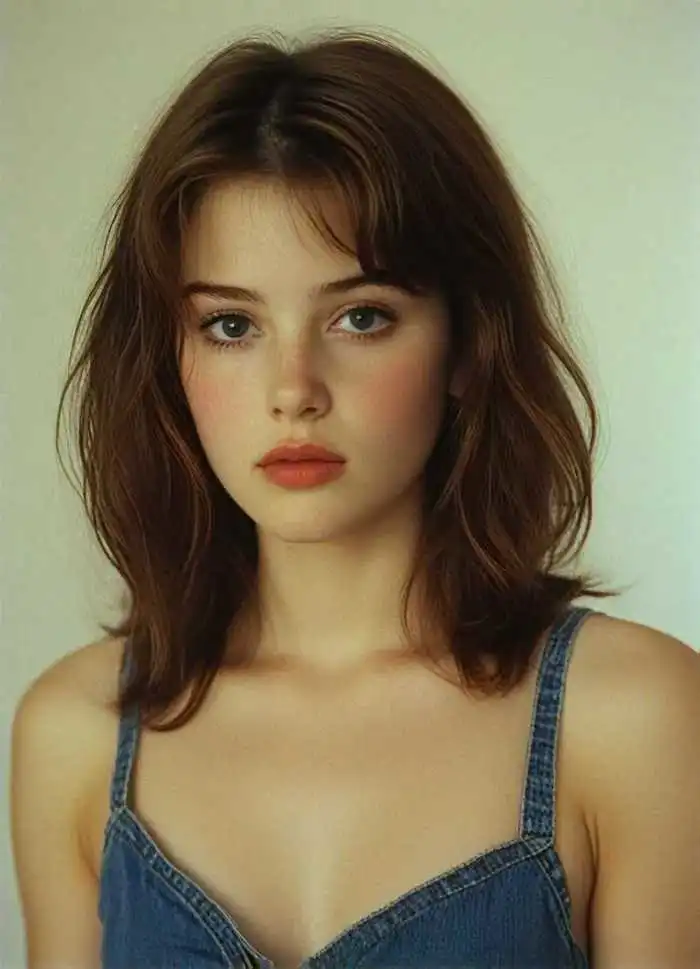 Before
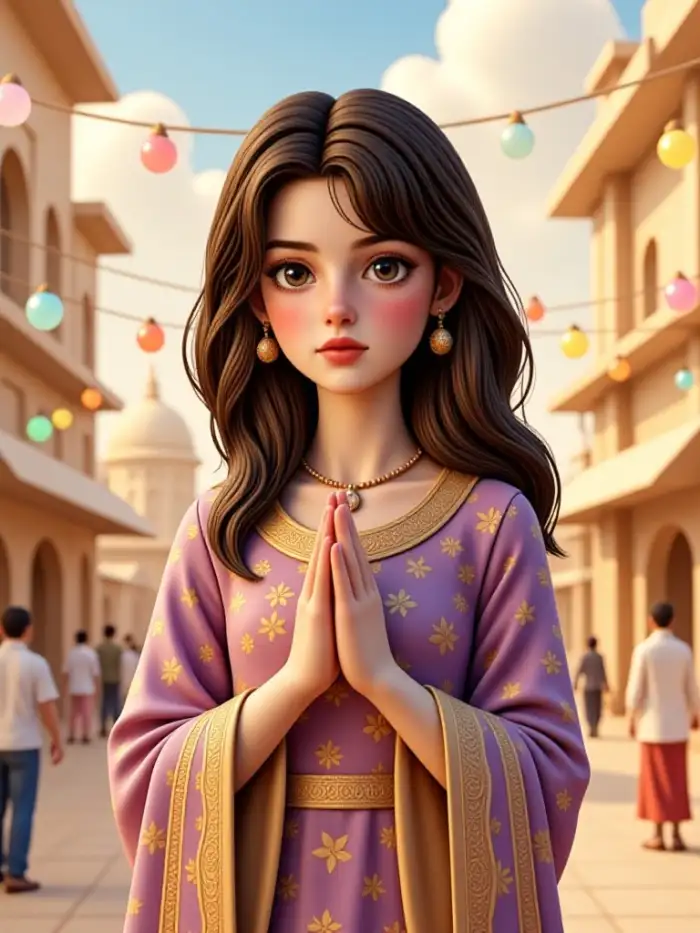 After
AfterCultural Anime Template Library
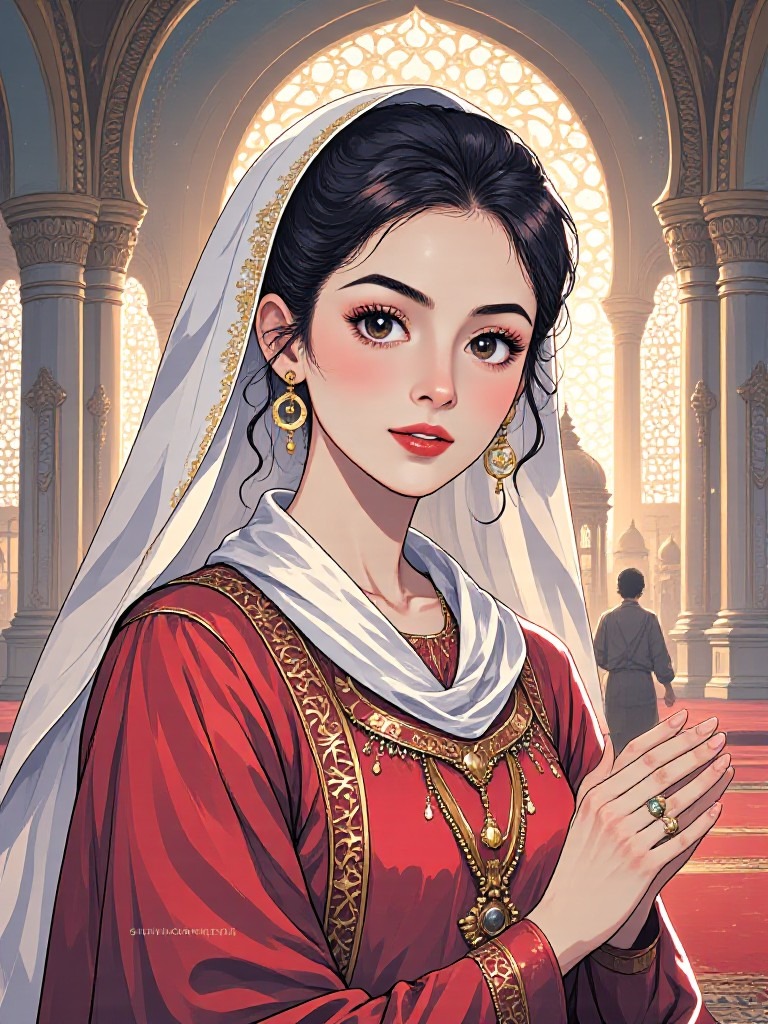
Vimi provides thousands of anime templates made for Muslim users. These templates include hijab styles, turban variations, and traditional clothing like thobes and abayas. Each template respects cultural dress codes and gives authentic anime looks. Pick one that matches your style and generate your portrait.
 Before
 After
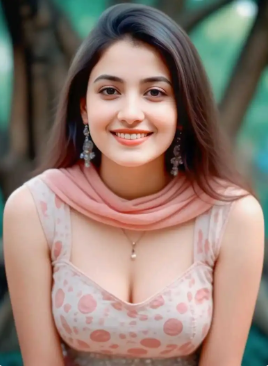
AfterPortrait to Anime Conversion
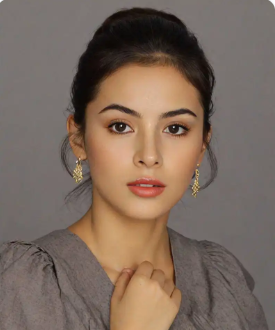
Upload any portrait photo and Vimi transforms it into an anime character while keeping your facial features intact. The AI identifies your eyes, nose, and mouth shape, then redraws them in anime style. You remain recognizable in the final image with your unique appearance preserved.
 Before
 After
AfterOne Tap Style Generation
Select any anime Muslim template and upload your single photo. Tap the generate button and Vimi handles the rest. The AI applies the template style to your face within 10 to 20 seconds. No manual adjustments needed. Your portrait comes out ready to save or share immediately.
How to Create Anime Muslim Portraits?
Follow these three quick steps to generate your own cultural anime portrait.

Step 01.
Open your app store and search for Vimi. Download and install the app on your mobile device. Launch Vimi and allow photo access when prompted.

Step 02.
Browse the template library and find the anime Muslim category. Upload your photo or type a character description. Tap the generate button and wait 10 to 20 seconds.

Step 03.
View your finished anime portrait. Tap the download icon to save it to your device. Share it directly to Instagram, TikTok, or WhatsApp from inside the app.
Frequently Asked Questions
Find clear answers to common questions and get the guidance you need to make the most of our platform, faster and easier.
More Topics You May Like
Explore more topics you may like and discover fresh ideas tailored to your interests.
AI Football Player Card Generator
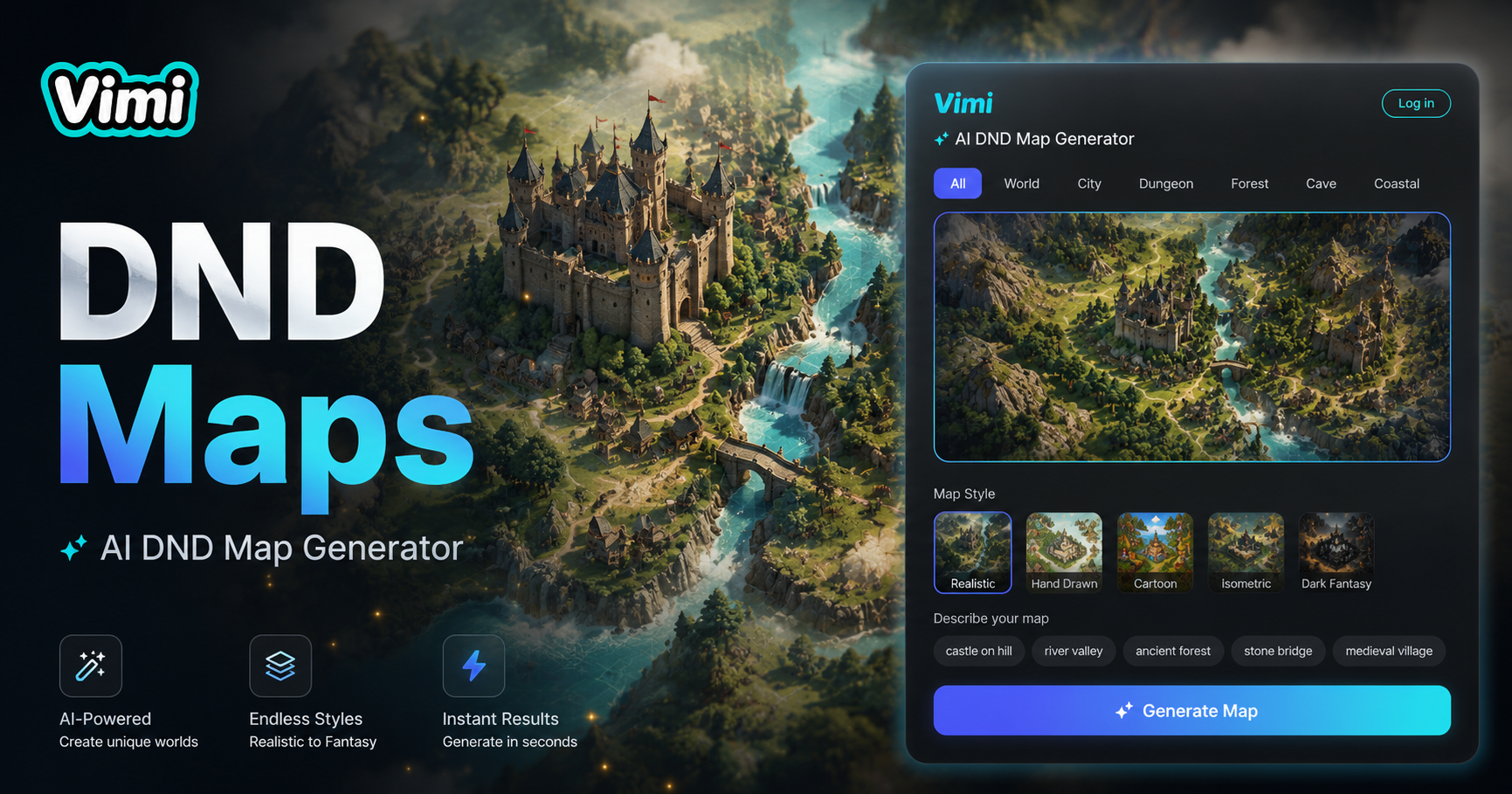
AI Dnd Map Generator
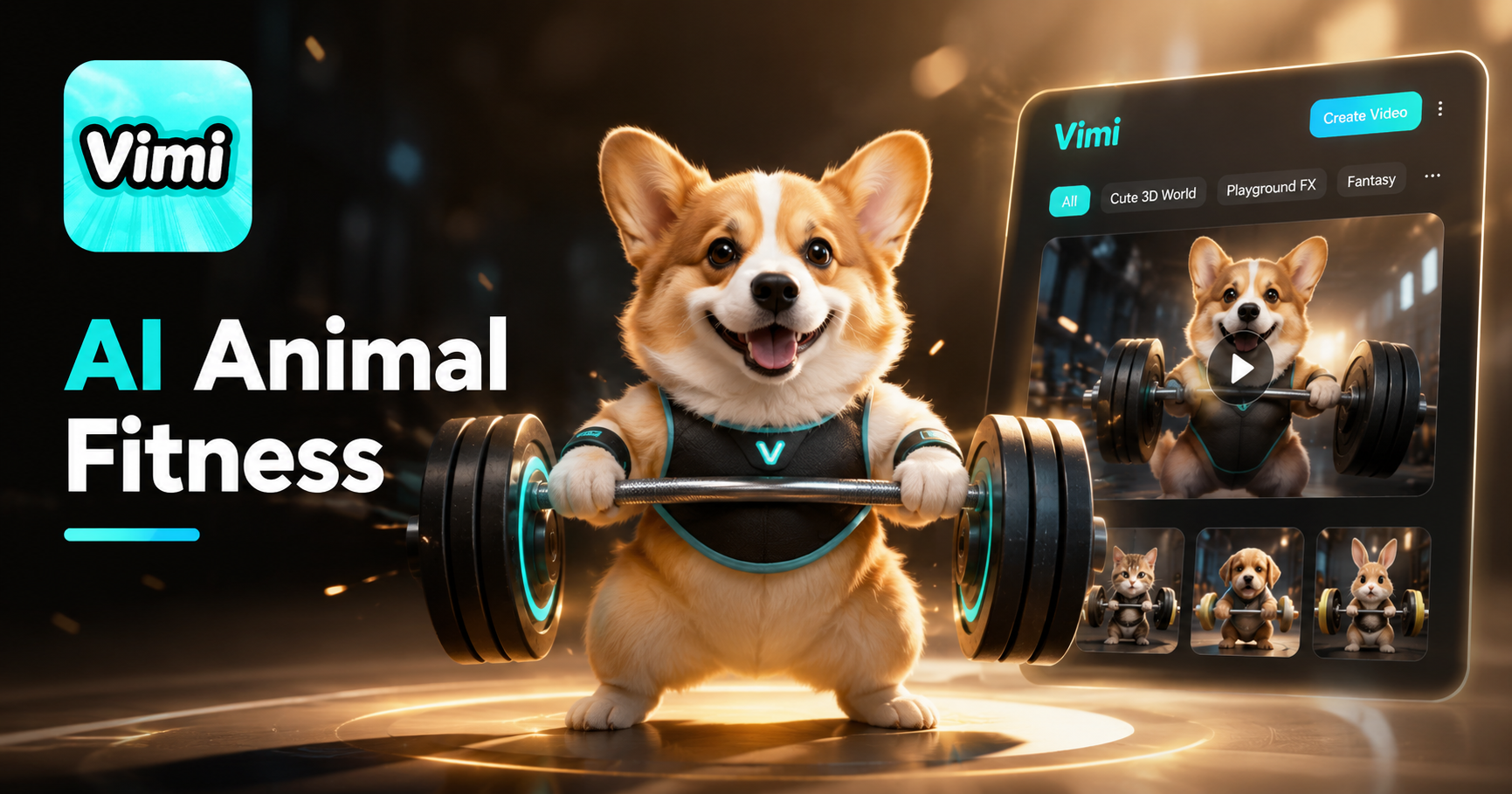
AI Animal Weight lifting Video Generator
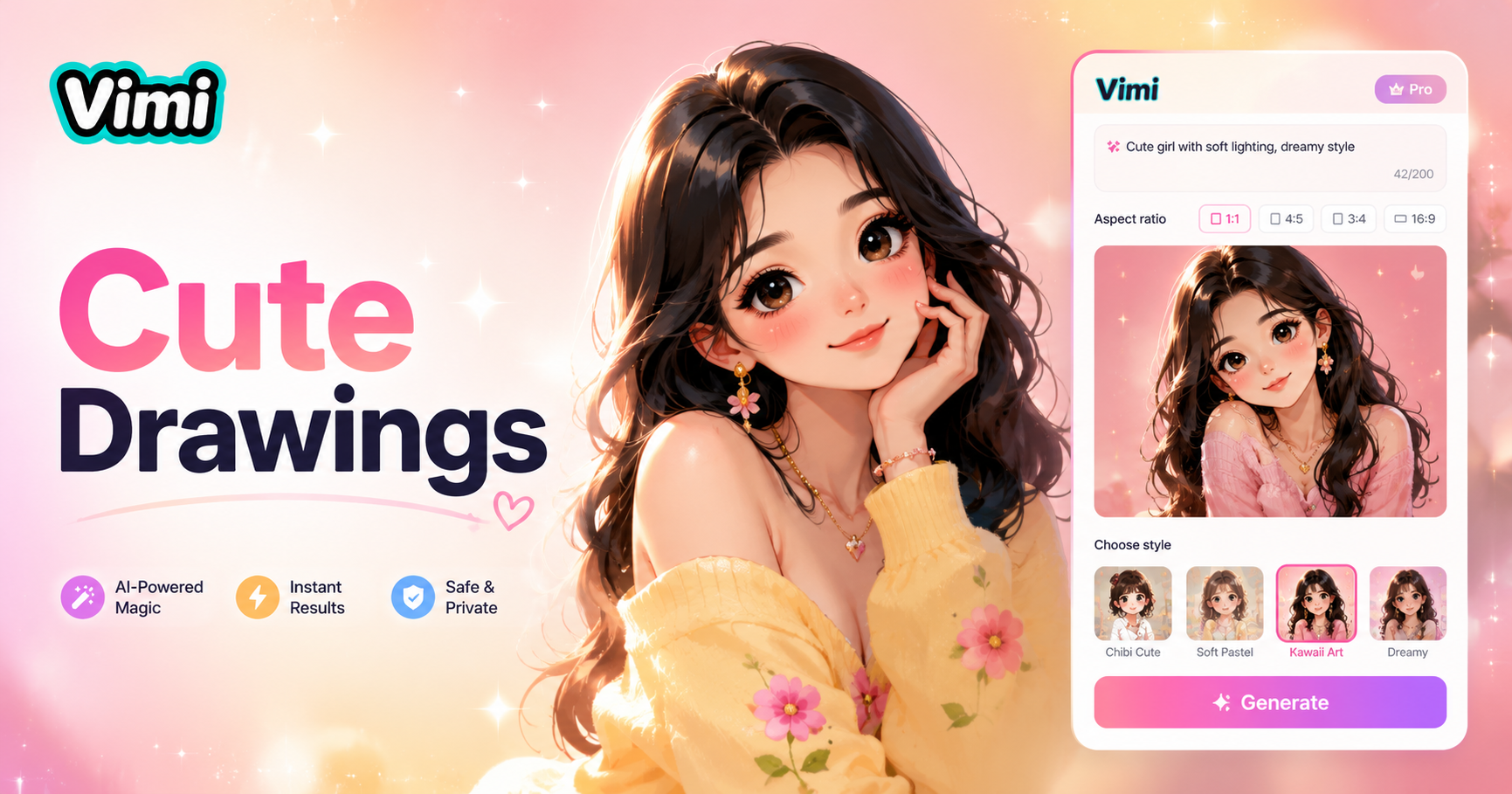
Cute Drawings
AI Football Player Card Generator
AI Dnd Map Generator
AI Animal Weight lifting Video Generator
Cute Drawings
Download Vimi and Create Your Anime Portrait
Get the Vimi app now. Generate portraits that represent you. Share them with your community instantly.
Download Vimi and Create Your Anime Portrait
Get the Vimi app now. Generate portraits that represent you. Share them with your community instantly.