AI Angel Wings Effect
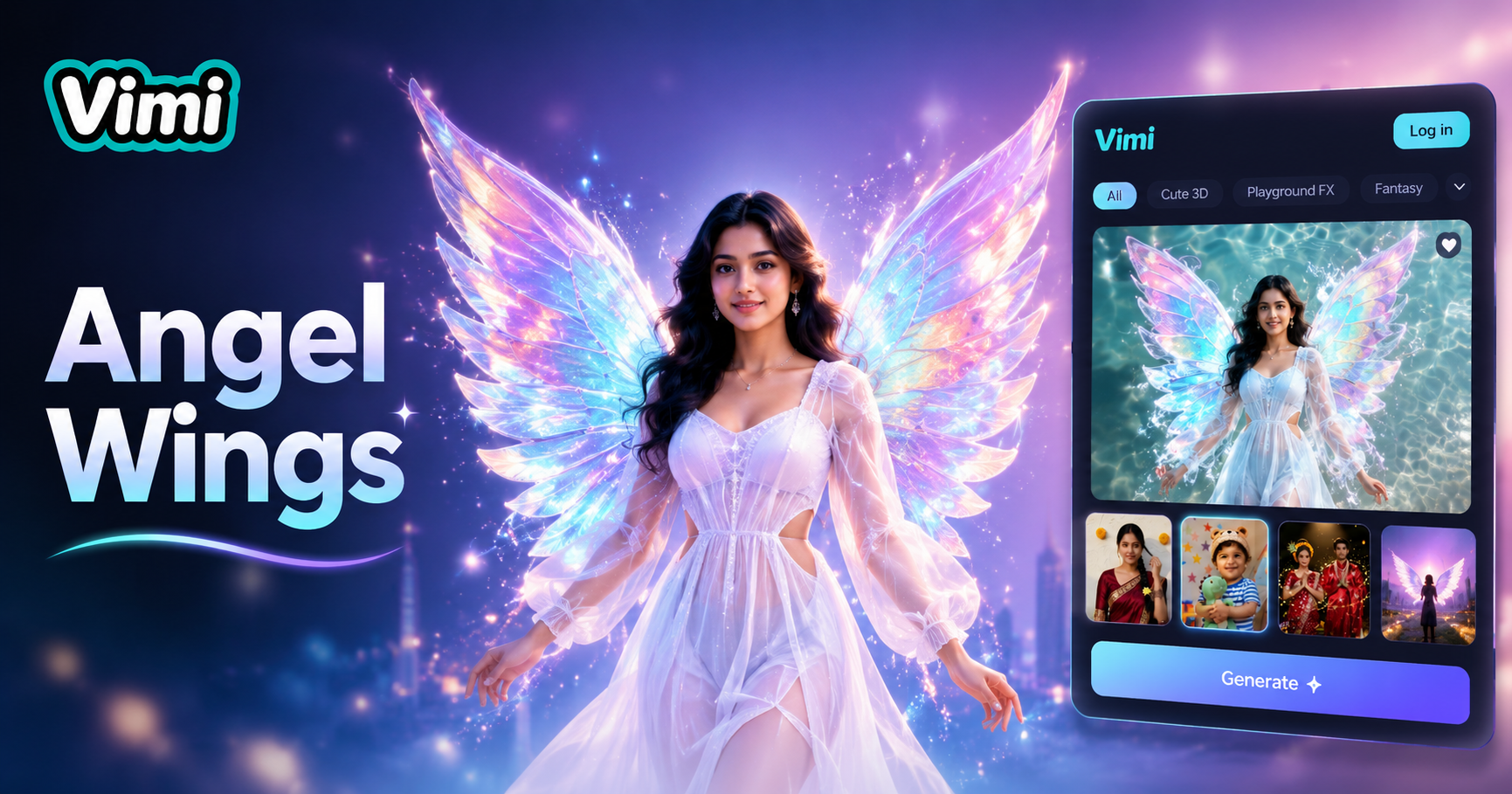
Prism Wings
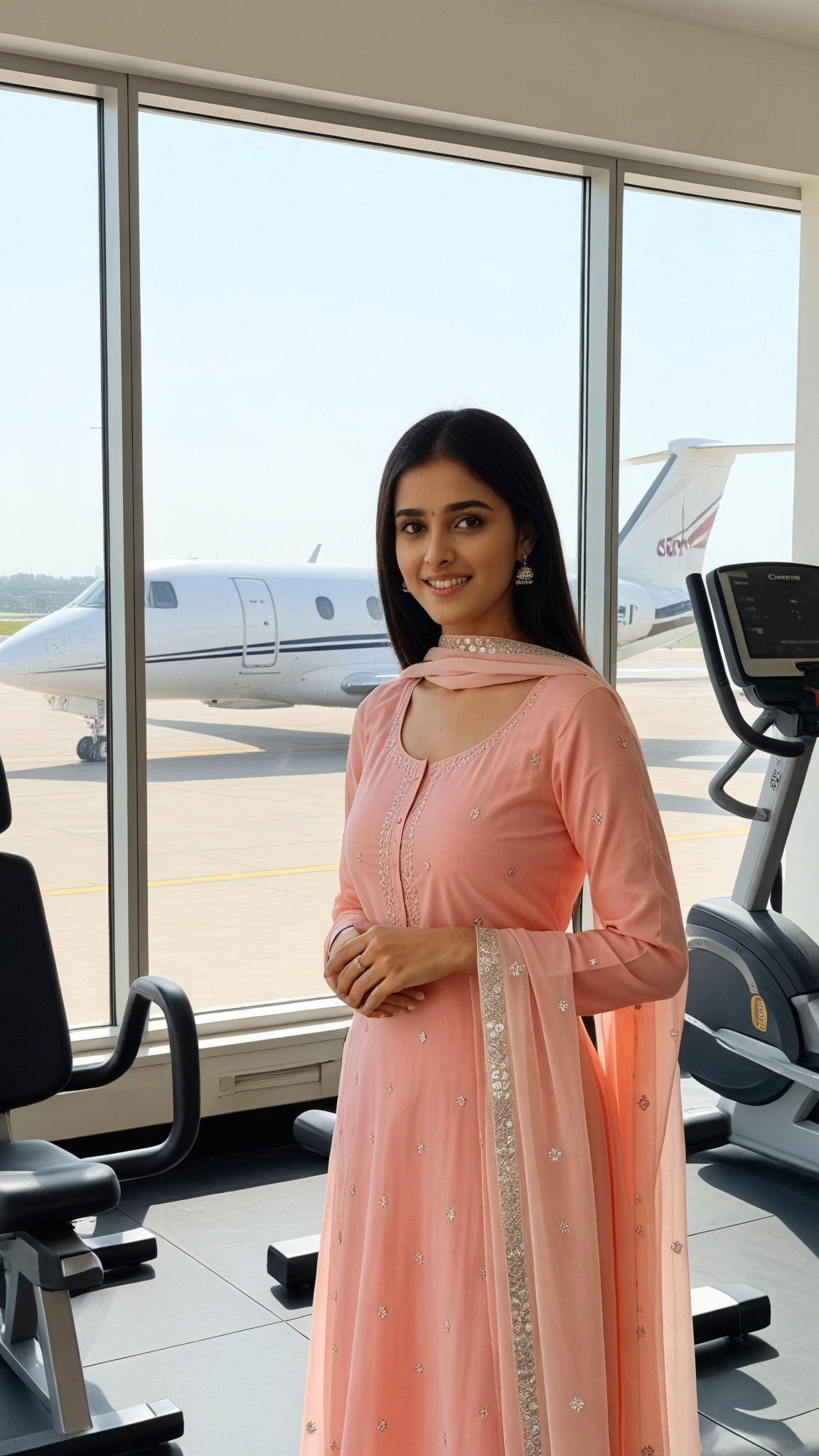
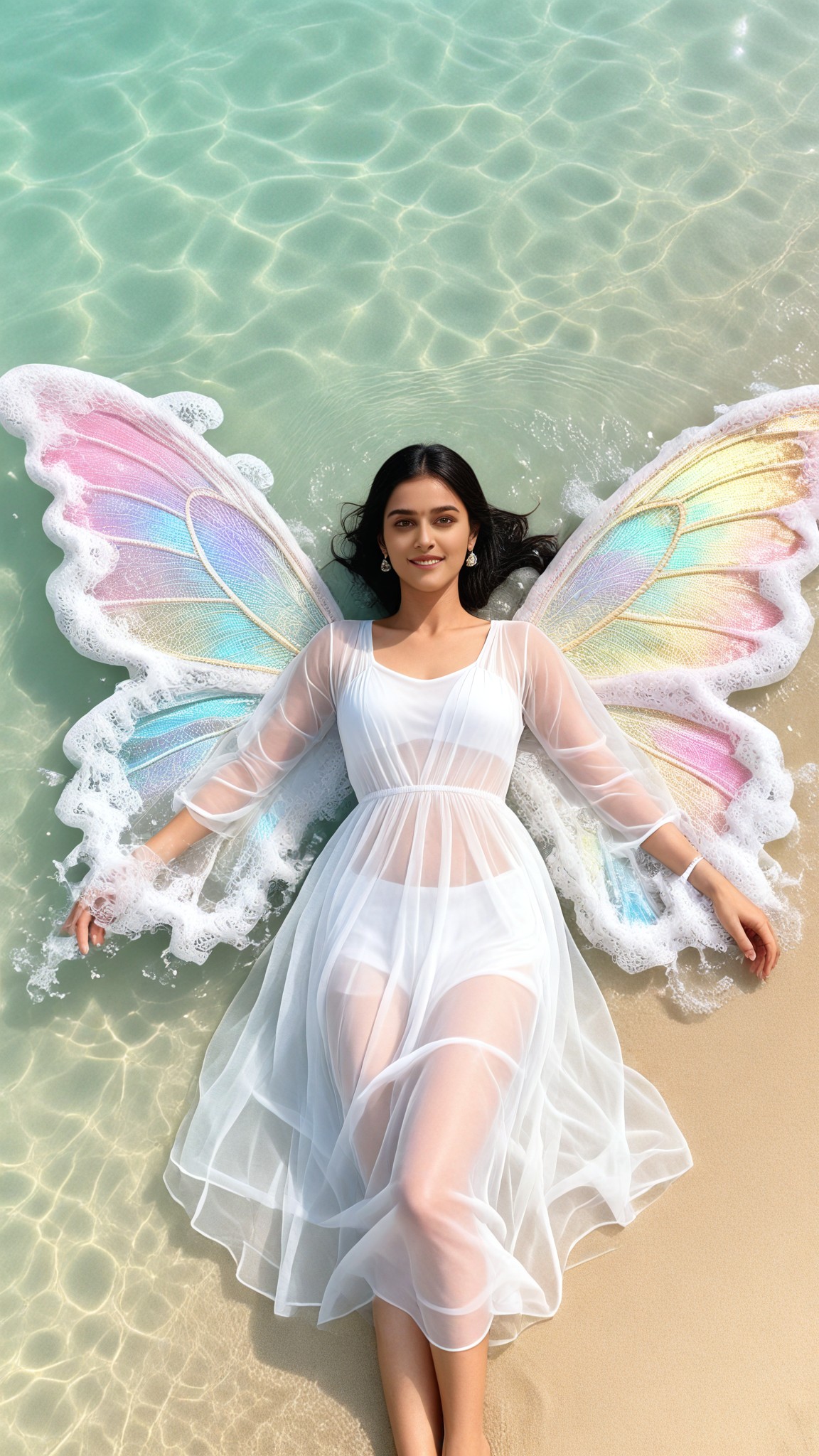

Why Use Vimi AI Angel Wings Effect for Your Creative Projects
Find the simplest way to add angel wings to your photos using Vimi AI technology. No complicated editing software required.
No Prompt Engineering Needed
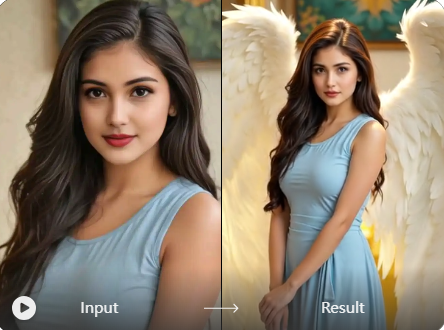
Many AI tools require you to write detailed prompts. Vimi removes this barrier. Simply pick the angel wings template you like and upload your photo. The AI handles the rest automatically. This makes the tool accessible for beginners and saves time for experienced users.
No Prompt Engineering Needed
Many AI tools require you to write detailed prompts. Vimi removes this barrier. Simply pick the angel wings template you like and upload your photo. The AI handles the rest automatically. This makes the tool accessible for beginners and saves time for experienced users.
Explore the Use Cases and Application Scenarios of Vimi AI Angel Wings Effect
Turn your ideas into reality with a flexible and powerful platform. Discover the many ways you can use Vimi angel wings across different creative needs and content types.
 Before
 After
AfterGifts and Surprises
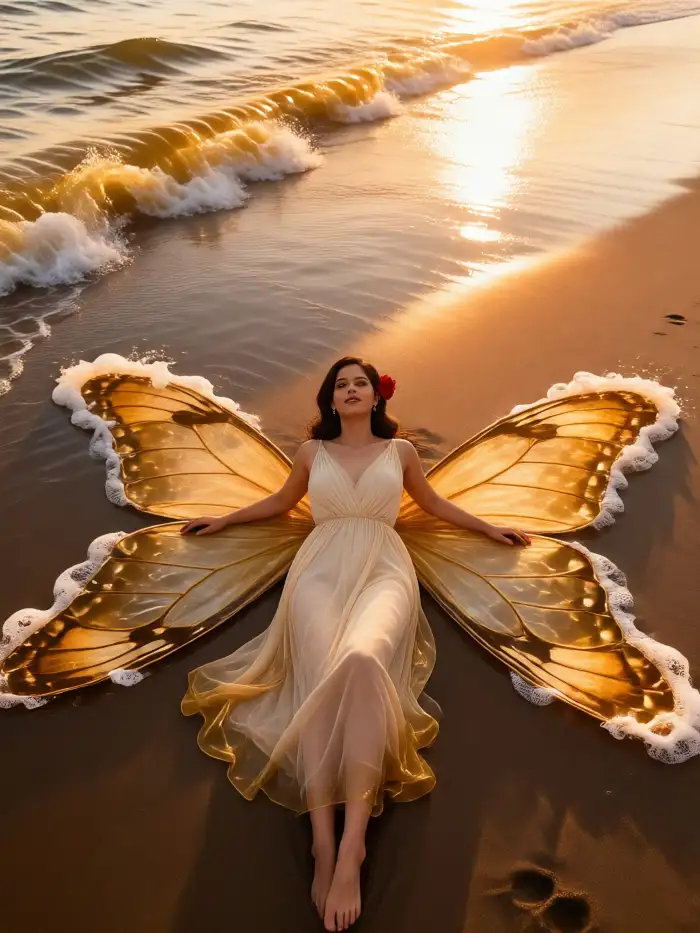
Turn ordinary photos into thoughtful gifts. Add angel wings to pictures of friends, family, or pets. The effect makes any photo feel special and memorable. Vimi preserves the original face and body features while adding the wing element. Your recipients will appreciate the creative touch.
 Before
 After
AfterFantasy Themed Content
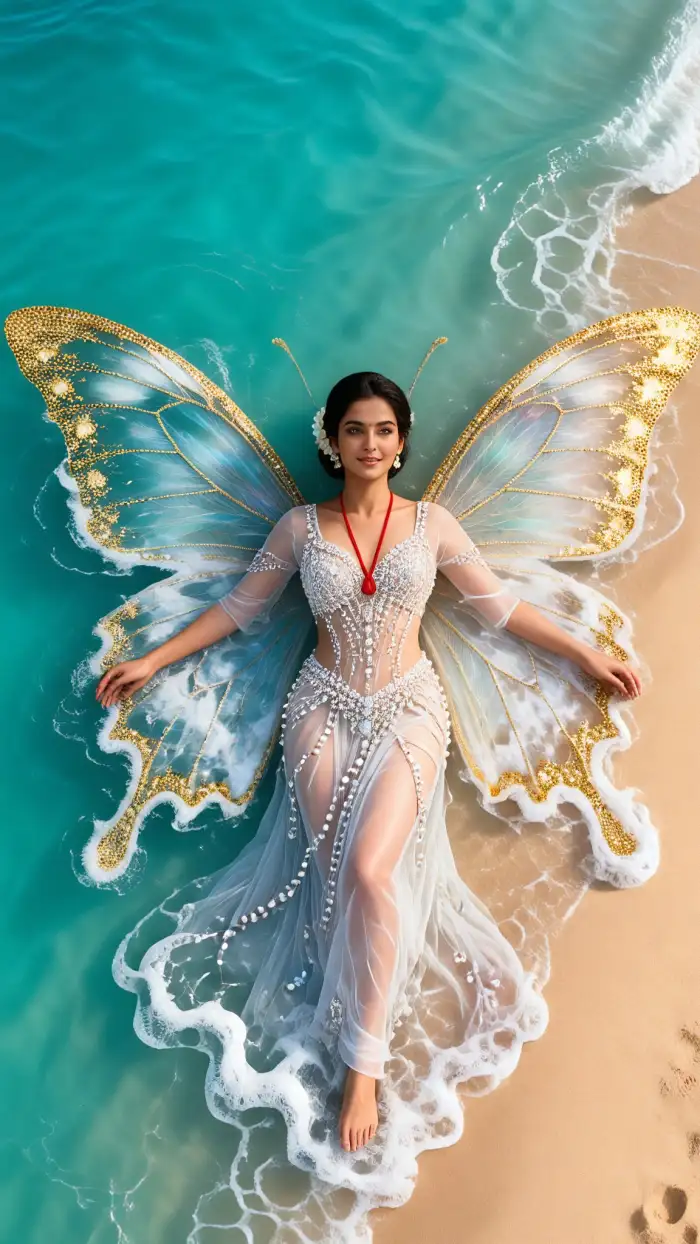
Create magical content for role playing games, fantasy blogs, or themed events. The angel wings effect fits perfectly with fantasy aesthetics. You can combine the wing effect with other Vimi styles like watercolor or cyberpunk. This gives you unique images that tell a story.
 Before
Personal Profile Pictures
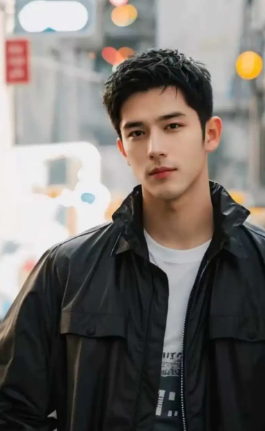
Update your social media profile with angel wings. The Al adds wings that complement your existing photo style. Whether you want subtle feathery wings or dramatic angelic looks, Vimi has multiple wing templates. Your profile picture stands out and attracts more engagement from your followers.
How to Generate AI Angel Wings Effect with Vimi?
Follow these simple steps to add angel wings to any photo using the Vimi app. The entire process takes less than one minute.

Step 01.
Open your app store and search for Vimi. Download and install the app on your mobile device. The app is available for both iOS and Android users.

Step 02.
Browse the template library and select the angel wings effect. Upload your photo and tap the generate button. Wait seconds for processing.

Step 03.
Review your generated image. Tap download to save it to your device. You can also post directly to your Vimi profile.
Frequently Asked Questions
Find clear answers to common questions and get the guidance you need to make the most of our platform, faster and easier.
More Topics You May Like
Explore more topics you may like and discover fresh ideas tailored to your interests.
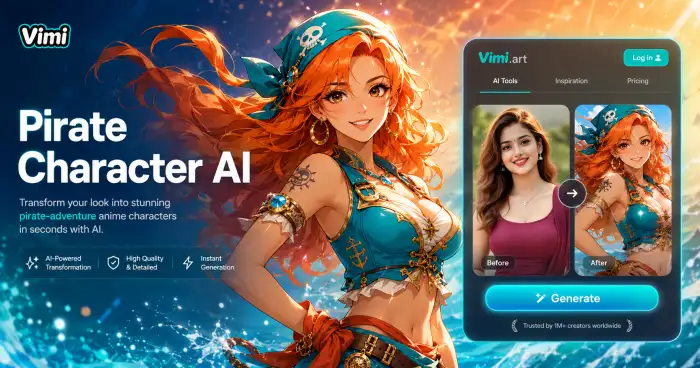
AI One Piece Character Generator

AI Laughing Face Effect

AI Room Generator
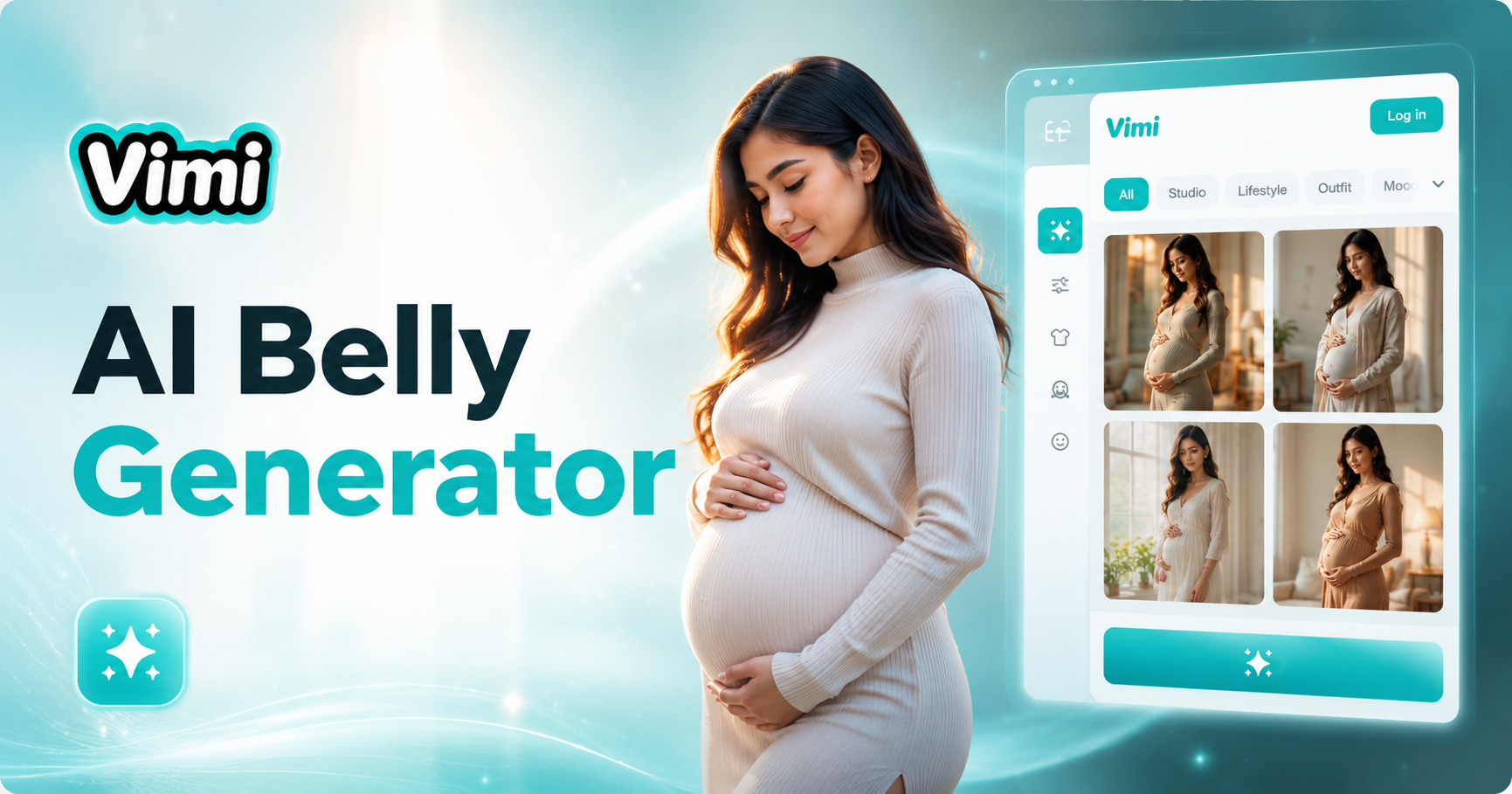
AI Belly Generator
AI One Piece Character Generator
AI Laughing Face Effect
AI Room Generator
AI Belly Generator
Start Creating Your Angel Wings Photos Today
Download Vimi and transform your photos with beautiful AI generated angel wings. Upload your first image now.
Start Creating Your Angel Wings Photos Today
Download Vimi and transform your photos with beautiful AI generated angel wings. Upload your first image now.