Add Mustache To Photo
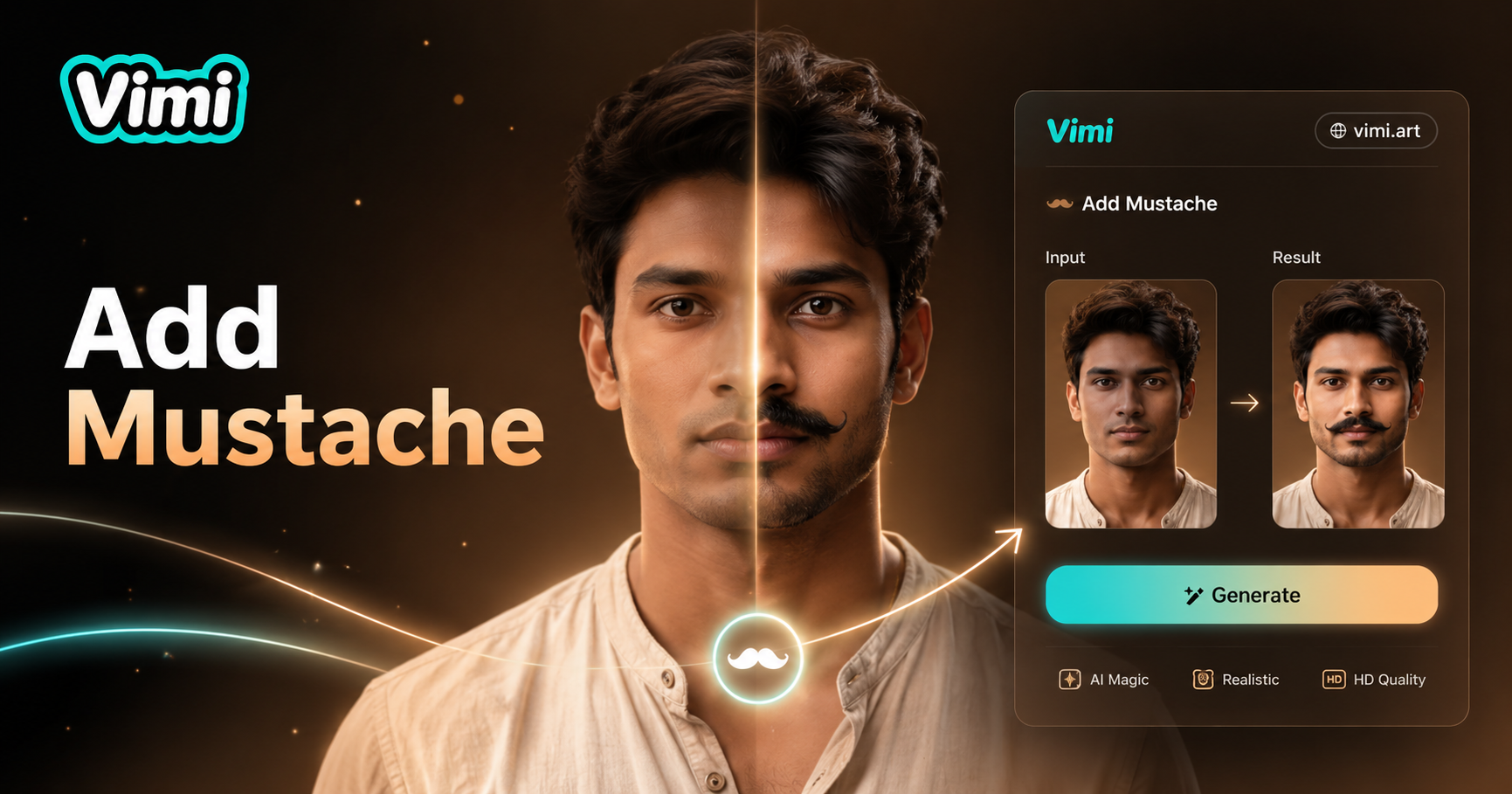
Choose the Mustache Style That Suits You Best
Discover the mustache filter that matches your face shape and mood. Pick from many styles including handlebar and so on.
Key Features of Vimi Add Mustache To Photo
Find the tools to add natural looking mustaches to any portrait inside the Vimi mobile app.
 Before
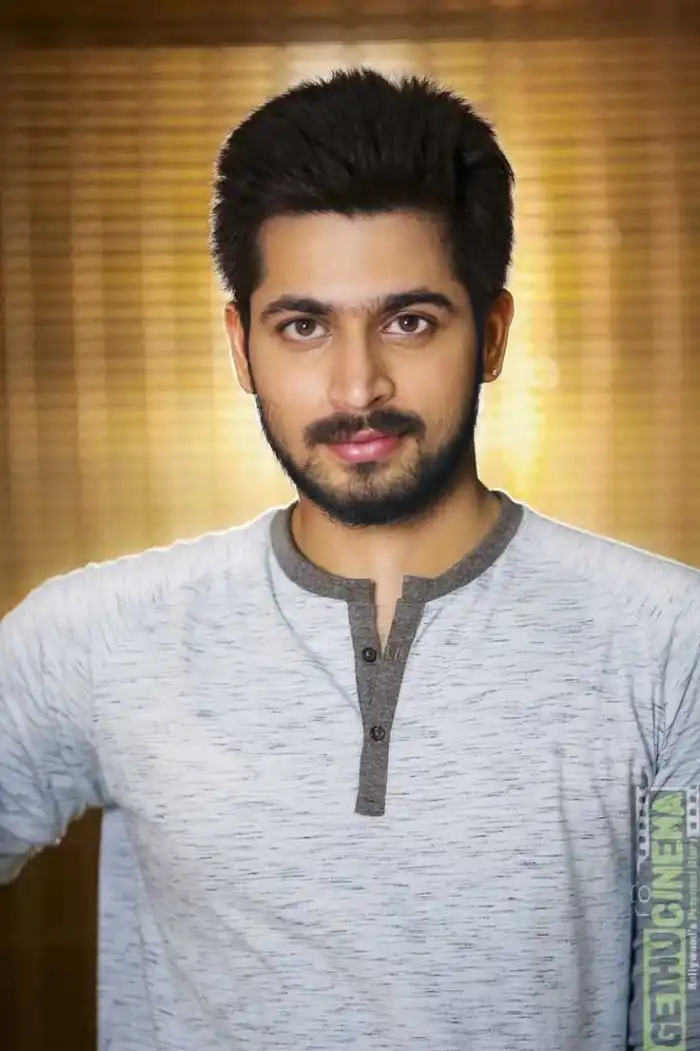
Realistic Hair Texture
The mustache looks like real hair, not a sticker. Vimi adds individual hair strands, shadows, and highlights. It matches the lighting of your original photo. The result blends naturally with your skin. No flat or painted on appearance.
 Before
Match Your Skin Tone
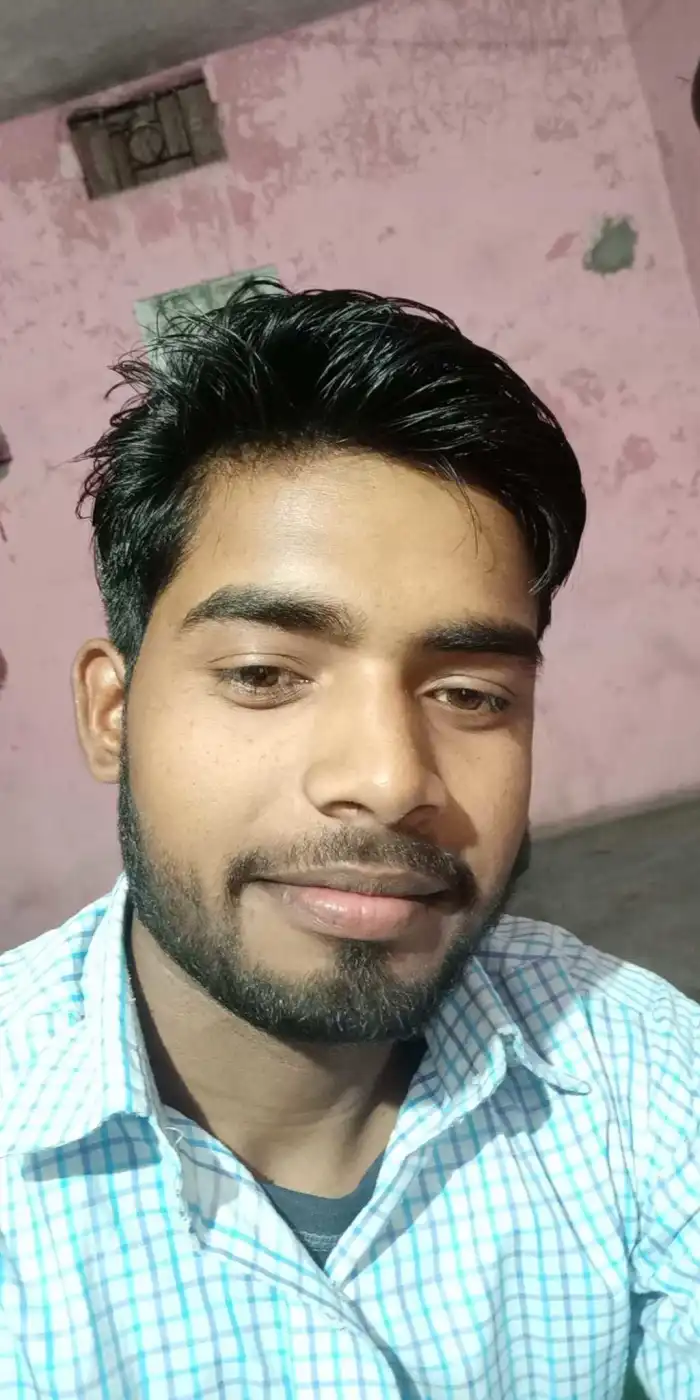
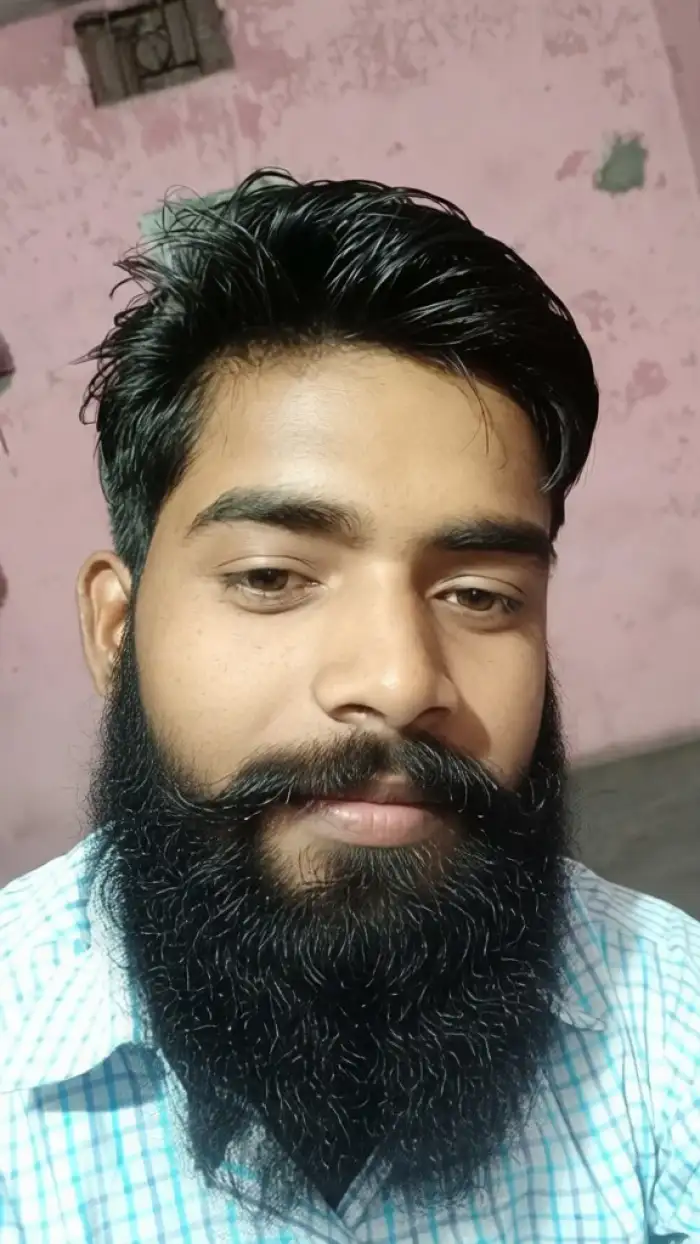
Vimi detects your face skin color. Then it adjusts the mustache color to match your natural hair or a chosen shade. You can pick brown, black, ginger, gray, or blonde. The mustache sits at the right position above your lip.
 Before
 After
AfterKeep Face Expression
Your smile, frown, or neutral expression stays the same. Vimi does not warp your mouth or cheeks. The mustache is added on top of your original features. You keep your unique look while gaining a new facial hair style.
How to Generate a Mustache Photo with Vimi ?
Follow three simple steps inside the Vimi app. No computer needed. No complex settings.

Step 01.
Go to your phone's app store. Search Vimi. Install and open it.

Step 02.
Browse the template library. Tap Add Mustache To Photo. Upload one clear face photo. Tap Generate.

Step 03.
Wait seconds. Your new mustache photo appears. Tap Download to save it. Tap Post to share on your Vimi profile or other platforms.
Frequently Asked Questions
Find clear answers to common questions and get the guidance you need to make the most of our platform, faster and easier.
More Topics You May Like
Explore more topics you may like and discover fresh ideas tailored to your interests.
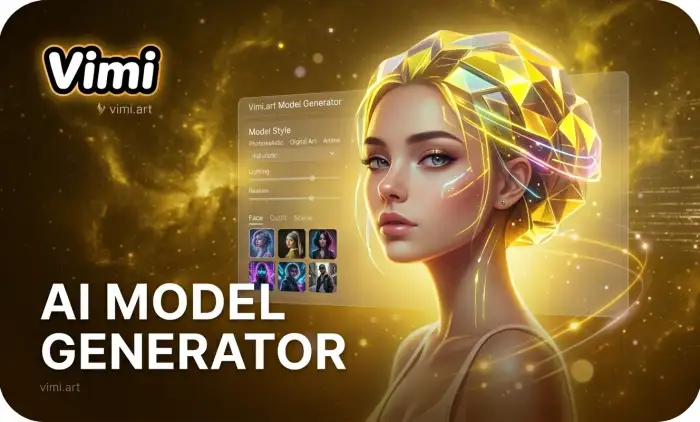
AI Model Girl Generator

AI Office Setting Generator
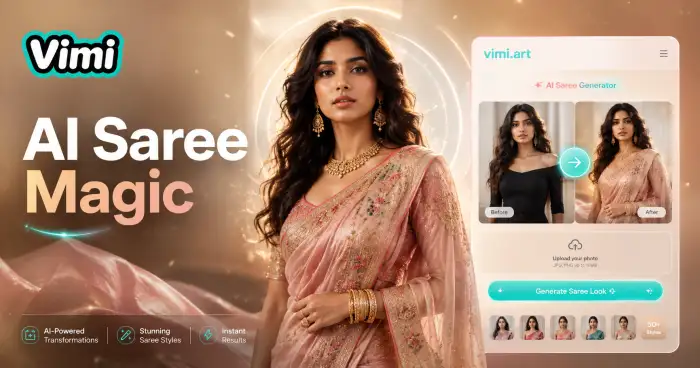
Ai Saree Generator
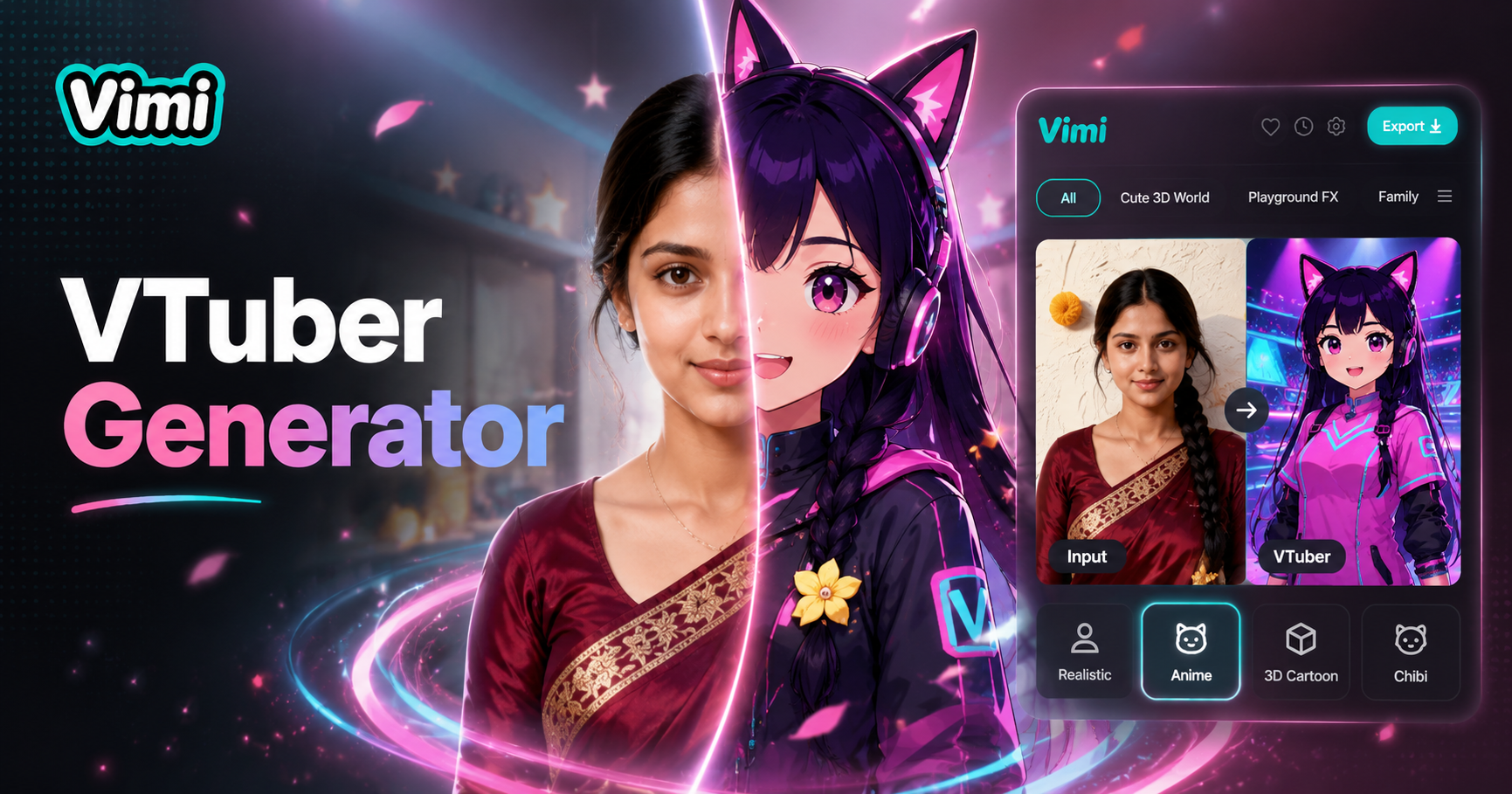
Vtuber AI Generator
AI Model Girl Generator
AI Office Setting Generator
Ai Saree Generator
Vtuber AI Generator
Add A Mustache To Your Photo Now
Download Vimi free. Try different mustache styles in seconds. Generate funny or serious looks without any real makeup.
Add A Mustache To Your Photo Now
Download Vimi free. Try different mustache styles in seconds. Generate funny or serious looks without any real makeup.